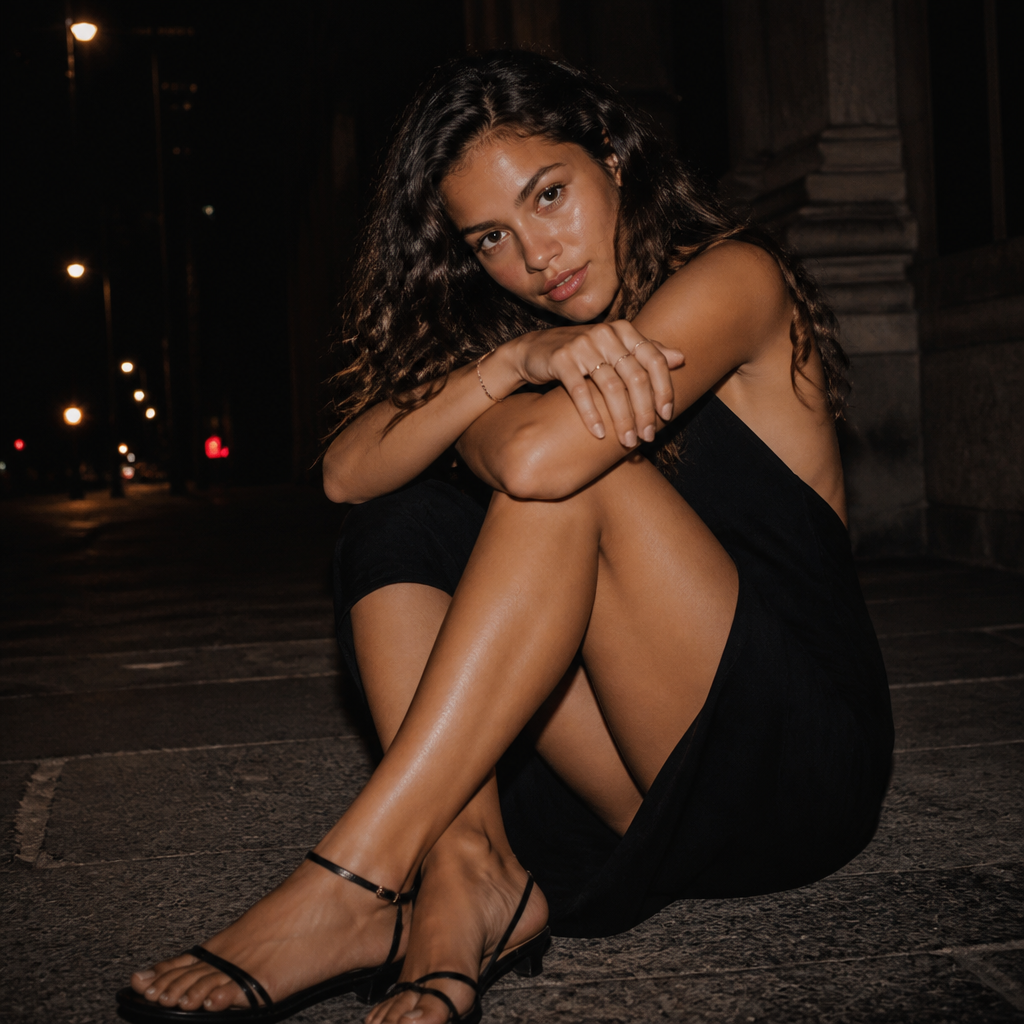
Quiet After Midnight
- Model
- GPT Image 2
- Image
- 1024 × 1024 px
Prompt
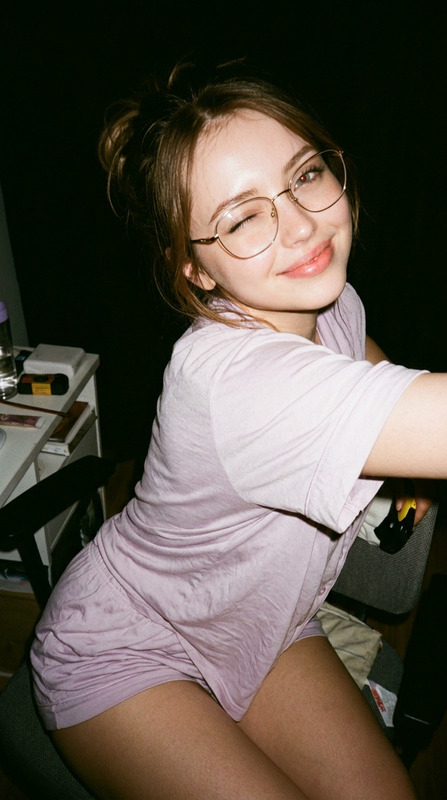
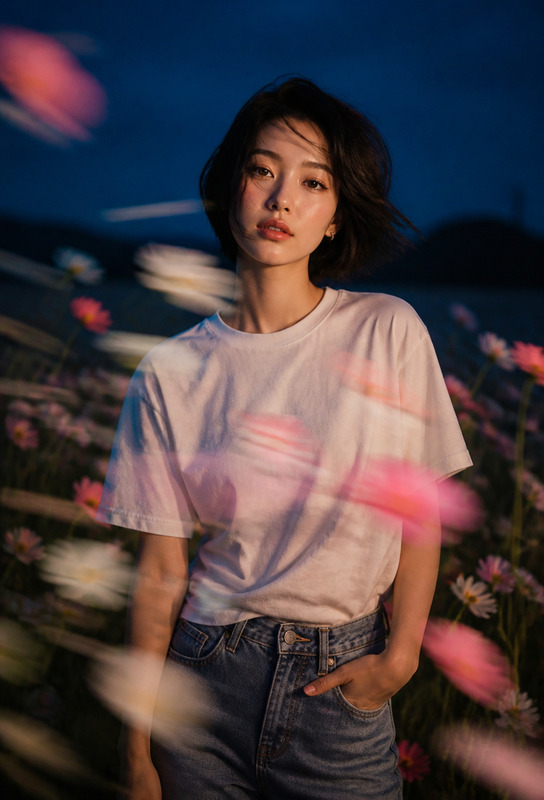
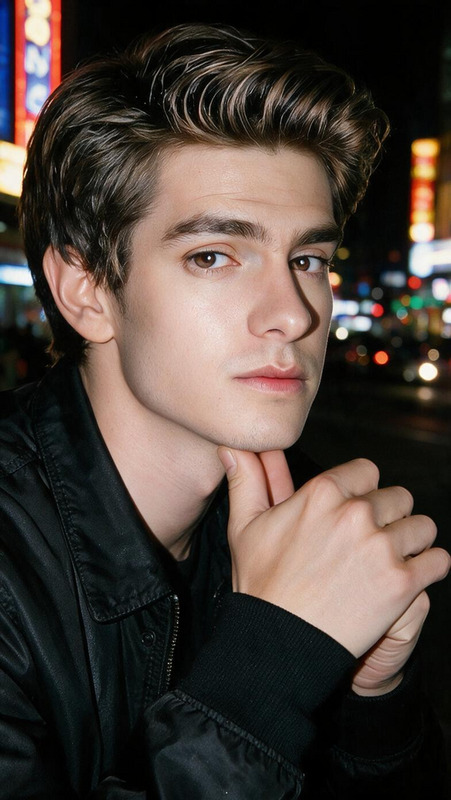
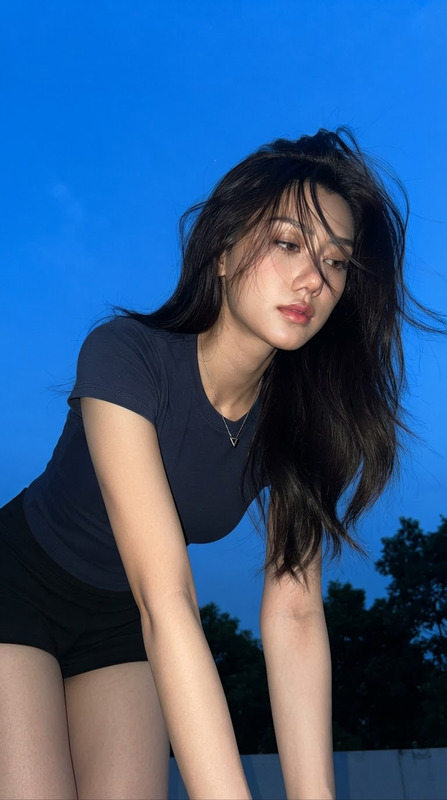
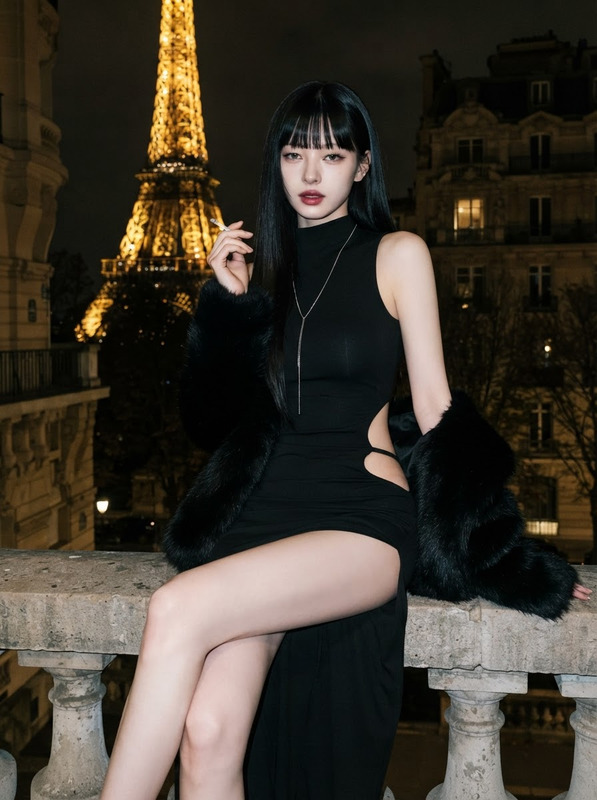
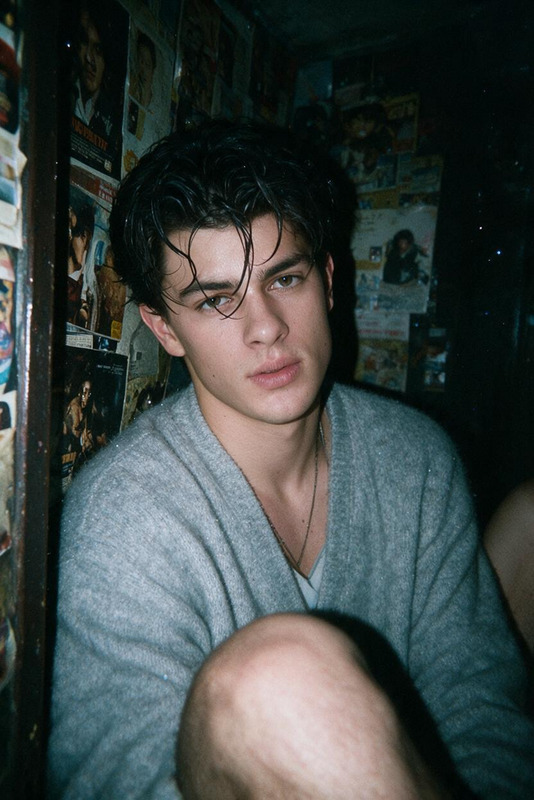
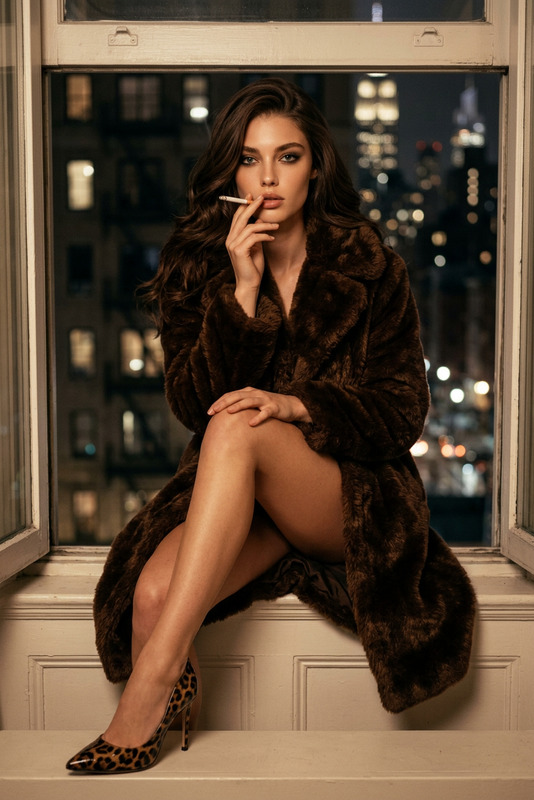
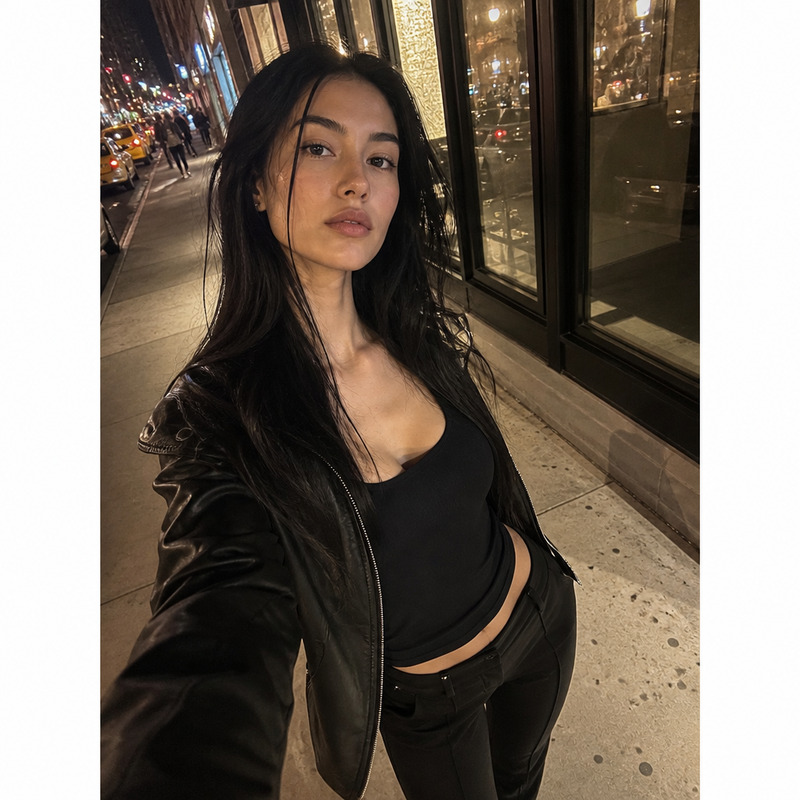
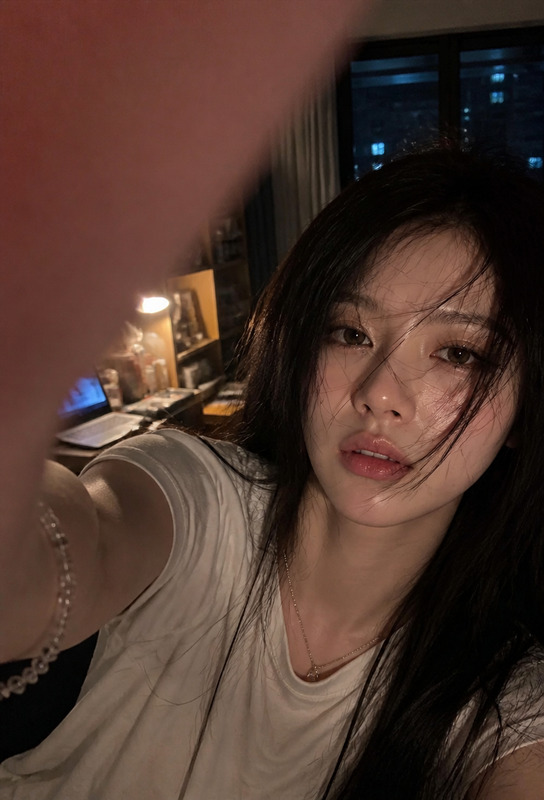
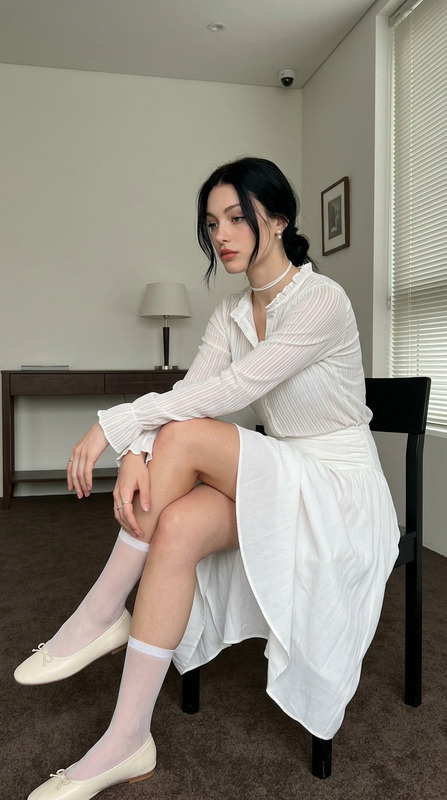
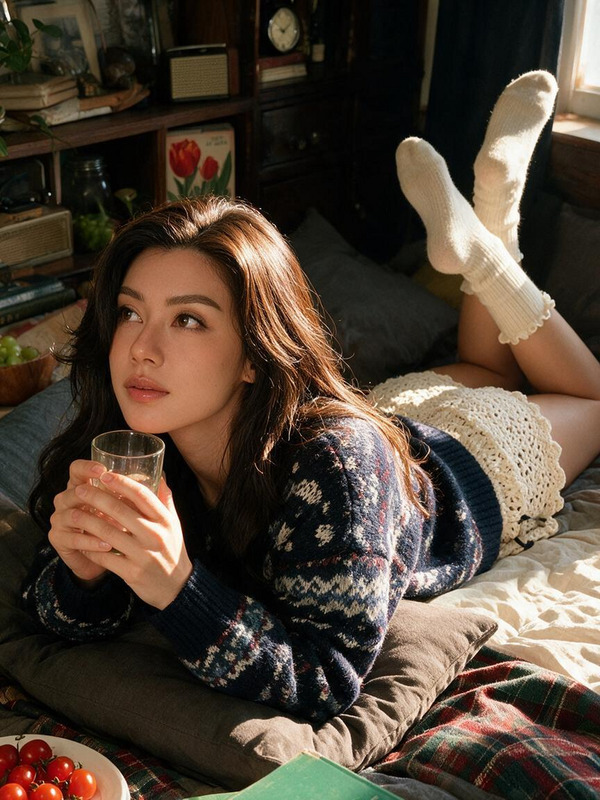
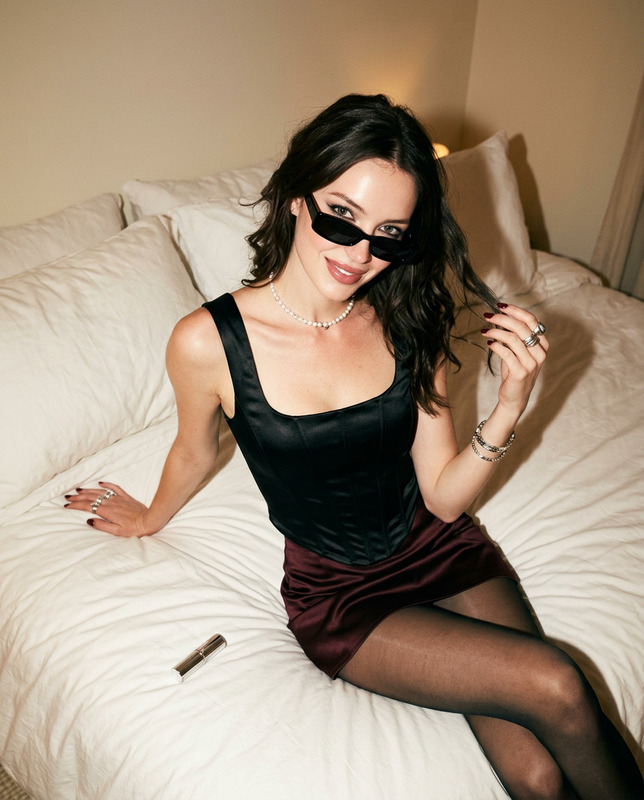
Create a photorealistic 9:16 nighttime editorial portrait of an adult woman with a refined, natural appearance and distinctive hairstyle. She wears an elegant minimalist dress with understated shoes and delicate accessories, styled in a sophisticated contemporary fashion-editorial direction. The setting is a quiet nighttime urban location, with dim streetlights, subtle architectural details, and distant city illumination fading into darkness. Use a very low camera angle positioned close to the ground, creating an intimate perspective while keeping the anatomy natural and proportional. The woman sits in a relaxed curled pose: one knee raised relatively close to the lens, the other leg folded inward, with both arms resting loosely across the raised knee. Her shoulders turn slightly inward, her head tilts gently, and her chin remains lowered. She looks directly upward into the camera with restrained, emotional eye contact. Her expression is quiet and wistful, slightly guarded, and captivating without smiling. Use direct on-camera flash to freeze the subject with crisp facial, hair, clothing, and skin detail while allowing the surrounding environment to remain considerably darker and atmospheric. Preserve realistic pores and natural skin texture, individual hair strands, anatomically accurate hands and legs, believable fabric folds, natural shadows, and subtle imperfections. The contrast between the sharply illuminated subject and the dark nighttime surroundings should create the feeling of an authentic late-night candid photograph rather than a polished studio portrait. Overall aesthetic: quiet, melancholic, cinematic, intimate, understated fashion photography, with realistic smartphone/compact-camera character, natural grain, deep ambient shadows, restrained color grading, and believable nighttime exposure. Negative prompt: smiling, exaggerated expression, sexualized pose, unnatural anatomy, distorted hands, extra fingers, malformed legs, plastic skin, excessive retouching, artificial hair, CGI, illustration, anime, studio background, excessive bokeh, overexposure, heavy HDR, unrealistic flash, motion blur on subject, text, watermark.
Any aspect ratio
Overview
"Quiet After Midnight" is a high-resolution AI Image Editor template designed to craft striking nighttime editorial portraits. Utilizing the advanced gpt-image-2 model, it allows for the creation of visually compelling imagery with detailed focus on realism and emotion.
What It Does
This template expertly combines realistic detail with an ambient nighttime setting. By integrating intricate elements like facial details, subtle skin textures, and natural hair flow, it delivers a photorealistic effect. The template is designed to highlight the subject with precise on-camera flash while maintaining the urban environment's moody shadows and dynamics for an authentic late-night capture.
For enhancing the lifelike quality of your images, consider pairing with the AI Image Upscaler to refine every detail further.
Who It's For
"Quiet After Midnight" is perfect for fashion photographers, editorial designers, and content creators aiming to achieve an authentic nighttime atmosphere. Fashion enthusiasts who desire to showcase minimalist clothing styles in an urban setting will find this template invaluable.
It is also an excellent choice for professionals working in environments where subtle, high-quality visuals are paramount, like in product videos or intimate fashion storytelling.
Summary
The "Quiet After Midnight" template offers a seamless blend of realism and artistic flair, making it ideal for creating fashion editorials with a quiet, introspective quality. The use of direct flash and meticulous attention to detail allows the subject to stand out prominently against a dim, authentic urban backdrop.
To explore related functionalities, users might also check out the AI Image Editor for broader editing options.
How To
Choose Your Template

Customize Your Image

Generate Your Portrait

Use Cases
Fashion Editorials
- Showcase minimalist wardrobe.
- Include refined and natural appearances.
Cinematic Photography
- Emphasize moody urban settings.
- Highlight emotional storytelling.
Magazine Features
- Align with contemporary fashion trends.
- Enhance storytelling with photorealism.
Best Practices
Pay Attention to Detail
Ensure that natural skin, hair texture, and subtle surroundings are in focus for the most realistic outcome.Use Subtle Lighting
Leverage the on-camera flash to highlight the subject while allowing shadows to enrich the atmosphere.Embrace Negative Space
Utilize the surrounding environment to add context without overshadowing the subject.