Living Stamp Collection
- Model
- GPT Image 2
- Image
- 1024 × 1024 px
Prompt
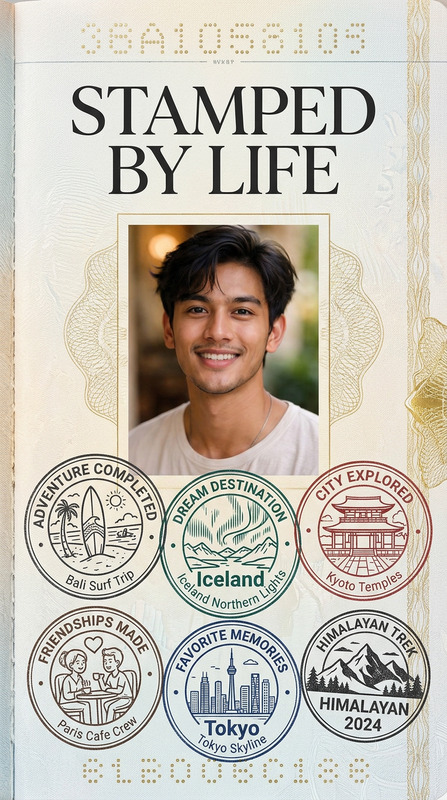
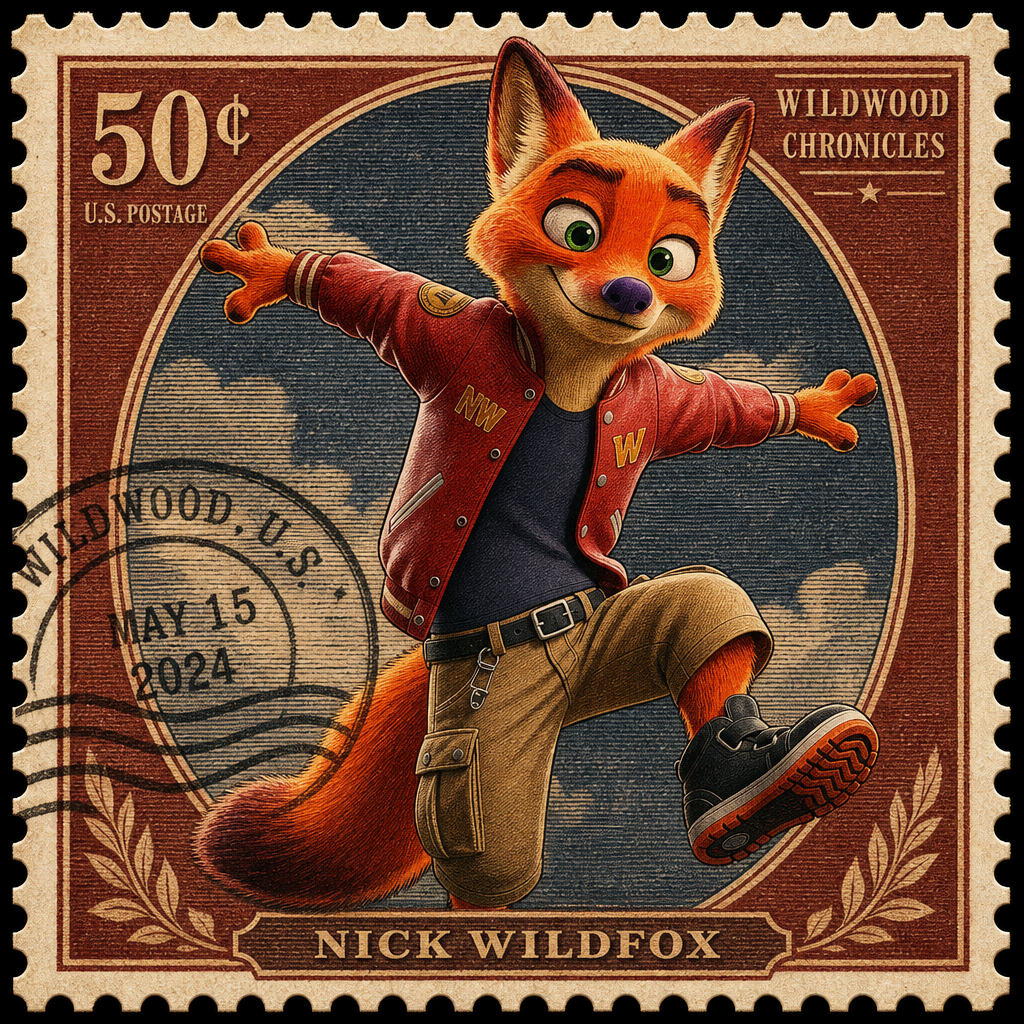
Transform the subject into the portrait featured on a beautifully designed collectible postage stamp. Perforated edges, engraved details, postal markings, and vintage printing textures.
Any aspect ratio
Overview
The Living Stamp Collection template leverages the powerful capabilities of the gpt-image-2 model. It transforms your photos into collectible postage stamps featuring detailed engravings, classic postal markings, and textured vintage printing designs. Explore your creativity and give everyday images an elegant and historical twist.
What It Does
This tool takes any photo and morphs it into a postage-stamp-style portrayal, complete with perforated edges and intricate engraving details. It's ideal for generating unique, shareable images that blend modern subjects with a nostalgic aesthetic. The template applies a convincing vintage texture, simulating authentic stamp printing.
For further image transformation, consider exploring our AI Image Editor or AI Image Generator for broader editing capabilities.
Who It's For
This template is perfect for artists, collectors, and creators who want to convert digital images into classic memorabilia. Whether you're an e-commerce business aiming to present products uniquely or a content creator seeking new visual themes, this tool provides a refined and elegant option.
Anyone involved in ecommerce ads or social media ads can benefit significantly by integrating this artistic style into their visual strategy.
Summary
Utilize the Living Stamp Collection template to transform your images into remarkable collectible stamps. Instantly evoke nostalgia and elegance with perforated edges, vintage textures, and intricately detailed engravings. Perfect for collectors, marketers, and creatives alike, this template enhances your image history and appeal.
To explore complementary features and tools, visit the Photo Colorizer for enriching hues or AI Image Upscaler for high-resolution output.
How To
Choose Your Template

Customize Your Image

Generate Your Stamp

Use Cases
E-commerce Product Imagery
- Unique product thumbnails
- Enhanced visual storytelling
- Nostalgic product themes
Art and Memorabilia
- Personalized art pieces
- Art memorabilia
- Collector's items
Social Media Content
- Eye-catching social media posts
- Vintage-style marketing
- Enhanced engagement
Best Practices
Select High-Quality Images
Ensure your source images are high-resolution for the best stamp quality. This helps maintain detail through the conversion process.Experiment with Different Textures
Try using different vintage textures and engraving options to diversify your living stamp collection and appeal to various design preferences.Blend with Complementary Tools
Enhance your results by using the AI Image Generator for additional image enhancements after stamp processing.