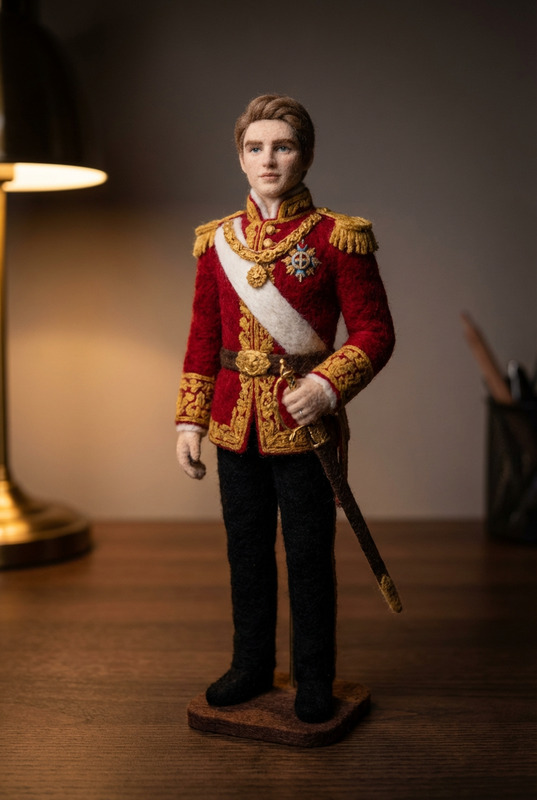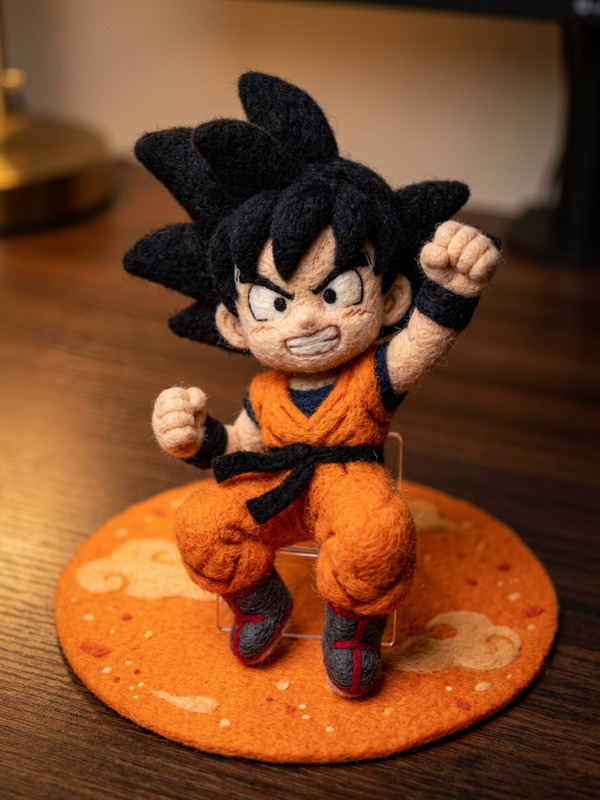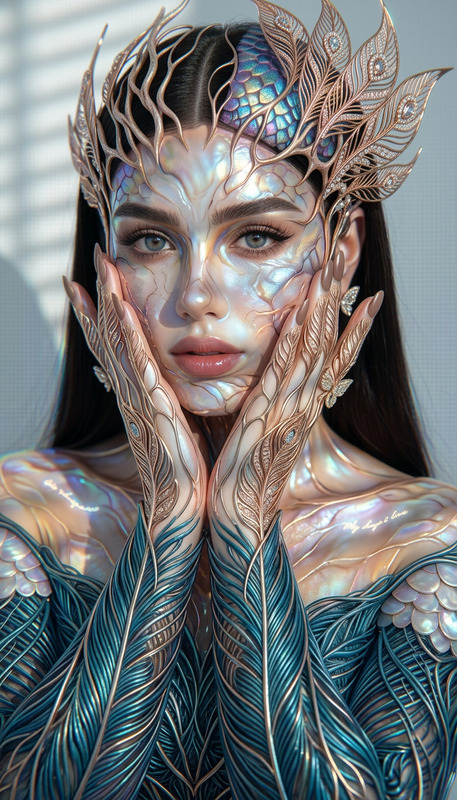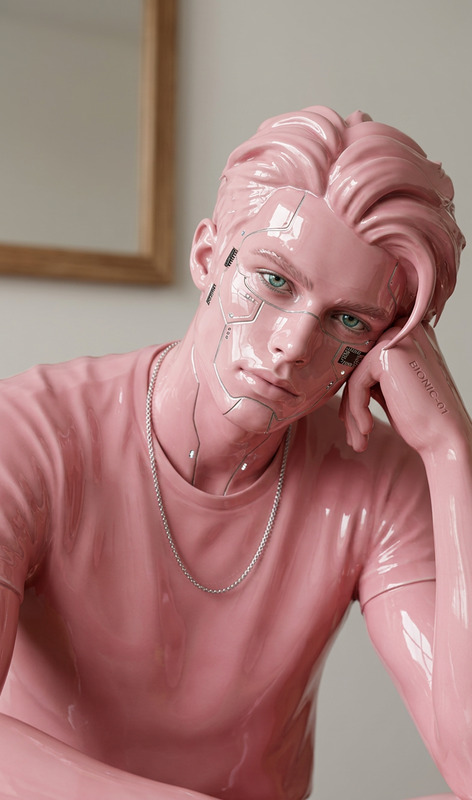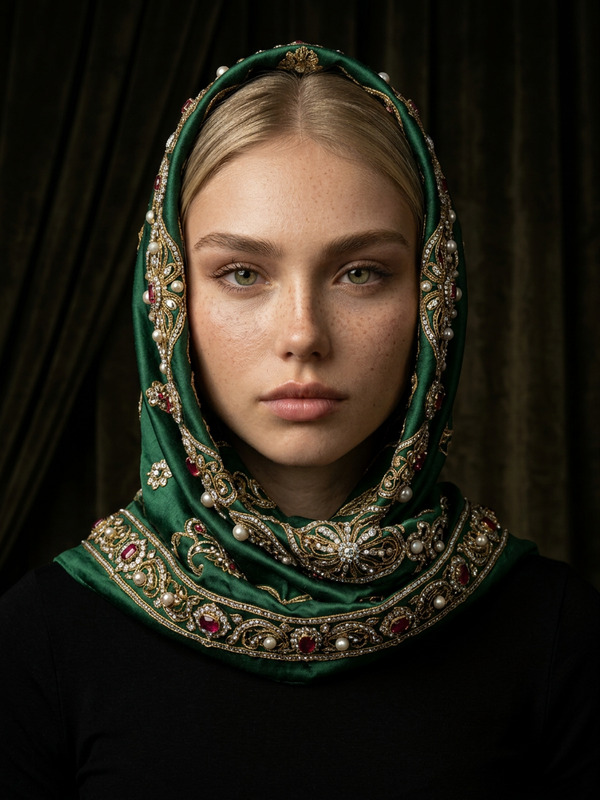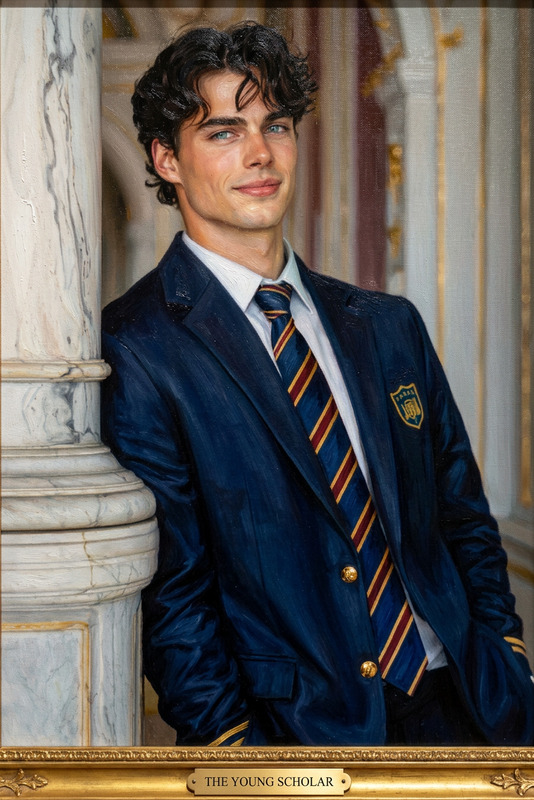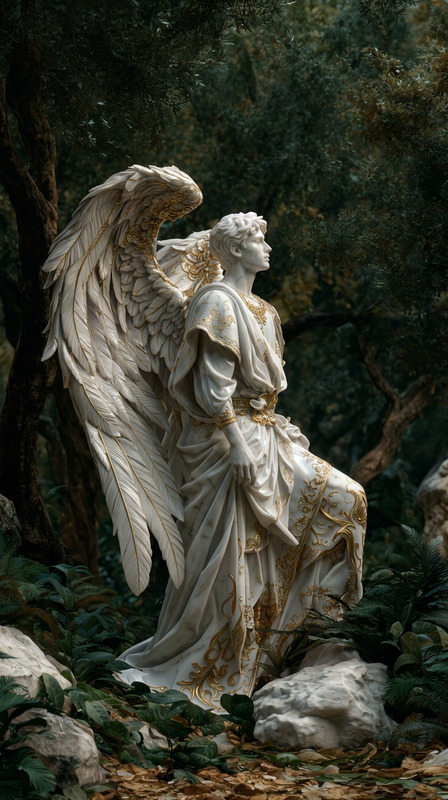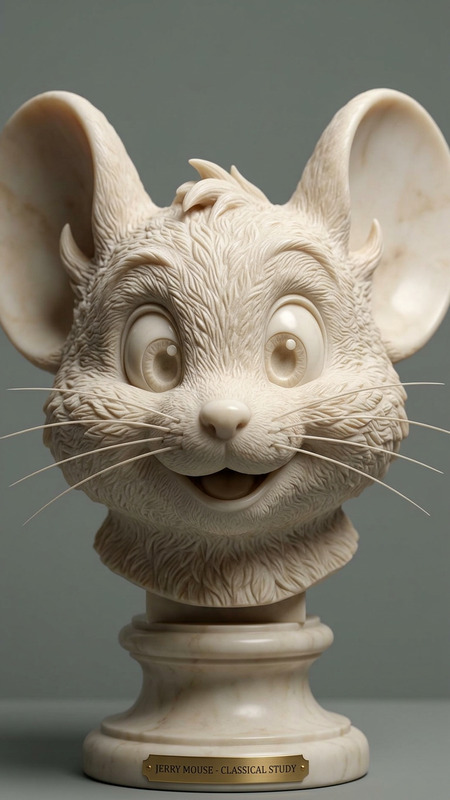
Living Museum Exhibit
- Model
- Nano Banana 2
- Image
- 784 × 1372 px
Prompt
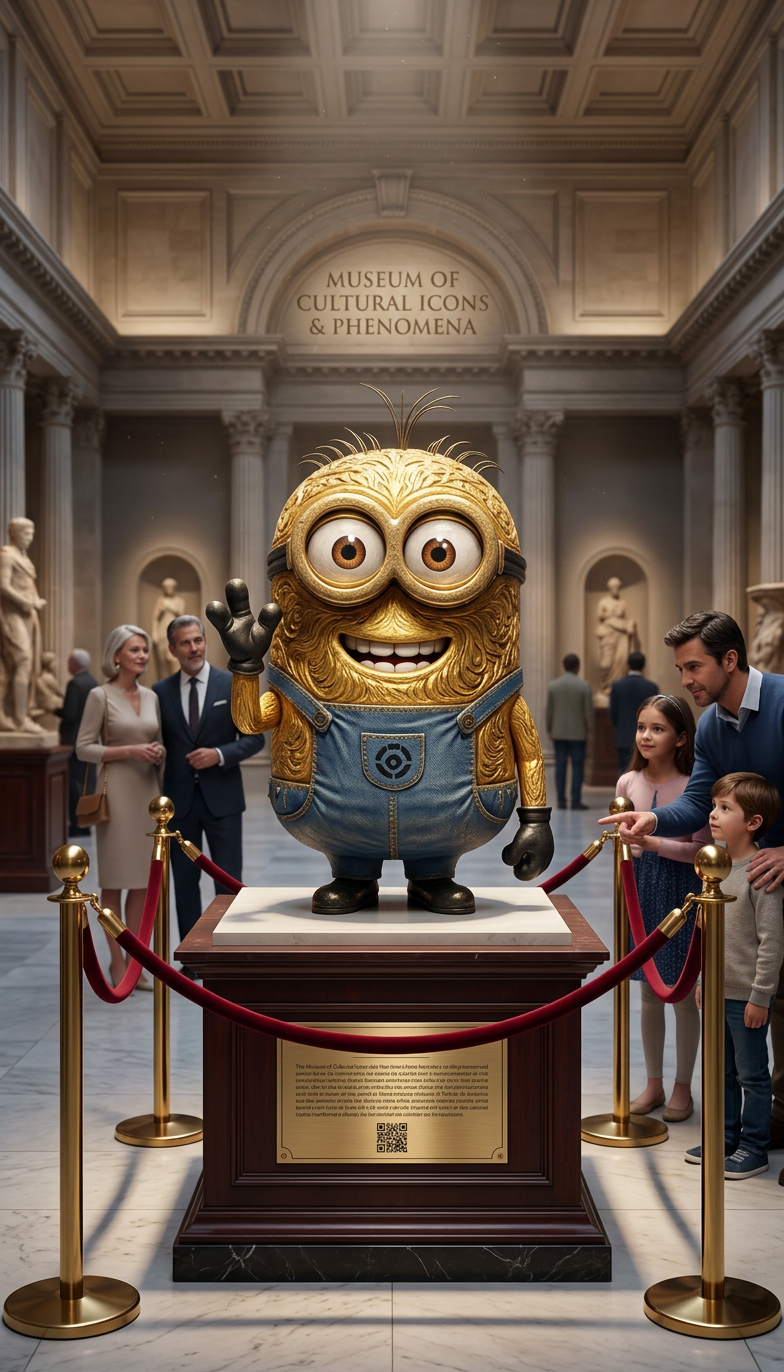
Transform the subject into the centerpiece of a prestigious museum exhibition. Elegant display lighting, information plaques, velvet ropes, and visitors admiring the subject as a rare cultural masterpiece.
Any aspect ratio
Overview
The Living Museum Exhibit template allows creators to transform any image into a grand showcase piece within a virtual museum setting. Utilize the power of the AI Image Editor and the advanced nano-banana-2 model to craft rich, dynamic visuals that turn your subject into an admired cultural masterpiece.
What It Does
This template expertly applies museum-style enhancements to your selected images, using elegant display lighting and visual effects such as information plaques and velvet ropes. It positions your subject as a focal point, radiating prestige and capturing the attention of virtual visitors.
Enhance the storytelling of your projects by integrating this template with the AI GIF Generator to create looping animations and spectacular visual narratives.
Who It's For
This template is ideally suited for digital creators, educators, and marketers aiming to elevate their visual content. Whether you're crafting a virtual art exhibition or promoting a new collection, this tool provides you with the resources to enhance your storytelling abilities.
It pairs well with the AI Talking Photo to add another dimension to your visual presentations.
Summary
With the Living Museum Exhibit template, transform any ordinary image into an extraordinary museum exhibit, complete with detailed enhancements and lighting effects. It's a perfect tool for anyone looking to convey sophistication and artistry in their visual media. Consider how it might complement tools like the AI Video Generator for comprehensive multimedia projects.
How To
Select Template

Customize Your Image

Generate Output

Use Cases
Virtual Art Exhibitions
- Elegant presentations
- Detailed information plaques
Cultural Marketing Campaigns
- Sophisticated brand imagery
- Interactive customer engagement
Best Practices
Choose High-Resolution Images
Ensure your original images are of high quality for the best results in transformations.Emphasize Lighting
Focus on lighting in your prompt to create dramatic and appealing visuals.Blend with Other Tools
Combine with the Lip Sync tool for a more dynamic experience, especially if creating presentations with audio elements.