Queen Of Cards
- Model
- GPT Image 2
- Image
- 1024 × 1024 px
Prompt
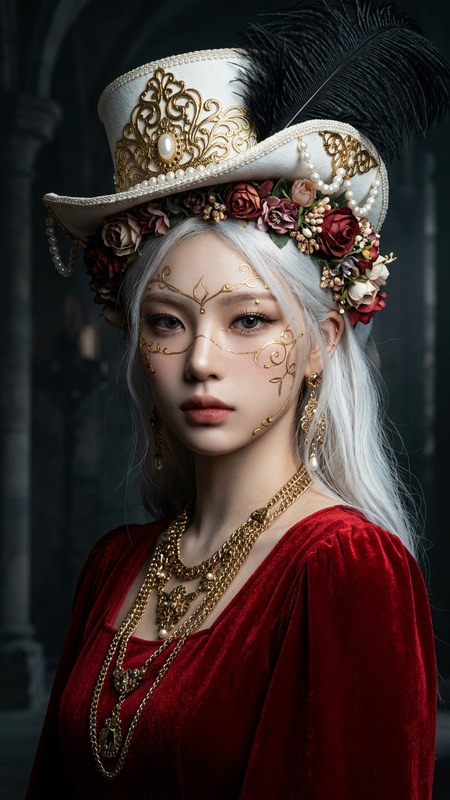
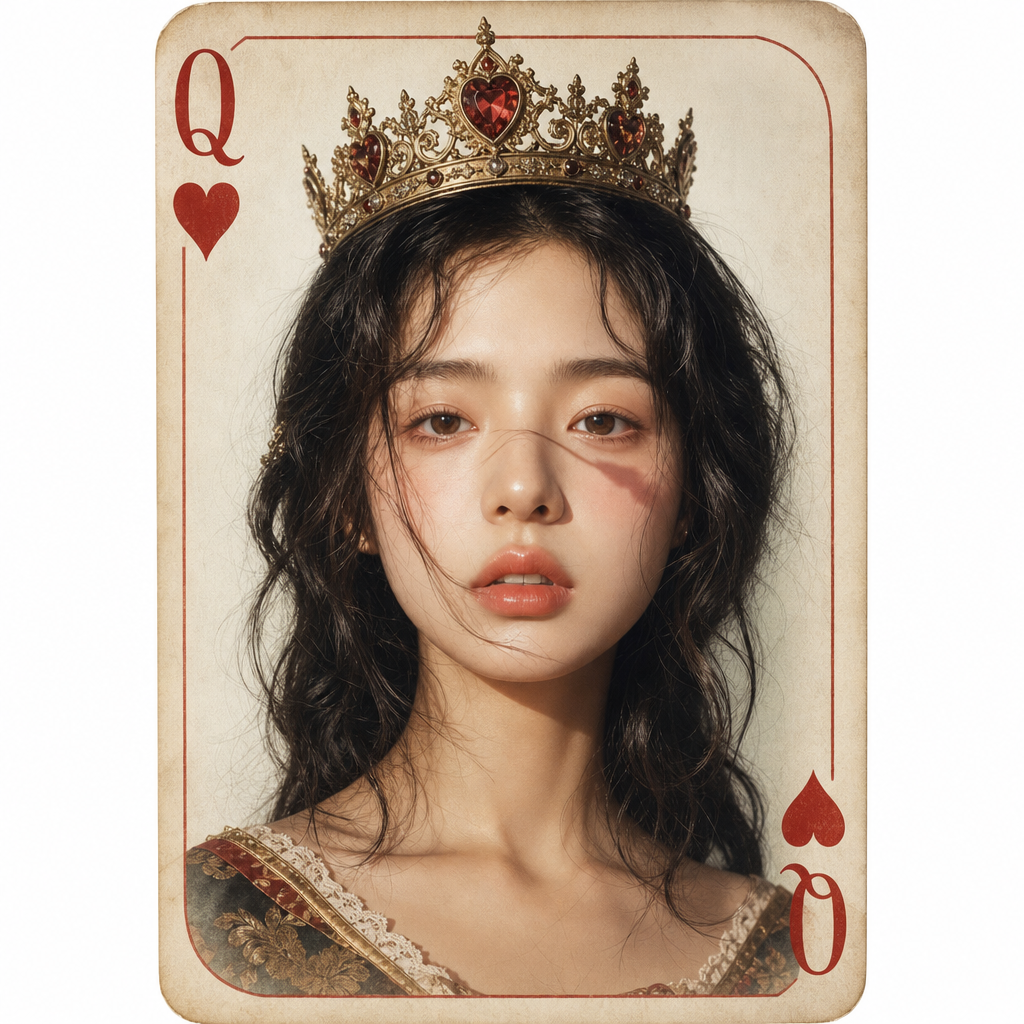
A hyper-realistic fashion photograph inspired by a vintage Queen of Hearts playing card, featuring a minimalist light background with the texture of expensive aged paper, a vertical card composition with rounded corners, red Q symbols in the corners, and classic retro typography. A small gold crown with precious inlays and a vintage metal texture is worn on the head.
Any aspect ratio
Overview
The "Queen Of Cards" template utilizes the capabilities of our AI Image Editor powered by GPT-Image-2, designed to transform your creative vision into a hyper-realistic fashion photograph. Inspired by vintage playing cards, it offers a sophisticated look that blends artistic flair with historical elegance.
What It Does
This template creates a striking fashion photograph mimicking the iconic Queen of Hearts playing card design. It incorporates fine details like the minimalist light background that resembles aged paper, vertical card composition with rounded corners, and intricate features such as a gold crown. The template outputs high-quality images suitable for both print and digital use.
Who It's For
The "Queen Of Cards" template is perfect for designers, photographers, and fashion enthusiasts looking to add a sophisticated touch to their projects. Marketing teams can leverage this design for campaigns, while fashion brands can use it for product promotions or lookbooks. Content creators focusing on social media visuals will also find it invaluable, especially when paired with our Image to Video tools.
Summary
Transform your creative projects with the "Queen Of Cards" template, part of our robust AI Image Editor suite. Its vintage-inspired design elevates visual content, offering users the tools to create hyper-realistic and visually captivating images. Explore other tools like the AI Image Generator for an expanded creative palette.
How-To
Choose

Customize

Generate

Use Cases
Fashion Photography
Vintage Marketing Campaigns
Social Media Content
Best Practices
Highlight Features
Emphasize key elements such as the gold crown and typography to capture the vintage aesthetic successfully.Consistent Theme
Maintain a consistent theme across all elements. Use similar textures and colors throughout for a cohesive look.Experiment with Styles
Try different color combinations and background textures to see which ones best fit your narrative.