Little Moment
ai-image-editor
Any aspect ratio
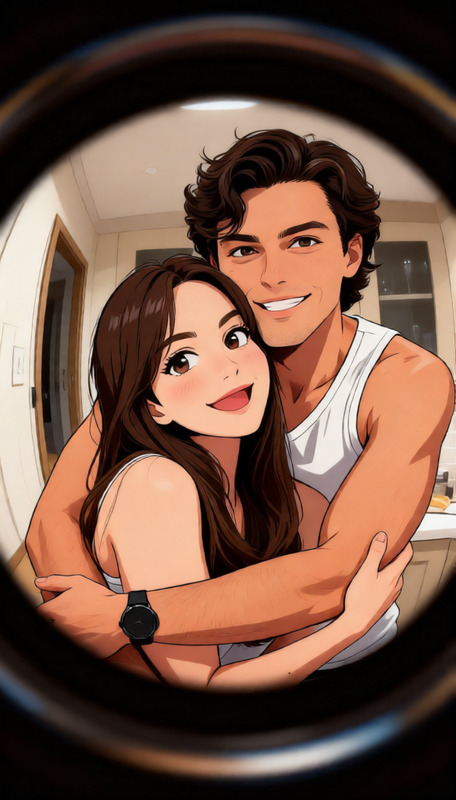
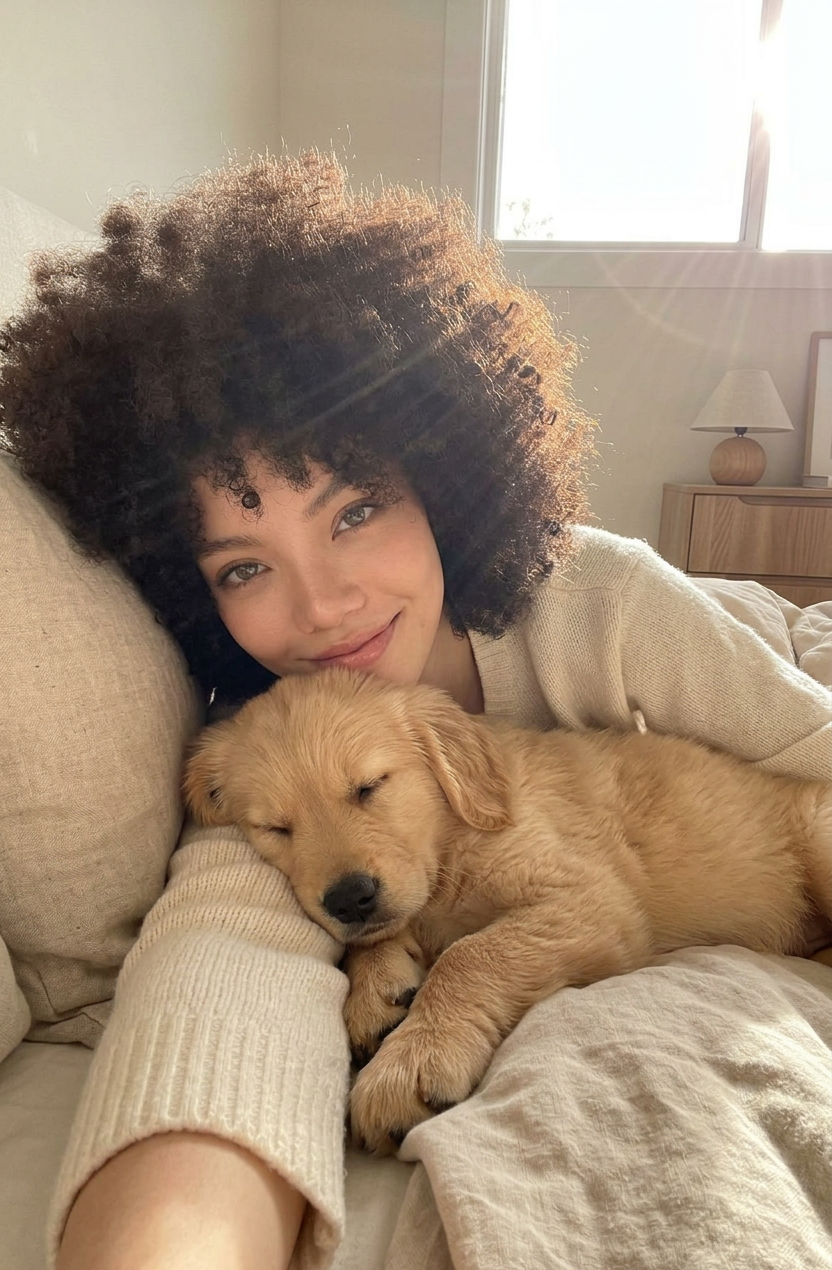
A cozy morning selfie photo of subjec 1 with thick curly afro-textured hair snuggling in bed with subject 2. The subjec 2 is peacefully sleeping on subject 1's arm. Bright, warm natural sunlight fills the bedroom, highlighting the textures of her hair and the dog's fur. subjec 1 is wearing a soft cream sweater, looking at the camera with a gentle smile, neutral aesthetic.
AI Image Editor Template: Smart, Fast Visual Editing for Modern Creators
Use this template to turn any image into a polished, on-brand visual in a few clicks. The AI Image Editor in Magic Hour lets you clean up photos, change elements, fix faces, and generate entirely new variations—without needing Photoshop or design skills.
What You Can Do With This Template
This template is built on the AI Image Editor and is ideal for:
- Creators & influencers – Clean up thumbnails, swap backgrounds, fix lighting, and generate multiple looks from a single photo. Pair it with the Thumbnail Maker or AI Meme Generator to ship content faster.
- Marketers & growth teams – Create rapid A/B variants of ads, landing page hero images, and social assets. Combine with AI Photo Generator or AI Art Generator to test new concepts at scale.
- Founders & product teams – Prototype branding, product shots, and app visuals without a design team. Use alongside AI Logo Generator, AI Icon Generator, and Book Cover Generator.
- Developers & technical teams – Generate and refine assets for demos, decks, landing pages, and in-product UIs programmatically: clean images, remove objects, and standardize style for documentation or product screenshots.
How to Remix This Template in Magic Hour
You can quickly create your own version of this template in the AI Image Editor. A typical remix flow looks like:
Start with a base image
- Upload a product shot, portrait, UI mockup, or reference artwork.
- For better results, start with a clean source image. If needed, use:
- AI Image Upscaler to improve resolution
- Unblur Image to rescue soft or noisy photos
- Old Photo Restoration if you’re working with legacy images
Define what you want to change
- Be explicit in natural language:
- “Replace the background with a minimal light-grey studio backdrop.”
- “Turn this outfit into business-casual, neutral colors.”
- “Convert this into a flat illustration, suitable for a SaaS landing page hero.”
- If you want to remove distractions first, pair with:
- Be explicit in natural language:
Iterate and create variants
- Duplicate your edited image and change the instructions to explore:
- Different styles (photo-realistic, anime, comic, flat illustration)
- Different color schemes and lighting
- Different backgrounds or environments
- For style-heavy work, you can also explore:
- Duplicate your edited image and change the instructions to explore:
Export and connect to other Magic Hour tools
- Use your edited images directly, or send them into:
- Image to Video to animate static art
- AI GIF Generator for short loops and social assets
- AI Talking Photo to make portraits speak
- Text to Video for narrative or ad-style clips
- Video Upscaler once your edits become full videos
- Use your edited images directly, or send them into:
Powerful Use Cases for This Template
1. Product & e‑commerce imagery
- Clean, standardize, and scale product shots:
- Remove clutter with Image Background Remover
- Generate on-brand backdrops with AI Background Generator
- Create lifestyle variations without reshoots using the AI Image Editor
- Useful for Amazon, Shopify, Etsy, and DTC brands that need consistent, high-converting visuals.
2. Professional portraits, headshots, and avatars
- Fix or restyle headshots for LinkedIn, pitch decks, and “About” pages:
- Use AI Headshot Generator or AI Selfie Generator to get base photos
- Refine details, tweak backgrounds, or adjust clothing in the AI Image Editor
- Extend this into full-body character looks with the Full Body Generator or Avatar Generator
3. Creative IP, game art, and storytelling
- Build consistent worlds and characters without a full art team:
- Generate base characters with AI Character Generator or AI Face Generator
- Edit armor, outfits, and environments in the AI Image Editor
- Explore niche generators like:
4. Social content, brand assets, and campaigns
- Rapidly create:
- Consistent Instagram grids and TikTok covers
- YouTube thumbnails (with Thumbnail Maker)
- Campaign-specific visuals and memes
- Use Album Cover Generator and AI Fashion Generator for high-concept campaign looks, then refine details in the AI Image Editor.
5. Technical visuals for decks, docs, and product marketing
- Convert rough sketches or mockups into clean visuals:
- Start with a hand-drawn image and pass through Photo to Sketch or AI Illustration Generator
- Use the AI Image Editor to standardize style, colors, and layout
- Perfect for pitch decks, technical blog posts, and onboarding flows.
Going Beyond Static Images: Turn Edits into Video
Your edited images are often just the starting point. Combine this template with Magic Hour’s video tools to build richer experiences:
Face-swap & lip-sync content
- Turn edited portraits into dynamic video assets using:
- Face Swap Video templates
- Lip Sync templates
- Face Swap for images and Face Swap GIF for short loops
- Enhance with AI Voice Generator or AI Voice Cloner and sync with AI Talking Photo.
- Turn edited portraits into dynamic video assets using:
Video-to-video and animation
- Take your edited image style and project it onto video:
- Use Video to Video templates to restyle footage in the same aesthetic
- Leverage Animation templates or Animated Characters Generator to make your assets move
- Extend character designs into short skits, announcements, or explainers.
- Take your edited image style and project it onto video:
QR codes, promos, and interactive content
- Design campaign visuals, then generate scannable creative with the AI QR Code Generator.
- Use Auto Subtitle Generator and AI Voice Changer to localize video content.
Tips for High-Quality AI Image Edits
For sharper, more consistent results:
Start with strong inputs
- Good lighting and clear subjects yield better edits.
- Use Photo Colorizer for old black-and-white photos before editing.
Be specific in your instructions
- Describe style, mood, and composition:
- “Studio lighting, high contrast, dark background, cinematic feel”
- “Flat illustration, pastel colors, minimalist, no gradients”
- If you’re mimicking a genre, mention it explicitly (e.g., “anime style”, “comic-book shading”, “graffiti mural style”).
- Describe style, mood, and composition:
Think modularly
- Use dedicated tools for what they’re best at:
- Background work: AI Background Generator, Image Background Remover
- Faces: AI Face Editor, Gender Swap
- Outfits: AI Clothes Changer, AI Outfit Generator, AI Fashion Generator
- Then refine the composite result with the AI Image Editor.
- Use dedicated tools for what they’re best at:
Example Remix Ideas You Can Build From This Template
You can clone this template’s logic and adapt it quickly:
“Founder Headshot to LinkedIn Banner”
- Start with a founder portrait
- Remove the background, generate a gradient or product-themed backdrop, and add subtle on-brand elements
- Export as banner and avatar set, or turn it into a talking intro using AI Talking Photo
“Prototype SaaS Landing Page Hero Image”
- Upload a product dashboard screenshot
- Use the AI Image Editor to stylize it, add abstract shapes or gradients
- Combine with AI Icon Generator and AI Illustration Generator to fill out the rest of the page assets
“IP Character Concept to Animated Short”
- Generate a unique character using AI Character Generator
- Refine face, costume, and pose with the AI Image Editor
- Animate using Animation templates and voice it with AI Voice Generator
When to Use This Template vs. Other Magic Hour Tools
Use this AI Image Editor template when:
- You already have a base image and want to improve or transform it
- You need precision control over parts of an image (faces, backgrounds, clothing, UI elements)
- You’re building a repeatable workflow to support content, marketing, or product visuals
Use generative tools first when:
- You’re starting from text only and need an initial visual
Then bring those outputs into this AI Image Editor template to refine and standardize.
Use this template as a reusable building block in your own Magic Hour workflow. Remix it, chain it with specialized tools, and standardize how your team generates and edits images across campaigns, products, and content.