Cozy Morning with Cheetah

Cozy Morning with Cheetah

ai-image-editor

1 clip
4 uses

Any aspect ratio

Prompt

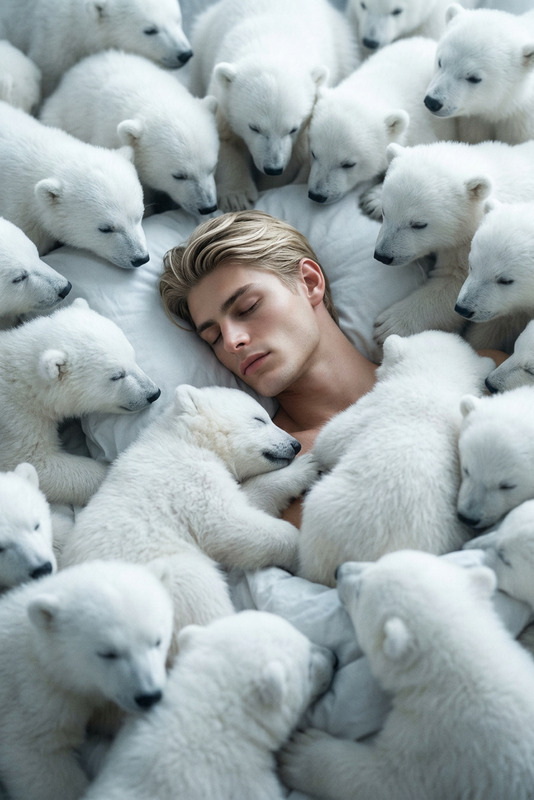
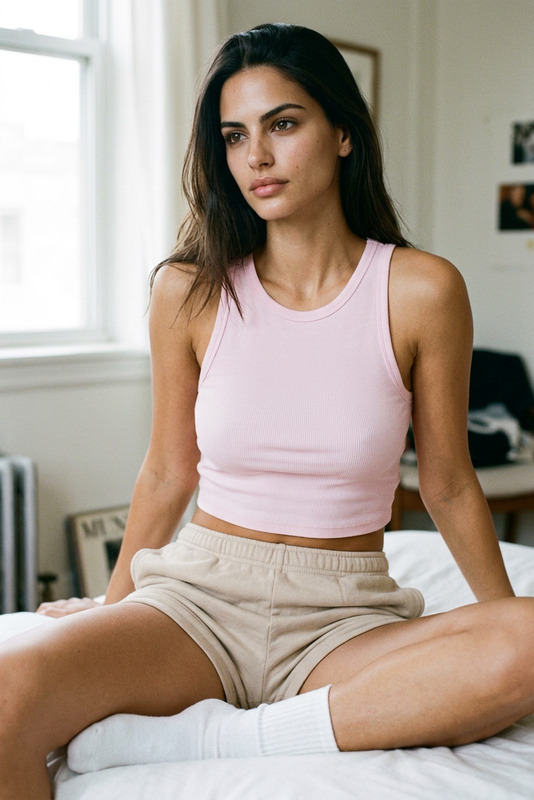
Subject lying on left side with arms gently crossed under chin, shoulders and upper arms visible, relaxed natural posture, soft cozy sensual vibe. Loosely draped white bed sheet revealing a hint of muted pink spaghetti strap top. A calm cheetah lies beside the subject, resting peacefully, adding a surreal editorial touch. On a bed with white sheets in a cozy bedroom, warm morning sunlight streaming through a window, creating soft highlights and gentle shadows on face and shoulders. Hyper-realistic editorial portrait, natural sunlight photography, soft, warm, dreamy lighting, 1:1.

AI Photo Effects Template – Remixable in Magic Hour

Transform any image with precise, professional-grade edits using this AI Image Editor–powered template. Ideal for creators, marketers, and product teams who need fast, high-quality visual iterations without a full design team.


What this template does

This template is built with the AI Image Editor and is designed to help you:

  • Edit photos non-destructively (keep the original while testing variations)
  • Change or enhance backgrounds for products, portraits, and social content
  • Remove unwanted objects, people, or text cleanly
  • Add or modify elements (props, branding, UI, text) with natural lighting and perspective
  • Refine faces, clothing, and details while keeping a realistic look
  • Prepare assets for campaigns, landing pages, ads, and product mockups

Because it is a remixable template, you can duplicate it in Magic Hour and adapt it to your own brand, product, or creative workflow in a few minutes.


How to remix this template in Magic Hour

To create your own version of this template using the AI Image Editor:

  1. Duplicate the template

    • Open this template inside Magic Hour.
    • Use the “Remix” or “Duplicate” option to create an editable copy in your workspace.
  2. Swap in your own images

    • Replace the sample image with:
      • Product shots (e-commerce, SaaS UI, app screens, packaging)
      • Portraits and headshots
      • Lifestyle photography
      • Brand assets or illustrations
    • For consistent outputs, use clean source images with good lighting and clear subjects.
  3. Define your editing goals

    • Examples of edits you can structure in your remix:
      • “Turn this plain background into a clean studio backdrop.”
      • “Remove clutter from the scene and keep the subject intact.”
      • “Change the outfit to match a modern streetwear style.”
      • “Match the colors to our brand palette.”
  4. Add reusable edit steps

  5. Save as a reusable Magic Hour template

    • Once you’re happy with your remix, save it as your own template.
    • Reuse it to process batches of images for future campaigns, product updates, or new content drops.

Ideal use cases

This template is optimized for teams that need systemized, repeatable image editing:

  • E‑commerce & DTC brands

    • Turn raw product shots into polished catalog images.
    • Standardize backgrounds, shadows, and angles across SKUs.
    • Generate lifestyle variants for ads and social posts.
  • SaaS & product marketing

    • Create clean UI mockups for landing pages and pitch decks.
    • Place UI into contextual scenes (laptops, phones, billboards).
    • Rapidly iterate visuals for A/B tested ad creatives.
  • Content creators & agencies

    • Build a consistent visual style across thumbnails and social posts.
    • Quickly adjust outfits, lighting, or environments for different audiences.
    • Generate multiple visual concepts to validate with clients or stakeholders.
  • Founders & startup teams

    • Produce “good enough to ship” visuals before hiring design resources.
    • Test brand directions visually in hours instead of days.
    • Keep a practical, remixable system for ongoing content needs.

Related Magic Hour tools you can combine with this template

Use this template as a base, then chain it with other Magic Hour tools for more advanced workflows:


Example remix workflows

You can adapt this template as a starting point for more complex systems:

  1. E‑commerce product pipeline

  2. Creator thumbnail system

    • Step 1: Generate or refine your portrait with AI Selfie Generator
    • Step 2: Use this template to adjust background, lighting, and composition
    • Step 3: Add title text and graphic elements with the Thumbnail Maker
    • Step 4: Export consistently styled thumbnails for YouTube, TikTok, or Reels
  3. Character & storytelling workflow


Tips for better results with AI Image Editor

  • Start with clear structure
    Use images with clear lighting and separation between subject and background. This gives the AI stronger signals to work with.

  • Be specific in your editing instructions
    Instead of “make this better,” try instructions like:

    • “Make the background a soft gradient in our brand colors.”
    • “Remove all clutter from the table and keep only the laptop and coffee cup.”
    • “Change the jacket to a black leather biker style and keep the same pose.”
  • Iterate in small steps
    Complex edits are often more reliable when broken into a few smaller actions that you can systematize in your template.

  • Standardize for teams
    Once your remix works for 3–5 test images, save it as a shared template so your team can apply it consistently without manual design work.


Take it further: from static images to full campaigns

Once your edited images are ready, you can expand into full media experiences in Magic Hour:


Use this template as a starting point, then remix it to fit your exact workflow—whether you’re standardizing product imagery, building a visual system for your startup, or rapidly iterating creative concepts for clients.

More Like This