Kiss Frame
- Model
- Nano Banana 2
- Image
- 922 × 1152 px
Prompt
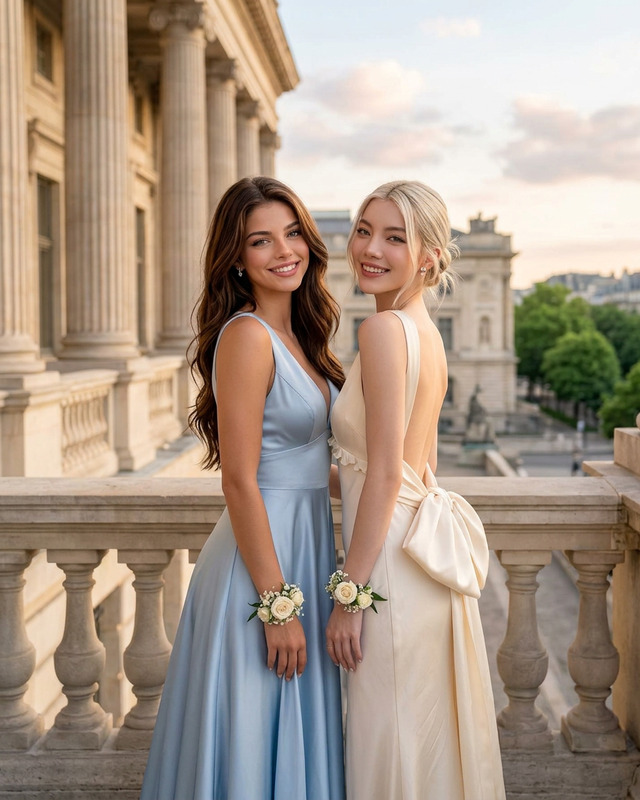
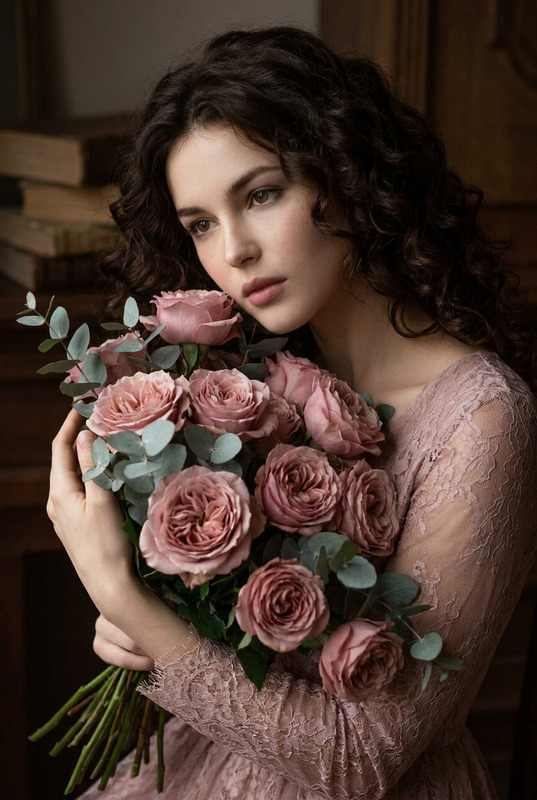
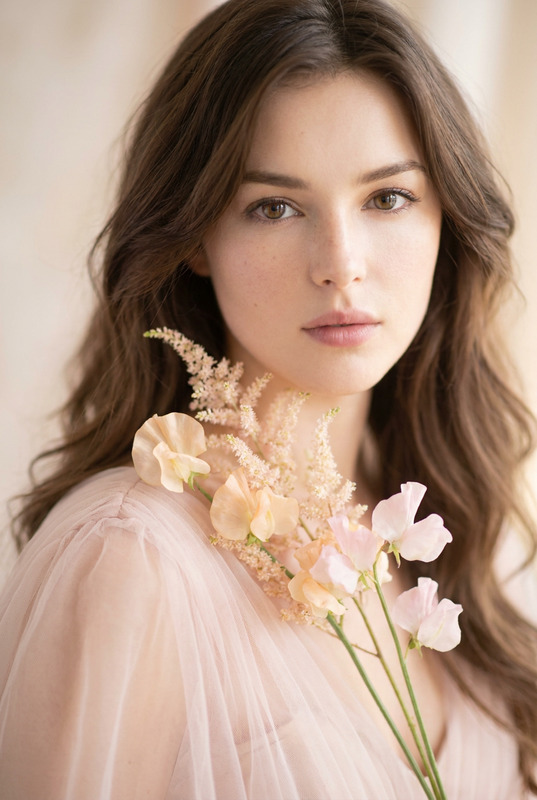
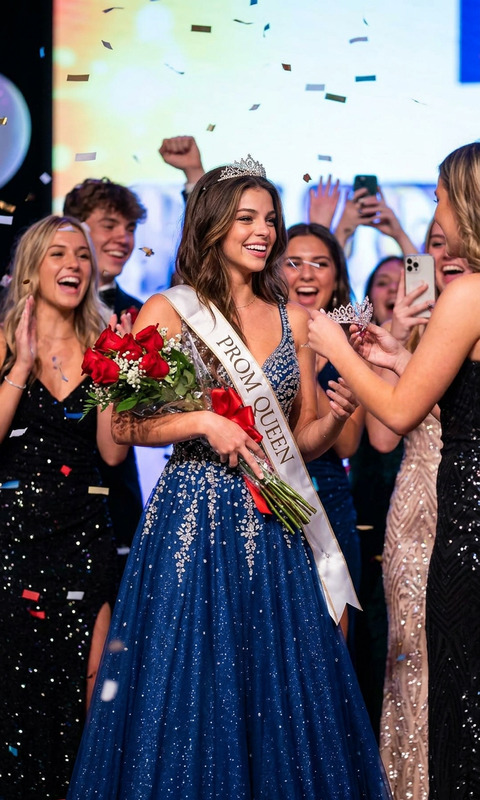
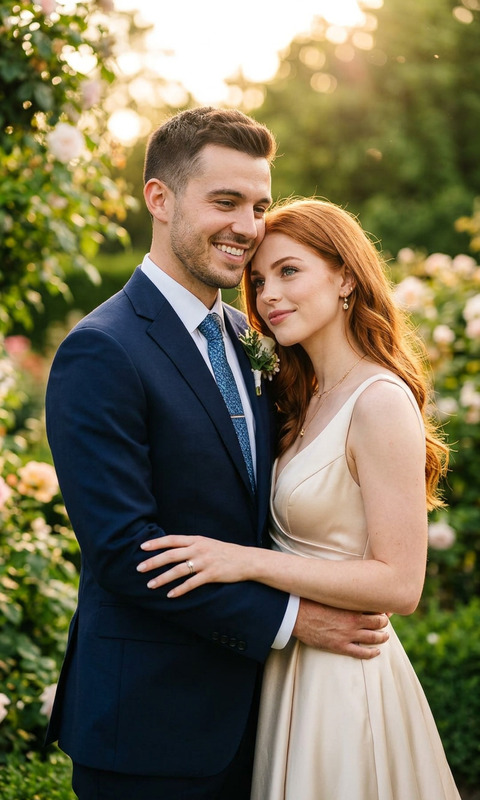
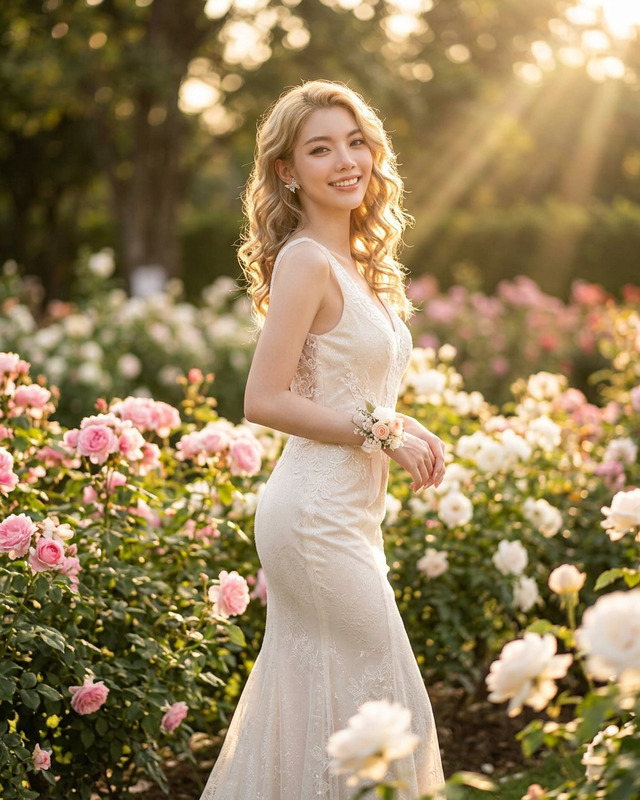
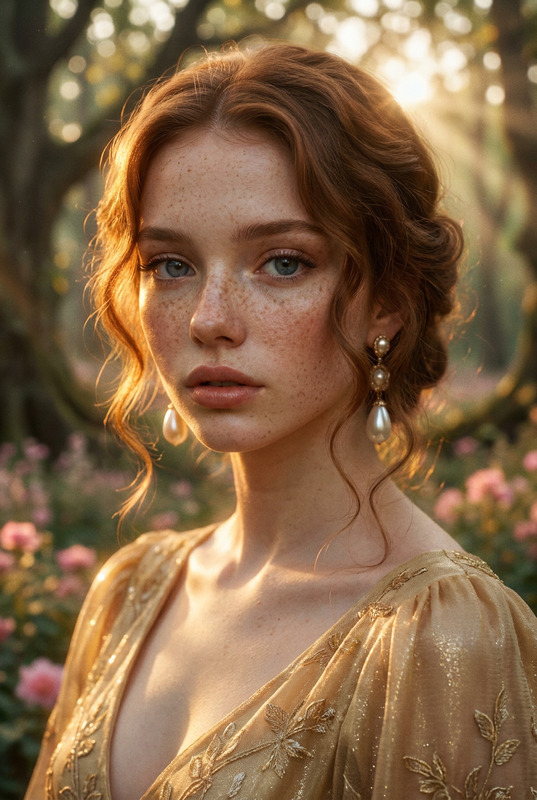
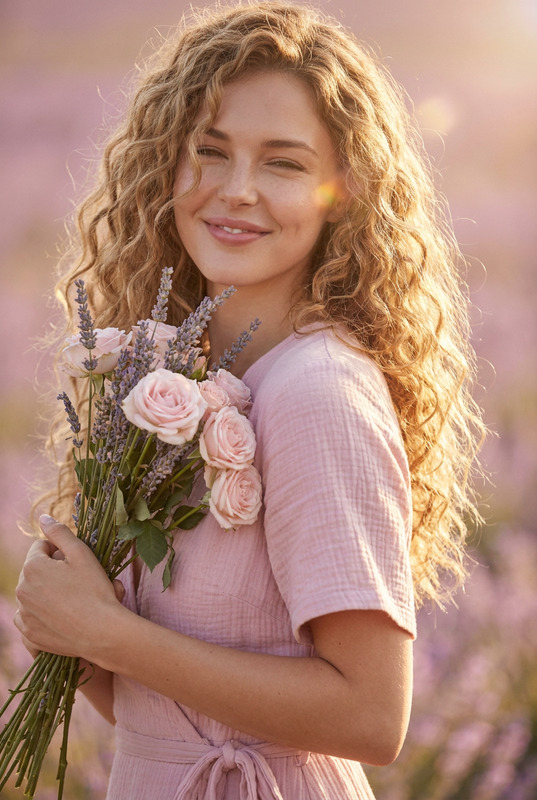
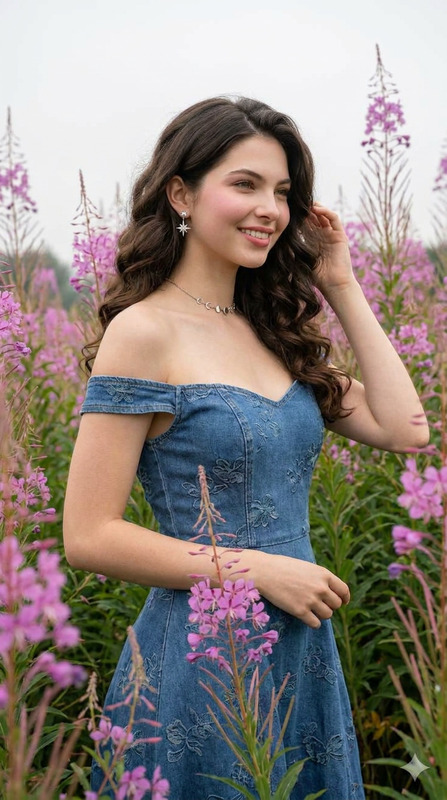
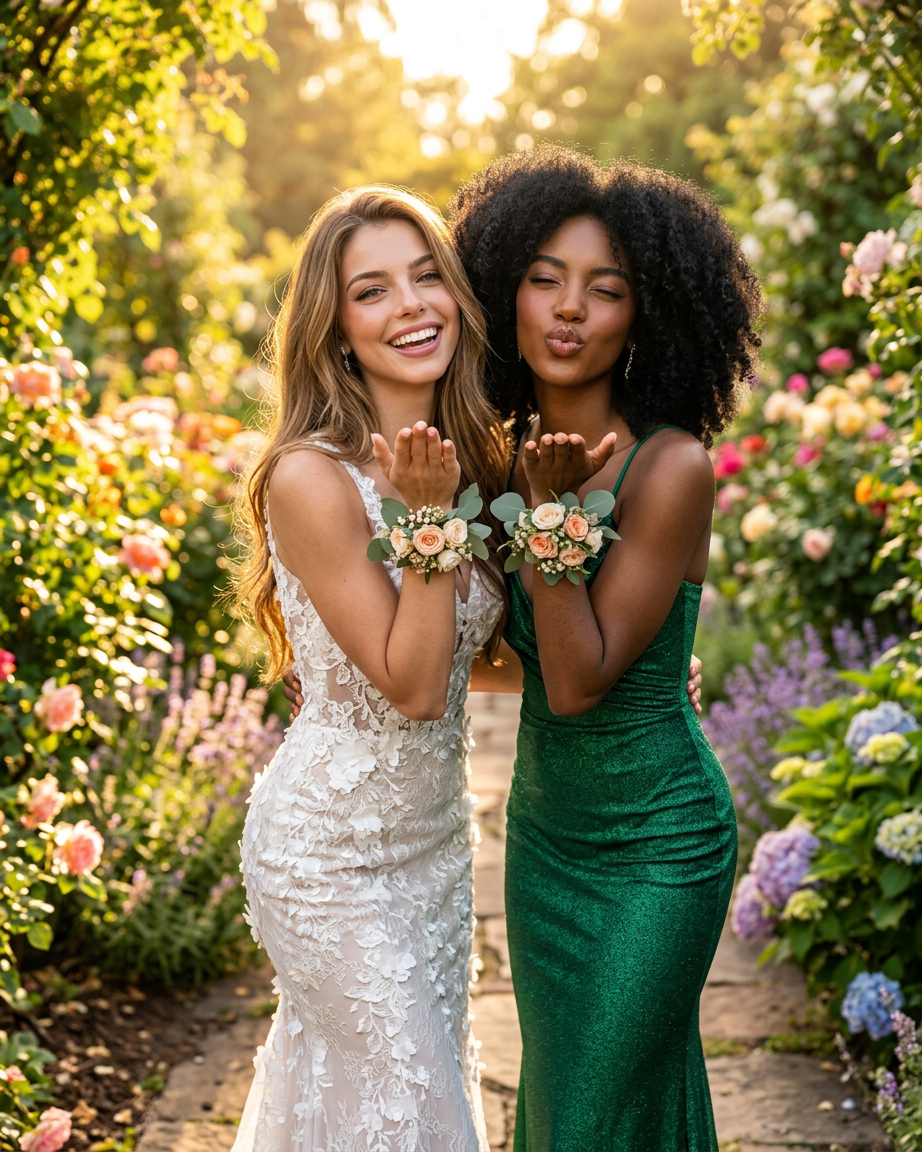
Two young women posing together in a sunlit botanical garden during golden hour, blowing kisses toward the camera with playful expressions. One woman has long wavy light brown hair and wears an elegant fitted white lace gown with floral details. The other woman has voluminous natural curly black hair and wears a shimmering emerald green evening dress. Both wear matching floral wrist corsages. Bright greenery, colorful flowers, and soft sunlight create a dreamy romantic background with cinematic bokeh. Ultra-realistic photography, high fashion prom photoshoot vibe, joyful friendship energy, soft natural lighting, shallow depth of field, luxury editorial style, highly detailed skin textures and fabric details.
Any aspect ratio
Overview
The Kiss Frame template in the AI Image Editor is designed to create high-fashion, emotionally resonant images with an emphasis on luxury and editorial style. Utilizing the power of the nano-banana-2 model, it brings out intricate fabric details and rich skin textures, capturing the warmth and joy of a memorable moment in ultra-realistic photography.
What It Does
This template specializes in generating sophisticated, high-quality images with a prom photoshoot vibe. The layout captures two women in a sunlit botanical garden, enhancing their playful expressions and fashionable attires, set against a backdrop of lush greenery and colorful flowers. The AI Image Editor allows for fine-tuning, ensuring that every image has a dreamy, romantic essence with cinematic bokeh effects.
Who It's For
The Kiss Frame template caters to professional photographers, editorial designers, and anyone interested in creating high-fashion images with ease. It's perfect for users looking to capture romantic moments such as proms, weddings, or any special occasion where friendship and fashion collide beautifully.
Summary
Embrace the elegance of luxurious visuals with the Kiss Frame template. Ideal for crafting romantic narratives with high detail and soft, natural lighting, this tool is a must-have for anyone seeking to enhance their photo edits with a touch of magic. By leveraging the AI Image Editor capabilities, users can produce images that speak volumes of joy and style.
How to Use
Choose the Template

Customize Your Scene

Generate Your Image

Use Cases
Prom Photoshoots
- Create fashion-forward, editorial-style prom images.
- Enhance emotions and expressions with ultra-realistic textures.
Wedding Photography
- Highlight romantic moments in stunning detail.
- Set a dreamy mood with soft natural lighting.
Friendship Celebrations
- Emphasize bonds with cinematic and joyful visual flair.
- Utilize lush environments for a vibrant atmosphere.
Best Practices
Focus on Lighting
Take advantage of golden hour visuals by ensuring your edits enhance natural lighting. This adds warmth and depth to your images, matching the intended prom shoot vibe.Enhance Fabric and Skin Textures
Use the AI Image Editor to accentuate fabric details and skin textures for a realistic and luxurious appearance.Maintain a Playful Expression
For a joyful outcome, adjust facial expressions to capture genuine playfulness, aligning with the template’s theme of joyful friendship.