Prom Glow
- Model
- Nano Banana 2
- Image
- 800 × 1333 px
Prompt
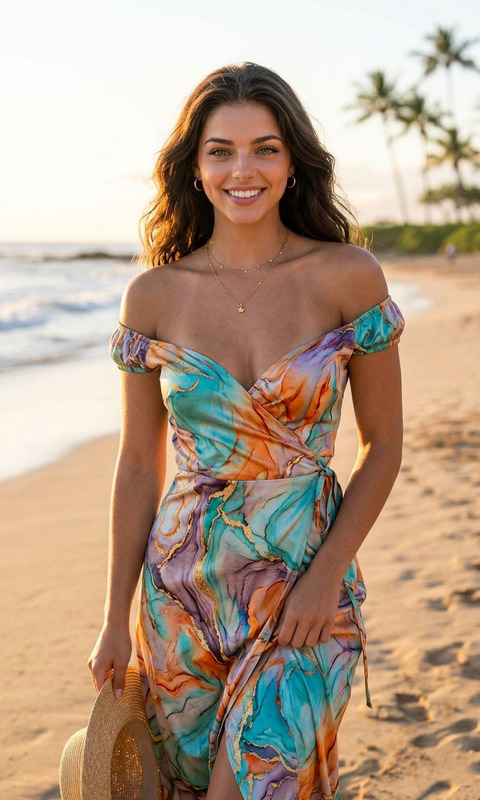
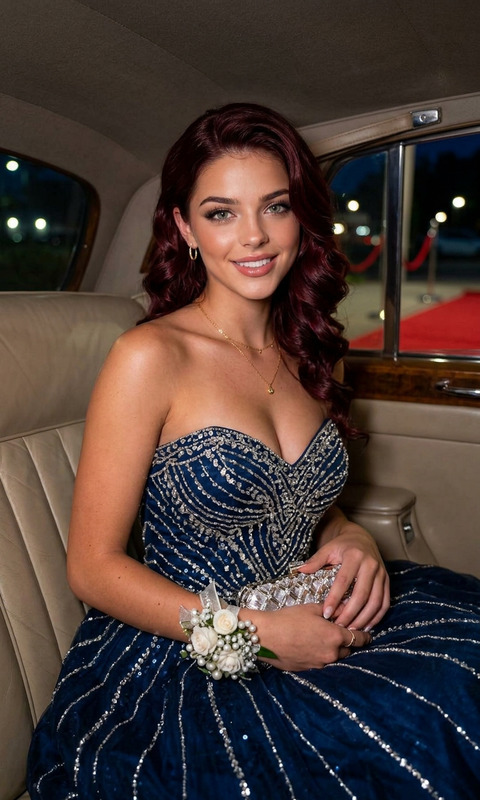
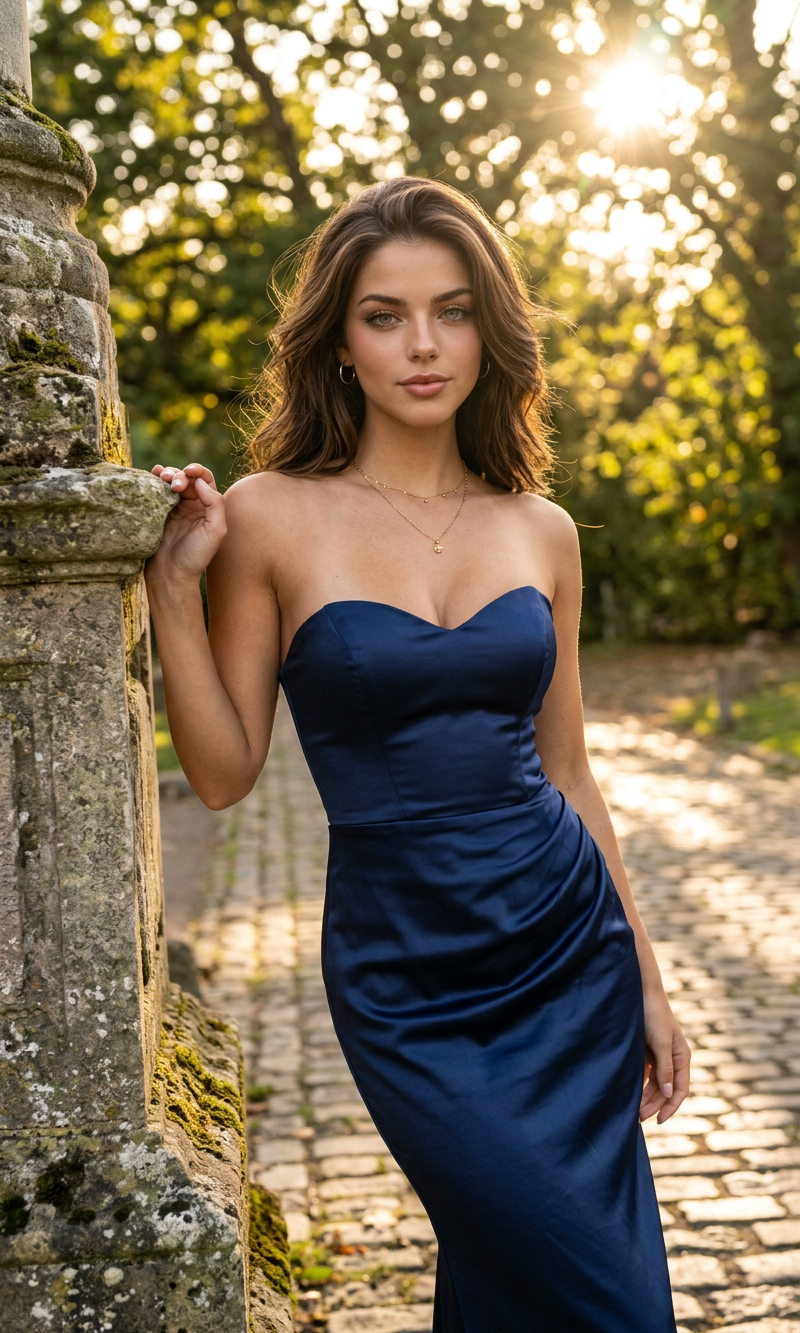
A stunning brunette woman posing elegantly outdoors beside a stone pillar during golden hour sunlight, wearing a sleek strapless navy blue satin dress that contours gracefully to her figure. Long soft wavy hair cascades over one shoulder, with glowing natural makeup and a confident subtle smile. Warm sunlight filters through lush green trees in the background, creating dreamy bokeh and soft lens flare. Sophisticated luxury fashion photography, cinematic composition, ultra realistic, shallow depth of field, natural warm lighting, editorial portrait style, timeless elegance, refined feminine aesthetic, 85mm lens, high detail, Vogue-inspired outdoor photoshoot, 4K.
Any aspect ratio
Overview
Welcome to Prom Glow, an AI Image Editor template designed to convert moments into stunning visual memories. Leveraging the powerful AI Image Editor capabilities, this template blends artistic vision with technological precision, allowing you to create high-quality portraits akin to a Vogue photoshoot.
What It Does
Prom Glow uses the nano-banana-2 model to produce ultra-realistic, high-resolution images with natural lighting effects and sophisticated compositions. By generating vivid portraits, this template captures the essence of elegance and timeless beauty. With its ability to simulate professional photography standards, it is ideal for creating memorable prom visuals.
Who It's For
This template is perfect for photographers, fashion enthusiasts, and influencers seeking to enhance their portfolio with magazine-quality images. It's also suitable for individuals wanting to immortalize their prom moments in an extraordinary way. Integrate this tool with the Photo Colorizer to enhance your image's color depth.
Summary
The Prom Glow template stands out for its capability to transform ordinary photos into cinematic and artistically advanced images. Its refined touch is powered by the AI-driven features of the AI Image Editor, making it an excellent choice for any user aiming for elegance and perfection in their photographic endeavors.
How To
Choose the Template

Customize Your Inputs

Generate and Download

Use Cases
Prom Photography
- Realistic sunlight effects
- Elegant fashion portraits
Fashion Portfolio
- Vogue-inspired shoots
- Sophisticated style aesthetics
Content Creation
- High-resolution outputs
- Editorial photography style
Best Practices
Use High-Quality Images
Start with high-resolution images to ensure the best output quality when applying the Prom Glow template.Experiment with Lighting
Utilize the template’s lighting features to mimic natural golden hour effects, enhancing the overall aesthetic.Pair with Color Enhancements
Combine this template with tools like the Photo Colorizer to further enrich the color palette of your images.