Modern Romantic
- Model
- Nano Banana Pro
- Image
- 768 × 1376 px
Prompt
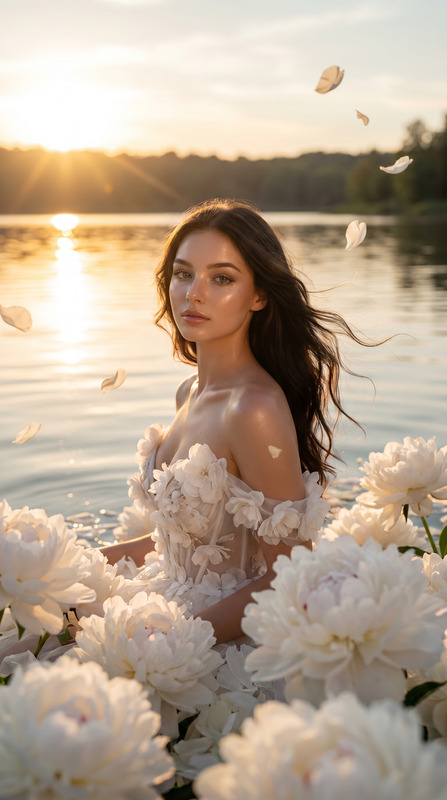
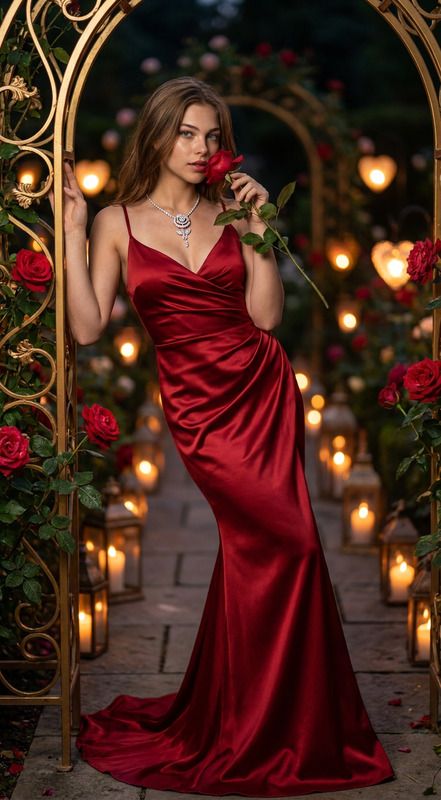
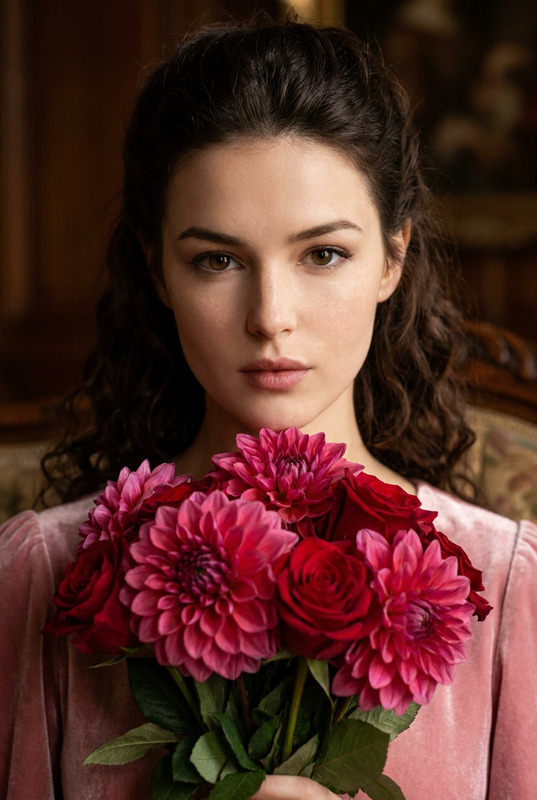
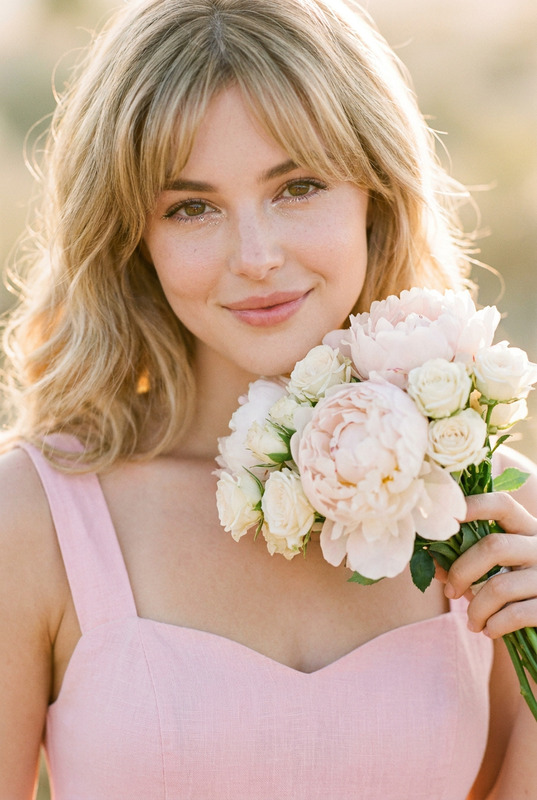
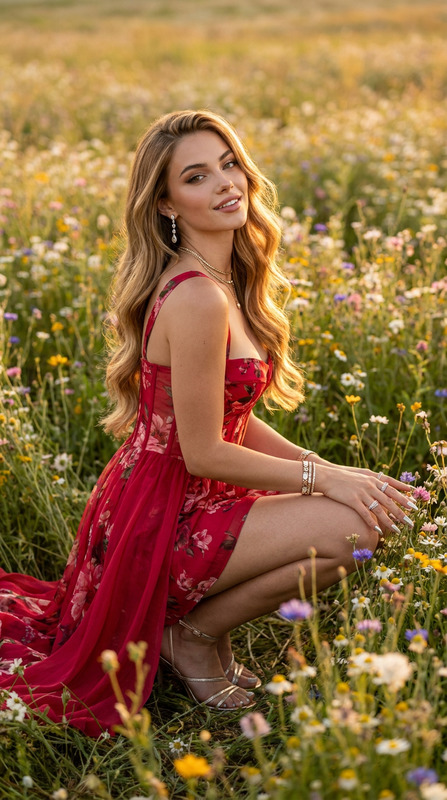
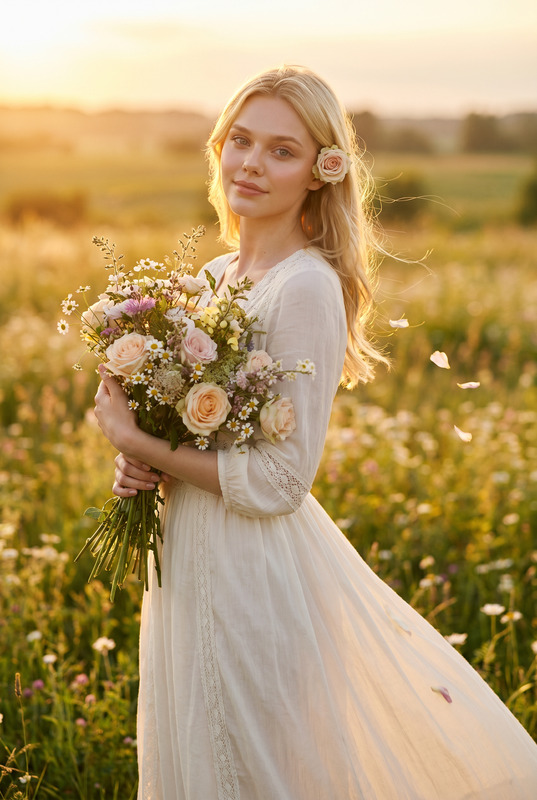
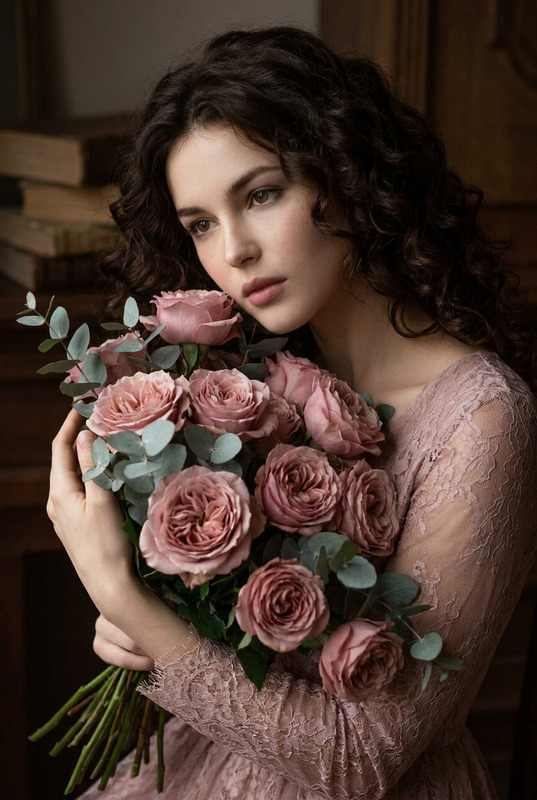
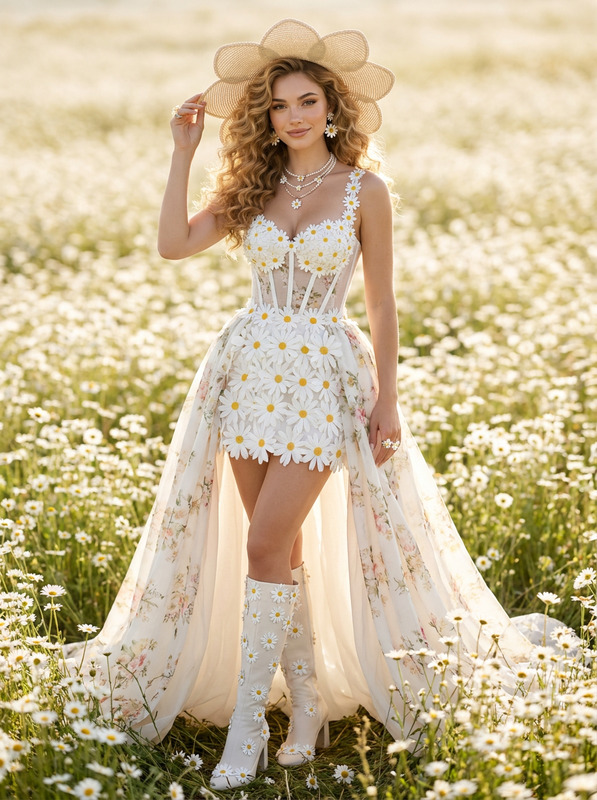
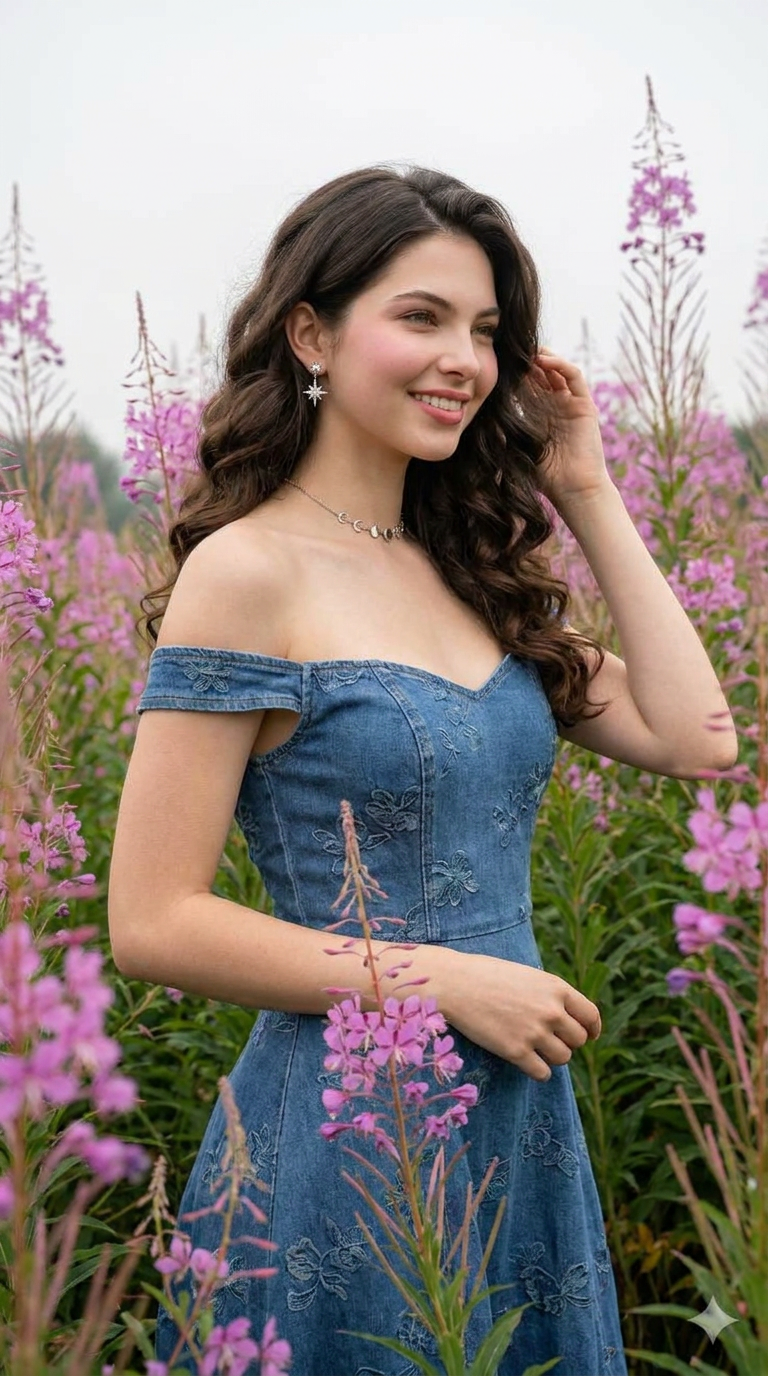
A soft, romantic medium shot of a woman standing gracefully among tall, swaying pink petals of various wildflowers. She wears an elegant, off-the-shoulder denim dress with a sweetheart neckline and subtle tonal floral embroidery. Her incredibly long, dark hair is styled in perfectly defined, glamorous barrel curls that fall to her lower back. Her makeup is romantic, featuring soft rosy cheeks and a matching lip stain. She has a gentle, joyful smile, holding one hand up to touch her hair. She wears sophisticated celestial jewelry in white gold, including diamond star stud earrings and a delicate moon-phase choker. The lighting is soft, diffused overcast light, highlighting textures. High-end fashion editorial style
Any aspect ratio
Overview
The "Modern Romantic" template within the AI Image Editor is designed for creating visually stunning images with a romantic and sophisticated aesthetic. Utilizing the advanced capabilities of the nano-banana-pro model, this template offers a unique set of tools to transform ordinary photos into high-end fashion editorials.
What It Does
This template allows you to edit images with a focus on romantic and fashion-forward elements. It highlights textures with soft, diffused lighting and enhances details such as floral embroidery and celestial jewelry. The combination of styling adjustments and lighting enhancements results in a polished, magazine-quality image.
Who It's For
The "Modern Romantic" template is ideal for photographers, fashion designers, and content creators who wish to elevate their visuals with a romantic ambiance. Whether you're working on an editorial spread or a personal project, this template provides the tools to produce captivating, high-fashion results.
Summary
With the "Modern Romantic" template, transform your images into elegant, editorial-quality visuals. Perfect for showcasing fashion in a dreamy, romantic setting, this tool is a must-have for anyone aiming to create standout, professional-grade imagery. Explore additional features and templates in our AI Talking Photo and AI Profile Picture Generator products.
How-To
Select Your Template

Customize Your Image

Generate and Download

Use Cases
Fashion Photography
- Add romantic flair with high-quality, detailed editing.
- Easily adjust lighting and textures for professional results.
Digital Content Creation
- Infuse images with sophistication and romantic style.
- Make content more engaging and visually appealing.
Product Advertising
- Highlight product details such as embroidery and jewelry.
- Use soft lighting to draw attention to features.
Best Practices
Utilize Soft Lighting
Use the template’s lighting controls to ensure your image captures the delicate, romantic essence with soft, natural illumination.Focus on Details
Pay attention to the details like jewelry and fabric textures to enhance the luxurious feel of the image.Combine with Other Tools
Consider using other Magic Hour tools such as the AI Image Upscaler to further refine image quality.