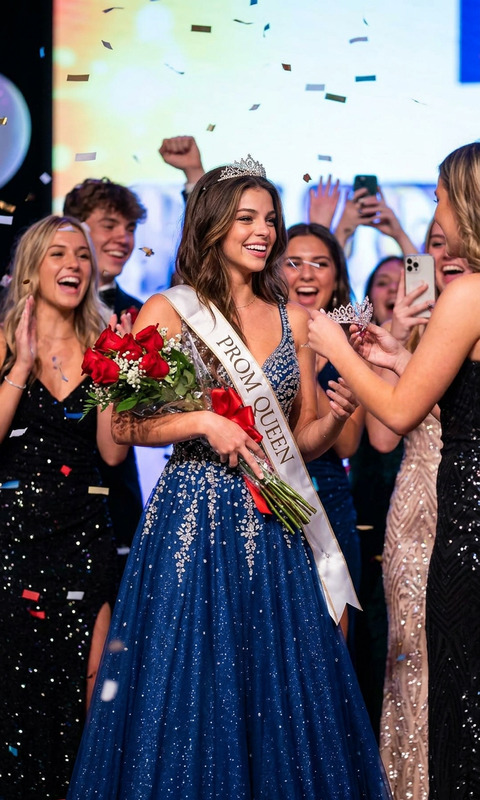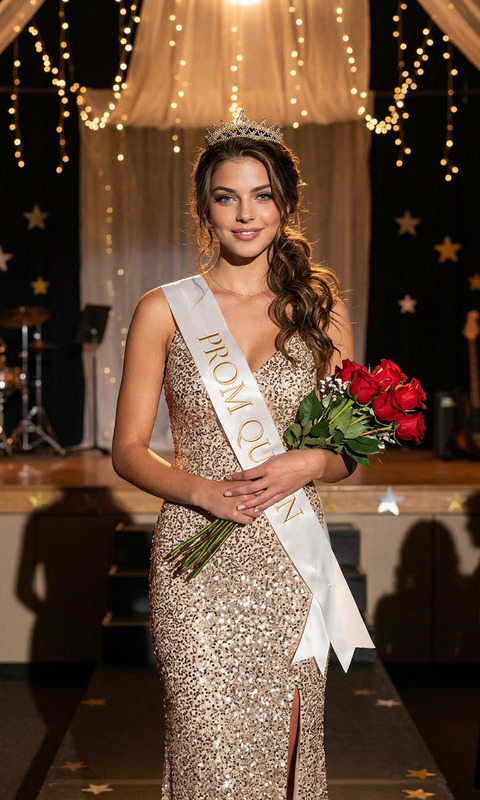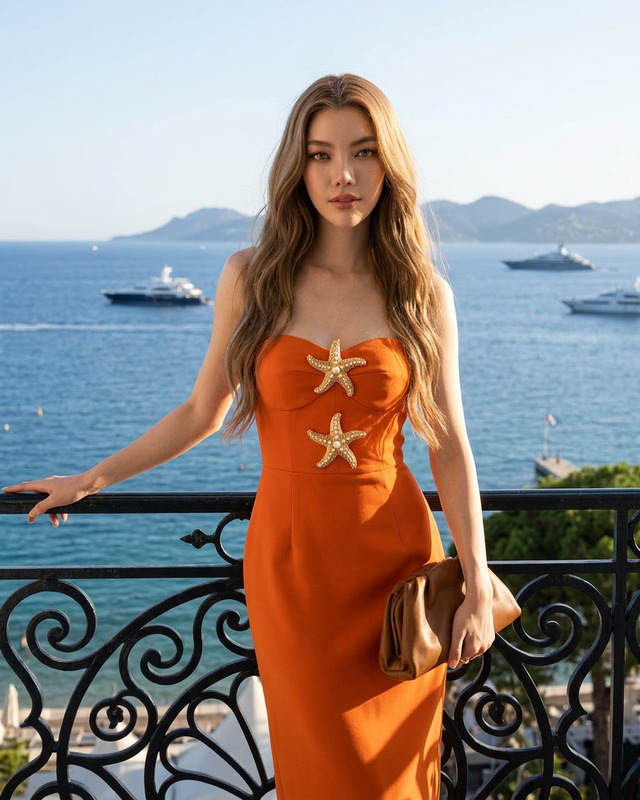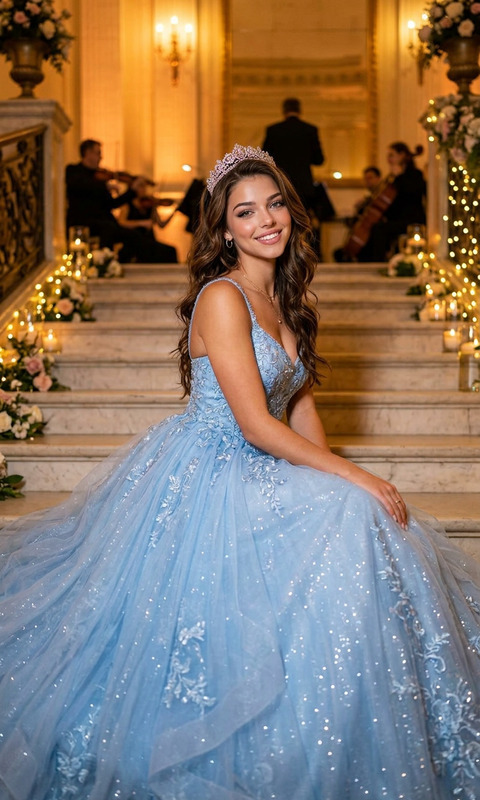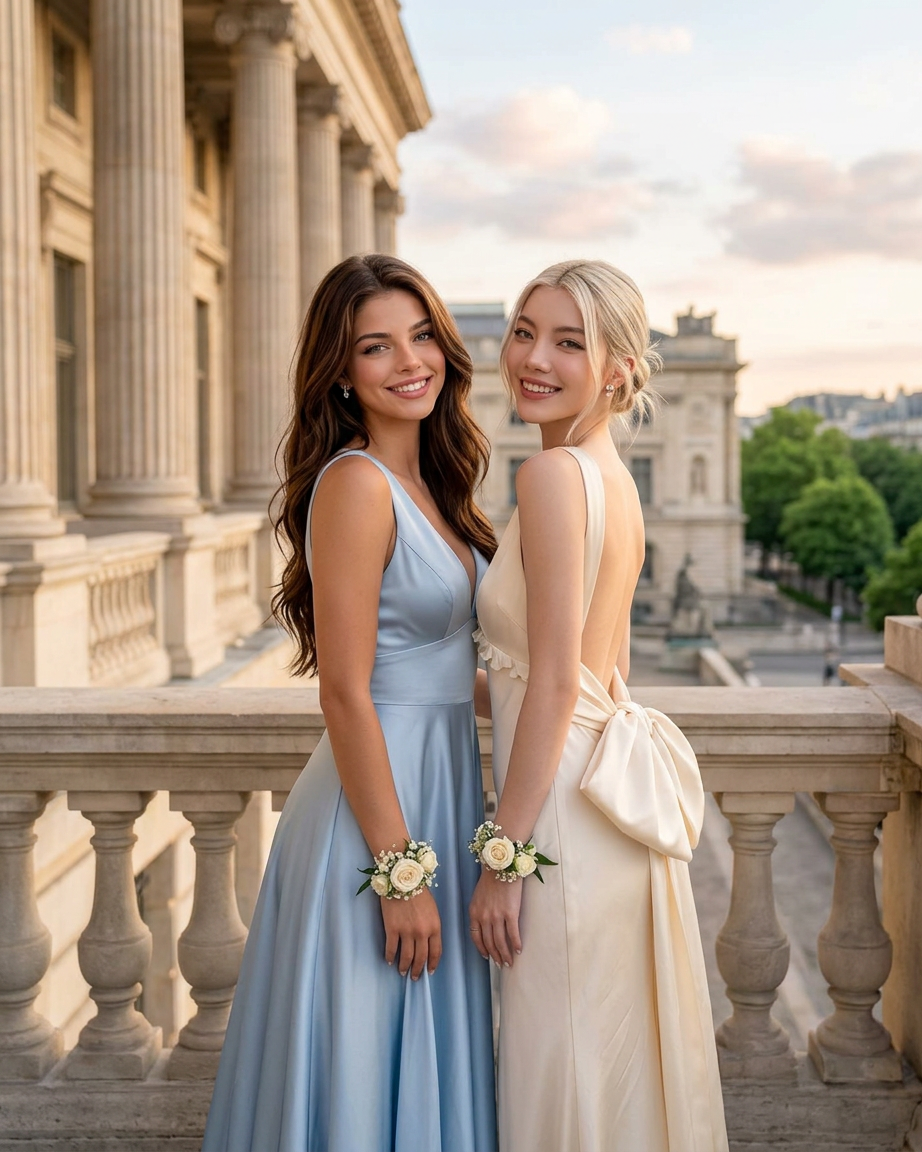
Prom Besties
- Model
- Nano Banana 2
- Image
- 922 × 1152 px
Prompt
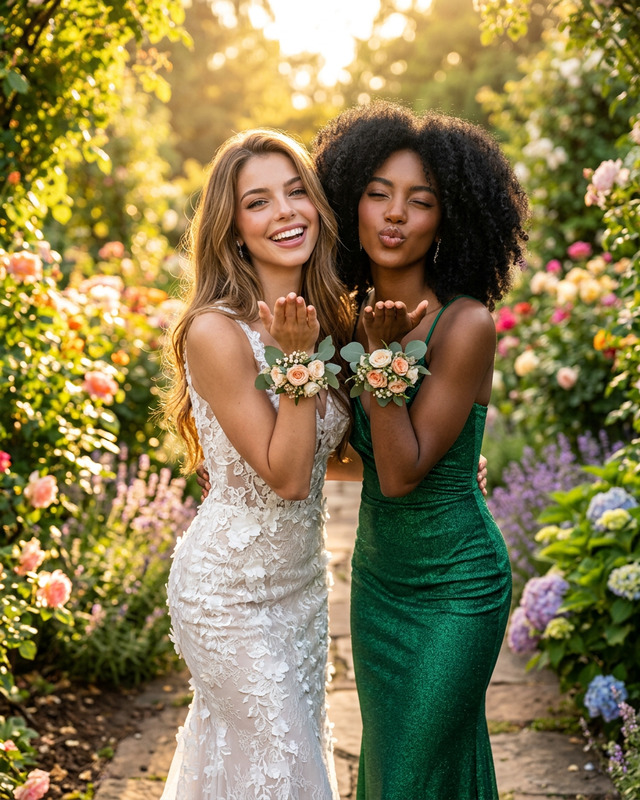
Two young women standing side by side in elegant flowing gowns on the terrace of a grand neoclassical building with towering stone columns, golden-hour sunlight illuminating their faces and hair, soft romantic atmosphere, one woman wearing a cream backless dress with a large bow detail, the other wearing a pale blue satin gown, both smiling warmly at the camera, long wavy hair, delicate floral wrist corsages, cinematic composition, luxury editorial fashion photography, shallow depth of field, natural light, ultra-detailed fabric textures, soft pastel tones, sophisticated European architecture in the background, dreamy and timeless aesthetic, full-body portrait, high resolution, photorealistic.
Any aspect ratio
Overview
Capture the magic of prom night with the 'Prom Besties' AI Image Editor template. This elegant tool brings to life the dreamlike quality of a picturesque prom photo shoot. Built on the nano-banana-2 model, it offers exquisite detail in both fabric textures and architectural backgrounds, capturing every nuance with high-resolution photorealism.
What It Does
The 'Prom Besties' template enables you to transform ordinary photos into a luxurious editorial fashion shot. Using the power of AI, it refines the image's composition, lighting, and textures to create a cinematic full-body portrait. Whether you want to adjust the sunlight, enhance the gown's fabric, or amplify the elegance of the European architecture, this template has you covered.
Integrate it seamlessly with tools like the AI Image Editor for additional adjustments or blend it with the AI Photo Relighting for customized lighting effects.
Who It's For
This template is ideal for high school seniors, prom event organizers, and professional photographers seeking to encapsulate the splendor of prom night in an image. It is also perfect for fashion brands wanting to showcase prom collections in marketing campaigns, or anyone wishing to commemorate their prom experience with a sophisticated, timeless photograph.
Summary
The 'Prom Besties' AI Image Editor template offers a straightforward way to elevate prom photos to a high fashion aesthetic. By incorporating soft pastel tones and a dreamy, cinematic composition, it ensures your prom memories are as enchanting as the night itself. Enhance your images further using our integrated Full Body Generator for a complete fashion photography experience.
How To
Choose the Template

Customize Your Image

Generate Your Photo

Use Cases
Personal Prom Photography
- Highlight fine fabric details
- Enhance lighting for a golden-hour glow
- Emphasize architectural backgrounds
Fashion Campaigns
- Cinematic presentation
- Timeless aesthetic
- Sophisticated compositions
Photography Sessions
- Editorial quality
- Dreamlike atmosphere
- Effortless style
Best Practices
Optimize Image Quality
Ensure your original photo is of high quality to begin with, as AI enhances but does not create completely new details.Focus on Lighting
Adjust the lighting settings to maximize the romantic glow of the golden-hour effect.Keep It Authentic
While enhancing the photo, maintain authenticity by staying true to the familiar elements of the scene.