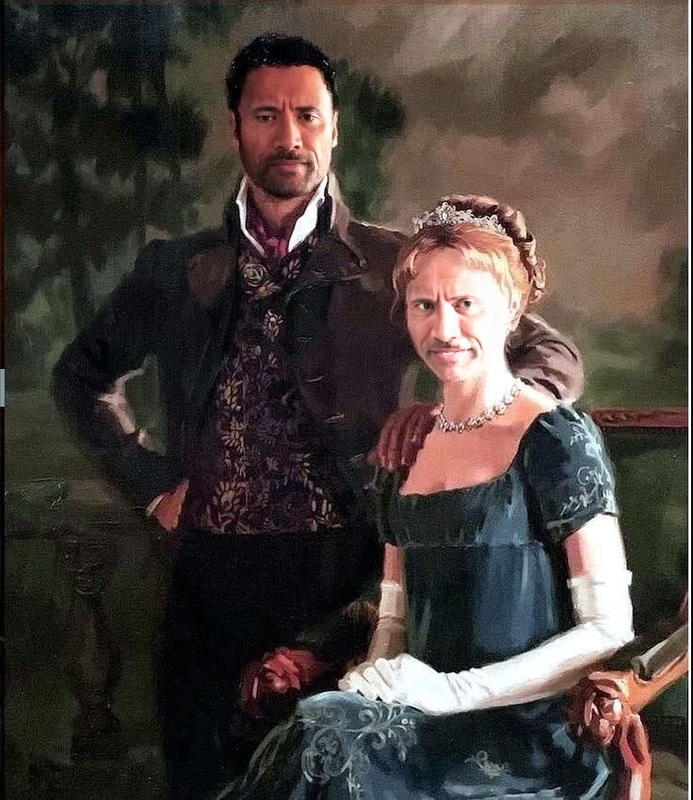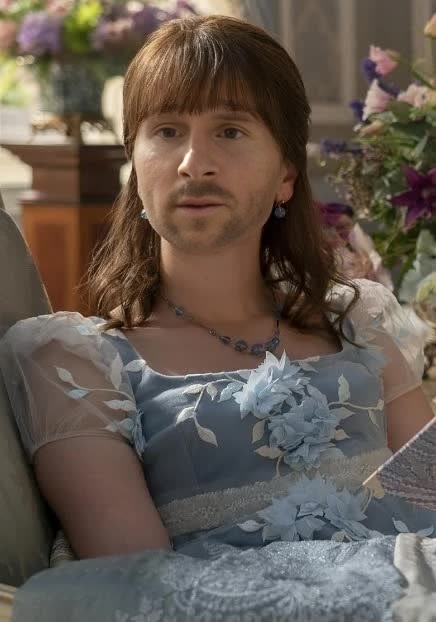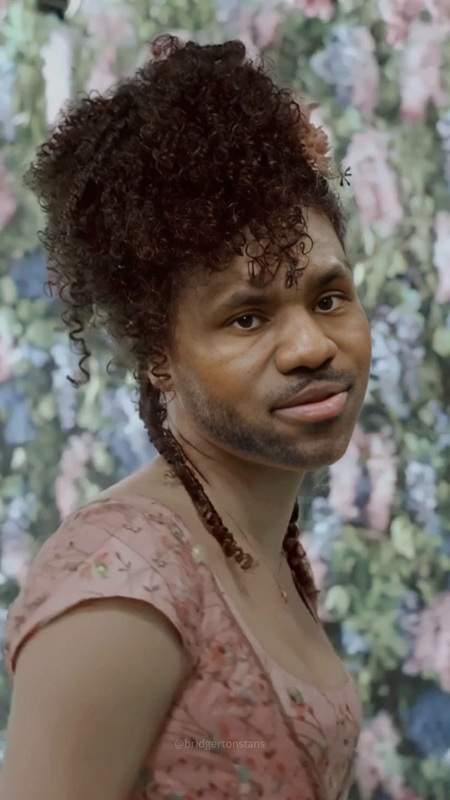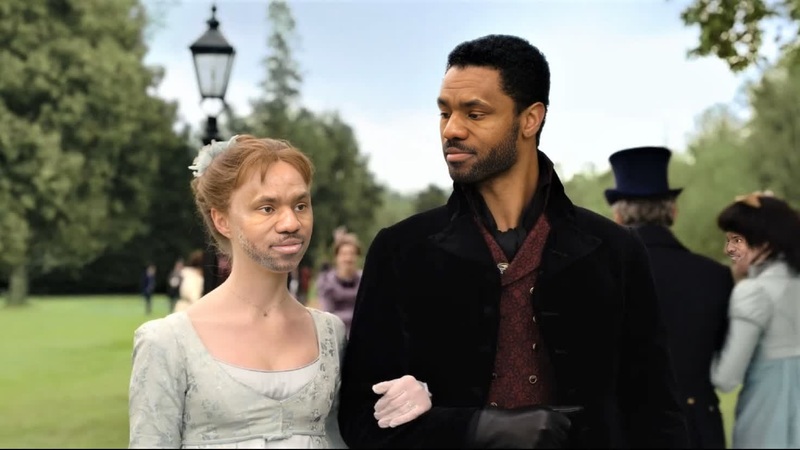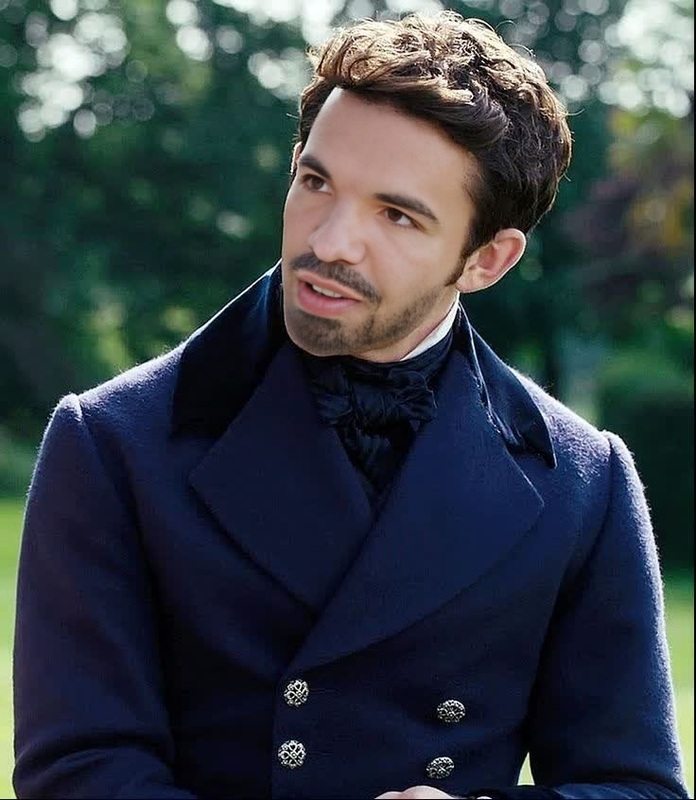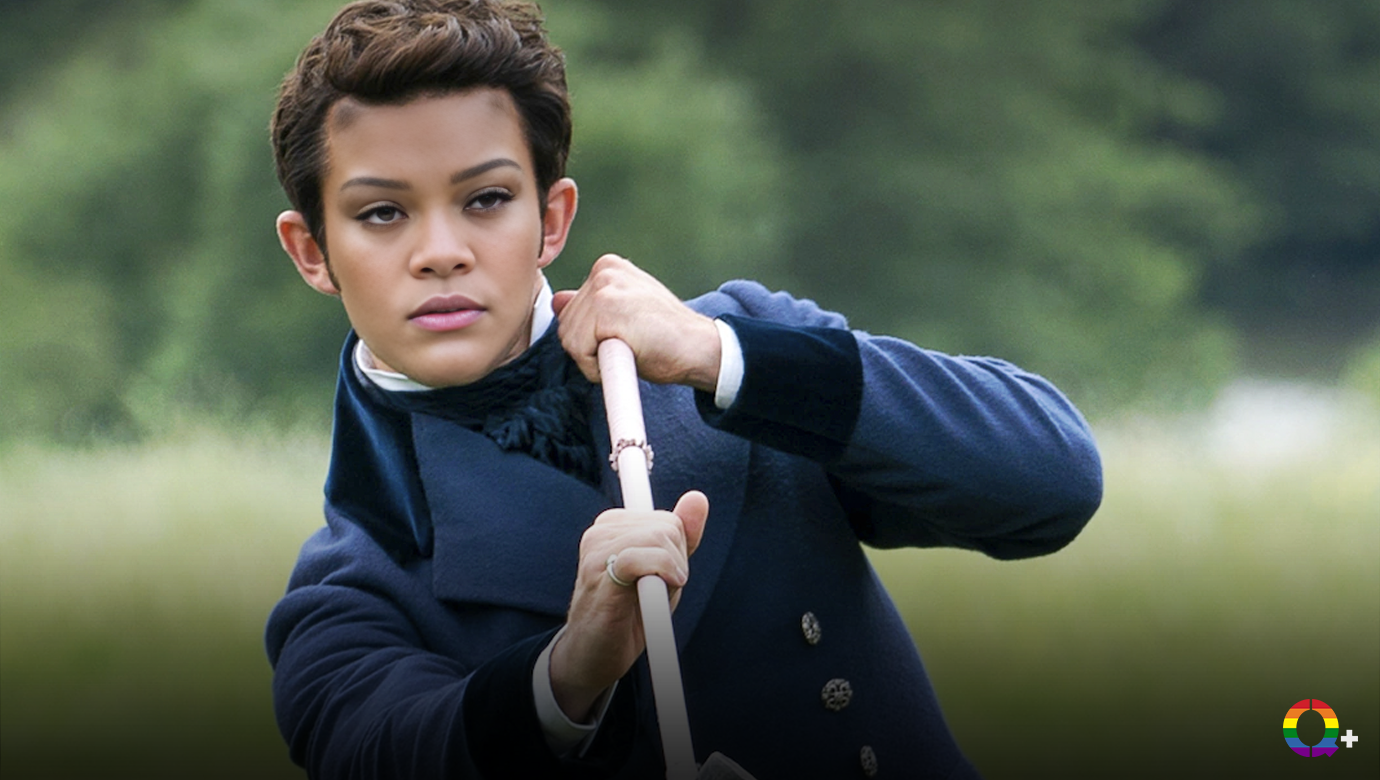
Jonathan Bailey Bridgerton Season 2 Portrait
- Image
- 1380 × 780 px
Any aspect ratio
Overview
With the Jonathan Bailey Bridgerton Season 2 Portrait template, create videos that captivate your audience by replacing faces with the charismatic presence of Jonathan Bailey. Ideal for crafting shareable content, this Video Face Swap tool enables impactful storytelling through seamless transformations.
What It Does
This template utilizes advanced Face Swap technology, allowing users to replace any face in a video with Jonathan Bailey's, enhancing both personal and professional video productions. It's perfect for creating engagement, particularly in social media and promotional scenarios.
Who It's For
Content creators, digital marketers, and video enthusiasts will find value in this template. The tool is especially useful for those targeting audiences drawn to entertainment, celebrity culture, or promotional content. Integration with other tools such as the AI Image Editor can further refine final outputs.
Summary
Transform any video into a delightful experience with the Jonathan Bailey Bridgerton Season 2 face swap. This tool ensures an engaging narrative twist or surprise element in campaigns or personal projects. Consider pairing with the AI GIF Generator for creating eye-catching multimedia content.
How to Use
Choose the Template

Customize Your Swap

Generate the Video

Use Cases
Social Media Campaigns
- Draw quick interest with a recognizable character.
- Great for trending hashtag challenges.
Entertainment Content
- Use in parody videos.
- Revitalize fan-made mashups or tributes.
Promotional Videos
- Elevate product demos or service intros.
- Connect with audiences through relatable visuals.
Best Practices
Select High-Quality Video
Ensure your source video is of high resolution for the best outcome in face swapping. This minimizes errors and enhances the final product's realism.Adjust Lighting
Match the lighting conditions of the face in your video with the template face to ensure a seamless integration.Experiment with Angles
Try swapping multiple faces or angles to see what works best for maintaining viewer engagement throughout your video.