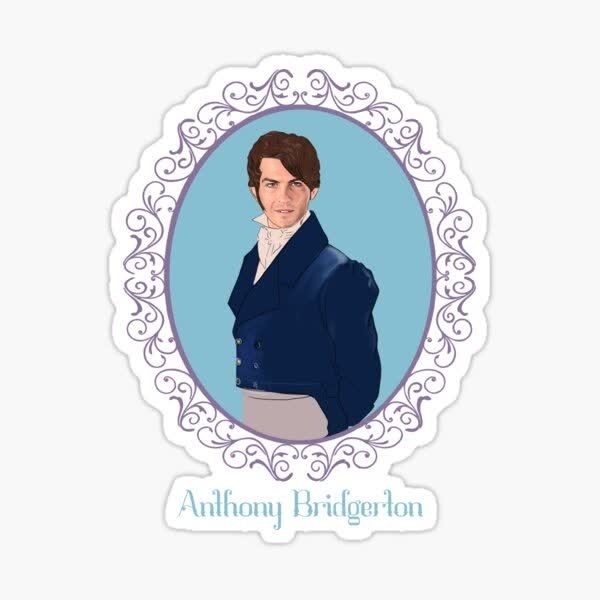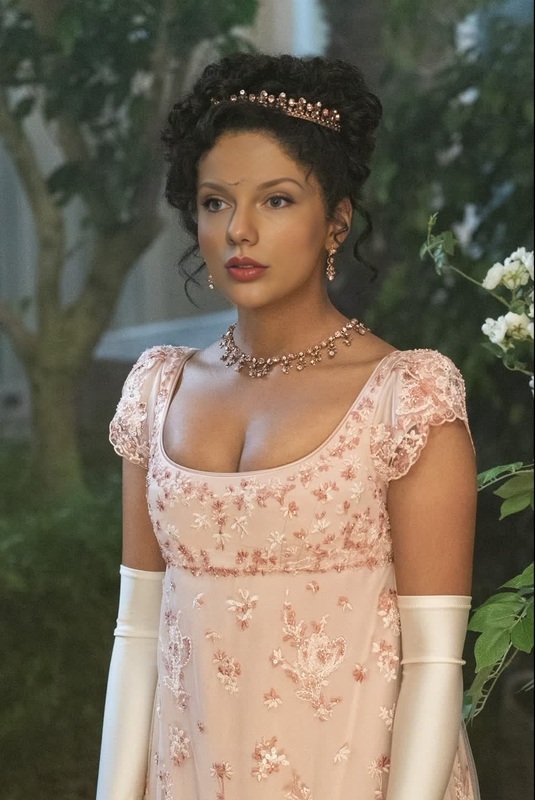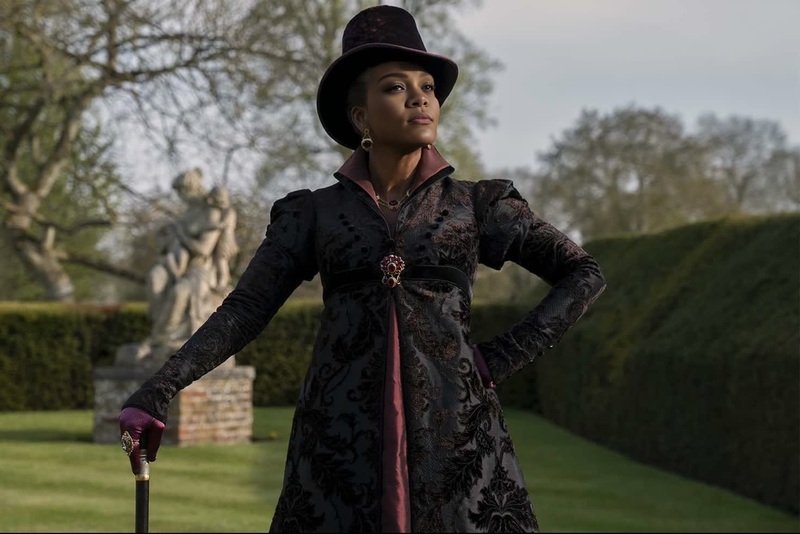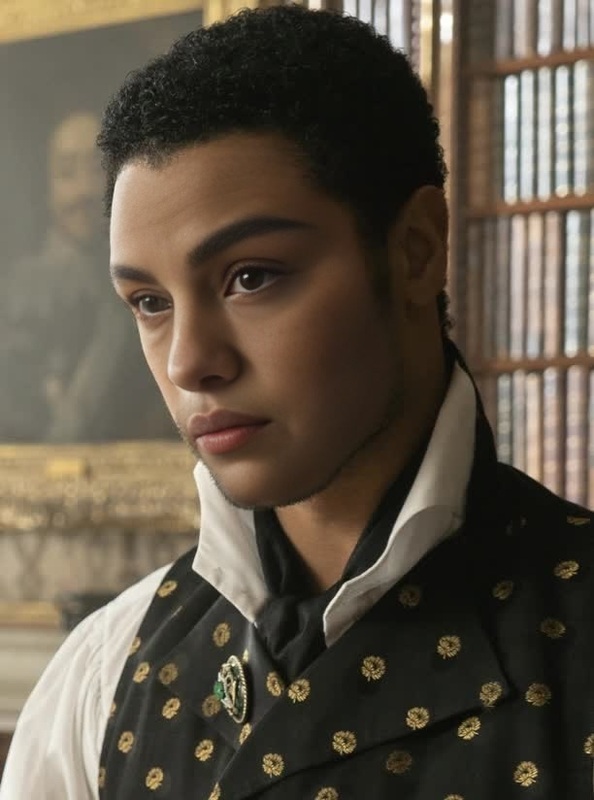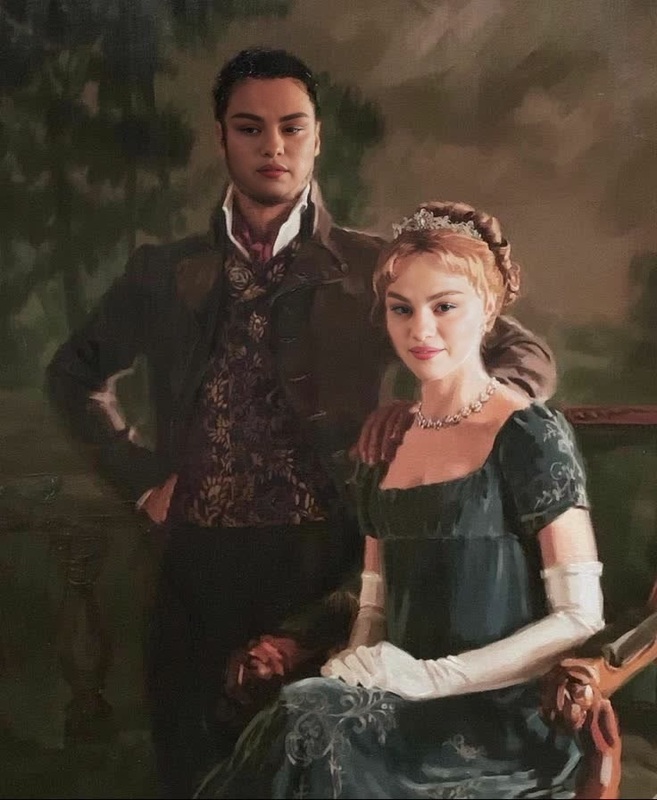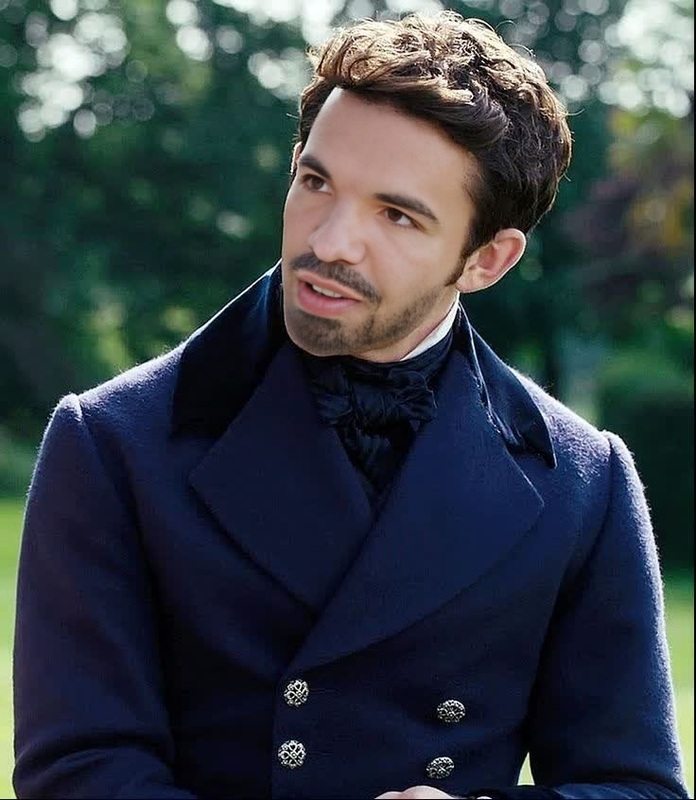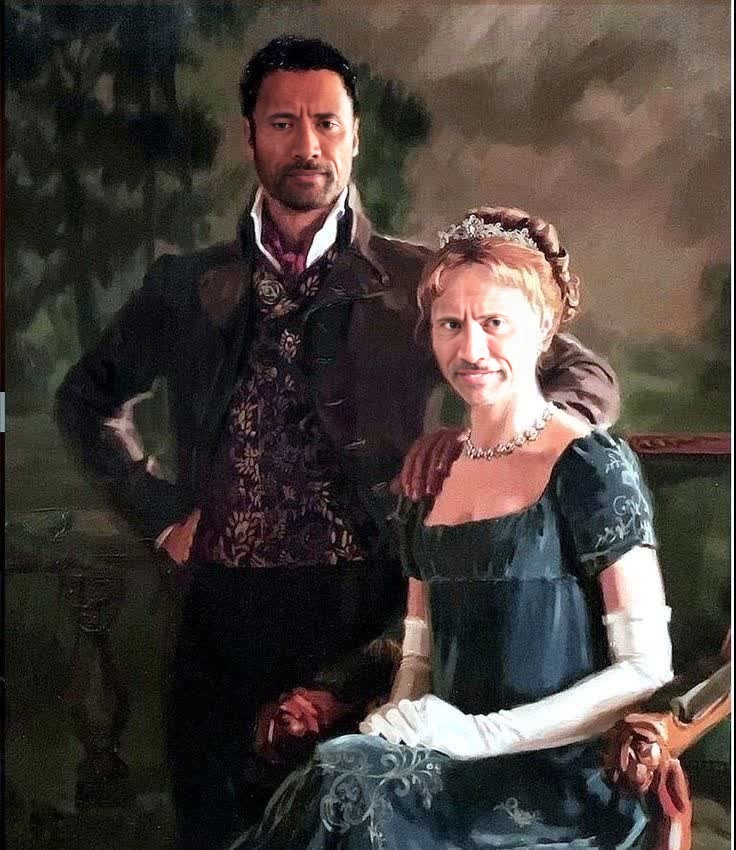
Duke Of Hastings Bridgerton Portrait
- Image
- 736 × 850 px
Any aspect ratio
Overview
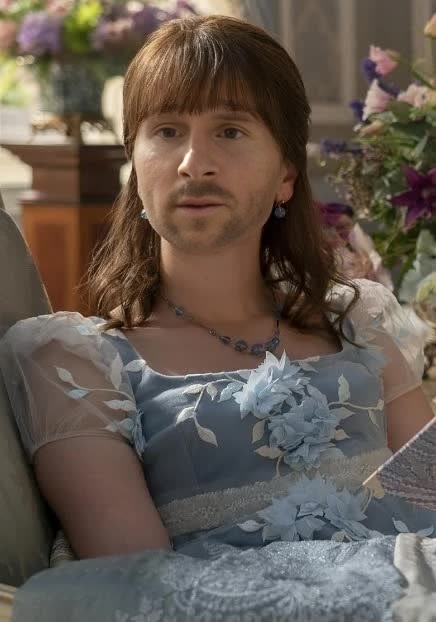
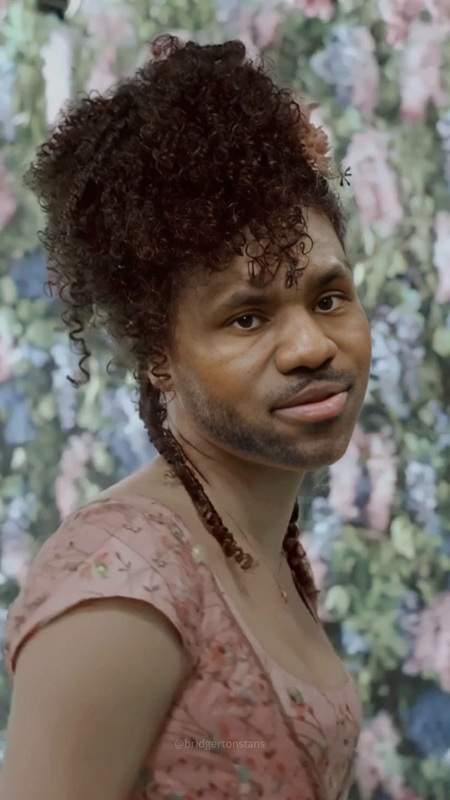
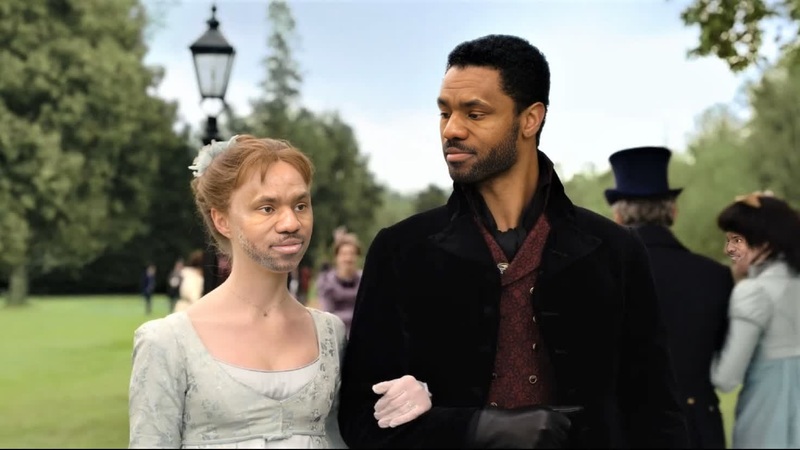
The Duke Of Hastings Bridgerton Portrait template uses advanced Video Face Swap technology to immerse you in the world of Bridgerton. Transform your videos with the elegance of the Duke, bringing a touch of Regency glamour to your creations.
This tool is perfect for fans looking to bring their Bridgerton fantasies to life or for creative projects in need of a distinctive touch, leveraging our Face Swap capabilities.
What It Does
With the Duke Of Hastings Bridgerton Portrait template, users can overlay their own images onto the dashing Duke of Hastings, creating striking video transformations. This Video Face Swap technology precisely aligns and blends the facial features to ensure a seamless transition, enhancing both the authenticity and style of the resulting video.
The template is designed for ease of use with compatibility for various file formats, integrating smoothly with other creative projects. Explore this template and pair it with tools such as the AI Image Generator to further enhance your visual storytelling.
Who It's For
This template is ideal for Bridgerton fans who want to recreate scenes or inject themselves into the Regency era. Social media content creators can use this template to produce themed videos that engage and entertain. It's equally beneficial for marketers in need of eye-catching promotional videos that capture the viewer's attention.
Additionally, video production teams can harness this template for creative projects, media campaigns, or content that requires the sophisticated aura of period drama. Utilize the AI Image Editor in your post-production workflow to refine your results further.
Summary
The Duke Of Hastings Bridgerton Portrait template offers a sophisticated Video Face Swap experience, letting you step into the shoes of a beloved character from Bridgerton. Its user-friendly design ensures both casual users and professionals can easily create captivating video content. Whether for personal enjoyment or professional use, this template provides an array of possibilities for stunning transformations.
Consider enhancing your creations using the AI GIF Generator for additional marketing or social media engagement.
How To
Choose Your Template

Customize Your Inputs

Generate Your Video

Use Cases
Fan Edits
- Share on fan forums
- Use in social media posts
Social Media Content
- Birthday shoutouts
- Festive greetings
Video Marketing
- Promotional teasers
- Event announcements
Best Practices
Clear Visibility
Ensure your input photo has good lighting and a clear perspective for best results.Facial Expression
Use a neutral facial expression to allow the template to adapt seamlessly to the Duke's visage.Context Relevance
Pair the swap with costumes or background elements that complement the Regency-era theme.