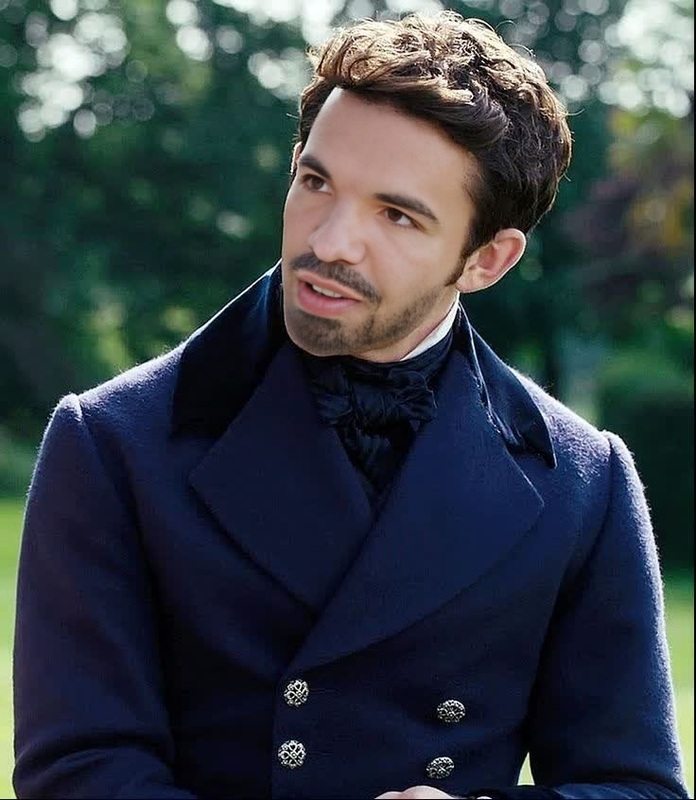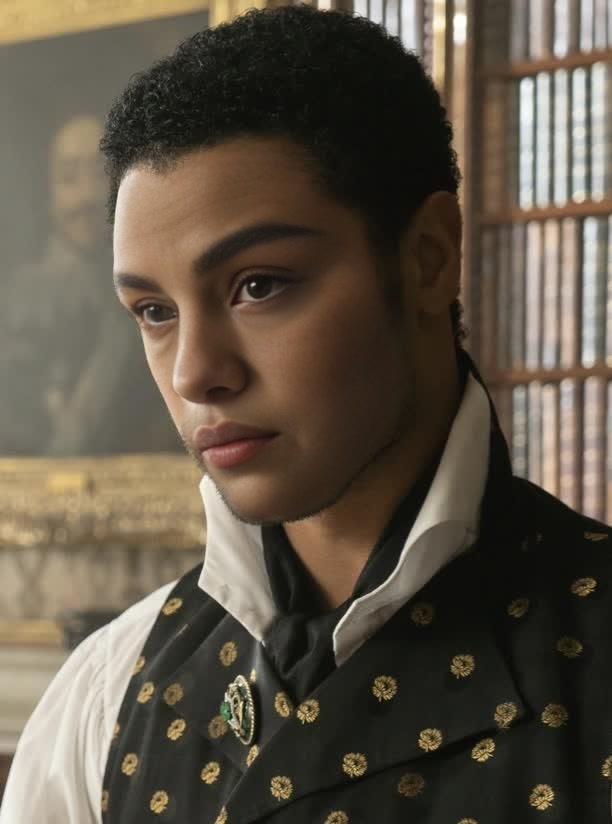
Simon Basset Bridgerton Portrait
- Image
- 612 × 824 px
Any aspect ratio
Overview
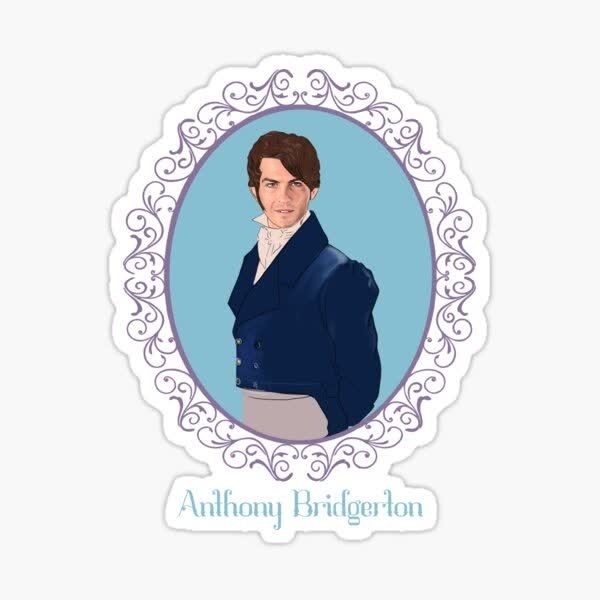
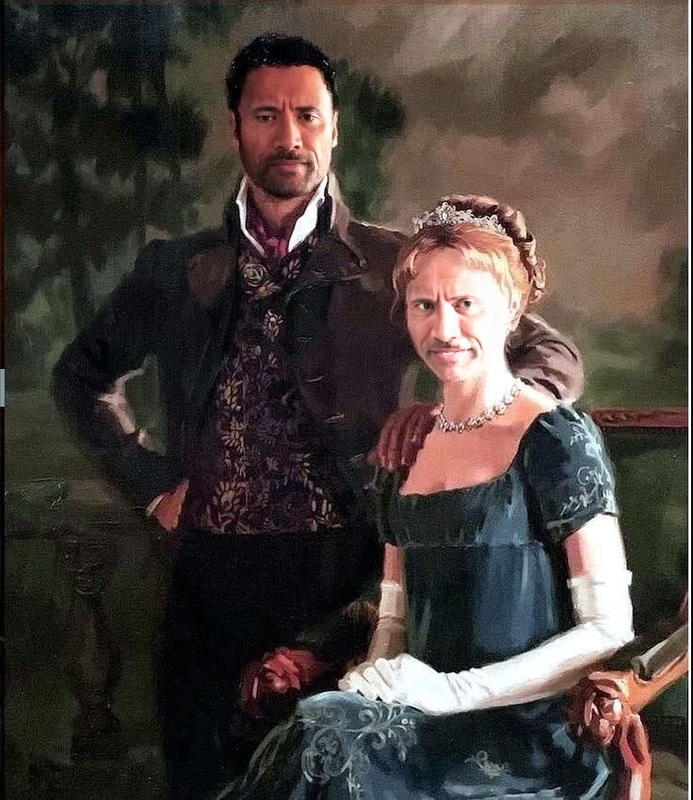
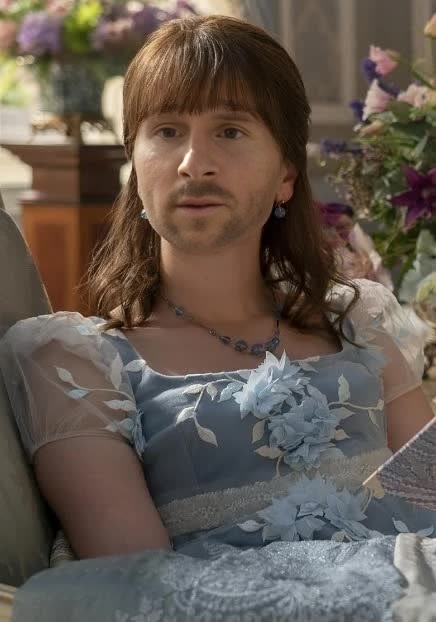
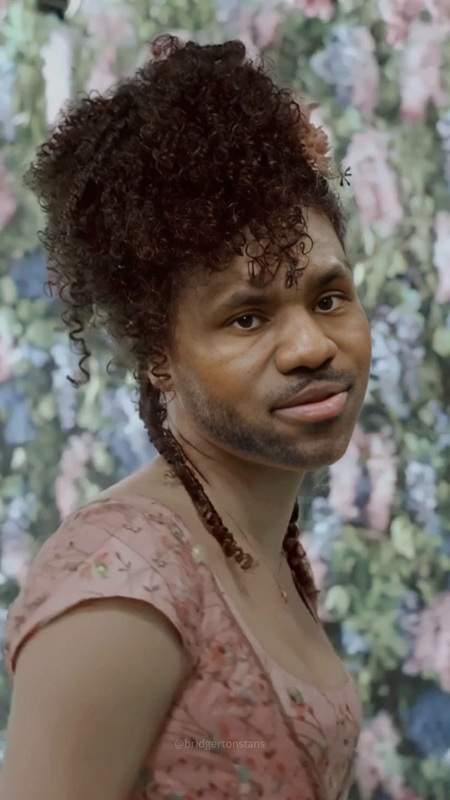
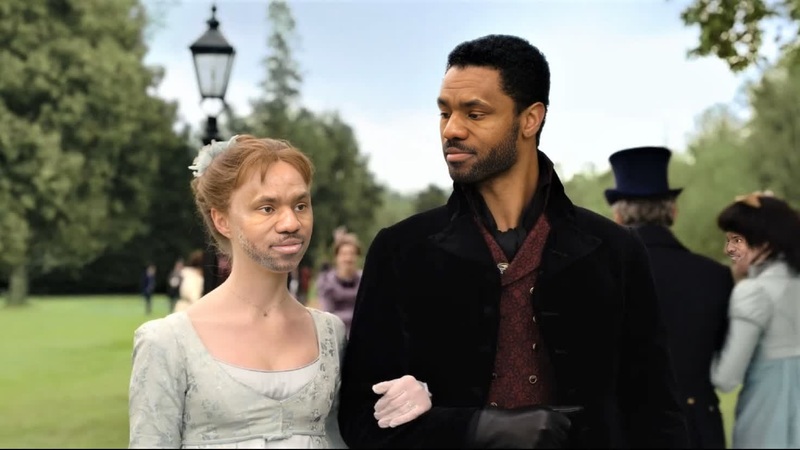
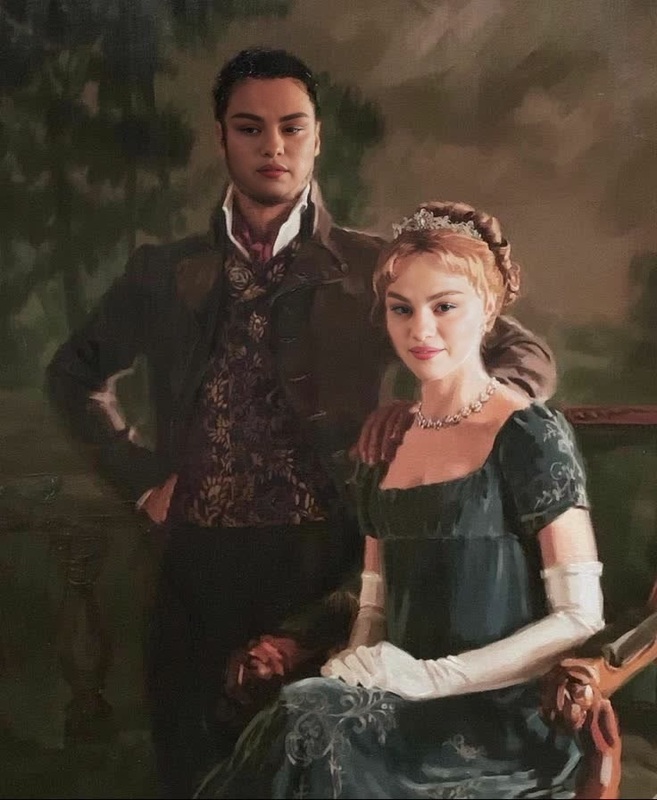
Step into the world of Regency-era elegance with the Simon Basset Bridgerton Portrait template. This Video Face Swap tool transforms your face to resemble Simon Basset, the dashing character from Bridgerton. Whether you're looking to add a dramatic flair to your projects or just have fun with friends, this template brings historical charm to any video.
What It Does
The Simon Basset Bridgerton Portrait uses Video Face Swap technology to seamlessly replace faces in video content. It allows you to embody Simon Basset's character by swapping your face with his, enabling a convincing transformation for creative projects. Perfect for enhancing social media ads or exploring innovative media strategies.
Pair this template with the Face Swap product for optimal results, ensuring smooth integration and realistic outputs.
Who It's For
This template is ideal for creators, marketers, and fans of Bridgerton alike. Whether you're a content creator looking to delight your audience with unique themes, or a marketer seeking to capture attention with historical flair, the Simon Basset template delivers authenticity and style. Additionally, fans of the series can have fun recreating iconic scenes for personal use.
Explore more tools like this in our Video-to-Video solutions for comprehensive video modifications.
Summary
Transform into the beloved character Simon Basset from Bridgerton using the Video Face Swap template. Applicable to a variety of uses, from engaging product launch videos to captivating creative projects, this template is your gateway to Regency-era sophistication.
How To
Choose the Template

Customize Your Video

Generate and Download

Use Cases
Social Media Engagement
- Create character-driven stories
- Develop unique video ads
Marketing Campaigns
- Boost period-piece advertising
- Add artistic depth to product showcases
Fan Creations
- Recreate favorite scenes
- Transform into your favorite character
Best Practices
Choose High-Quality Source Videos
For the best face swap results, upload high-definition videos.Adjust Face Swap Settings
Fine-tune the alignment settings to ensure the face swap looks natural.Review and Edit
Use our AI Video Generator to edit and enhance the swapped video further.