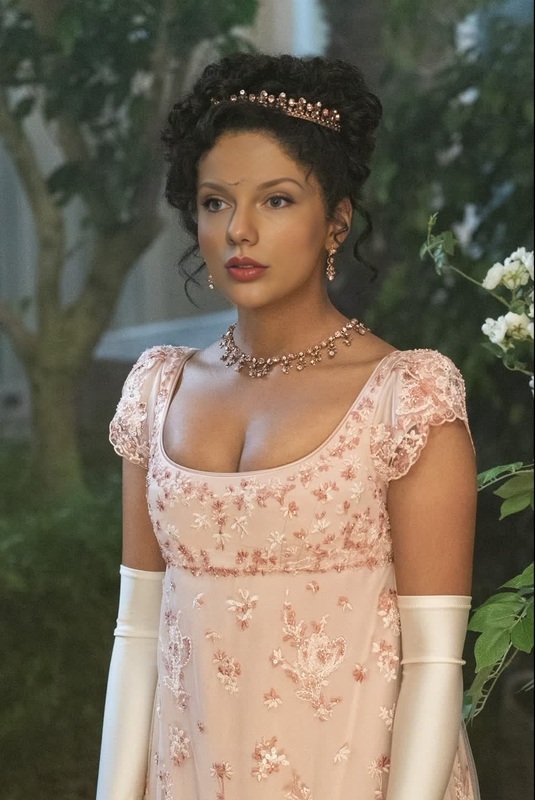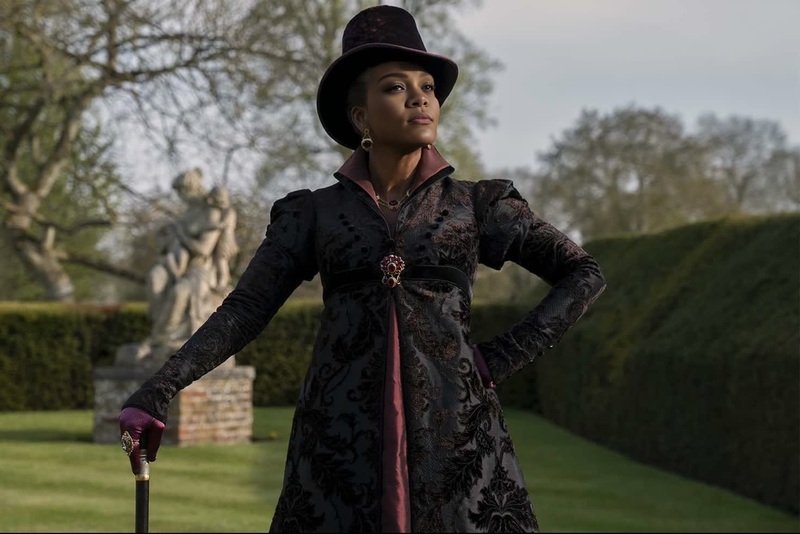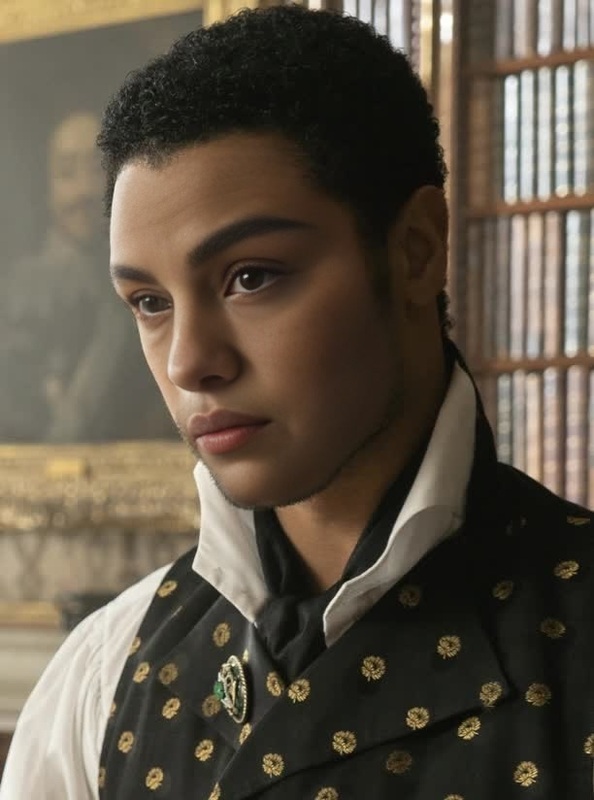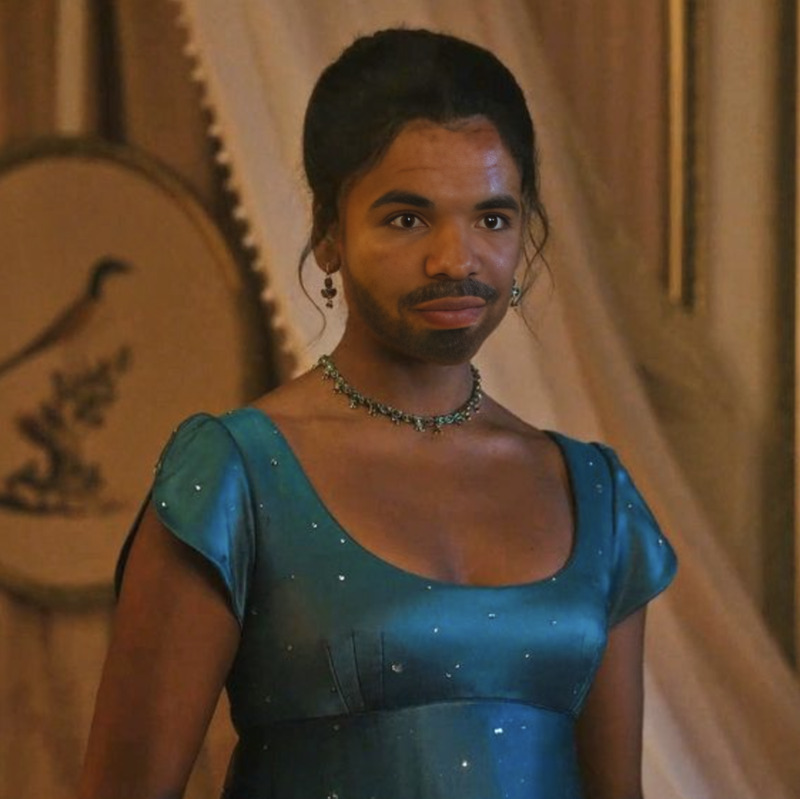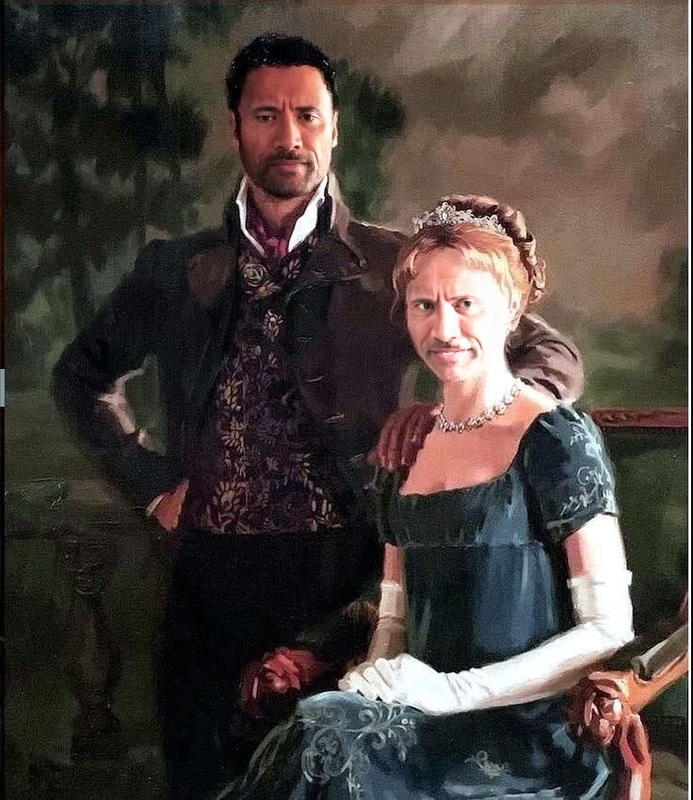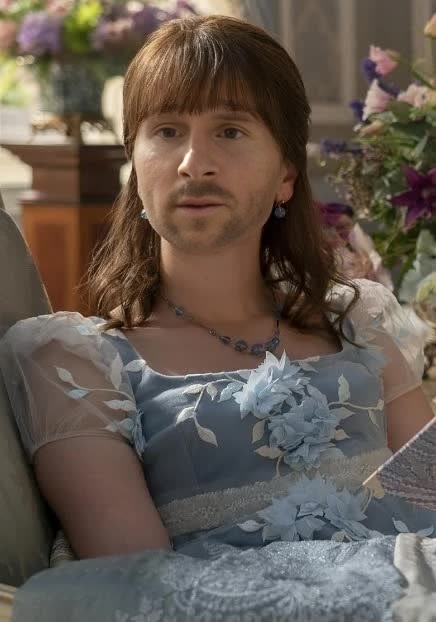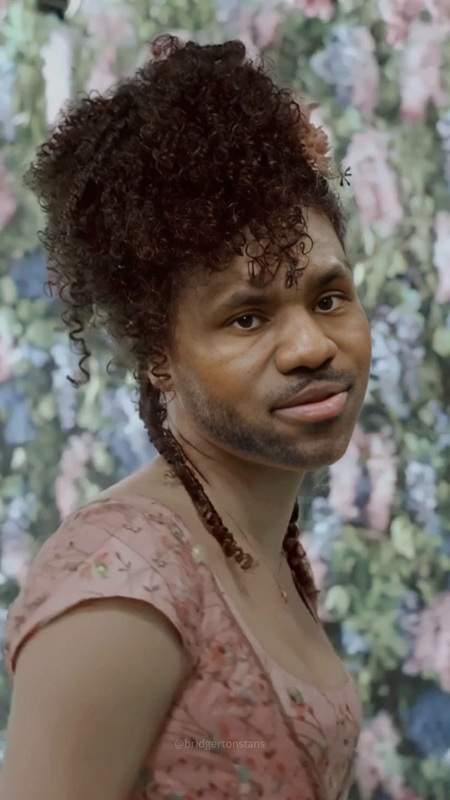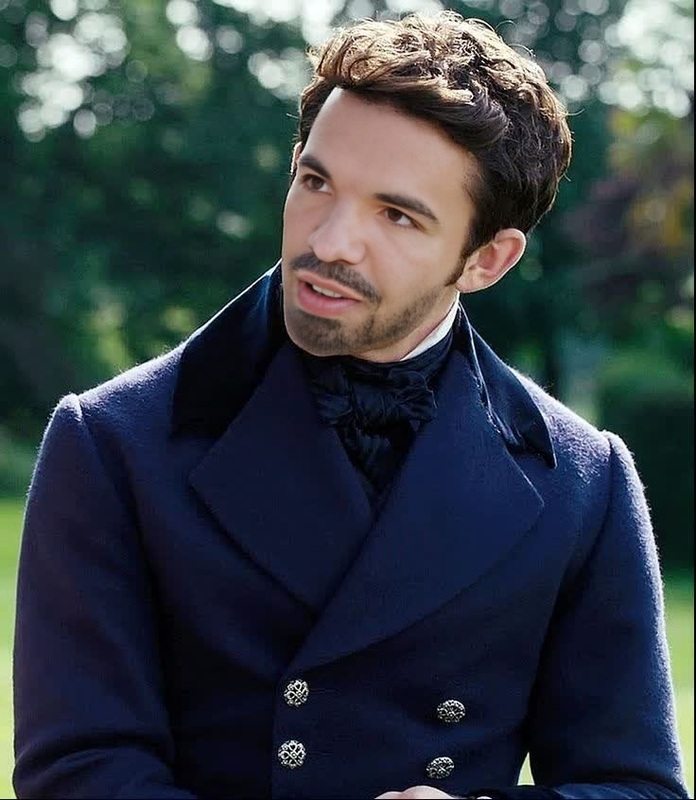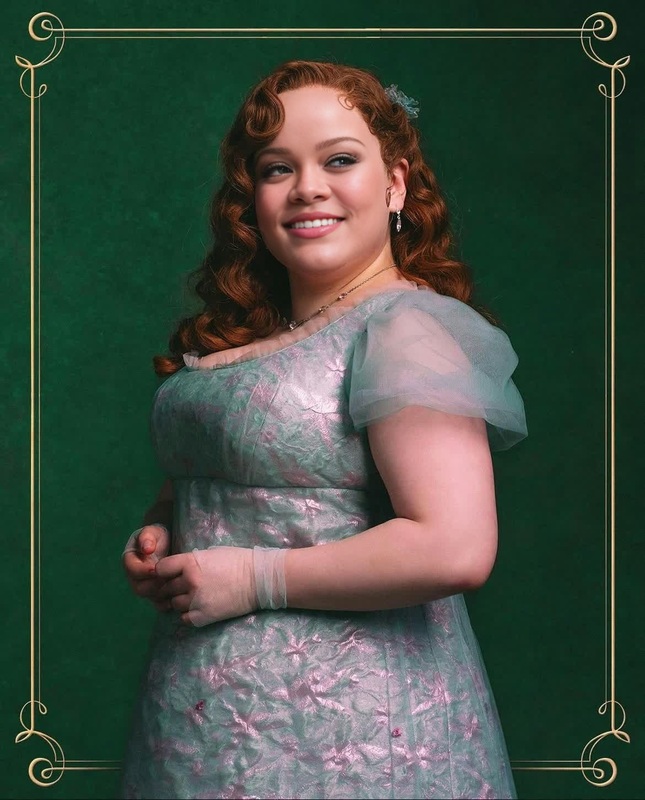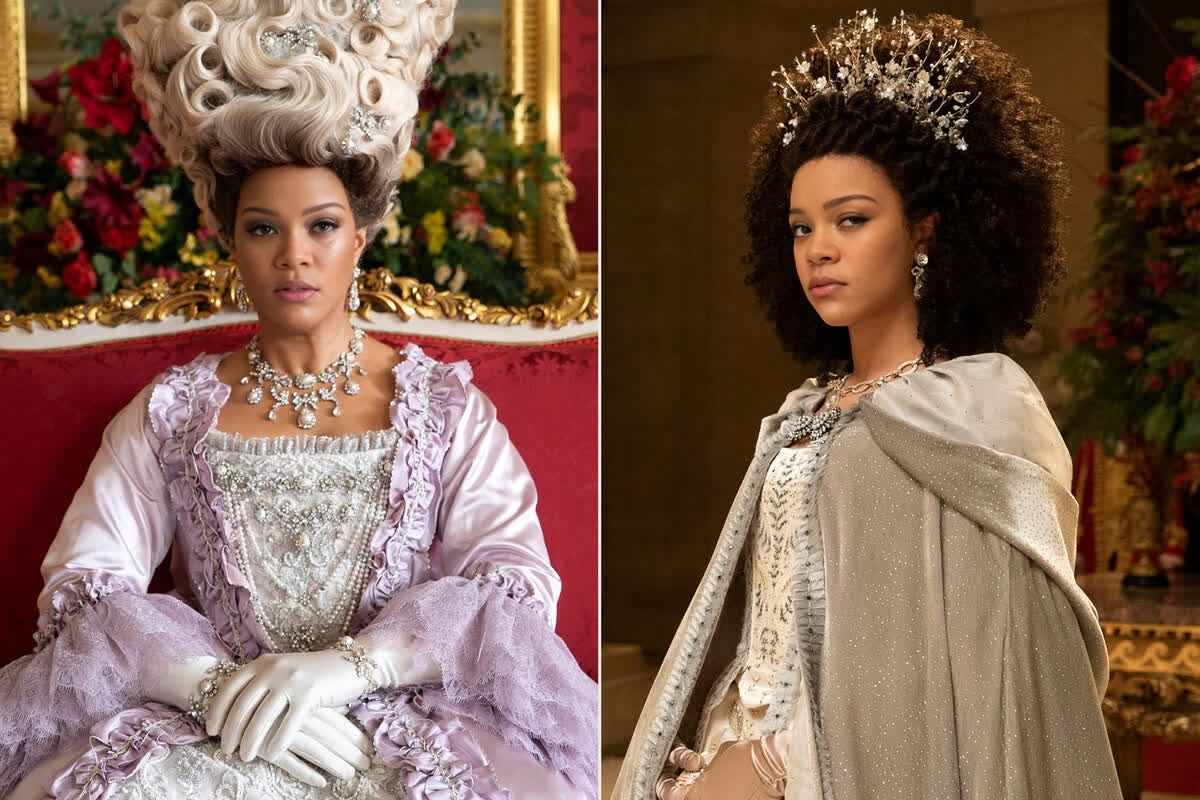
Queen Charlotte Bridgerton Portrait

Queen Charlotte Bridgerton Portrait

Face Swap Photo
1 image
0 uses

Any aspect ratio

Tags

transformations

Overview

Step into the opulent world of Bridgerton with the Queen Charlotte Bridgerton Portrait template. This Video Face Swap tool allows you to transform your videos with a regal flair. Perfect for historical reenactments or adding a vintage twist to modern content, this template merges contemporary applications with period aesthetics.

What It Does

This template leverages advanced Face Swap algorithms to seamlessly integrate the distinguished visage of Queen Charlotte into your existing video content. Enhance promotional videos, social media stories, or personal clips with a touch of royalty.

Who It's For

Whether you're a content creator, marketing specialist, or video production professional, incorporating this template can help you create intriguing content. Users of the Image to Video and other transformation tools will find this template complements their creative projects perfectly.

Summary

The Queen Charlotte Bridgerton Portrait template enables creators to produce eye-catching and historical themed content efficiently. Ideal for engaging social media content and professional presentations, this tool takes your video editing experience to a new level.

How To

    01

    Choose the Template

    Navigate to the Video Face Swap category to find the Queen Charlotte Bridgerton Portrait template.
    02

    Customize Your Inputs

    Upload your video file and select the segment where you want to apply the Queen Charlotte face swap. Adjust the position and size as needed for a perfect fit.
    03

    Generate the Output

    Click 'Generate' to process your video. Once complete, download your transformed video directly to your device.

Use Cases

🎬

Engaging Social Media Content

Create captivating video content for platforms like Instagram or TikTok.
  • Historical reenactments
  • Royal-themed storytelling
  • Catchy video memes
📈

Promotional Videos

Enhance marketing videos to attract more viewers.
  • Brand storytelling
  • Regal campaign themes
🏰

Educational Content

Visualize historical narratives or lessons with ease.
  • History content
  • Educational video series

Best Practices

  • Select High-Quality Source Videos

    For best results, use high-resolution video files to facilitate better face mapping and blending.
  • Align Features Precisely

    Ensure that the facial features in your source video align well with the Queen Charlotte image for realistic results.
  • Experiment with Different Phases

    Try applying the face swap to various parts of the video to see where it has the most impact visually.

Frequently asked questions

The template supports common formats such as MP4, MOV, and AVI, ensuring compatibility with most video editing projects.

The results are highly realistic, thanks to the advanced algorithms used in the AI Video Generator platform.

Yes, adjustments can be made to ensure the swap looks seamless and natural within the video context.

Definitely, the high-quality output is designed for professional use in marketing, film, and educational videos.

More Like This

Benedict Bridgerton Portrait
1
Benedict Bridgerton Portrait
Daphne Bridgerton Portrait
Edwina Sharma Bridgerton Portrait
8
Edwina Sharma Bridgerton Portrait
Lady Danbury Bridgerton Portrait
Simon Basset Bridgerton Portrait
2
Simon Basset Bridgerton Portrait
Kate Sharma Bridgerton Portrait
Colin Bridgerton Portrait
1
Colin Bridgerton Portrait
Duke Of Hastings Bridgerton Portrait
3
Duke Of Hastings Bridgerton Portrait
Eloise Bridgerton Portrait
5
Eloise Bridgerton Portrait
Marina Thompson Bridgerton Portrait
1
Marina Thompson Bridgerton Portrait
Viscount Bridgerton Portrait
3
Viscount Bridgerton Portrait
Penelope Featherington Bridgerton Portrait
4
Penelope Featherington Bridgerton Portrait

Face Swap Video