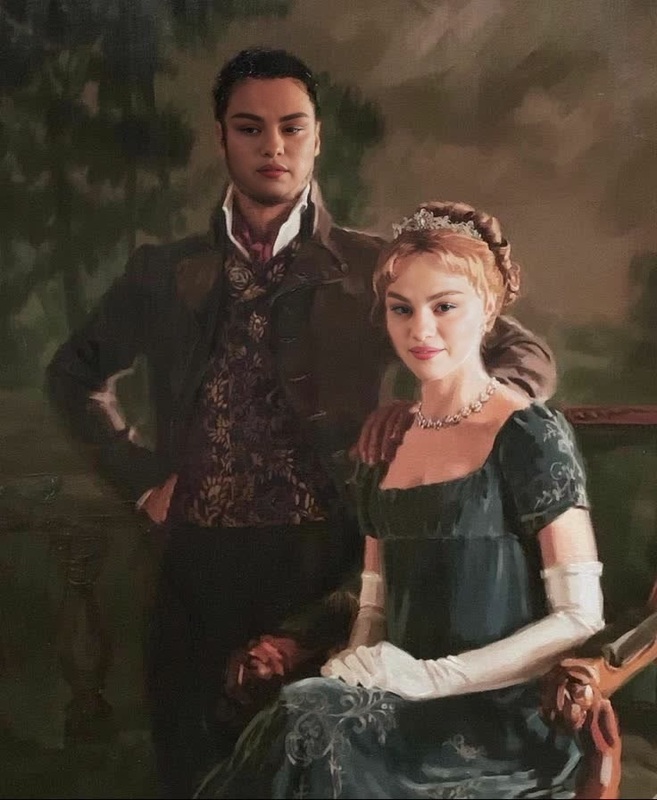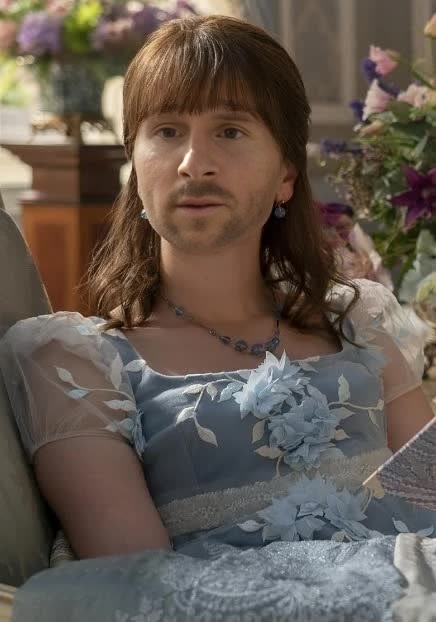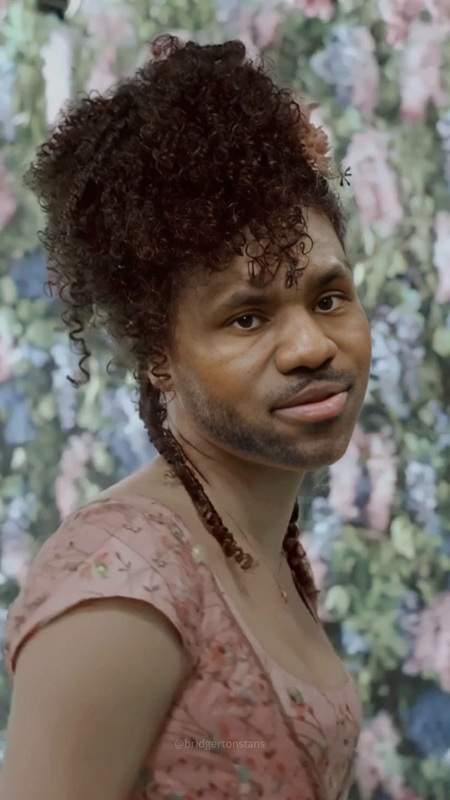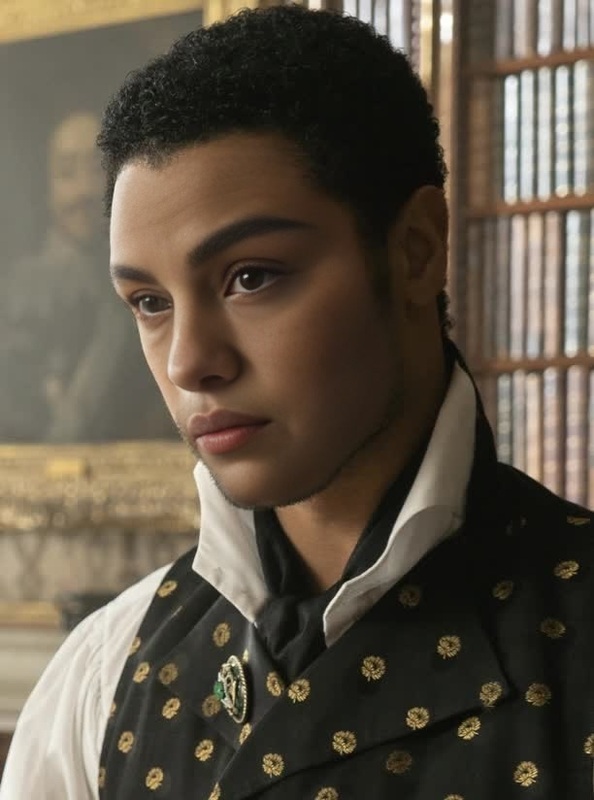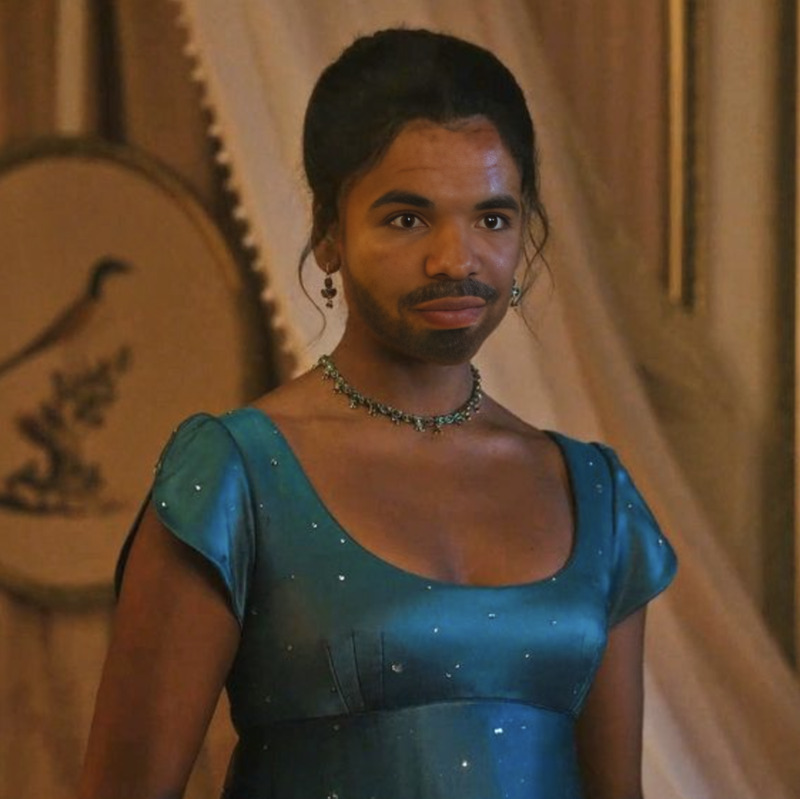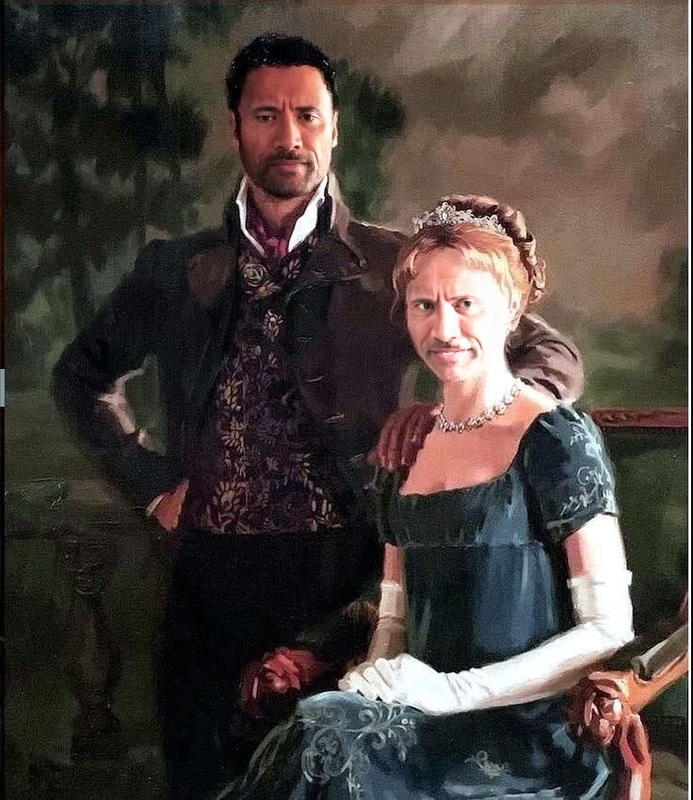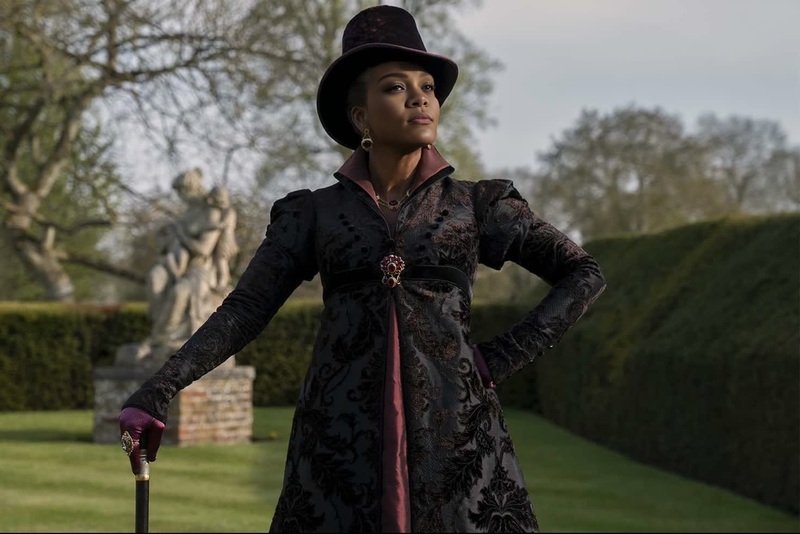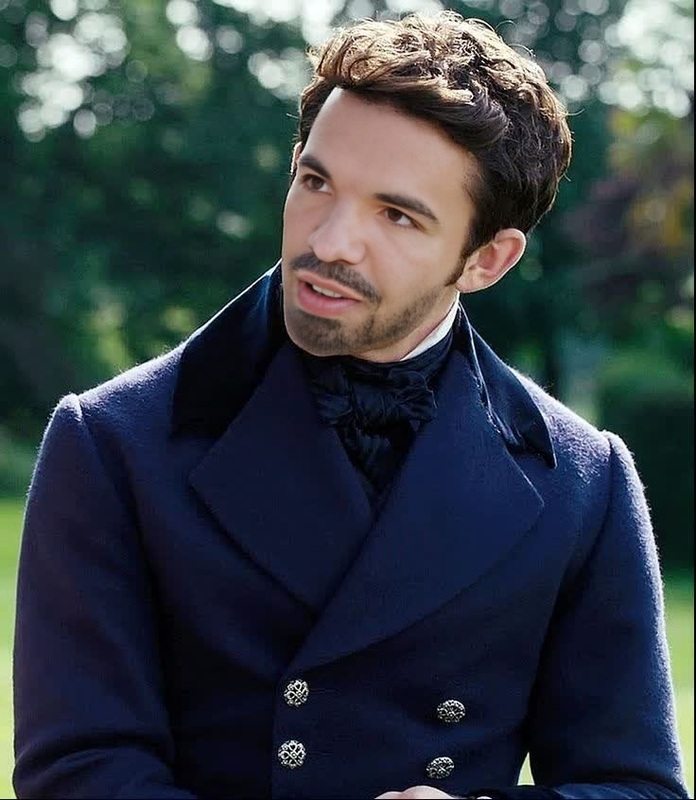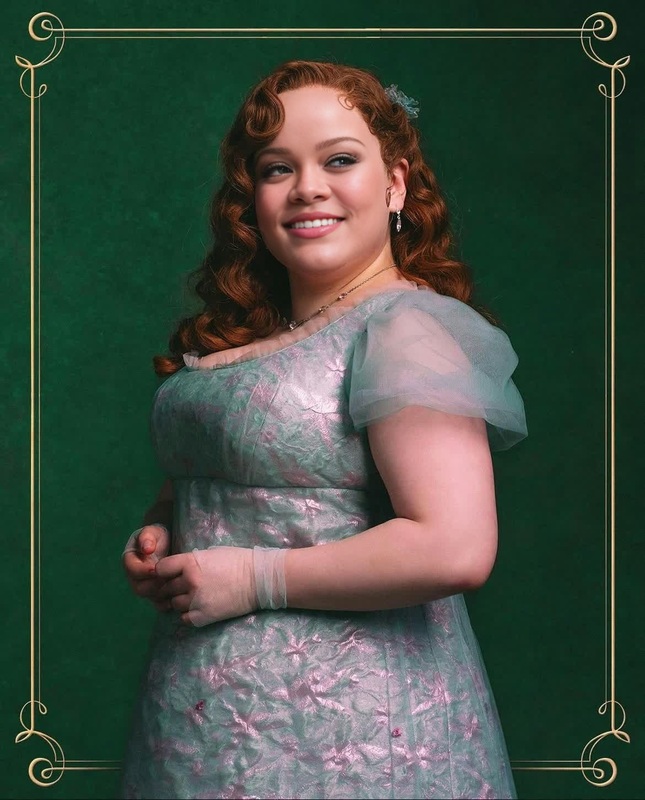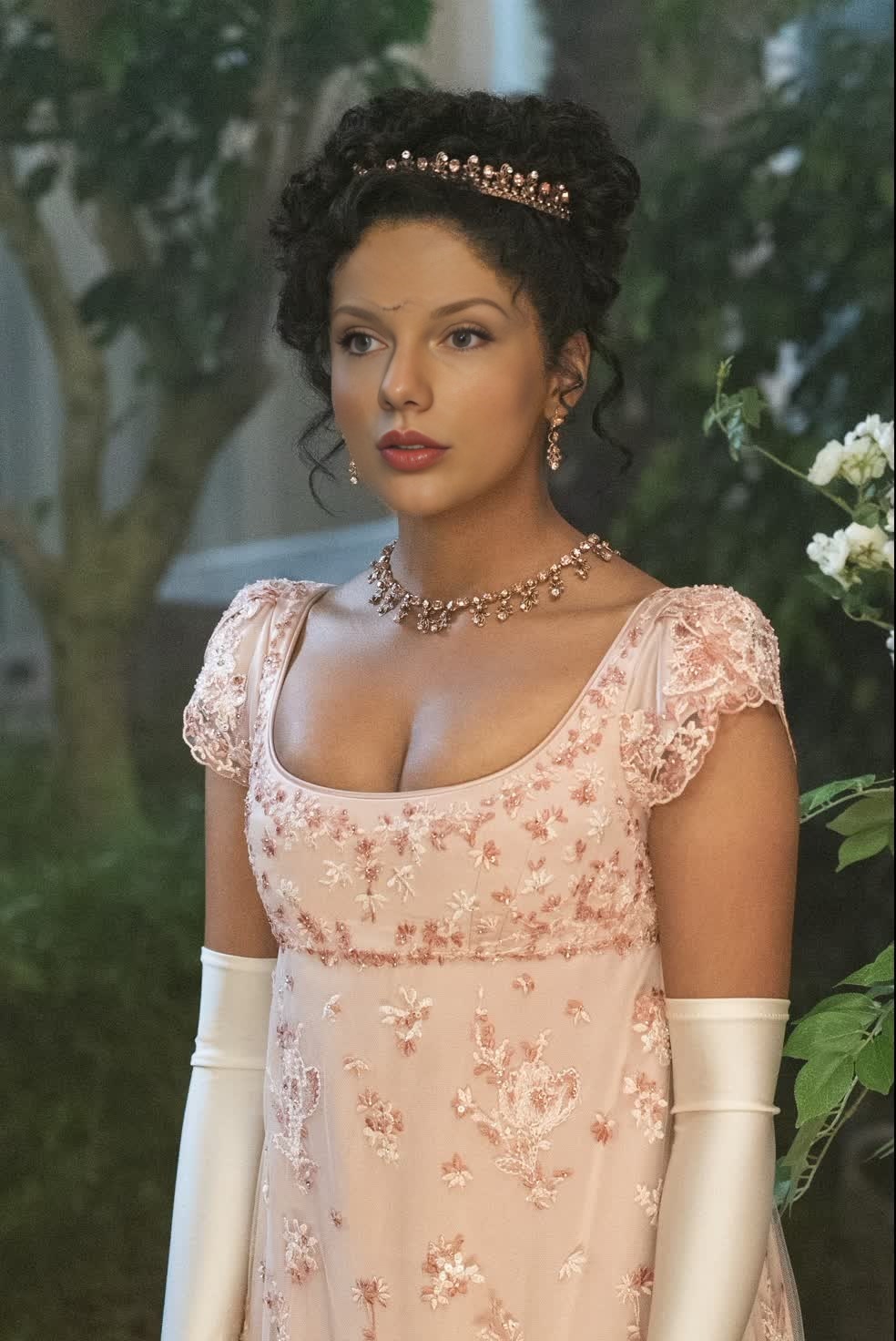
Edwina Sharma Bridgerton Portrait
- Image
- 984 × 1472 px
Any aspect ratio
Overview
Step into the world of Regency-era elegance with the Edwina Sharma Bridgerton Portrait template. This Video Face Swap tool allows you to transform your photos into stunning portraits that capture the charm and sophistication of the Bridgerton series. Whether you're a fan or simply captivated by the era, this template provides a creative way to immerse yourself in its opulence.
What It Does
The Edwina Sharma Bridgerton template uses advanced face swap technology to replace faces in photos with Edwina's iconic look. This tool maintains high-quality image rendering, blending your features seamlessly into a Regency-style portrait. For more artistic transformations, explore our AI Face Editor explored on Magic Hour.
Who It's For
Perfect for Bridgerton fans, period drama enthusiasts, and creative content creators, this template is designed for anyone looking to add Regency flair to their visual projects. Social media managers and marketers will find it particularly useful for themed Instagram or TikTok content. If you're new to face swapping, you might also consider exploring the AI GIF Generator for dynamic creations.
Summary
With this template, effortlessly create captivating Regency portraits that will mesmerize your audience. Transform a simple photo into a masterpiece that echoes the sophistication of Edwina Sharma. For those interested in expanding their creative portfolio, the AI Image Generator is a great tool to visit next.
How To
Choose Your Template

Customize Your Inputs

Generate and Download

Use Cases
Social Media Engagement
- Boost engagement with unique visual content
- Attract Bridgerton fans to your profile
Themed Events
- Enhance Regency-themed parties
- Create unique invitation cards
Best Practices
High-Quality Inputs
Ensure the photo you upload is high-resolution with clear visibility of facial features for optimal results.Lighting and Composition
Good lighting can significantly impact the blending process. Consider using photos taken in natural light or well-lit environments.Experiment with Angles
Different angles may provide varied and interesting results, so feel free to experiment with different shots.