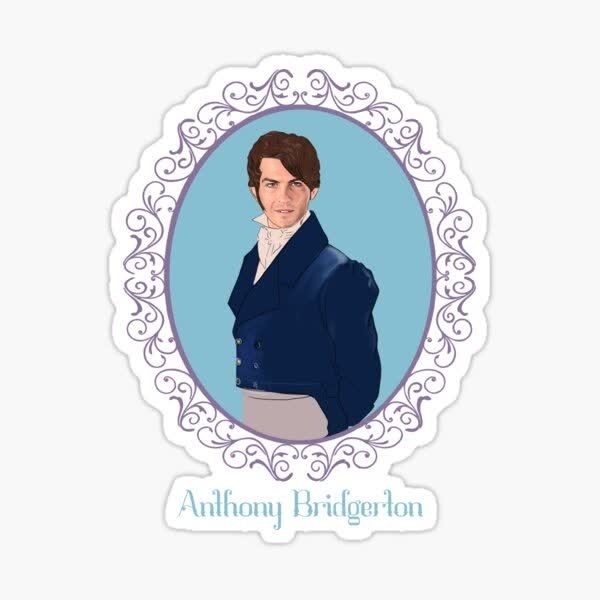
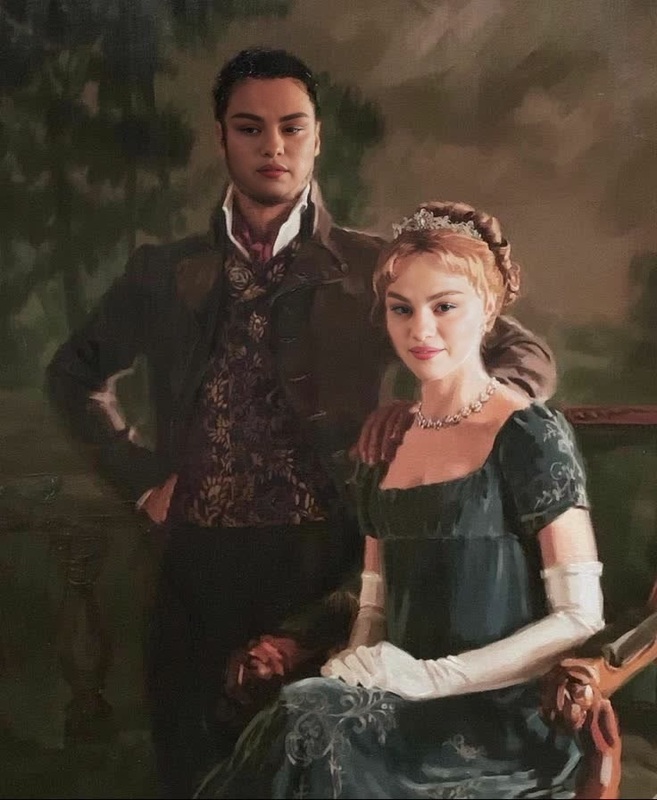
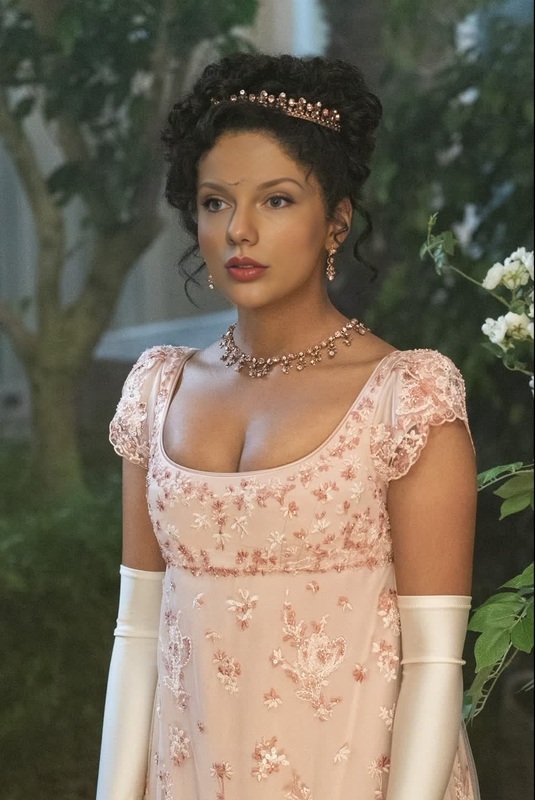
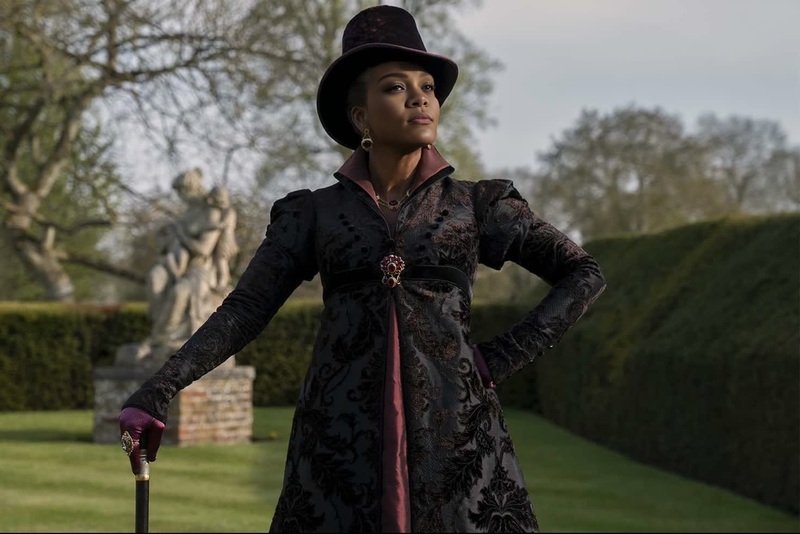
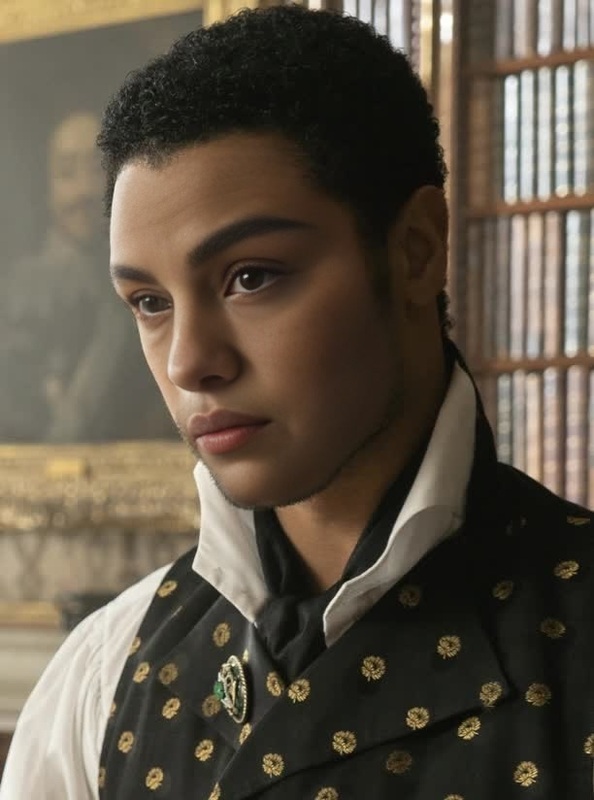
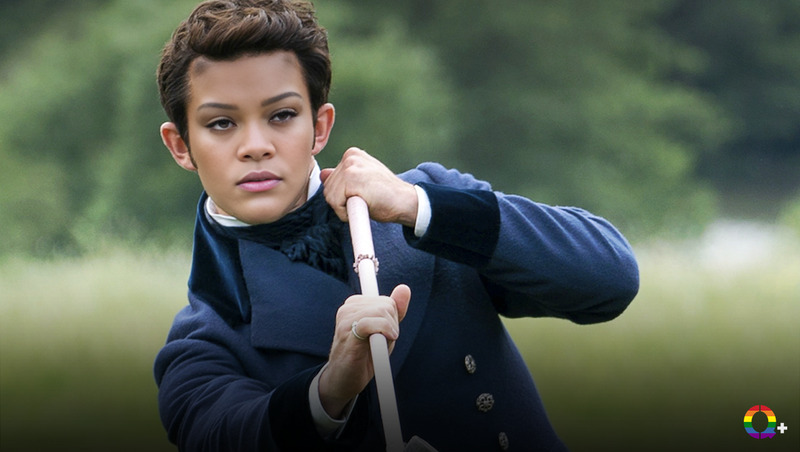
Benedict Bridgerton Portrait
- Image
- 736 × 736 px
Any aspect ratio
Overview
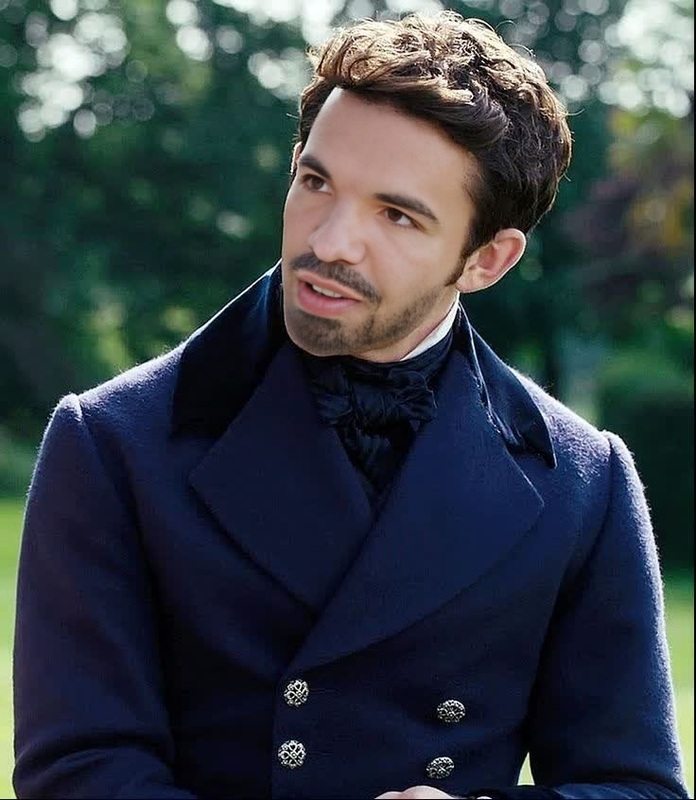
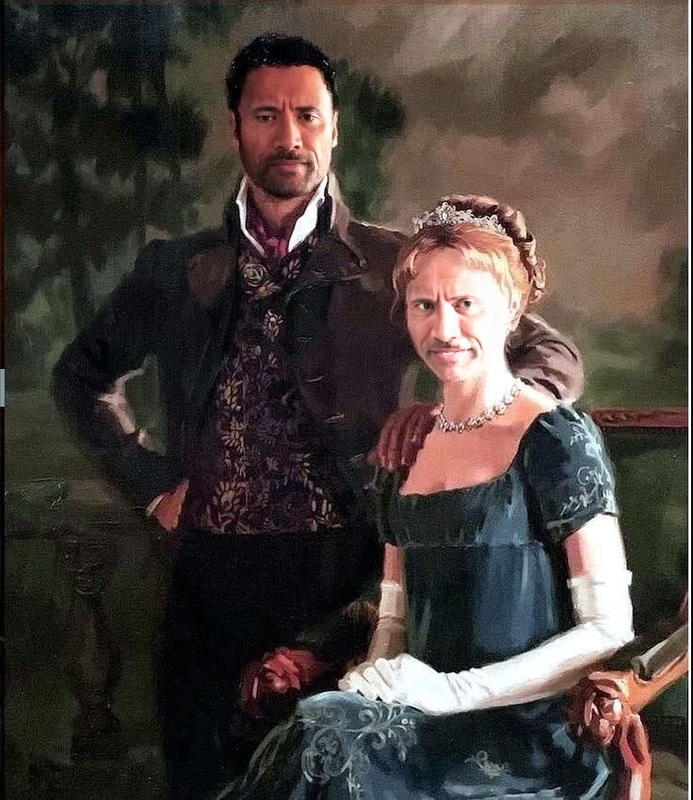
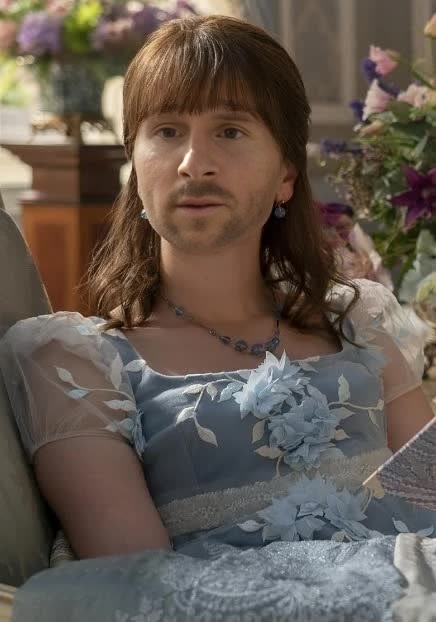
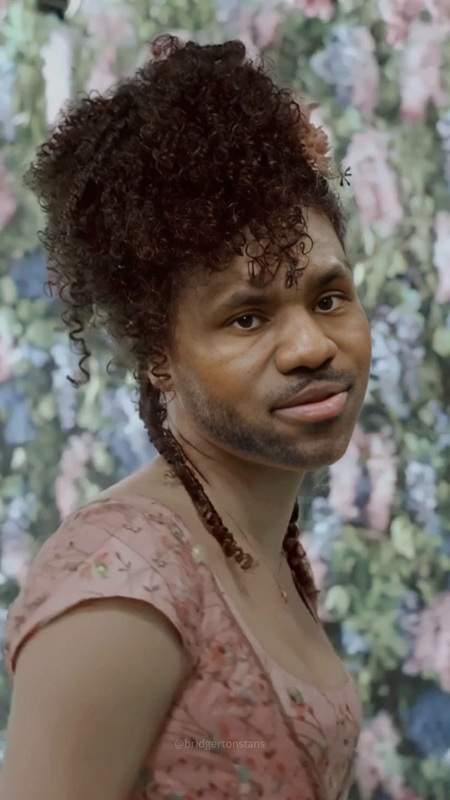
Step into the Regency era with the Benedict Bridgerton Portrait video face swap template. This transformative tool allows you to insert your own face into a classic Bridgerton scene for an enchanting and personalized experience. Perfect for fans seeking a creative outlet to explore their favorite characters.
What It Does
This template performs a Video Face Swap that maps your face onto Benedict Bridgerton, crafted to maintain realism while giving you the charm of the Regency period. Whether you're a content creator or simply exploring new digital identities, you'll find this tool both versatile and easy to use.
Who It's For
Ideal for AI video enthusiasts, fans of the Bridgerton series, and social media influencers looking to add a unique twist to their video content. The template is equally beneficial for those in need of creative assets for entertainment or promotional events.
Summary
With the Benedict Bridgerton Portrait template, immerse yourself in the world of Bridgerton through a personalized video experience. Leverage this face swap technology to captivate your audience with sophisticated and engaging content.
How to Use
Choose the Template

Customize Your Inputs

Generate Your Video

Use Cases
Social Media Enhancement
- Instagram stories
- TikTok videos
- YouTube shorts
Fan Engagement
- Fan meet-ups
- Online groups
- Series-related events
Promotional Content
- Themed weddings
- Promotional trailers
- Historical tours
Best Practices
Use High-Quality Photos
Ensure your input photo is clear and well-lit for best results. This improves the accuracy of the face mapping process.Align Face Properly
Pay careful attention to the alignment markers for a clean and realistic face swap.Experiment with Expressions
Try different facial expressions to add variety and character to the final video output.