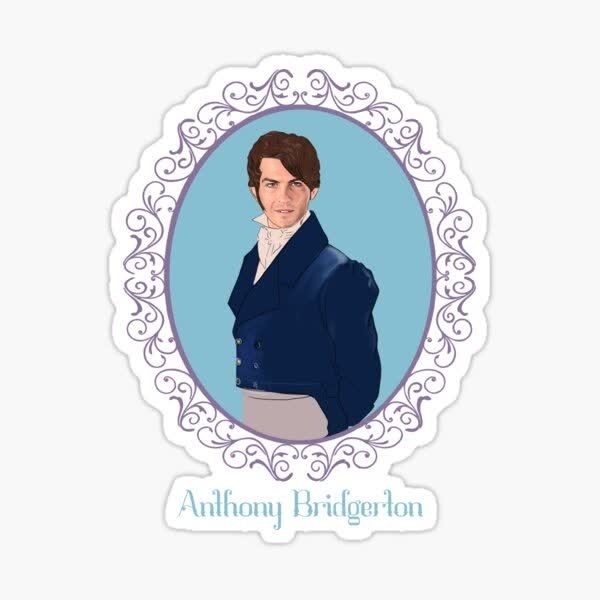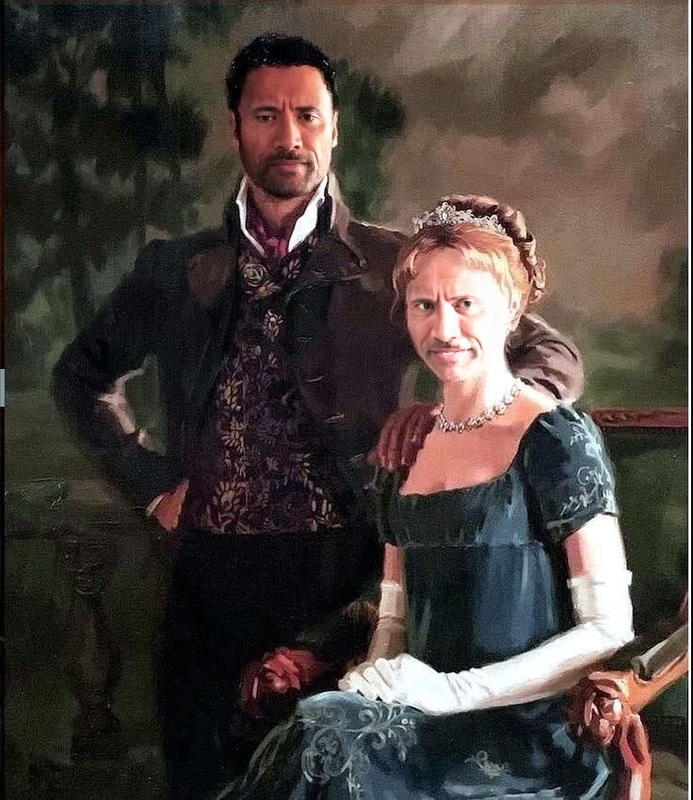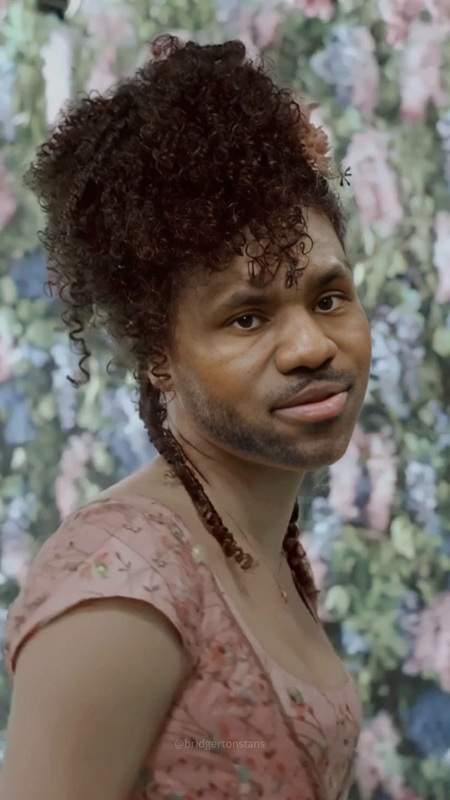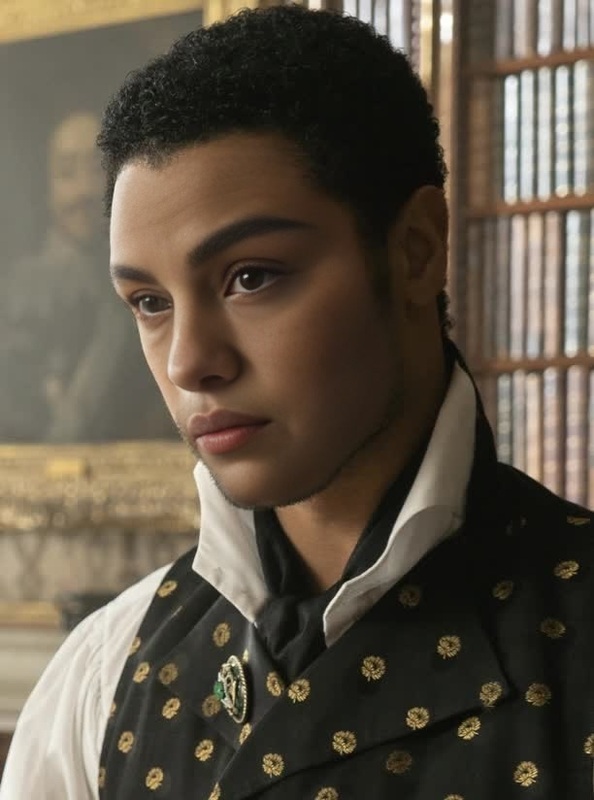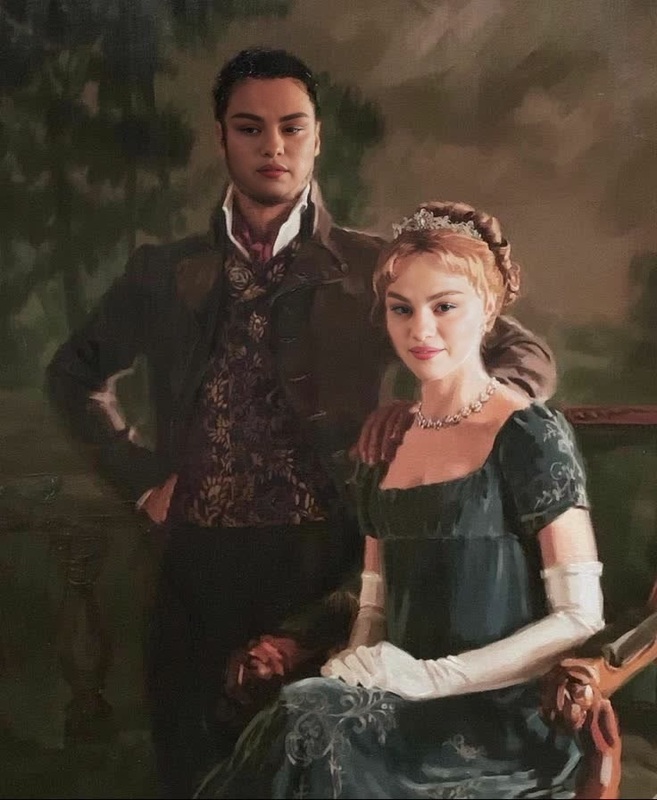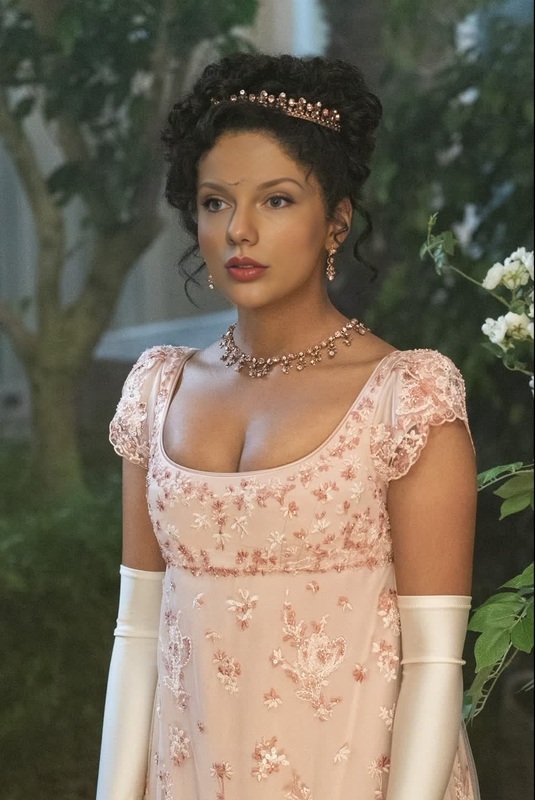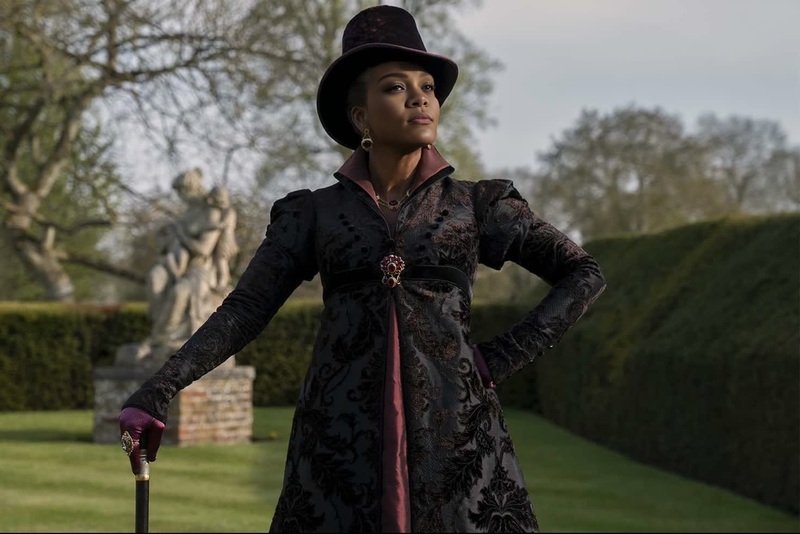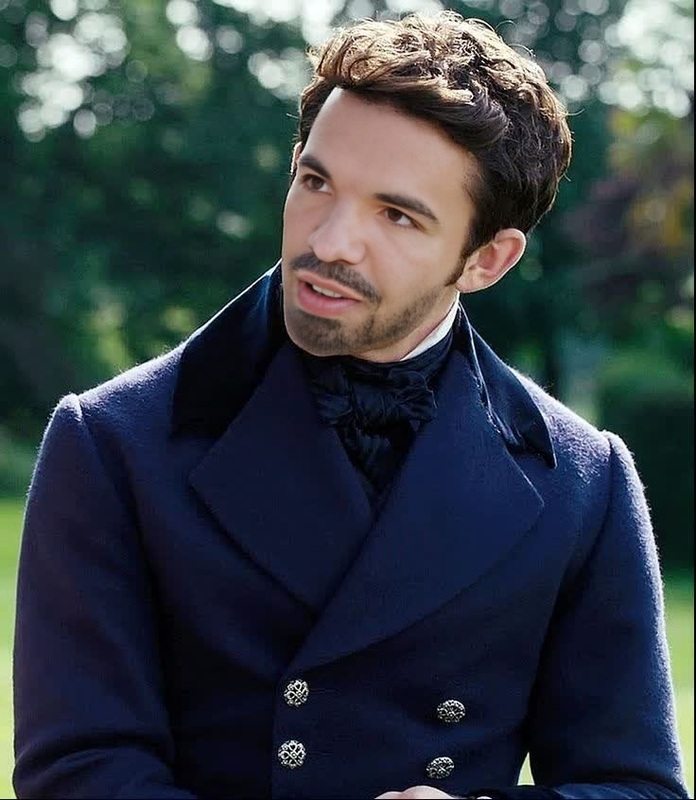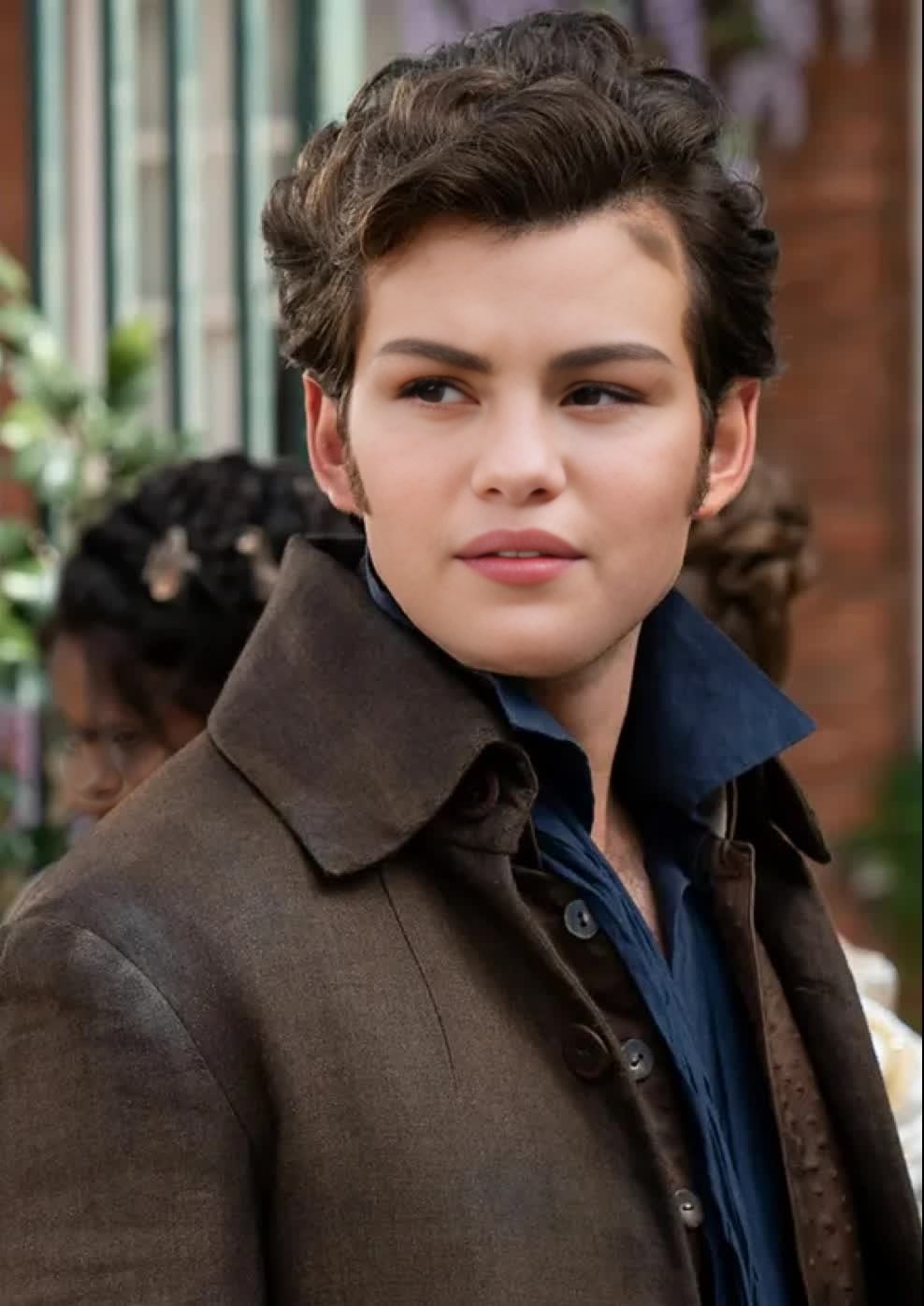
Colin Bridgerton Portrait
- Image
- 988 × 1396 px
Any aspect ratio
Overview
Step into the world of the Bridgertons with the Colin Bridgerton Portrait video face swap template. Perfect for injecting Regency-era elegance into your content, this template allows you to transform any video by swapping faces with the dashing Colin Bridgerton. Engage your audience with a touch of period charm.
What It Does
This Video Face Swap template uses advanced AI technology to replace faces in your videos with Colin Bridgerton's likeness. Leveraging sophisticated algorithms, the template ensures the swapped face integrates seamlessly, maintaining key facial expressions and movements. For more creative face transformations, explore our other Face Swap options.
Who It's For
Ideal for content creators, Regency enthusiasts, and marketers looking to captivate audiences with novel and engaging visuals. Whether you're crafting a historical narrative or simply want to add some flair to your videos, this template will meet your needs. Consider complementing your projects with our AI Image Editor for further enhancements.
Summary
Transform your content with the Colin Bridgerton Portrait video face swap, and experience the elegance of the Regency era in your modern creations. Perfect for various content forms, this tool not only entertains but also resonates with audiences looking for familiar yet creative expressions. For more dynamic video alterations, check out our Text to Video solutions.
How To
Choose the Template

Customize Your Inputs

Generate Your Video

Use Cases
Historical Content Creations
- History documentaries
- Themed vlogs
Social Media Engagement
- Instagram Reels
- TikTok content
Marketing Campaigns
- Brand promotions
- Event announcements
Best Practices
Select High-Quality Video
Ensure that the video you choose has good lighting and clear facial details. This leads to better face swap results.Adjust Parameter Settings
Fine-tune the swap settings for optimal facial alignment and expression integration.Use Complementary Tools
Combine with tools like the AI Video Generator for more profound video transformations.