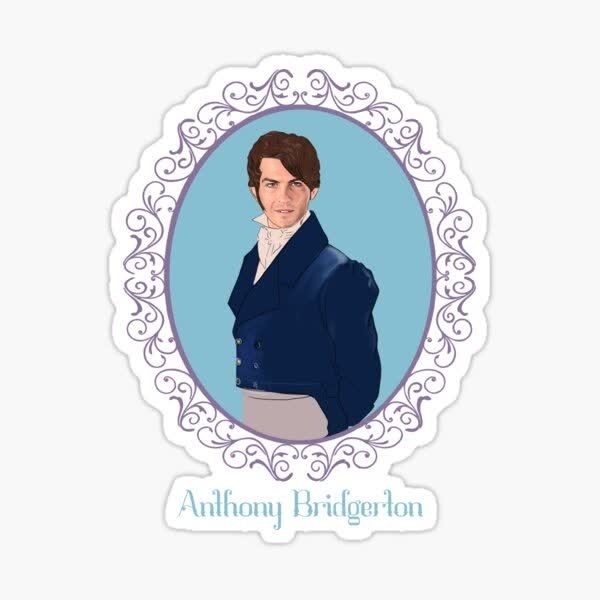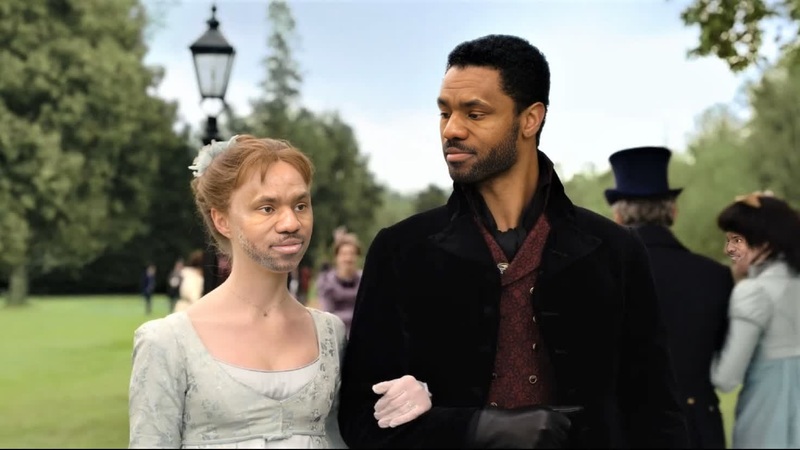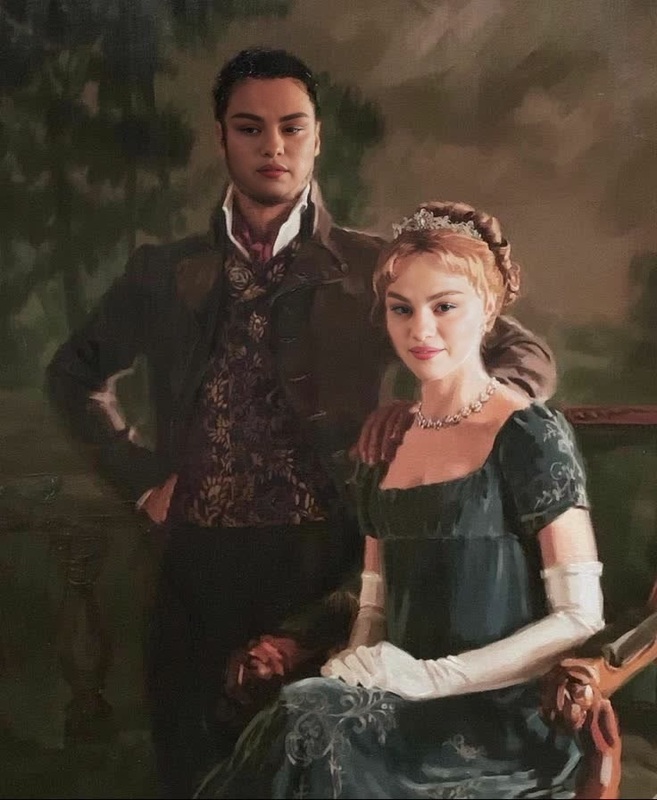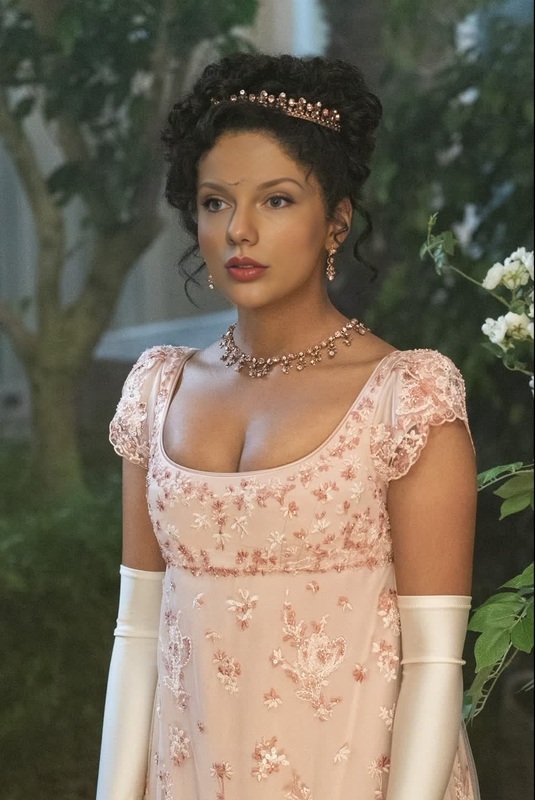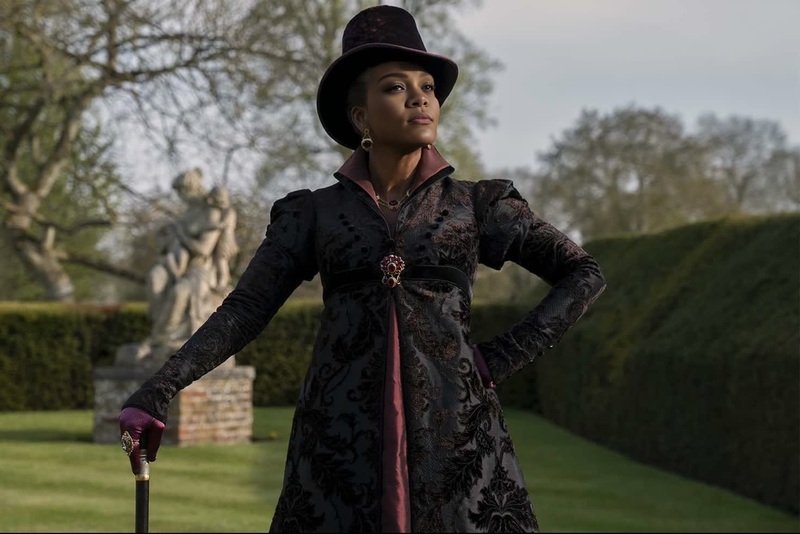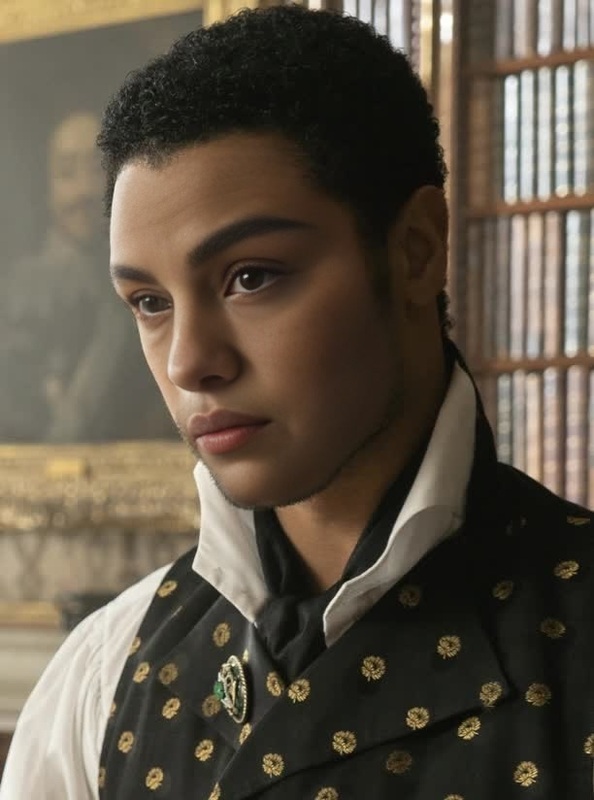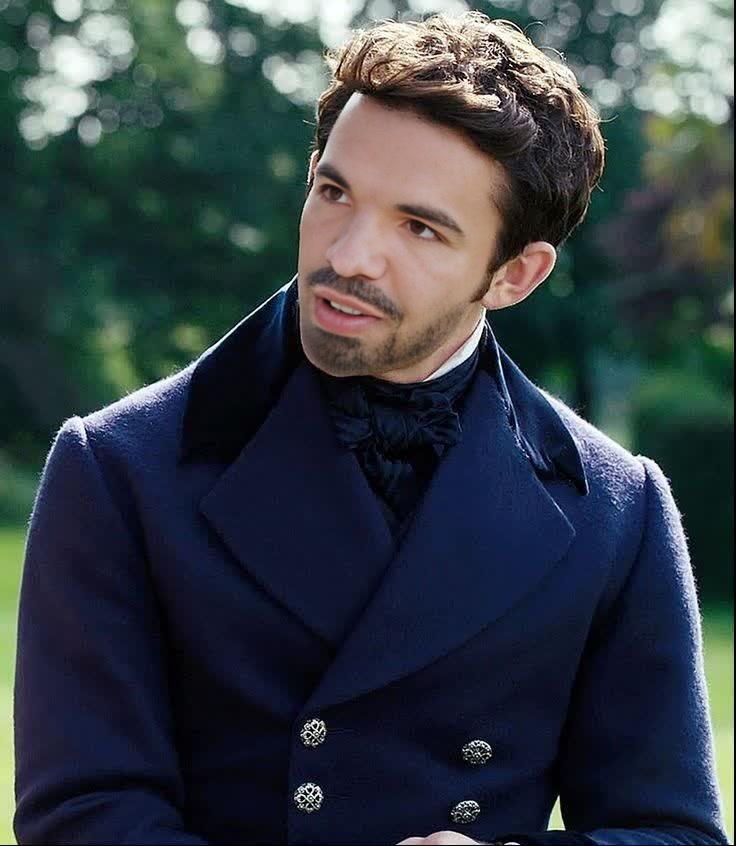
Viscount Bridgerton Portrait
- Image
- 736 × 846 px
Any aspect ratio
Overview
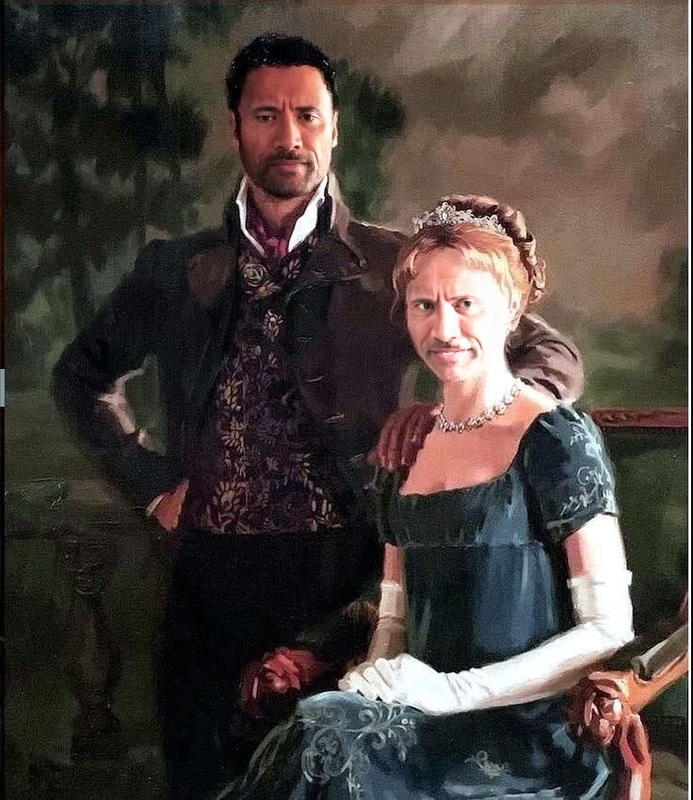
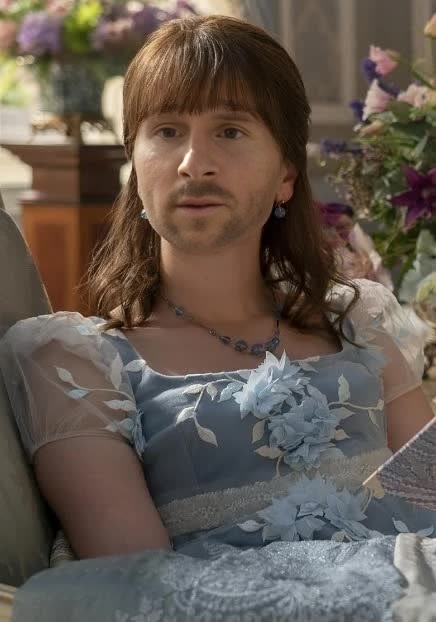
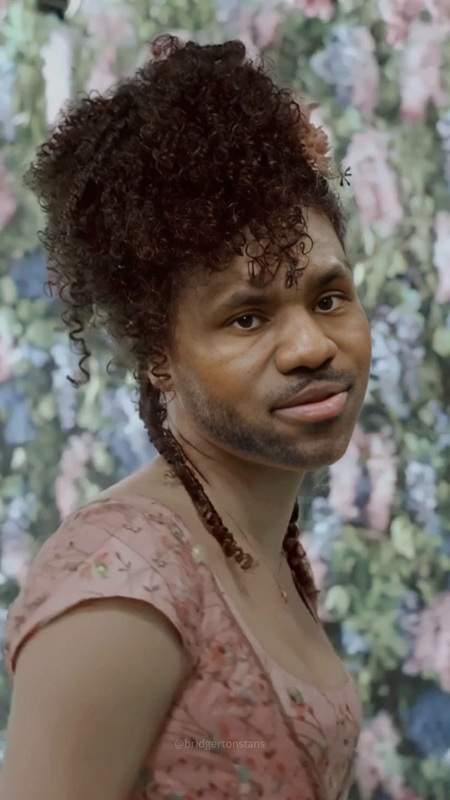
Transform your personal photos into captivating Bridgerton-style portraits with the Viscount Bridgerton Portrait template. This Video Face Swap tool lets you step into the graceful and visually stunning world inspired by the iconic series. Whether you're a fan of period dramas or simply seeking a creative transformation, this template offers a blend of classical elegance and modern AI technology.
What It Does
The Viscount Bridgerton Portrait template employs advanced face-swapping technology to seamlessly morph your face onto classic Bridgerton character attire and settings. It takes advantage of state-of-the-art AI models to ensure realistic lighting and shading, maintaining a natural look in your new persona. This is not just about swapping faces; it’s about integrating your features into a different era, offering an authentic and enriched visual experience.
Who It's For
This template is ideal for fans of the Bridgerton series looking to personalize their social media content or gifts. It's equally valuable for creators aiming to produce thematic videos for platforms like TikTok or Instagram. Professional content creators and marketers can also use this tool to add a historical twist to social media ads or promotional materials.
Summary
The Viscount Bridgerton Portrait template offers a unique way to combine the past with modern AI capabilities, bringing your creative ideas to life. From online personalities to marketing experts, anyone can use this tool to produce visually stunning face swap videos that entice and engage viewers. For those looking to refine their visual storytelling, exploring our Face Swap product can expand your creative toolkit.
How-To
Choose Your Template

Customize Your Inputs

Generate Your Video

Use Cases
Social Media Content
- Create standout Instagram Stories or Reels.
- Generate viral content for TikTok.
Event Invitations
- Perfect for themed parties.
- Adds a personal touch to wedding invites.
Fan Art
- Share customized fan edits online.
- Create unique fan merchandise.
Best Practices
Choose High-Quality Photos
To ensure the best swap results, use clear, high-resolution photos where your face is well-lit and directly facing the camera.Align Features Accurately
Take your time to correctly position facial features on the template to maintain realism and avoid distortions.Experiment with Lighting
Use the AI Photo Relighting tool to adjust the lighting in your original photos if needed for a more seamless blend.