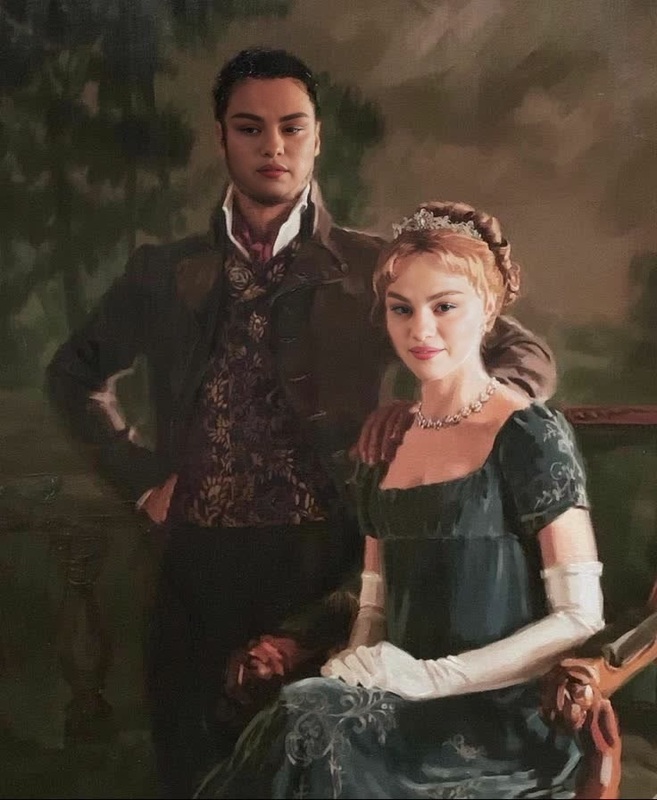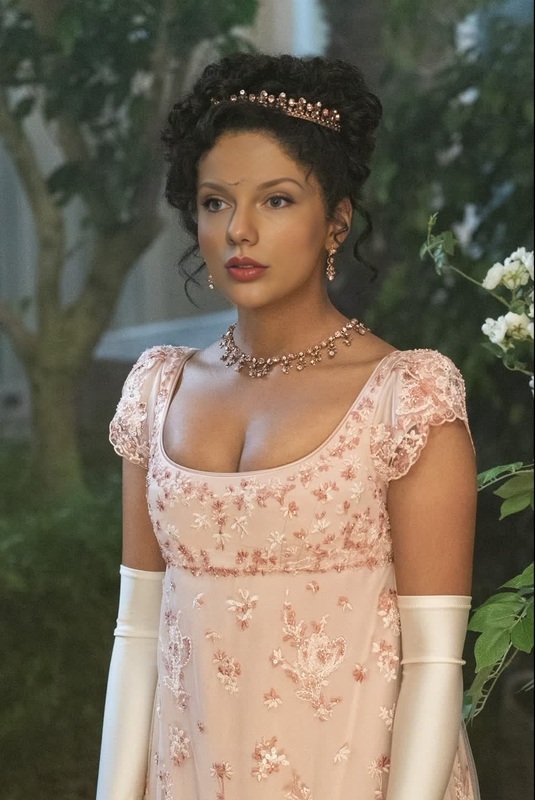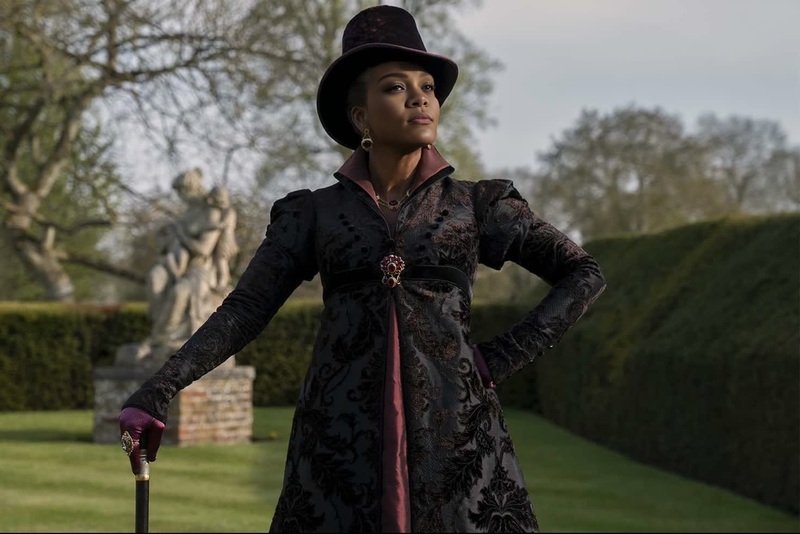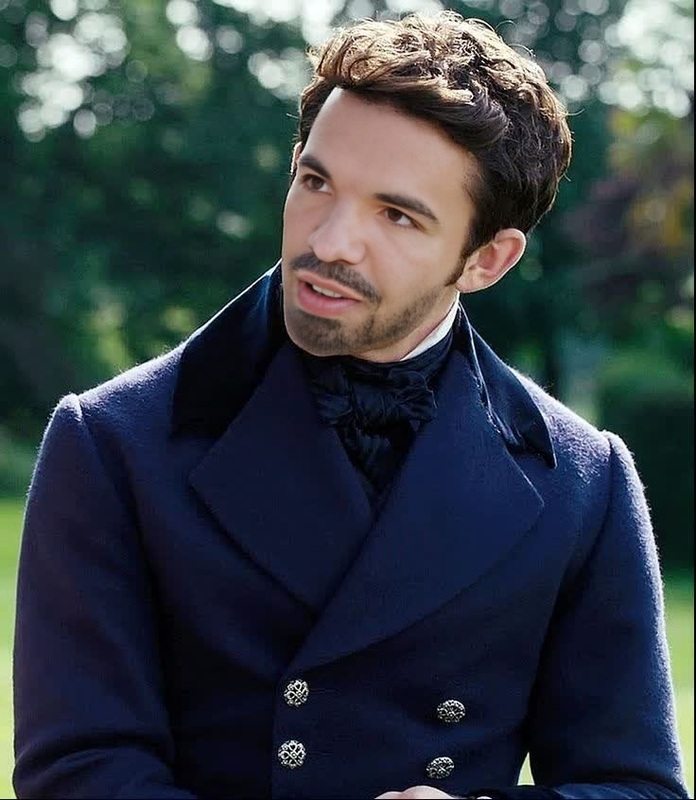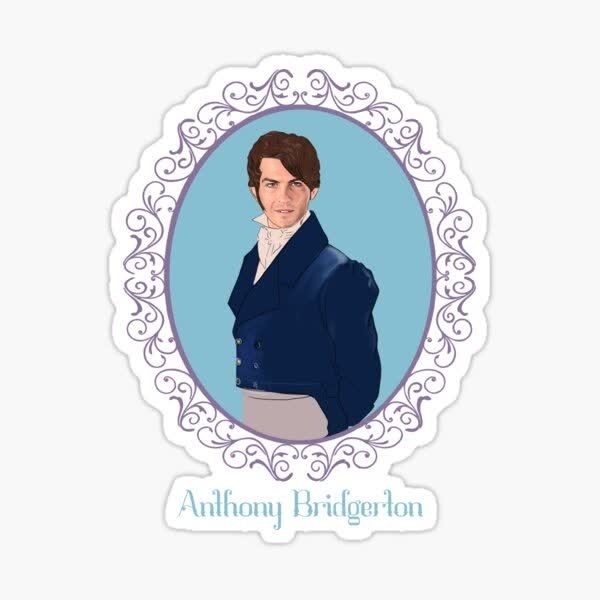
Anthony Bridgerton Portrait
- Image
- 600 × 600 px
Any aspect ratio
Overview
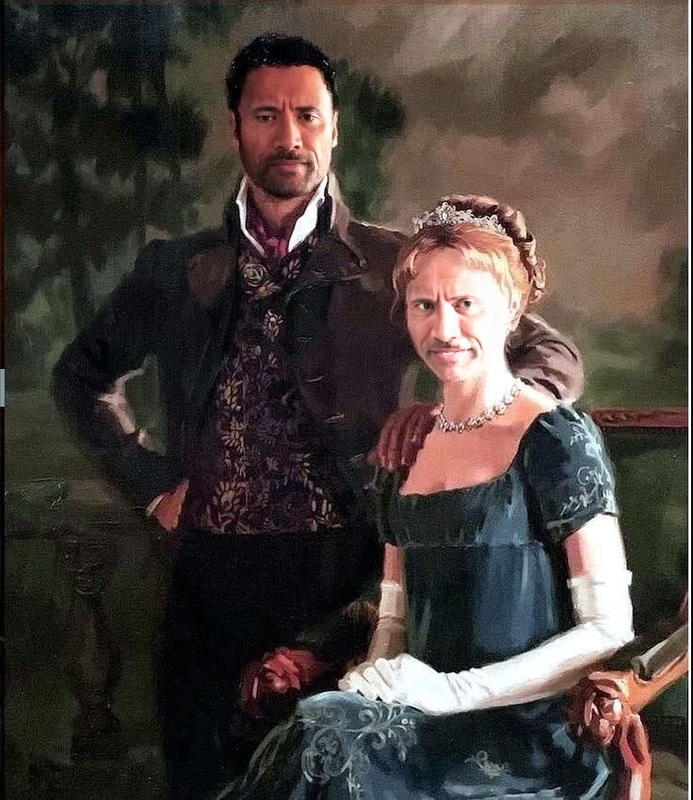
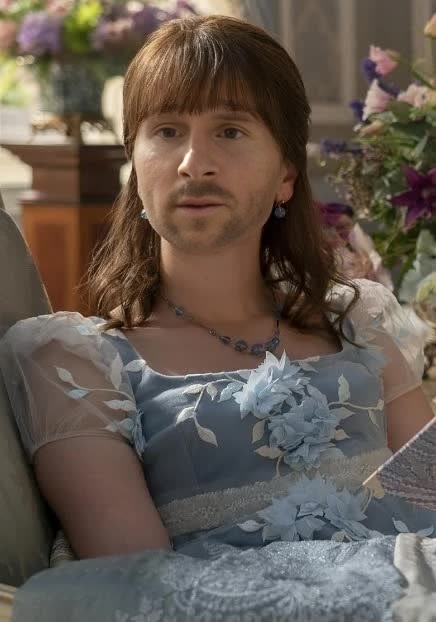
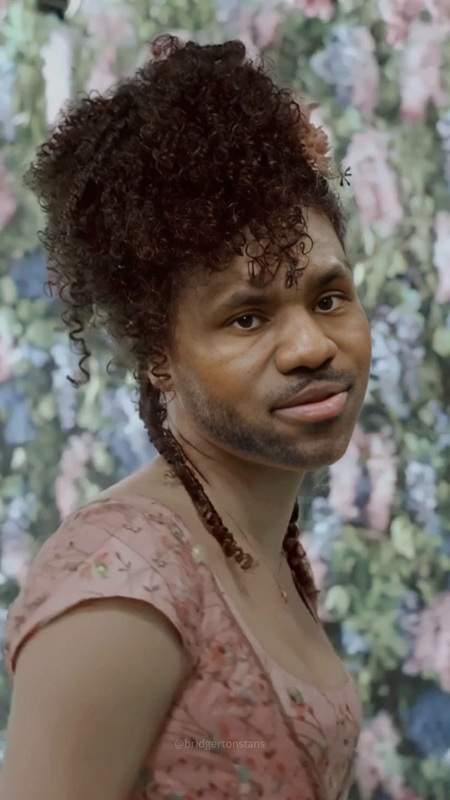
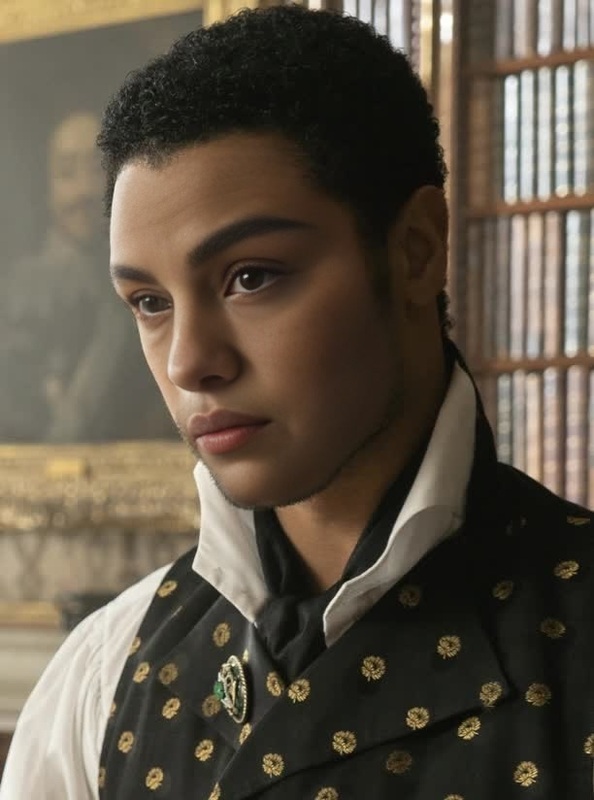
Step into the world of Regency romance with the Anthony Bridgerton Portrait template. This Video Face Swap tool allows you to replace faces in your videos with the charismatic visage of Anthony Bridgerton, creating a polished and period-perfect visual story. Whether you're producing fan content or just want to add an elegant twist to your videos, this template makes it possible with ease.
What It Does
The Anthony Bridgerton Portrait template uses advanced face swap technology to seamlessly integrate Anthony Bridgerton's likeness into your videos. Simply upload a video and let the template overlay his face with remarkable accuracy and detail. This transformation works with various file formats, ensuring high-quality output that maintains the charm and authenticity of the character.
Explore how it complements tools like Face Swap and AI Video Generator for creating captivating video narratives.
Who It's For
This template is ideal for content creators, social media influencers, and fans of the Bridgerton series, looking to infuse their videos with a touch of historical drama. It's perfect for anyone aiming to engage audiences with creative storytelling and distinctive visual elements. Teachers or marketers creating Regency-themed content will also find this tool invaluable.
Summary
Transform your video projects into Regency-era masterpieces with the Anthony Bridgerton Portrait template. It's a specialty solution for those seeking to add a unique character-driven dimension to their content. Whether it's for entertainment or educational purposes, this tool simplifies the process of character integration.
Don't forget to check out the AI Clothes Changer to complement your face swap with authentic period attire.
How To
Choose the Template

Customize Your Video

Generate and Save

Use Cases
Social Media Engagement
- Create unique video stories featuring Anthony Bridgerton.
- Boost audience interaction through creative videos.
Fan Creations and Edits
- Create fan art videos and share within the community.
- Edit original scenes with your own unique spin.
Bridgerton-Themed Campaigns
- Design campaigns centered around historical or romantic themes.
- Incorporate in educational videos discussing Regency history.
Best Practices
High-Quality Source Videos
For the best face swap results, use high-resolution videos with clear facial features. This ensures the face swap is seamless and retains the desired quality.Lighting Considerations
Adjust the lighting settings to match the original video's ambiance. This helps in maintaining a uniform visual tone across the video.Test with Short Clips
Before swapping in longer videos, test the effect with shorter clips to fine-tune the placement and lighting adjustments.