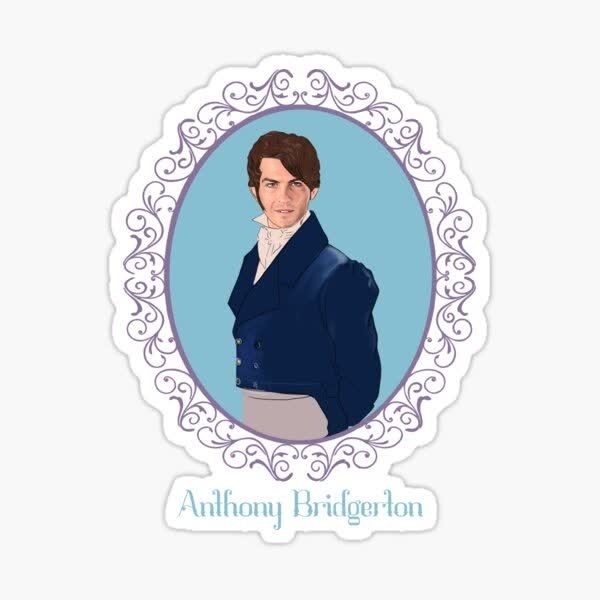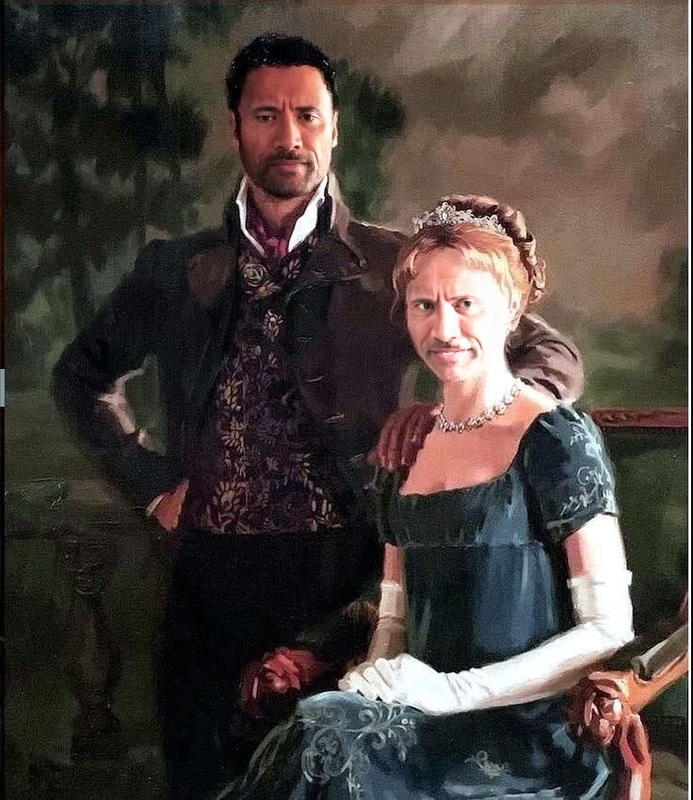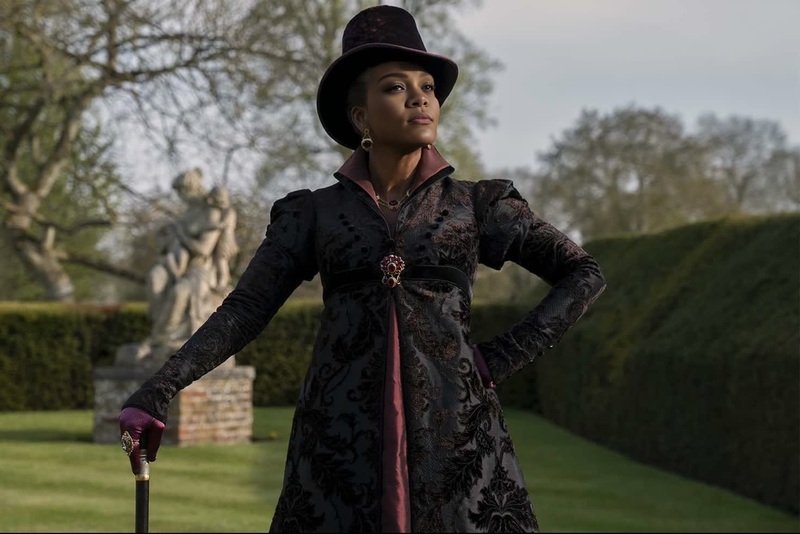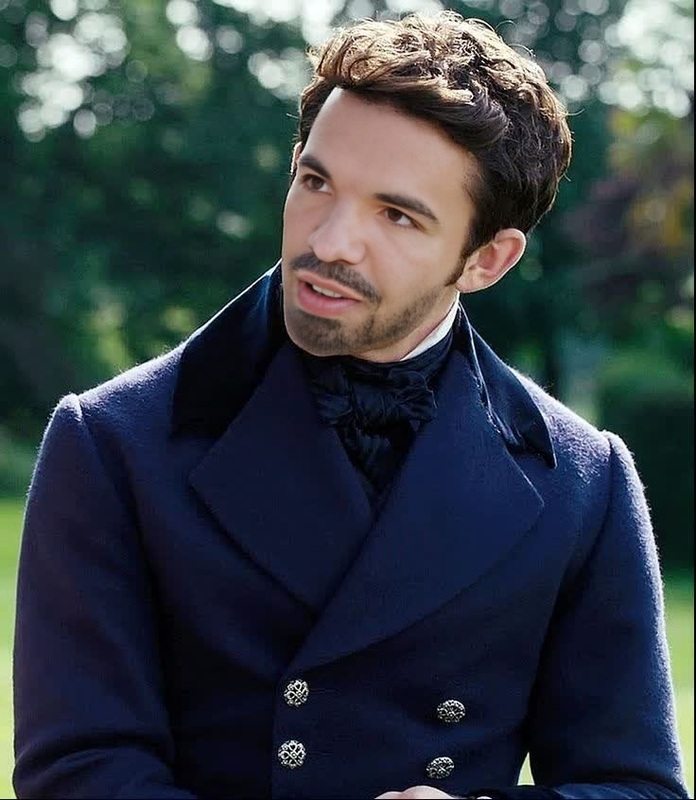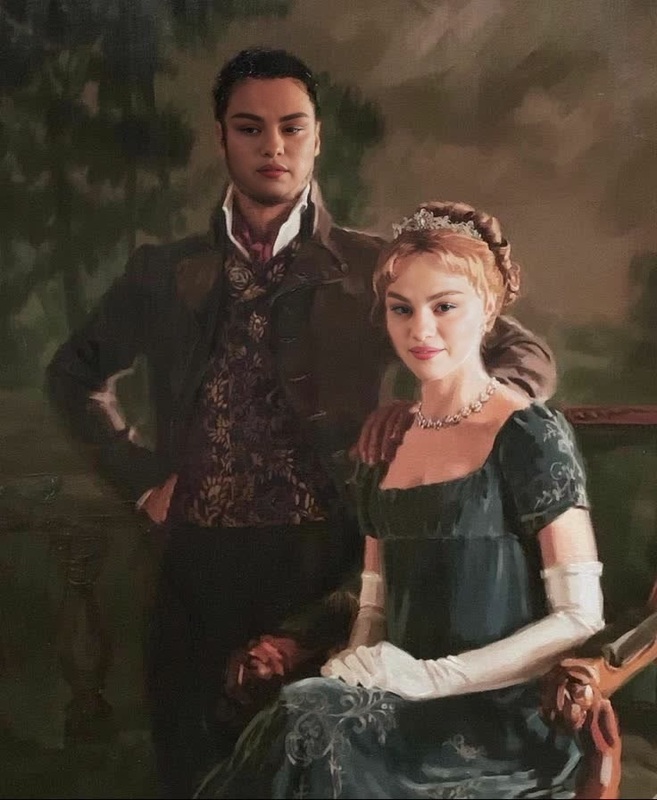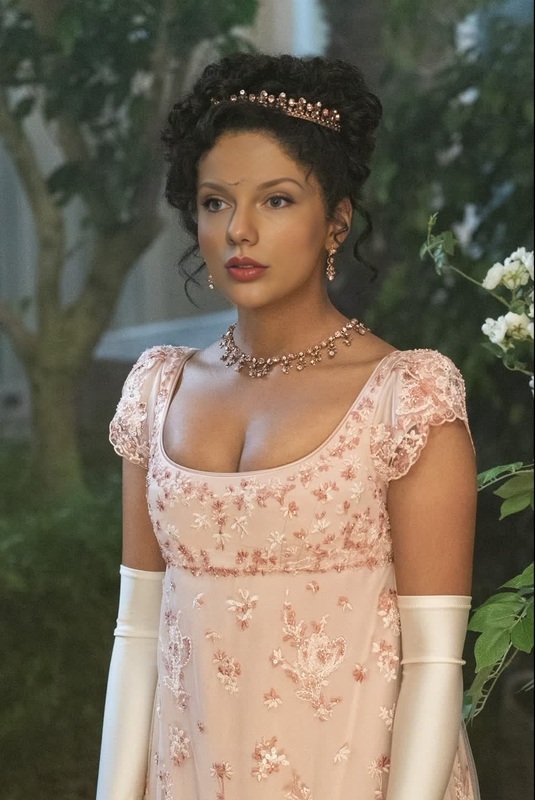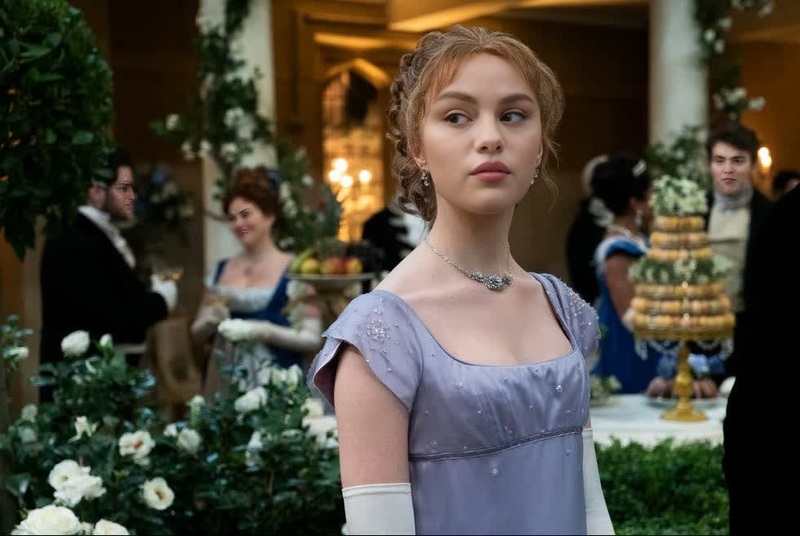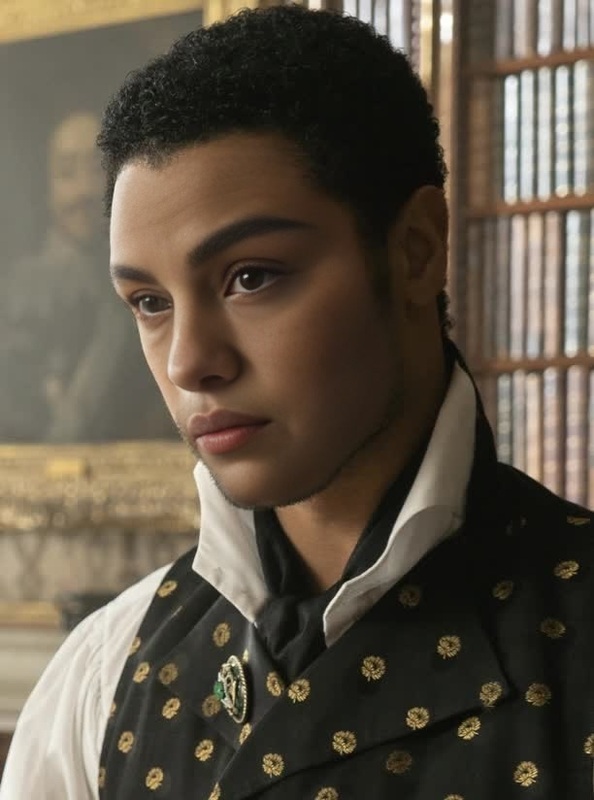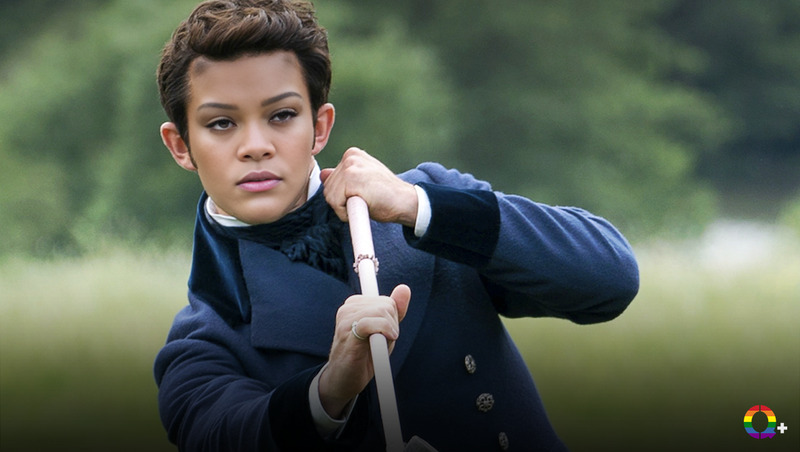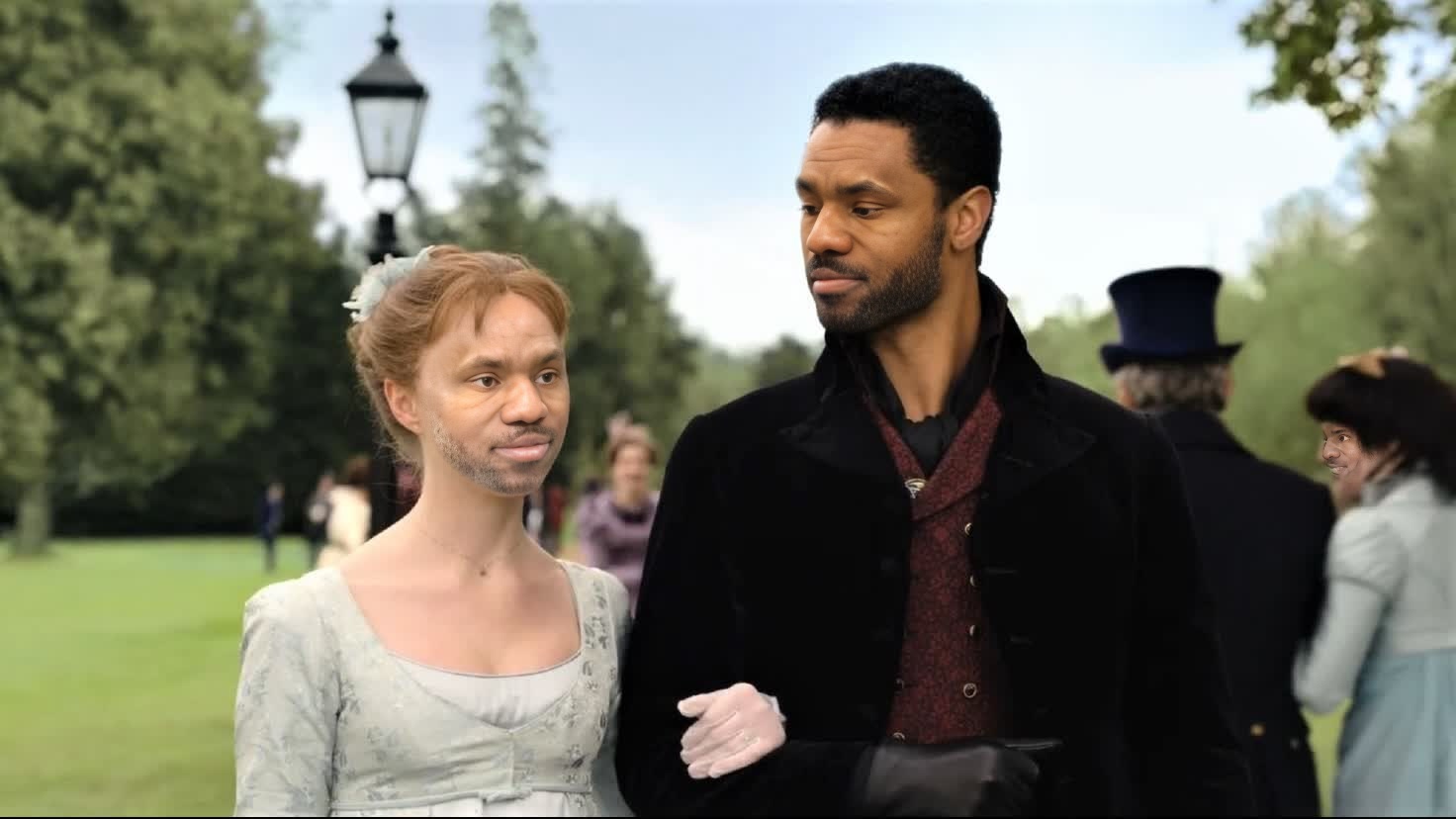
Rege-Jean Page Bridgerton Season 1 Portrait
- Image
- 1472 × 828 px
Any aspect ratio
Overview
Welcome to the Rege-Jean Page Bridgerton Season 1 Portrait template for Video Face Swap. This template allows you to swap faces in your videos, bringing the charm of the iconic Bridgerton Season 1 to your projects. Easily transform video scenes with this specialized tool for a touch of period drama flair.
What It Does
This template is designed to efficiently transform any video content by swapping the face of one actor with that of Rege-Jean Page from Bridgerton Season 1. The high-quality face swap technology provides a seamless integration, making it ideal for professional video editing. For a broader range of transformations, explore our Video Face Swap product offerings.
Who It's For
This template is perfect for content creators, influencers, and digital marketers looking to add a unique twist to their videos. It's also valuable for filmmakers and editors who want to experiment with different casting scenarios or just infuse some fun into personal projects. If you are into creative transformations, check out our AI Clothes Changer.
Summary
The Rege-Jean Page Bridgerton Season 1 Portrait template makes face swapping straightforward and effective. Whether you're crafting personalized video messages or enhancing your social media content, this template offers a compelling way to capture attention. Dive into our AI Video Generator for more innovative solutions to elevate your video production.
How-To
Choose the Template

Customize Your Video

Generate Your Video

Use Cases
Creative Storytelling
- Ideal for fan-made videos
- Great for parody content
Social Media Campaigns
- Boosts engagement rates
- Encourages sharing
Marketing and Advertising
- Create eye-catching visuals
- Stand out in a crowded market
Best Practices
Select High-Quality Source Videos
Ensure that the source video is of high quality to guarantee the best output.Adjust Lighting and Angles
Make sure the lighting and angles of the source video match the target video for a more natural face swap.Review and Refine
After generating, review the video to ensure it meets your expectations, and make any needed adjustments.