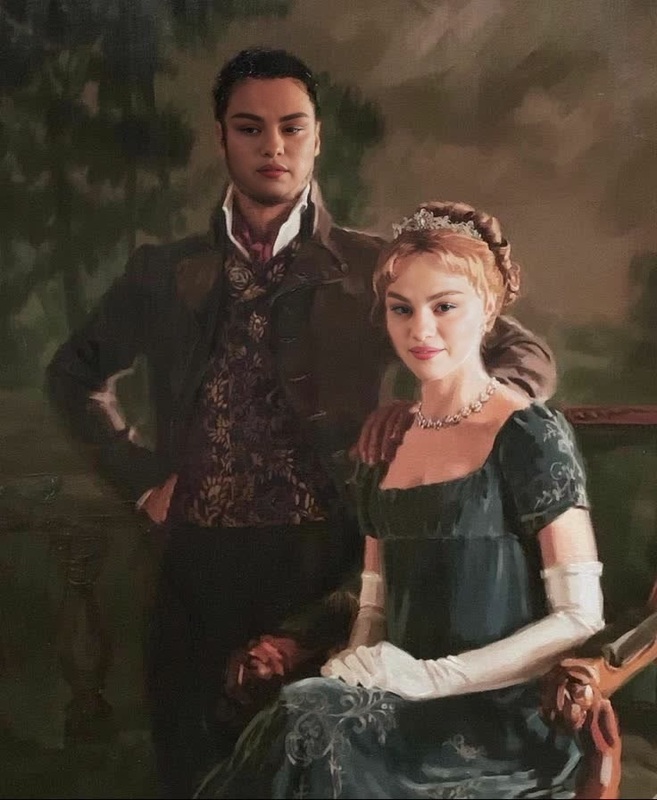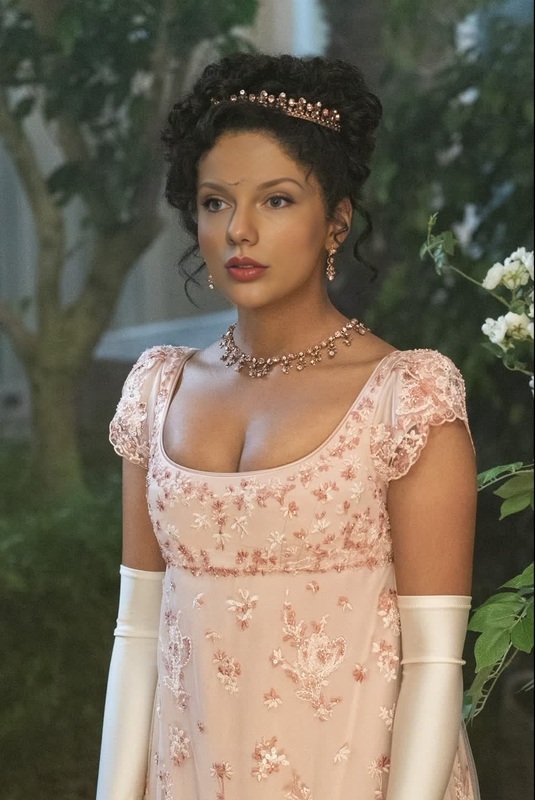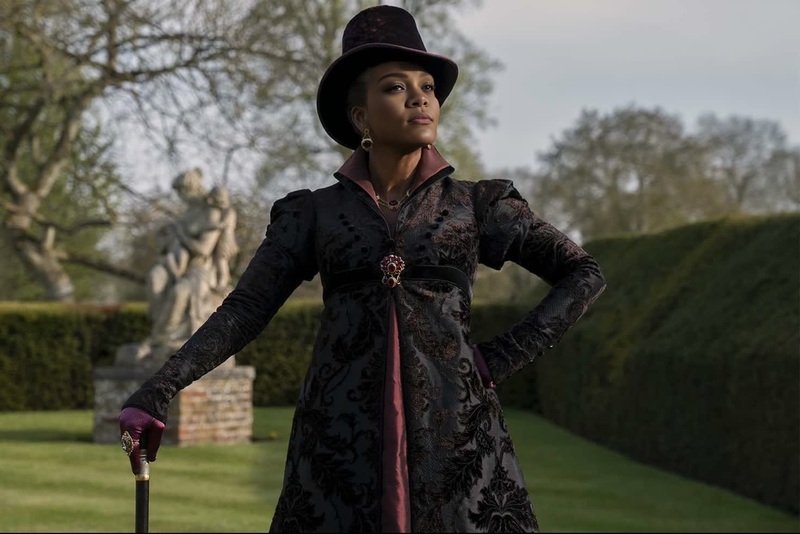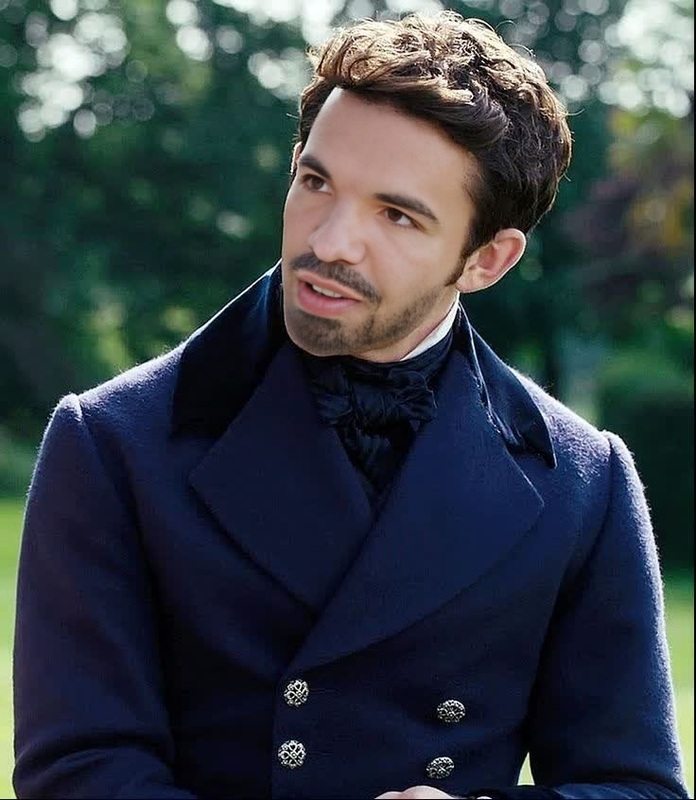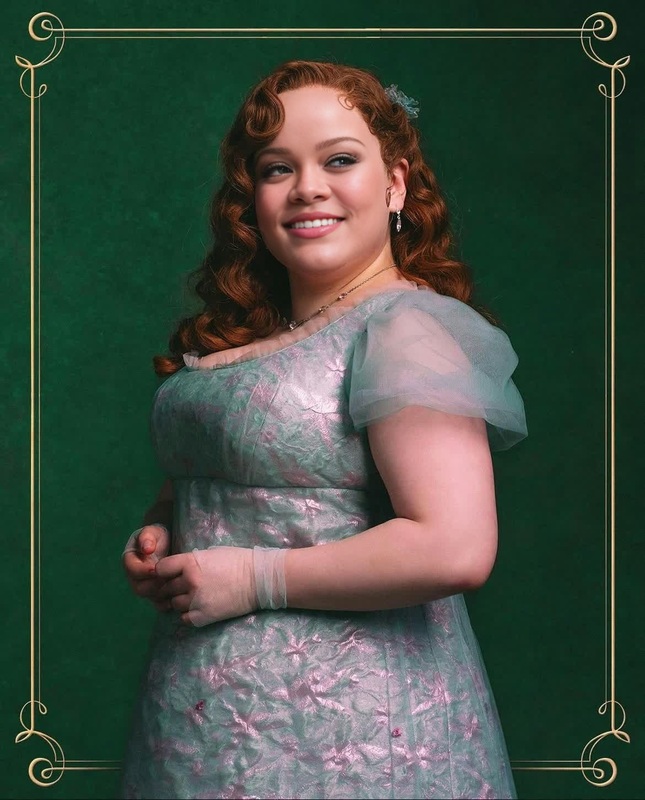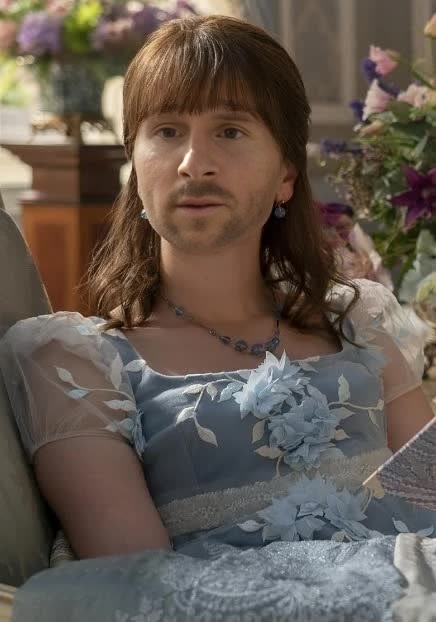
Eloise Bridgerton Portrait
- Image
- 436 × 622 px
Any aspect ratio
Overview
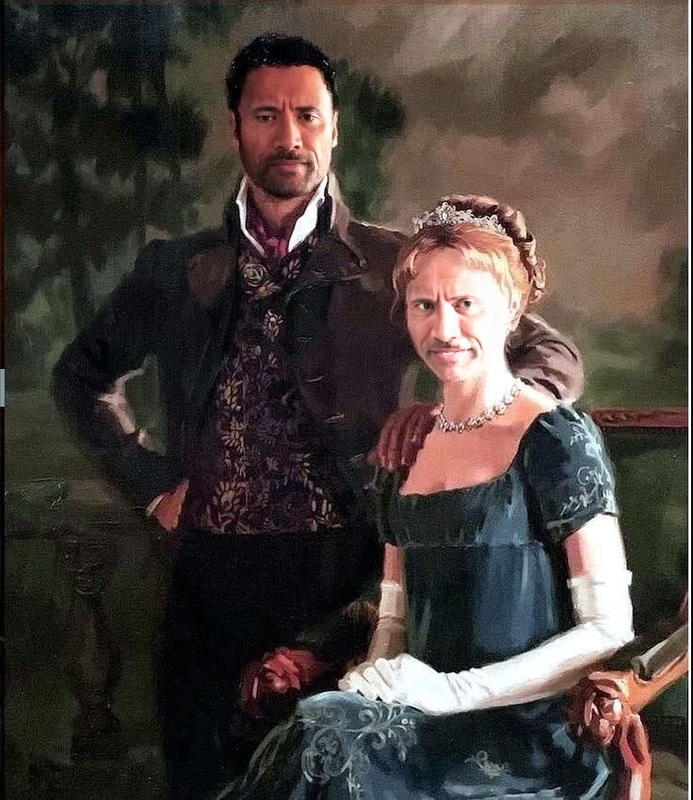
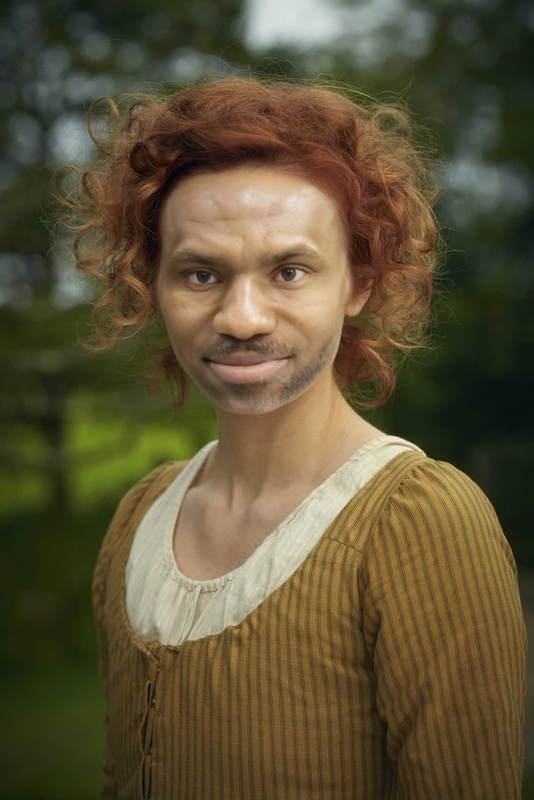
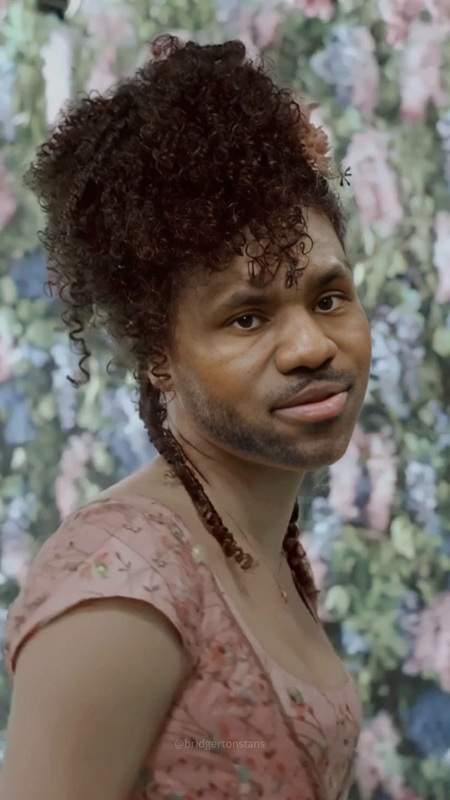
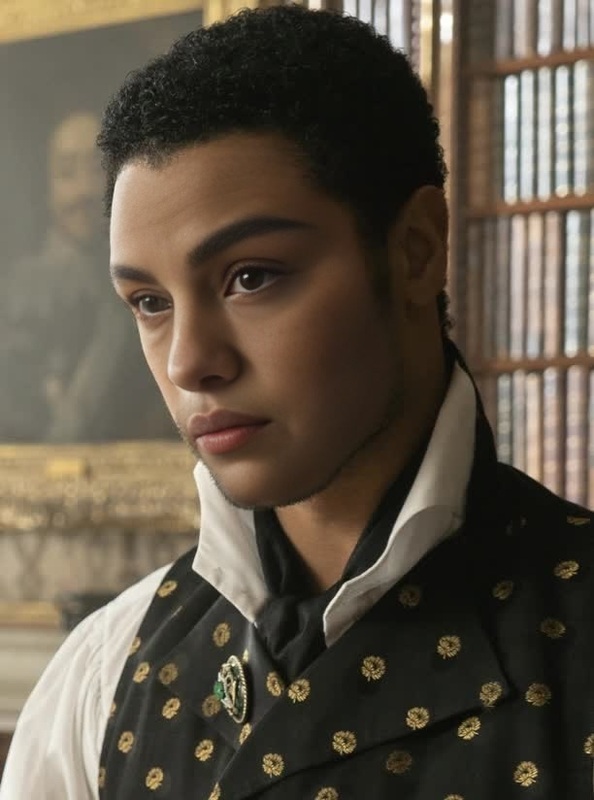
Step into the world of Regency-era drama with the Eloise Bridgerton Portrait video face swap template. This template allows you to transpose your face onto the beloved character, providing a unique opportunity to bridge fantasy and reality in your video projects. Ideal for fans of the series, this tool crafts a personalized journey into the world of Bridgerton.
What It Does
The Eloise Bridgerton Portrait template applies advanced AI to swap your face with that of Eloise Bridgerton in a seamless video transformation. Leveraging technology from our Video Face Swap product, it adapts facial expressions and nuances, ensuring a realistic integration of your features into Eloise's character. The result is a captivating video that feels lifelike and charismatic.
Who It's For
This template is perfect for Bridgerton enthusiasts, video creators looking to add a whimsical touch to their projects, or social media influencers eager to entertain their audience with creative content. It's also useful for anyone interested in experimenting with character replacements in videos or those who appreciate historical drama series nuances.
Summary
Highlight your creative prowess by transforming into a Regency-era character with the Eloise Bridgerton Portrait template. Perfect for social media ads or as unique content for your storytelling, this template delivers both fun and authenticity in one package. Dive into character transformation and explore the fusion of technology and creativity.
How To
Choose Template

Customize Inputs

Generate Video

Use Cases
Fan Content
- Share on fan forums or social media.
- Create themed video messages.
Marketing Campaigns
- Ideal for costume retailers.
- Great for themed event promotions.
Content Creation
- Perfect for vloggers and influencers.
- Enhance storytelling by visualizing characters.
Best Practices
Use High-Resolution Images
Start with high-resolution images for both your face and the background to ensure the best quality swap.Align with Lighting
Choose images with similar lighting conditions for both your face and the target video to maintain consistency.Experiment with Angles
Try different angles and expressions to see what works best for a realistic integration.