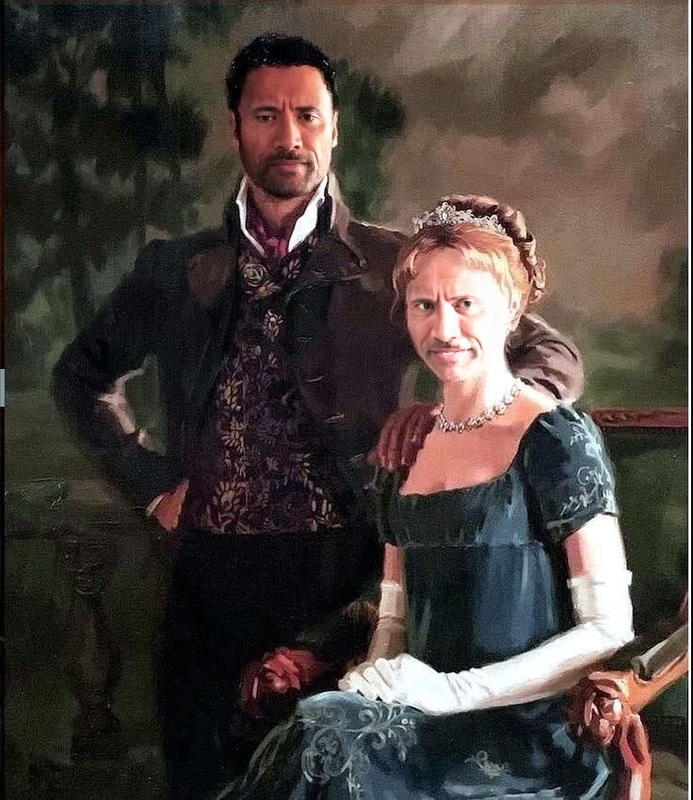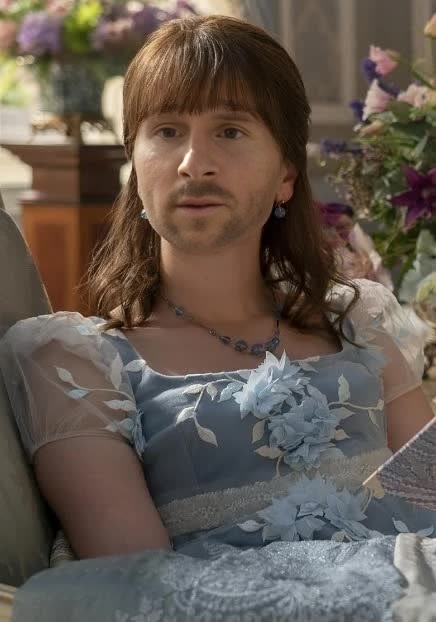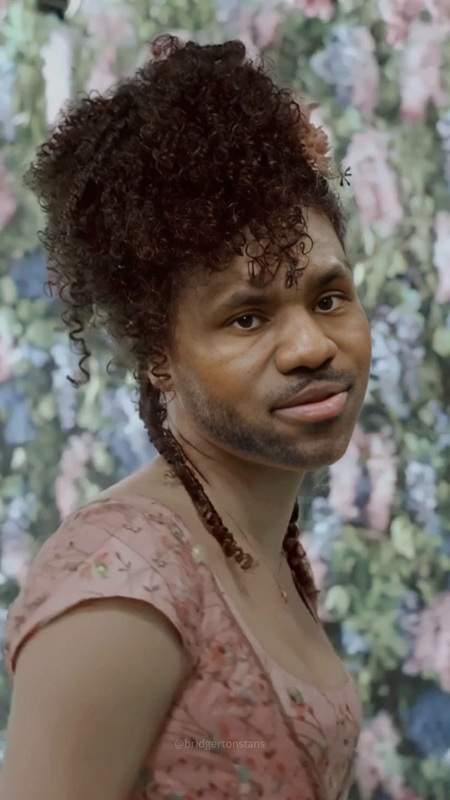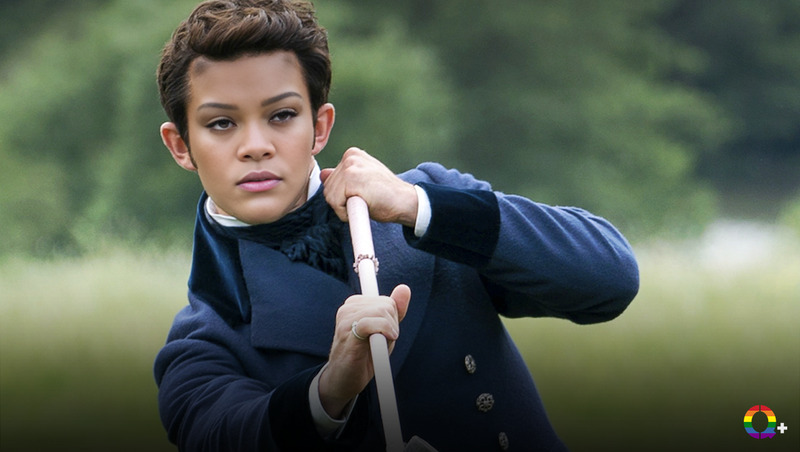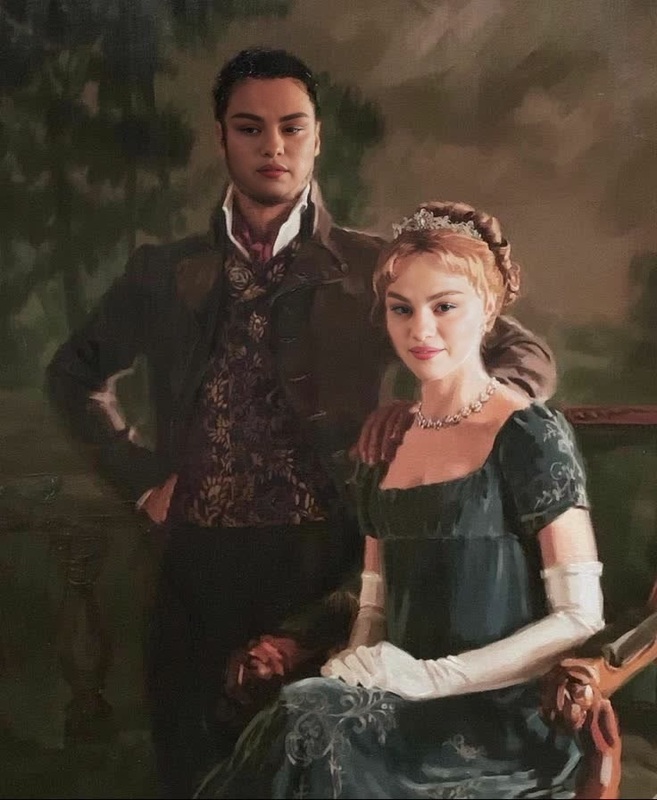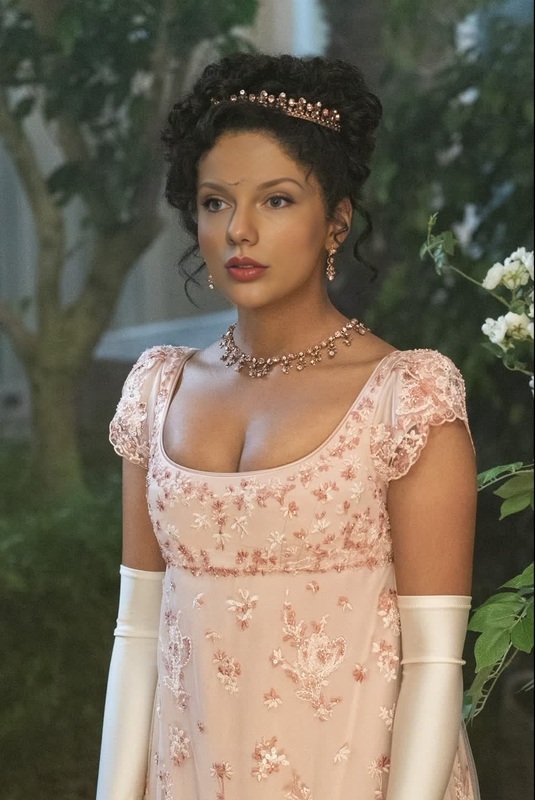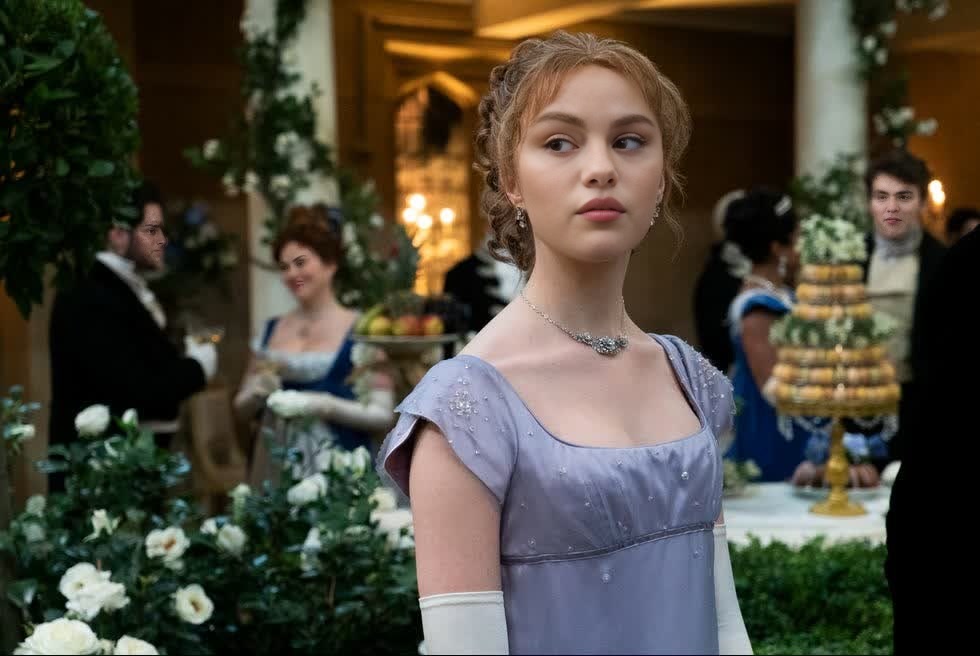
Phoebe Dynevor Bridgerton Season 1 Portrait
- Image
- 980 × 656 px
Any aspect ratio
Overview
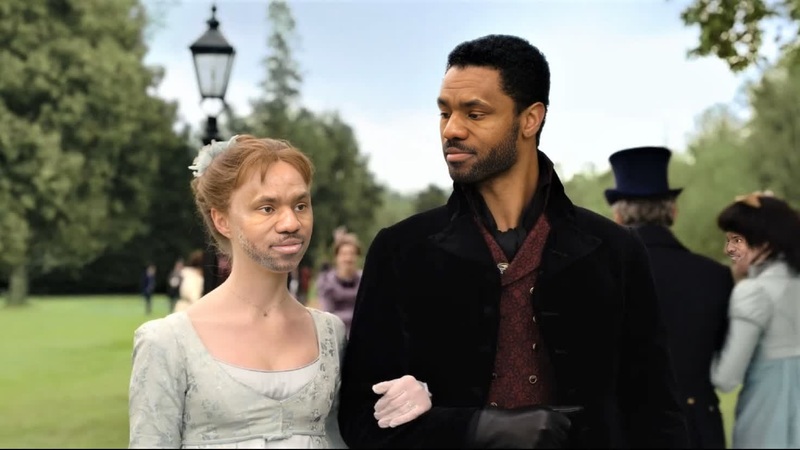
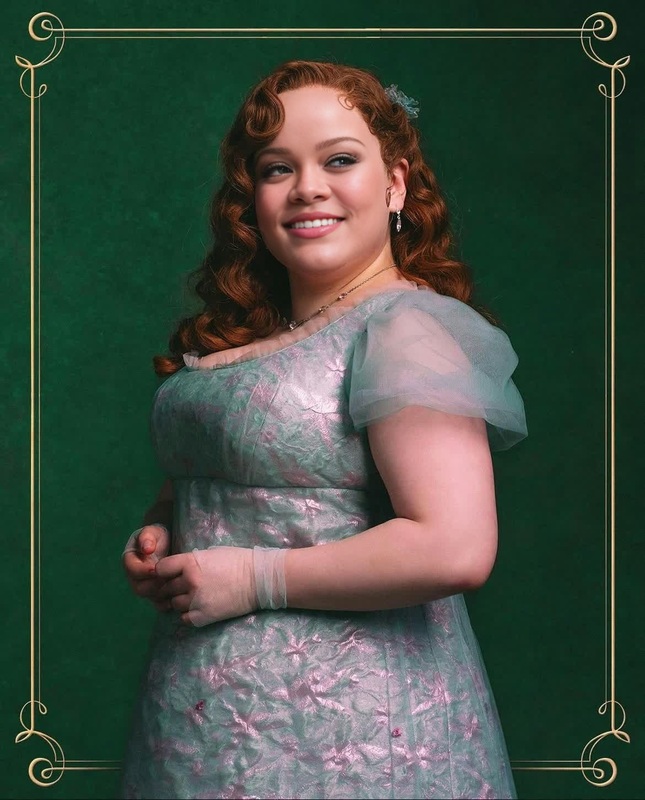
The Phoebe Dynevor Bridgerton Season 1 Portrait template allows you to seamlessly incorporate your face into the elegant world of Bridgerton through a sophisticated Video Face Swap process. Utilizing advanced machine learning algorithms, this template lets you create personalized videos featuring yourself in the fashionable role of Daphne Bridgerton.
What It Does
This Video Face Swap template expertly replaces the original face in select scenes of Daphne Bridgerton with your unique facial features. Ideal for creating engaging social media content or personalized greetings, it captures and maintains the essence and style of the period while highlighting your personal identity.
This tool integrates smoothly with other creative products like the AI Image Editor to further refine your appearance before swapping faces, or the AI Video Generator to extend your transformed videos into richer storytelling experiences.
Who It’s For
Fans of the Bridgerton series and creative minds looking to generate unique content will find this template compelling. It's perfect for social media enthusiasts aiming to craft standout profile content or fans wishing to immerse themselves further into the Bridgerton universe. Content creators and marketers exploring creative personalization for branding can also find value in this tool.
Summary
Engage with the world of Bridgerton through this distinct Video Face Swap template, where you can become Daphne Bridgerton, portrayed by Phoebe Dynevor. Ideal for generating personalized, high-quality video content that resonates with fans of the show and beyond. Utilize complementary tools like the AI Voice Changer to add another layer of authenticity to your videos.
How To
Choose the Template

Customize Your Inputs

Generate Your Video

Use Cases
Social Media Content
- Unique personal engagement
- Branded content opportunities
Personalized Greetings
- Creative birthday wishes
- Festive videos
Creative Projects
- Fan fiction videos
- Themed mashups
Best Practices
Ensure High-Quality Uploads
Use a high-resolution image for the face swap to enhance the quality of the final video. Clear images result in more accurate and aesthetically pleasing swaps.Align Features Properly
Take time to align your facial features correctly with the target video to achieve an authentic look.Explore Complementary Tools
Consider using the AI GIF Generator to create additional shareable content from your video results.