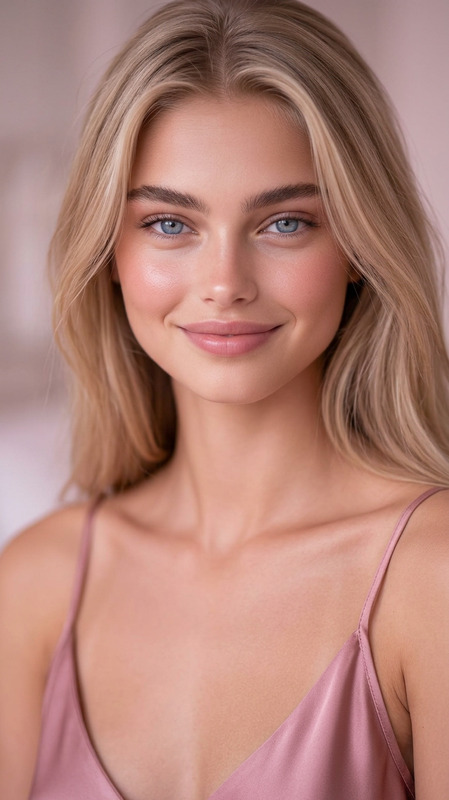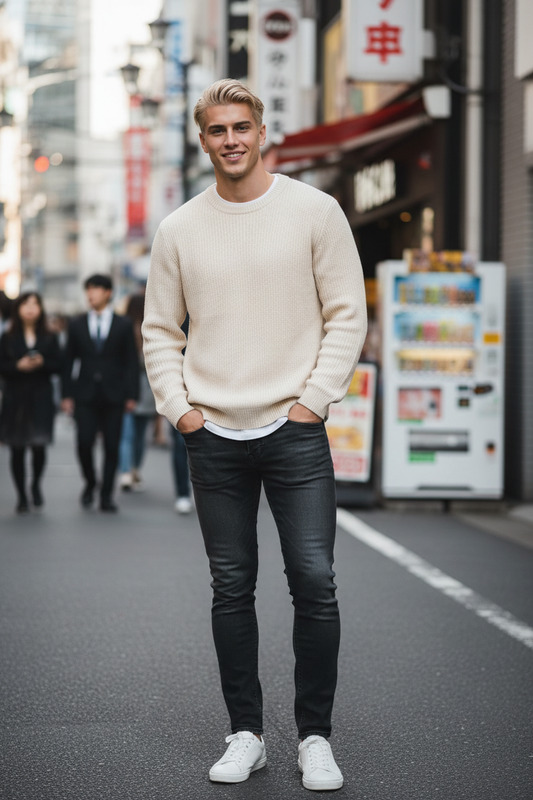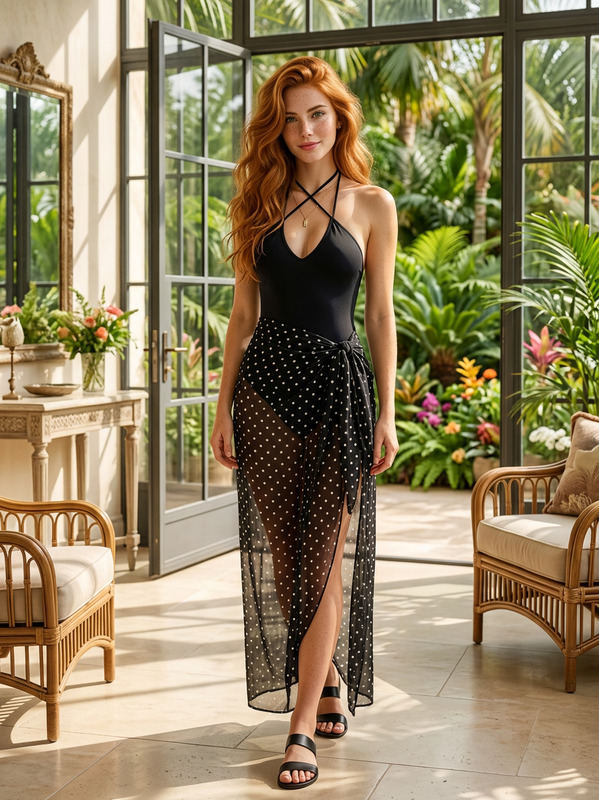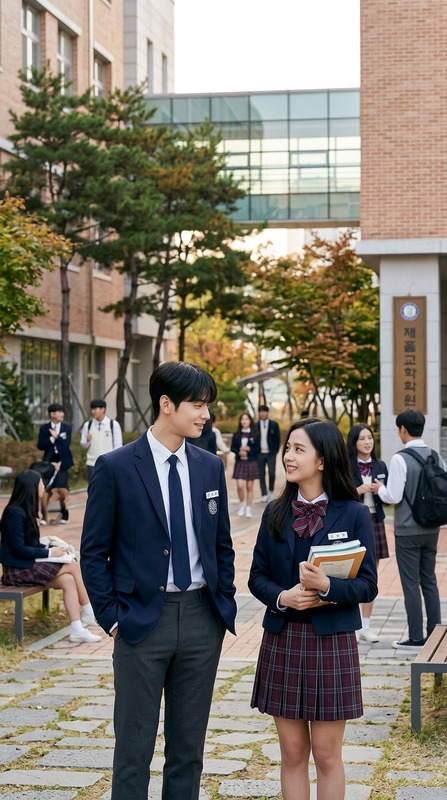
Thai School Uniforms

Thai School Uniforms

ai-image-editor

1 clip
1 uses

Any aspect ratio

Prompt

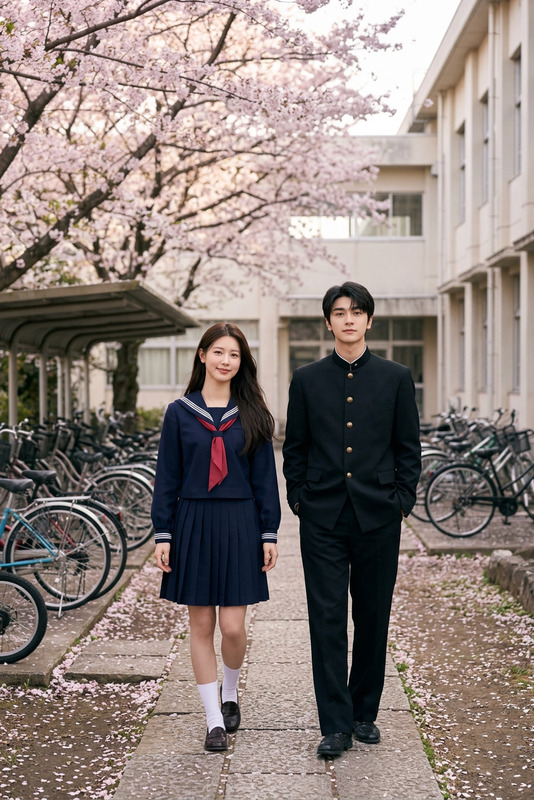
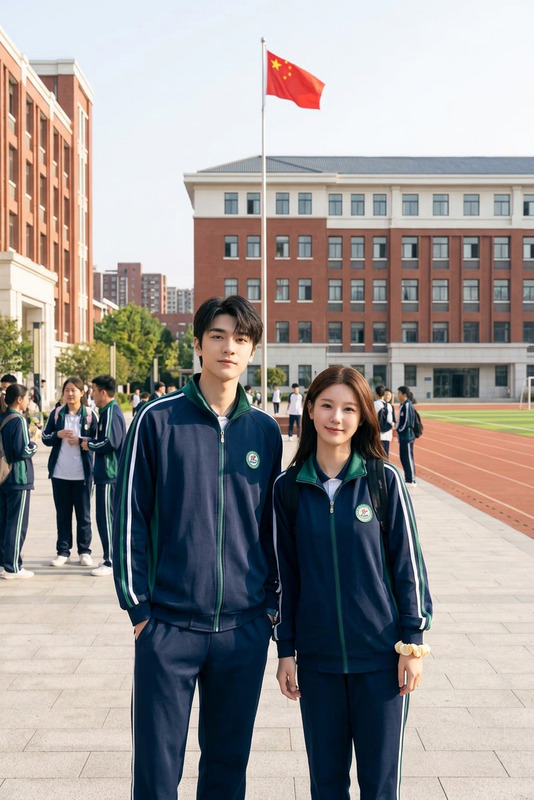
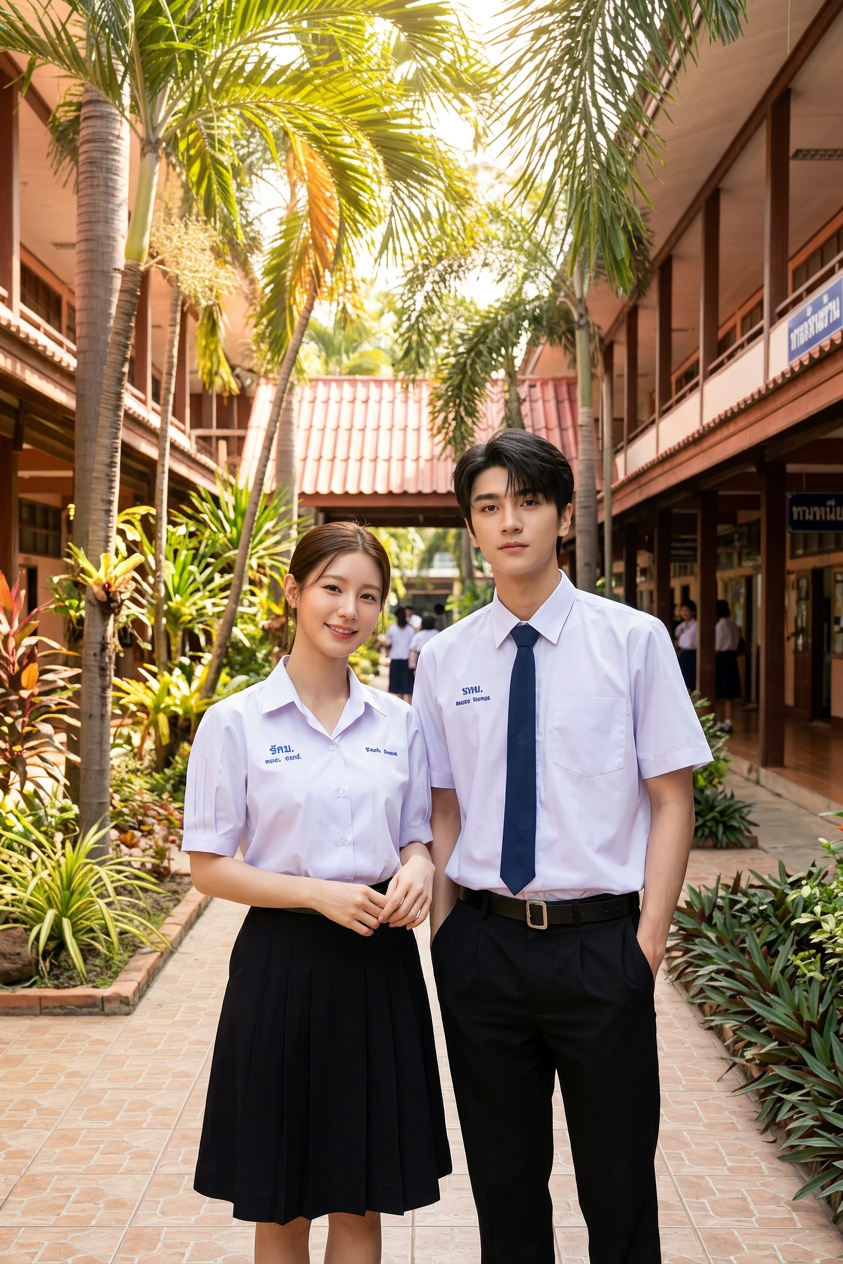
Subject is two students (one male, one female) wearing Thai school uniforms (white short-sleeve shirts, black skirt/trousers, name tags); standing in a tropical school setting with palm trees, open corridors, and warm sunlight; relaxed pose, bright and natural lighting, photorealistic, high detail.

AI Image Editor Template: Turn Any Idea into High-Quality Visuals in Minutes

Use this Magic Hour AI Image Editor–based template to transform, enhance, and repurpose images for content, marketing, product design, and creative experimentation—without touching Photoshop.

This template is built on the core AI Image Editor, so you can easily remix it, swap in your own assets, and chain it with other Magic Hour tools.


What This Template Is For

This template is ideal if you need to:

  • Update or redesign existing images (thumbnails, product shots, banners, app screens, ads)
  • Change backgrounds, remove objects, or restyle a scene for a new campaign
  • Quickly produce visual variations for A/B testing and multichannel content
  • Clean up user-generated content for landing pages, app stores, or social
  • Generate new visuals based on a reference image while keeping layout or structure

It’s optimized for:

  • Marketers shipping campaigns on tight deadlines
  • Startup teams iterating on product and brand visuals
  • Creators and editors who work across social, YouTube, and blogs
  • Developers prototyping UI/UX, mockups, or content flows

How to Remix This Template in Magic Hour

You can treat this template as a starting point and customize it for your use case. A practical remix workflow:

  1. Open the template in Magic Hour
    Start from this template in the Magic Hour interface so all core steps are pre-configured around the AI Image Editor.

  2. Swap in your own source image

    • Upload a product shot, logo, app screen, portrait, or scene.
    • Use high-resolution inputs for better detail; AI image editing quality scales with input quality.
  3. Describe the transformation
    In your prompt, be explicit about:

    • What to keep: layout, subject, branding, composition
    • What to change: style (realistic, cinematic, anime), background, lighting, mood, clothing, colors
    • Output use case: ad creative, hero image, social post, YouTube thumbnail, email header, etc.

    Example prompts:

    • “Keep the layout and product placement, change background to a clean studio white, add soft shadows, make it look like a premium tech brand ad.”
    • “Same pose and framing, but turn the outfit into a formal business suit, neutral background for LinkedIn-style headshots.”
  4. Generate multiple variations
    Create several edited versions and pick the best–performing one for:

    • Paid ads and creative testing
    • Thumbnail experiments
    • Localization or personalization (different backgrounds, colors, or scenes per region or segment)
  5. Optional: Chain with other Magic Hour tools
    Once you like the result, you can:


Common Ways Creators Use This Template

1. Marketing & Growth Teams

  • Refresh ad creatives without reshoots
  • Adapt a core creative to multiple channels (Instagram, X, LinkedIn, YouTube, landing pages)
  • Tailor visuals to specific audiences (e.g., different backgrounds or styles by geography or persona)
  • Generate consistent brand visuals using the same reference product image each time

Pair this template with:

2. Product & Startup Teams

  • Rapidly explore UI design directions from a single reference screen
  • Generate pitch deck imagery with consistent style using AI Illustration Generator alongside this template
  • Create polished mockups of product screenshots inside laptops, phones, or environments
  • Produce quick, high-quality hero images for landing pages using AI Background Generator

3. Creators, Influencers & Educators


Advanced Remix Ideas

Use this template as a building block inside larger creative pipelines:

  • Image → Character → Video

    1. Edit your character or avatar with this Image Editor template.
    2. Stylize with AI Character Generator or Avatar Generator.
    3. Animate with Video-to-Video Templates or Image to Video.
  • Brand System Prototyping

    • Start with a single product or logo image.
    • Use this template to test colors, lighting, and backgrounds.
    • Generate matching icons via AI Icon Generator and hero illustrations via AI Art Generator.
  • Content Series at Scale

    • Define a “template look”: background style, color palette, framing.
    • Remix this template for each new post: swap in a new subject, keep everything else consistent.
    • Turn the best-performing images into short videos with Text to Video or Image to Video.

Related Tools Worth Exploring

If you like what this template does, you can extend it with other Magic Hour capabilities:


Tips for Better Results

  • Use clear, constraint-based prompts: Specify what must not change (pose, composition, brand colors) and what the AI is allowed to change (style, lighting, background, clothing).
  • Start from strong inputs: High-resolution, well-lit images yield more reliable edits and less artifacting.
  • Iterate in small steps: Make incremental edits and remix the template rather than trying to change everything at once.
  • Document your “recipe”: Once you find a look that works, reuse the same prompt language and workflow to keep your visuals consistent across campaigns.

Build Your Own Version of This Template

To create your own variant of this AI Image Editor template inside Magic Hour:

  1. Start from this template in the Magic Hour interface.
  2. Replace the example assets with your own source images.
  3. Refine your prompts to lock in your brand style (colors, mood, level of realism).
  4. Save it as your own reusable template so your team can generate new, on-brand visuals in a few clicks.

This template gives you a robust, flexible starting point for serious image editing and visual experimentation—powered by Magic Hour’s AI Image Editor and easily combined with the rest of the Magic Hour toolset.

More Like This

Insufficient credits