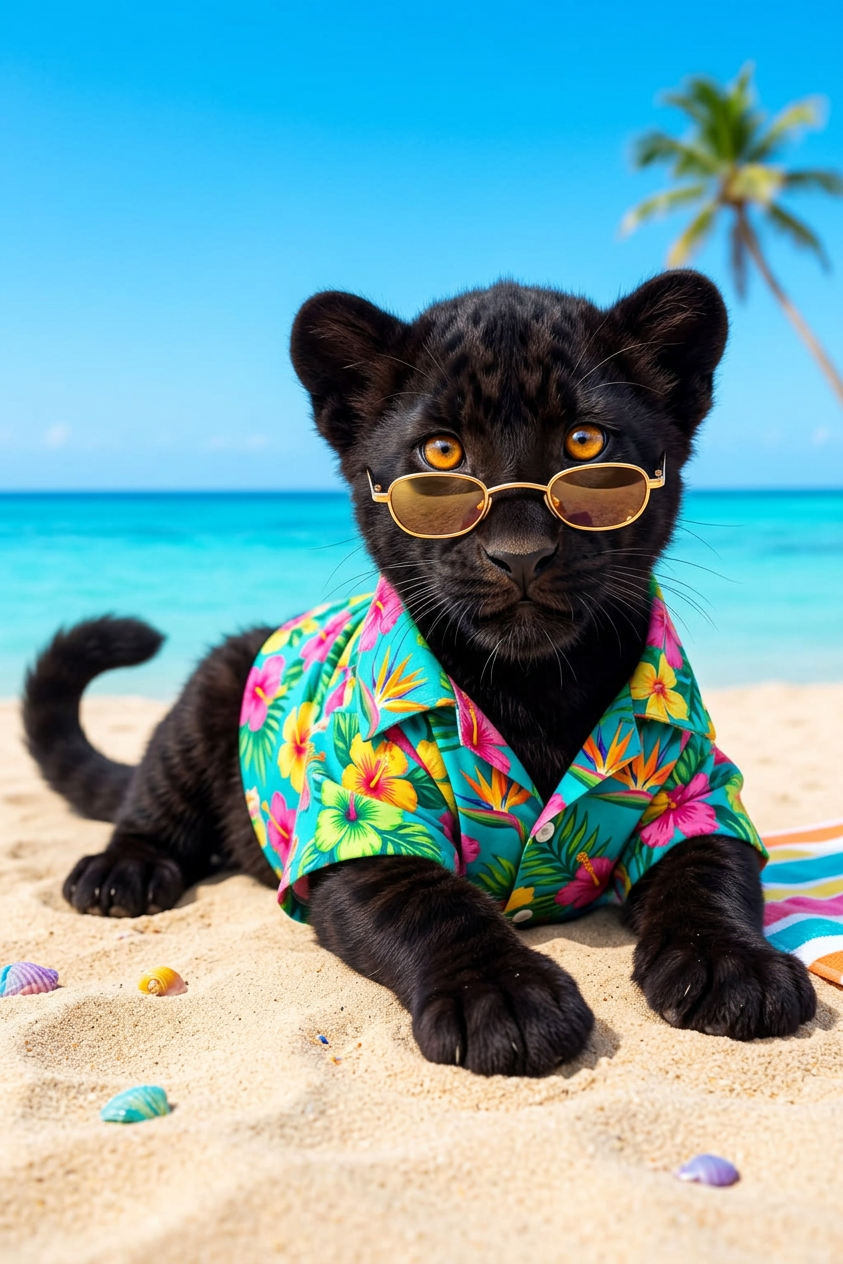
Tropical Display
- Model
- Nano Banana 2
- Image
- 843 × 1264 px
Prompt
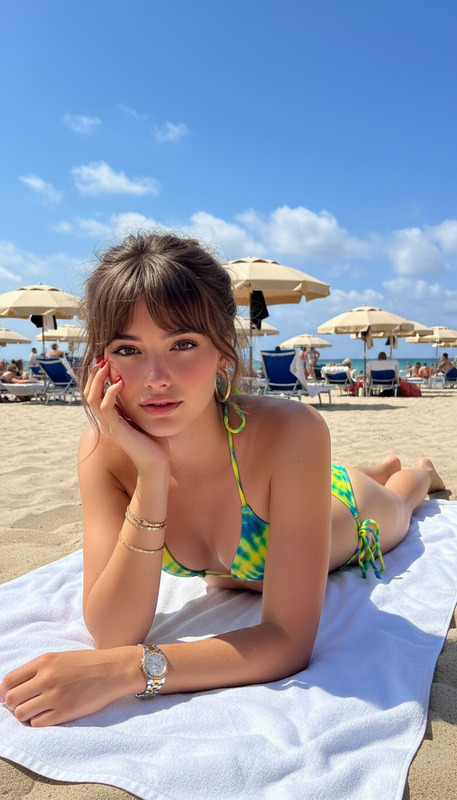
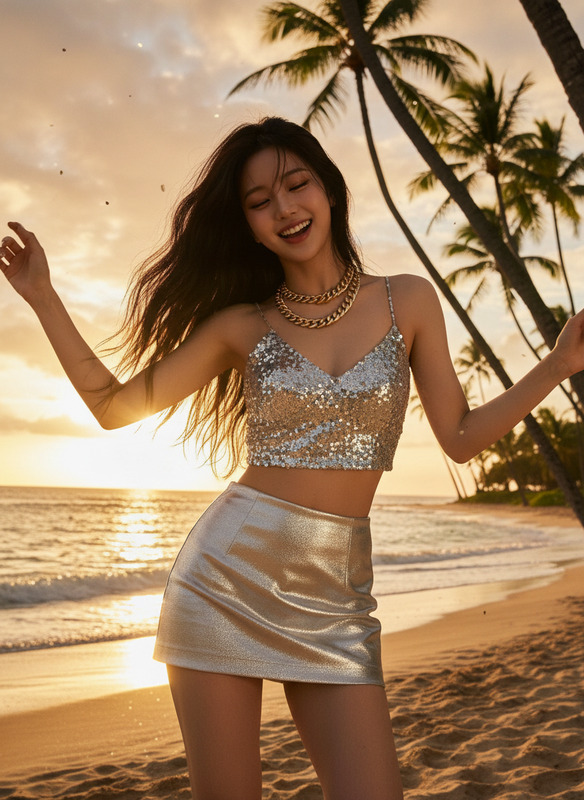
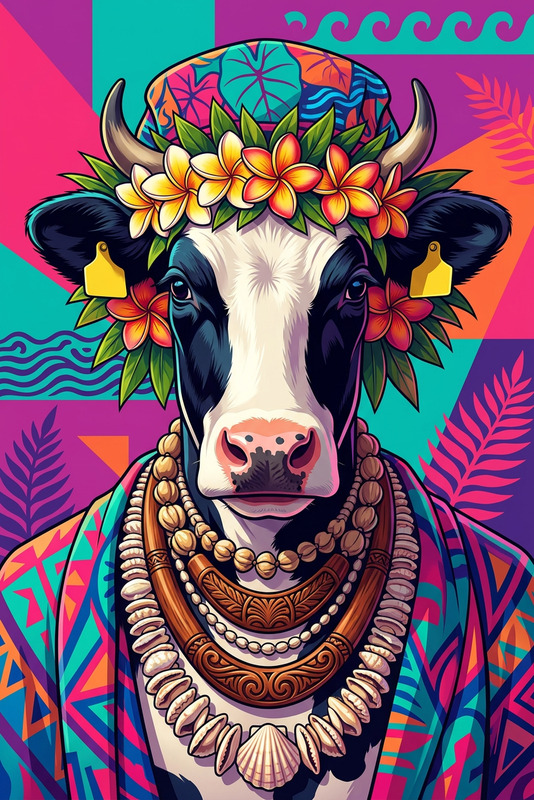
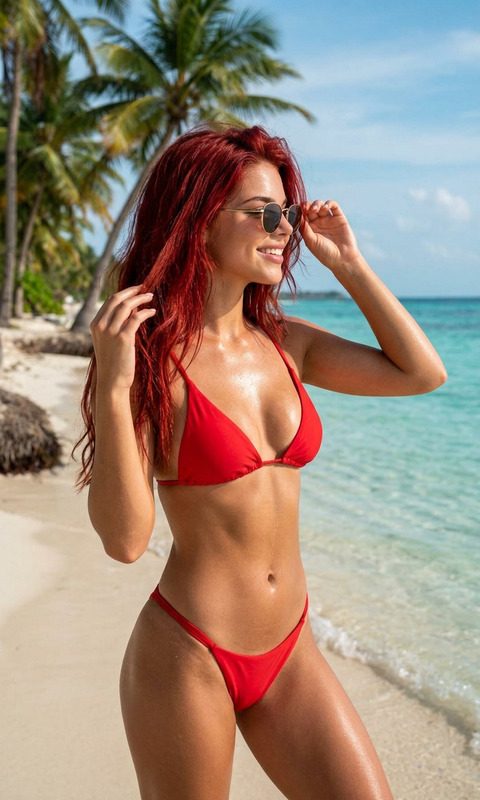
Subject wearing a vibrant Hawaiian shirt and sunglasses, lying on the beach. Bright blue background, cheerful and playful mood. Clean composition, colorful, lighthearted, and vibrant style.
Any aspect ratio
Overview
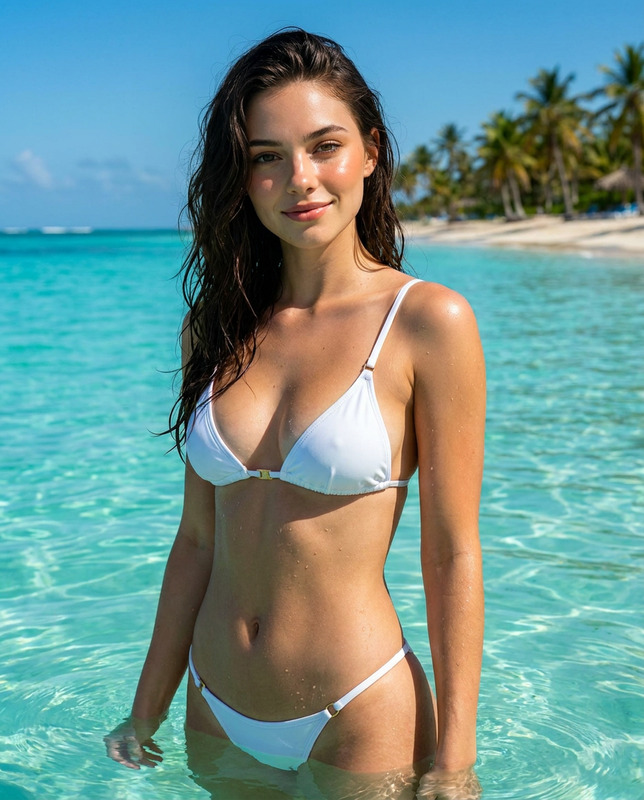
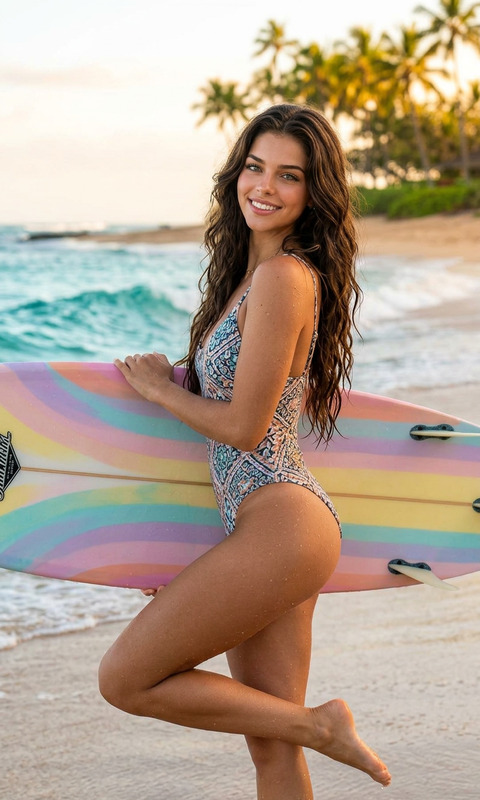
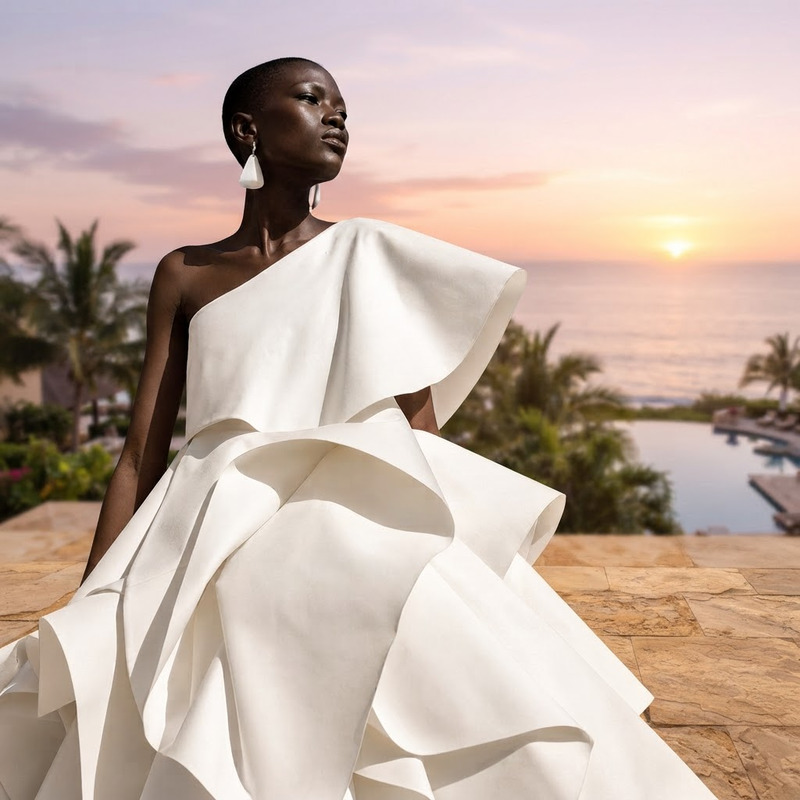
The Tropical Display AI Image Editor template is designed for content creators who aim to bring a burst of sunlight to their media. Using the power of the nano-banana-2 model, this template makes it easy to capture vibrant and fun tropical aesthetics, perfect for enhancing the appeal of travel-related content.
What It Does
This template transforms ordinary images into bright, tropical-themed visuals that capture the essence of a beach paradise. By applying a playful and colorful style, it's an ideal tool for creating eye-catching profile pictures or engaging social media posts. Use it to spark joy and draw attention with every image.
Who It's For
The template is perfect for travel vloggers, social media influencers, and advertisers aiming to create vibrant and thematic visuals. It's also suitable for graphic designers and marketing teams who need to produce high-quality visual content quickly and efficiently. Additionally, businesses in the tourism sector can utilize this template for promotional materials.
Summary
With the Tropical Display template, users can effortlessly elevate their visual content with a splash of color and vibrancy. This tool leverages AI technology to produce stunning images that captivate viewers instantly. Explore more AI-powered capabilities with the Image to Video converter and expand your creative horizons.
How to Use the Tropical Display Template
Choose Template

Customize Inputs

Generate Image

Use Cases
Travel Vlogs
- Add colorful visuals to video thumbnails
- Create engaging social media posts
Advertising Campaigns
- Design ads with a vibrant, fun theme
- Improve click-through rates with eye-catching images
Social Media Content
- Brighten your Instagram feed
- Create vibrant Facebook ads
Best Practices
Use High-Quality Images
Start with a high-resolution image for the best results.Optimize for Platforms
Ensure images are sized appropriately for the platform they will be used on.Combine Tools
For more variety, use in conjunction with the AI Clothes Changer for diverse clothing patterns.