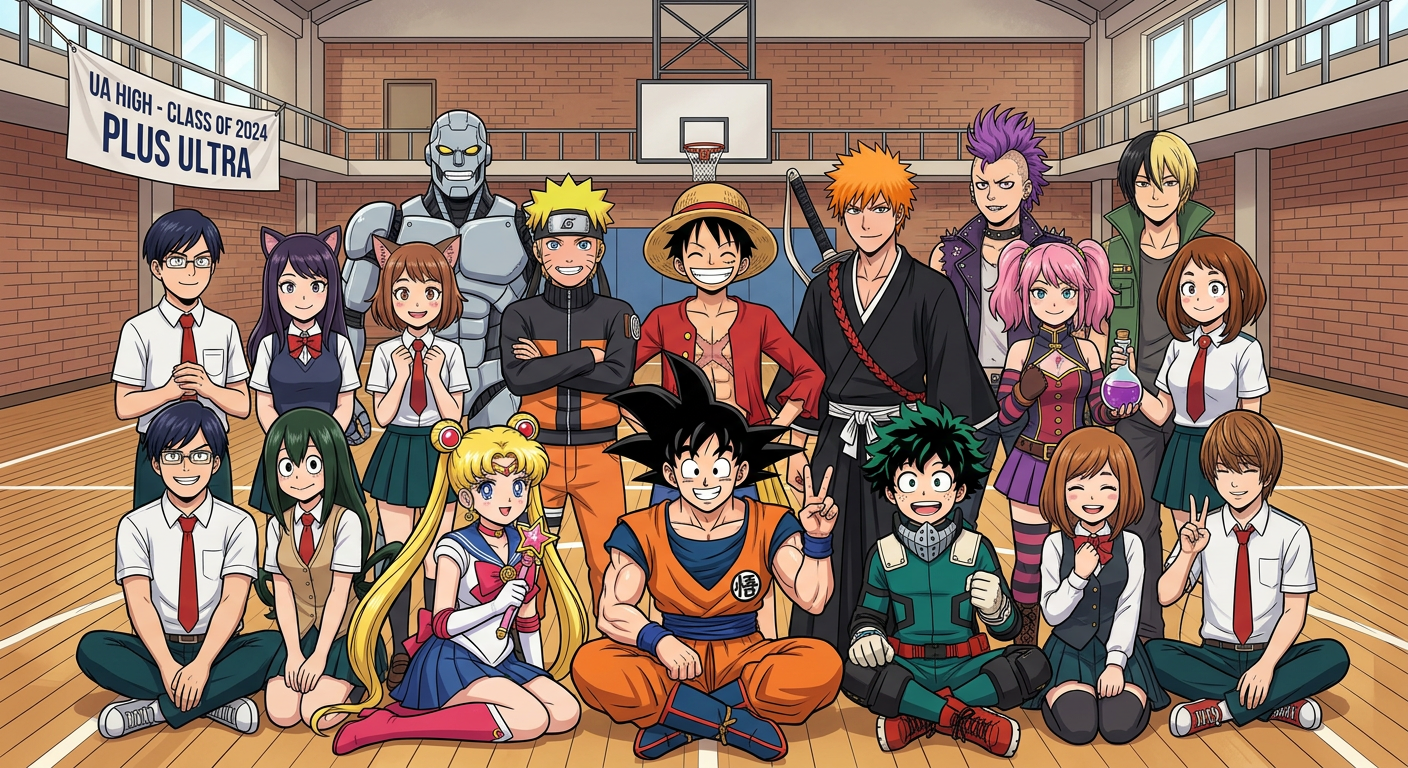
Anime Legends Class Photo
ai-image-editor
Any aspect ratio
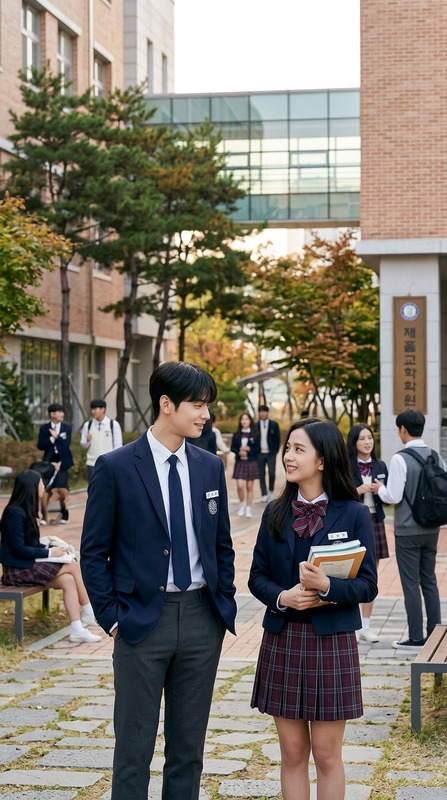
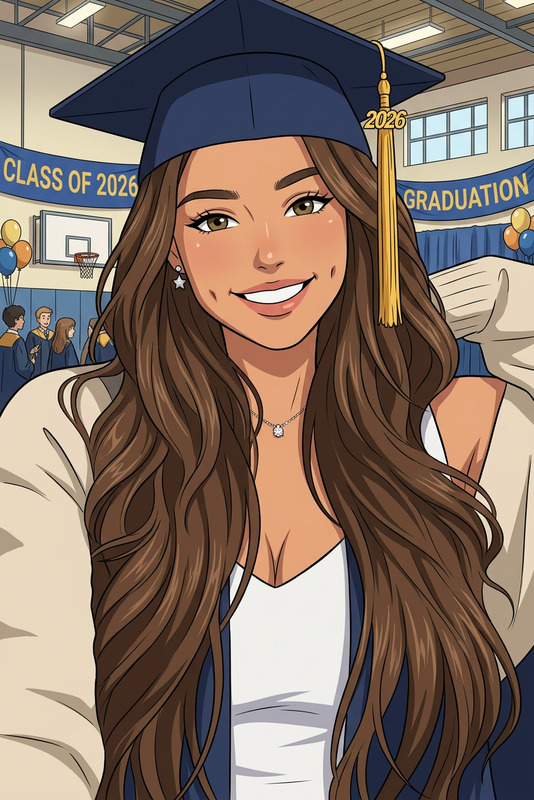
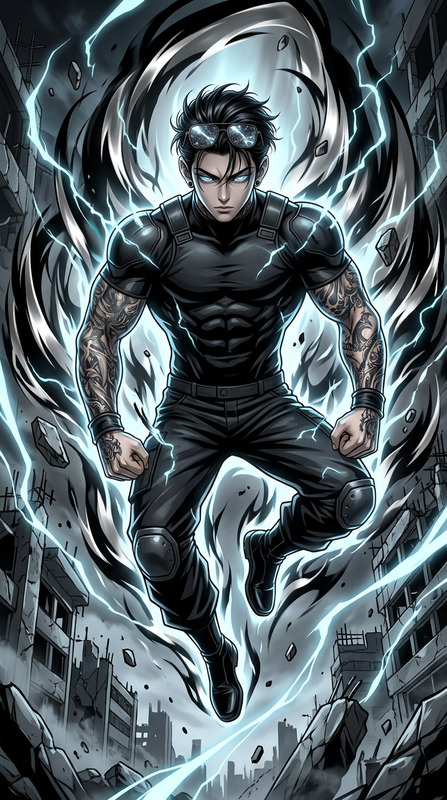
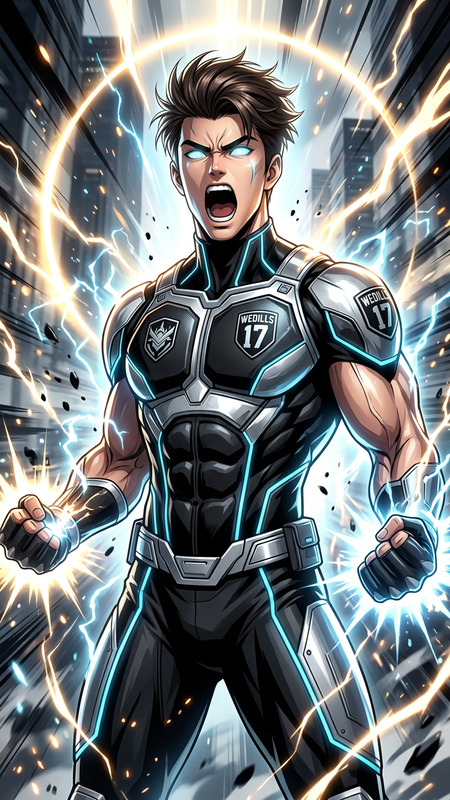
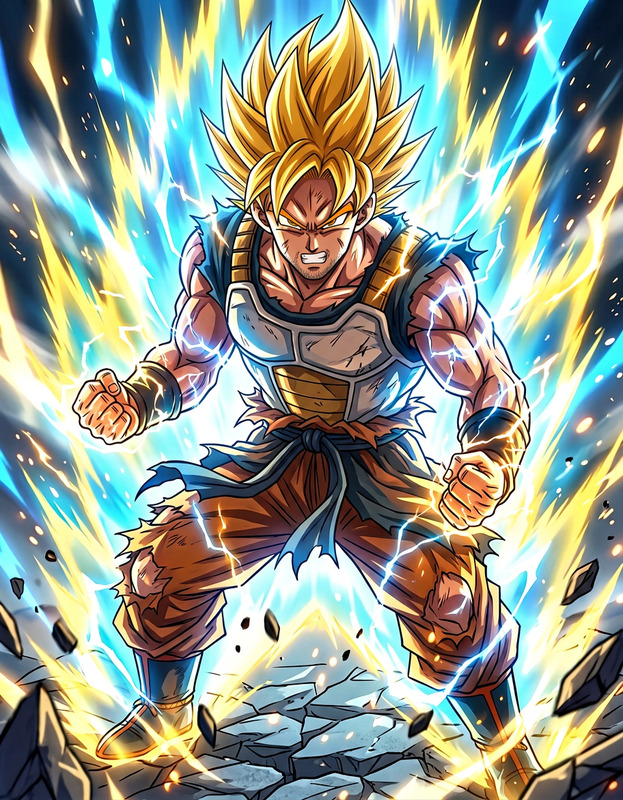
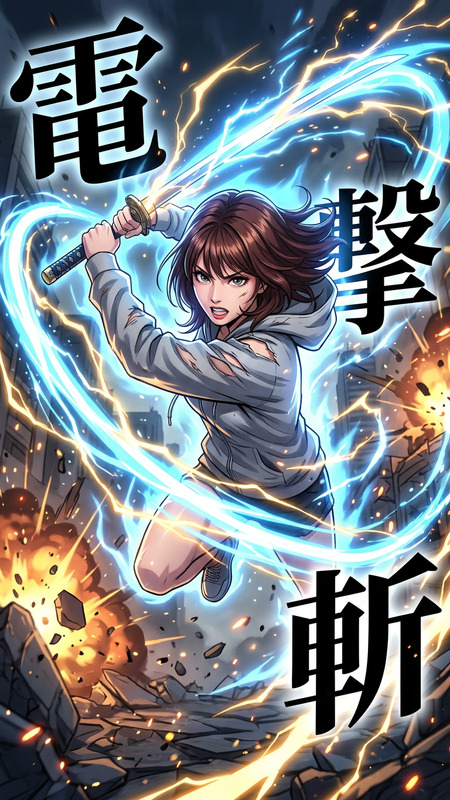
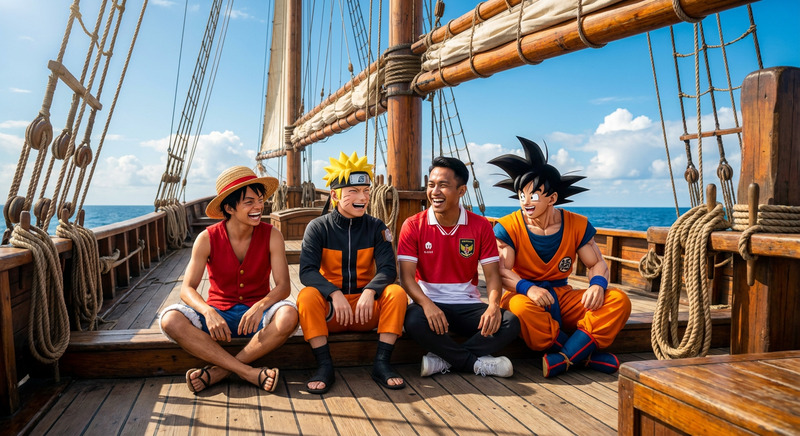
Class photo featuring famous manga-style characters inspired by iconic heroes (spiky-haired martial artist, ninja in orange, straw-hat pirate, sword-wielding soul reaper, magical girl, young superhero trainee, and others). Set in a school gym or classroom, with all characters standing in neat rows like a traditional class picture. Fun, friendly, and energetic group atmosphere. Colorful anime-style illustration with clean linework and bright tones. Straight-on wide-angle group shot, everyone clearly visible and well-framed. Soft, even lighting similar to a real school photograph.
AI Image Editor Template: Instantly Upgrade and Transform Any Image
Use this template to turn ordinary photos into polished, on‑brand visuals in seconds using the AI Image Editor. It’s designed for creators, marketers, designers, and founders who need fast, high‑quality edits without opening Photoshop or briefing a designer.
This template is built for the AI Image Editor, but it also plays well with other Magic Hour tools like AI Image Generator, AI Background Generator, AI Image Upscaler, and Image Background Remover.
What You Can Do With This Template
Use this template as a starting point whenever you need to:
Clean up and enhance photos
- Remove distracting objects or people using the AI Remover or Remove Object from Photo
- Fix blurry or low‑resolution assets with the AI Image Upscaler or Unblur Image
- Restore old or damaged photos with Old Photo Restoration and Photo Colorizer
Change backgrounds and environments
- Swap busy or off‑brand backgrounds in one step with Image Background Remover
- Generate new scenes (offices, studios, fantasy worlds, product backdrops) with the AI Background Generator
- Turn basic shots into ad‑ready visuals for landing pages, social media, or app stores
Edit faces and people
- Refine portraits with AI Face Editor or AI Face Generator
- Try style changes (hair, makeup, age, expression) while keeping identity consistent
- Experiment with gender or style variations using Gender Swap or AI Selfie Generator
Create high‑quality marketing and brand assets
- Generate on‑brand visuals from scratch using the AI Photo Generator or AI Art Generator
- Turn sketches or rough drafts into refined illustrations with the AI Illustration Generator
- Design fast concepts with the AI Logo Generator, Book Cover Generator, or Album Cover Generator
- Generate engaging memes, avatars, or social assets using the AI Meme Generator, Avatar Generator, and Thumbnail Maker
Stylize, illustrate, and explore creative directions
- Turn photos into sketches, comics, or manga with Photo to Sketch, Comic Book Generator, or AI Manga Generator
- Create anime, Disney, or fantasy‑style versions of your images with the AI Anime Generator, Disney AI Generator, Dark Fantasy AI, or Fantasy Map Generator
- Generate concept art for games, DnD, or world‑building with the DnD AI Art Generator, Architecture Generator, or AI Interior Design Generator
How to Remix This Template in Magic Hour
You can use this template as‑is, or treat it as a base you continually “remix” for different projects.
1. Start from an existing image
- Upload a product shot, portrait, screenshot, logo, or sketch into the AI Image Editor
- For brand‑new concepts, first generate a starting point using:
- AI Image Generator
- AI Photo Generator
- AI Character Generator or Animated Characters Generator for character‑driven visuals
2. Apply targeted edits with AI
Use the AI Image Editor as your main workspace, then layer in these tools as needed:
Clean and isolate the subject
- Remove backgrounds with Image Background Remover
- Delete unwanted objects, logos, or people with AI Remover or Remove Object from Photo
- Remove watermarks if you own the rights to the content using the Watermark Remover
Improve technical quality
- Upscale small images for web or print with the AI Image Upscaler
- Restore older assets with Old Photo Restoration and Photo Colorizer
- Fix blur and sharpen details via Unblur Image
Change style, format, or purpose
- Turn portraits into professional avatars or headshots with the AI Headshot Generator or Avatar Generator
- Generate custom emojis, icons, and UI elements with the Emoji Generator and AI Icon Generator
- Create fashion, outfit, or lookbook visuals using the AI Outfit Generator, AI Fashion Generator, or AI Clothes Changer
- Design or preview tattoos safely with the AI Tattoo Generator
3. Turn your edited images into videos, GIFs, and more
Once your image is edited, you can extend it into motion and interactive content:
Animate faces or portraits into speaking characters via AI Talking Photo, powered by AI Voice Generator or AI Voice Cloner
Convert static images to short clips or loops using Image to Video or the AI GIF Generator
Build character‑driven videos with:
Add subtitles automatically to social clips or explainers with the Auto Subtitle Generator
Enhance resolution on exported videos using the Video Upscaler
Smart Ways Creators and Teams Use This Template
This AI Image Editor template works especially well for:
Startup and SaaS teams
- Quickly generate hero images, feature visuals, and onboarding illustrations
- Build consistent product screenshots and UI mockups for landing pages and decks
- Create a library of on‑brand avatars for team bios or in‑product personas
Marketers and performance advertisers
- A/B test variations of product images, backgrounds, and hooks
- Generate platform‑specific creatives for ads (Meta, TikTok, YouTube, X, LinkedIn)
- Turn top‑performing stills into animated variants with Text to Video or Image to Video
Content creators and educators
- Build thumbnails and cover art via the Thumbnail Maker, Album Cover Generator, and Book Cover Generator
- Generate supporting visuals, infographics, and scenes with the AI Illustration Generator
- Turn lectures or explainers into talking‑head content using AI Talking Photo plus AI Voice Generator
Game devs, world‑builders, and storytellers
- Prototype characters using the AI Character Generator, Superhero Generator, Pokemon Generator, or Graffiti Generator
- Generate maps, environments, and structures with the Fantasy Map Generator, Architecture Generator, and AI Interior Design Generator
- Develop cinematic concept art styles via Dark Fantasy AI, AI Art Generator, and Optical Illusion Generator
Tips for Getting High‑Quality Results
Start from the highest‑quality source you have
Better input = better output. If needed, first pass your image through the AI Image Upscaler or Unblur Image.Work in clear, modular steps
Instead of trying to do everything at once, break your workflow into:- Clean and isolate (remove background, objects, noise)
- Enhance (upscale, sharpen, restore, recolor)
- Restyle (backgrounds, outfits, illustration styles, brand colors)
- Export (image, video, GIF, avatar, or talking head)
Re‑use successful prompts and edits
Once you find a style that fits your brand or project, reuse similar language and reference images across the AI Image Editor, AI Art Generator, Text to Video, and Image to Video to maintain consistency.Chain tools for advanced workflows
For example:- Clean and enhance a portrait (AI Image Editor → AI Image Upscaler → AI Face Editor)
- Generate multiple outfits for the same person (AI Image Editor → AI Clothes Changer → AI Outfit Generator → AI Fashion Generator)
- Turn a character design into a talking, animated explainer (AI Character Generator → AI Image Editor → AI Talking Photo → Lip Sync)
Related Magic Hour Tools Worth Exploring
If you like this AI Image Editor template, you may also want to explore:
- AI Face Editor for precise facial adjustments
- AI Headshot Generator for professional profile photos
- AI Selfie Generator for social‑ready portraits
- AI QR Code Generator for branded, scannable art
- AI Voice Changer and AI Voice Cloner to pair edited visuals with unique audio
- AI Talking Photo, Face Swap, and Face Swap for GIFs to bring static portraits to life
Use this template as your default workspace whenever you need to edit, enhance, or transform an image in Magic Hour. Start with the AI Image Editor, then remix it with any of the tools above to build a repeatable, end‑to‑end creative workflow.