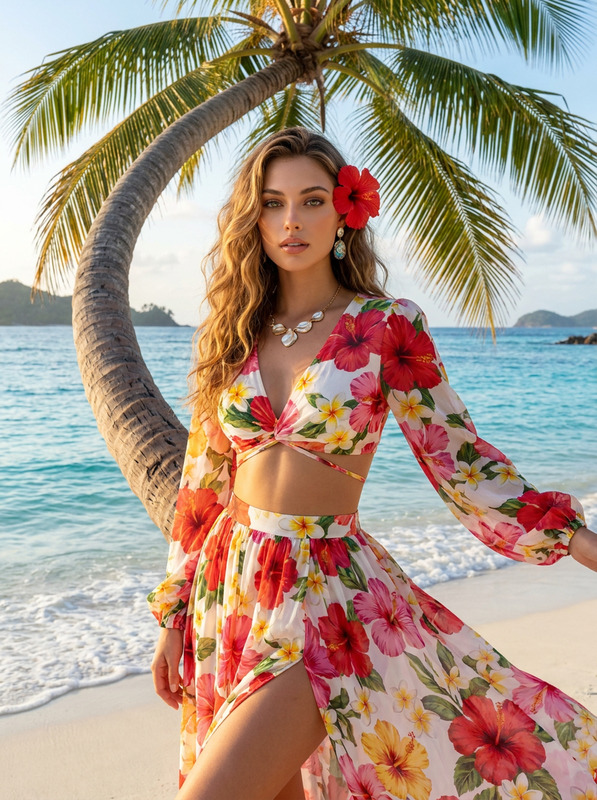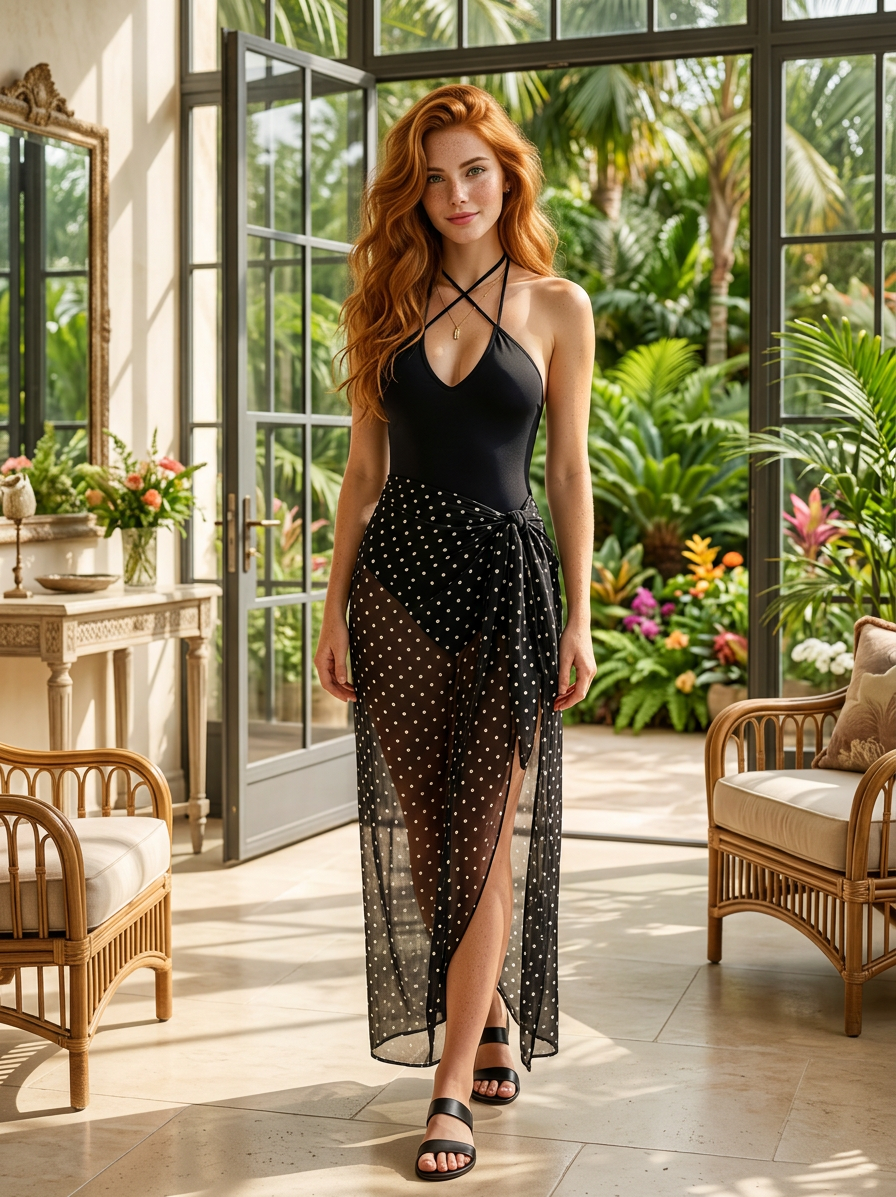
Tropical Luxe Elegance
- Model
- Nano Banana 2
- Image
- 896 × 1197 px
Prompt
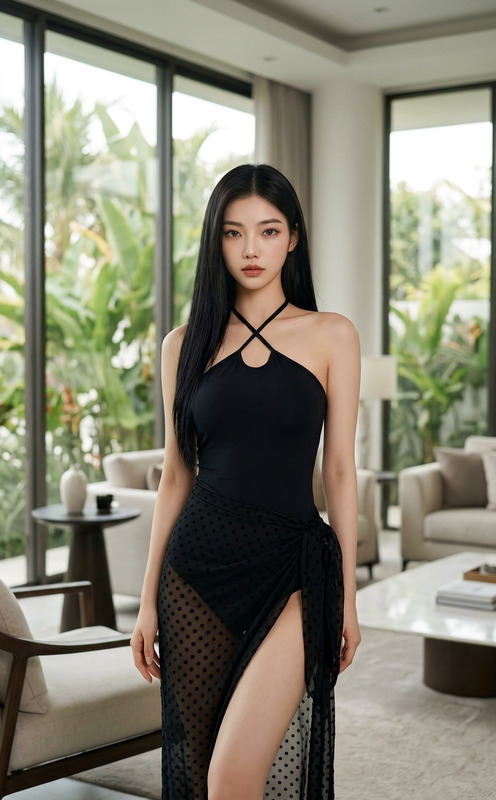
A full-body portrait of a subject with the exact same face, figure, and hairstyle as the reference image, posing elegantly in a luxurious, bright interior. The subject wears a black halter-neck bikini top with crisscross straps, paired with a sheer black polka-dot sarong tied at the hip, subtly revealing the leg. Large windows showcase lush tropical foliage outside, creating a vibrant, sunlit atmosphere, high detail, elegant, photorealistic style.
Any aspect ratio
Overview
Welcome to the Tropical Luxe Elegance template, a sophisticated choice for enhancing your visuals with a touch of luxury. Seamlessly integrate your subject's exact likeness into an elegant, photorealistic scene, complete with lush tropical foliage and a sunlit interior. Using the AI Image Editor powered by the nano-banana-2 model, this template is perfect for capturing high-detail, luxurious imagery.
What It Does
The Tropical Luxe Elegance template offers an advanced AI-driven editing experience. It enables you to take a full-body portrait and transform it into a luxurious visual masterpiece set against an elegant background. Through high-detail rendering, this tool ensures that your images maintain photorealistic quality while introducing a serene, sun-drenched atmosphere. Designed for luxury and travel content creators, it brings your imagery to life with vivid and elegant detail.
Who It's For
This template is ideal for content creators specializing in high-end fashion, travel vlogs, luxury lifestyle content, and more. It's perfect for anyone wanting to add a touch of elegance to their visuals without extensive post-production work. Whether you're creating ecommerce ads or curating a sophisticated social media presence, this tool is equipped to enhance your image quality significantly.
Summary
With the Tropical Luxe Elegance template, you bring unmatched elegance and high-detail imagery to your project. This template pairs perfectly with other tools like the AI Image Upscaler to ensure your final output is crisp and clear. Effortlessly combine it with elements such as the Face Swap for even more customization options.
How to Use the Tropical Luxe Elegance Template
Select the Template

Customize Your Inputs

Generate and Download

Use Cases
Luxury Travel Vlogs
- Perfect for showcasing exotic locations
- Enhances the luxurious experience
Serene Lifestyle Content
- Ideal for serene beauty campaigns
- Fits into lifestyle and wellness brands
High-End Fashion Ads
- Spotlight on sophisticated garments
- Adds value to fashion marketing
Best Practices
Select a Clear Reference Image
Ensure your reference image is high quality and the subject’s details are clearly visible to achieve the best output.Embrace Natural Lighting
Images that incorporate natural lighting, like a sunny burst through the windows, will highlight the luxurious elements of the scene.Utilize Related Tools
Enhance your results further with complementary products like the AI GIF Generator for dynamic content.