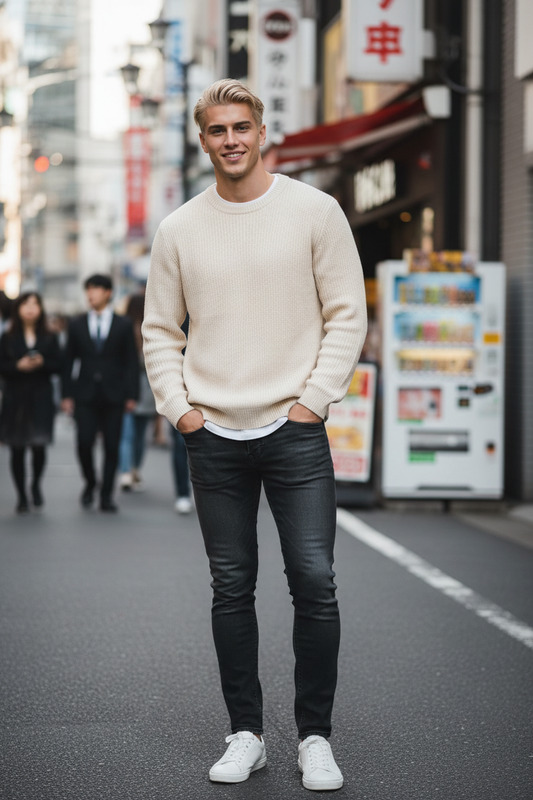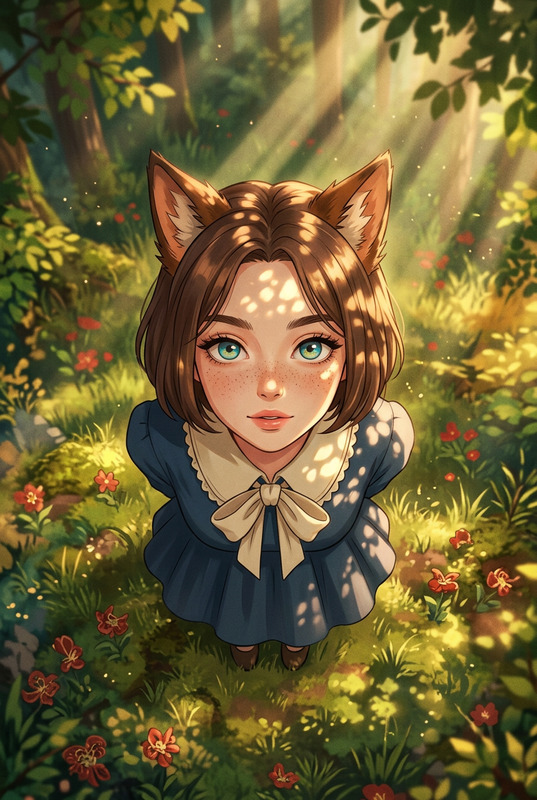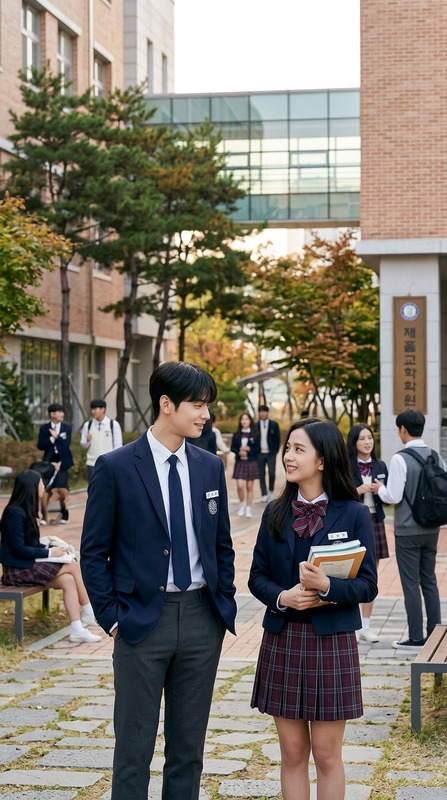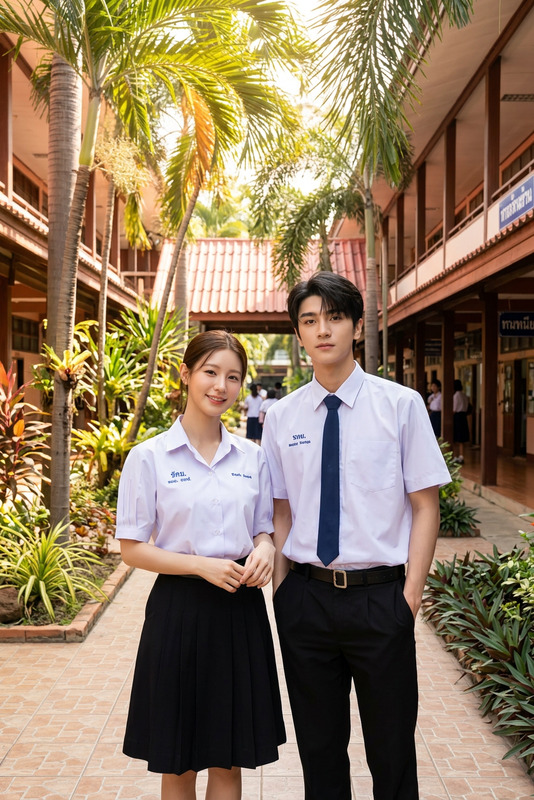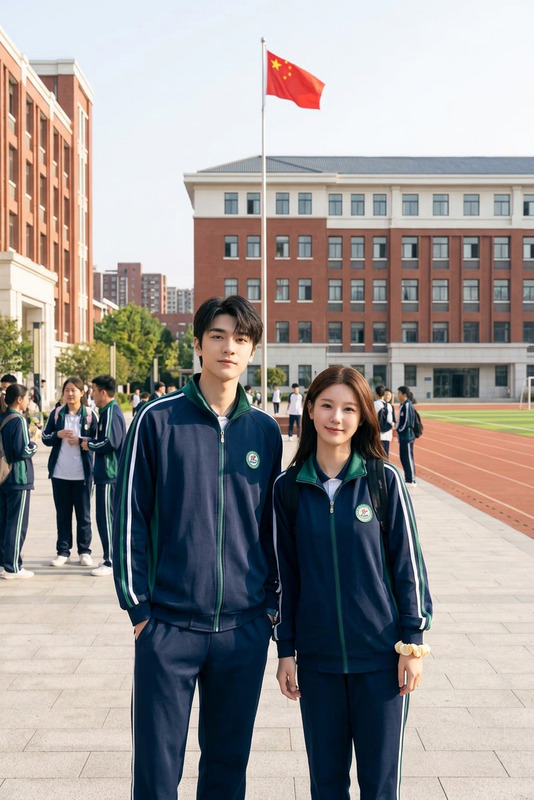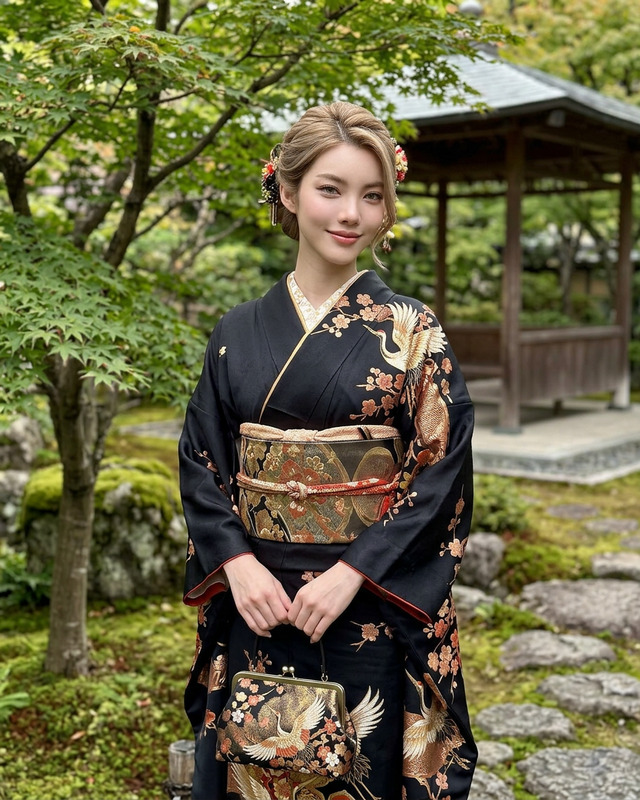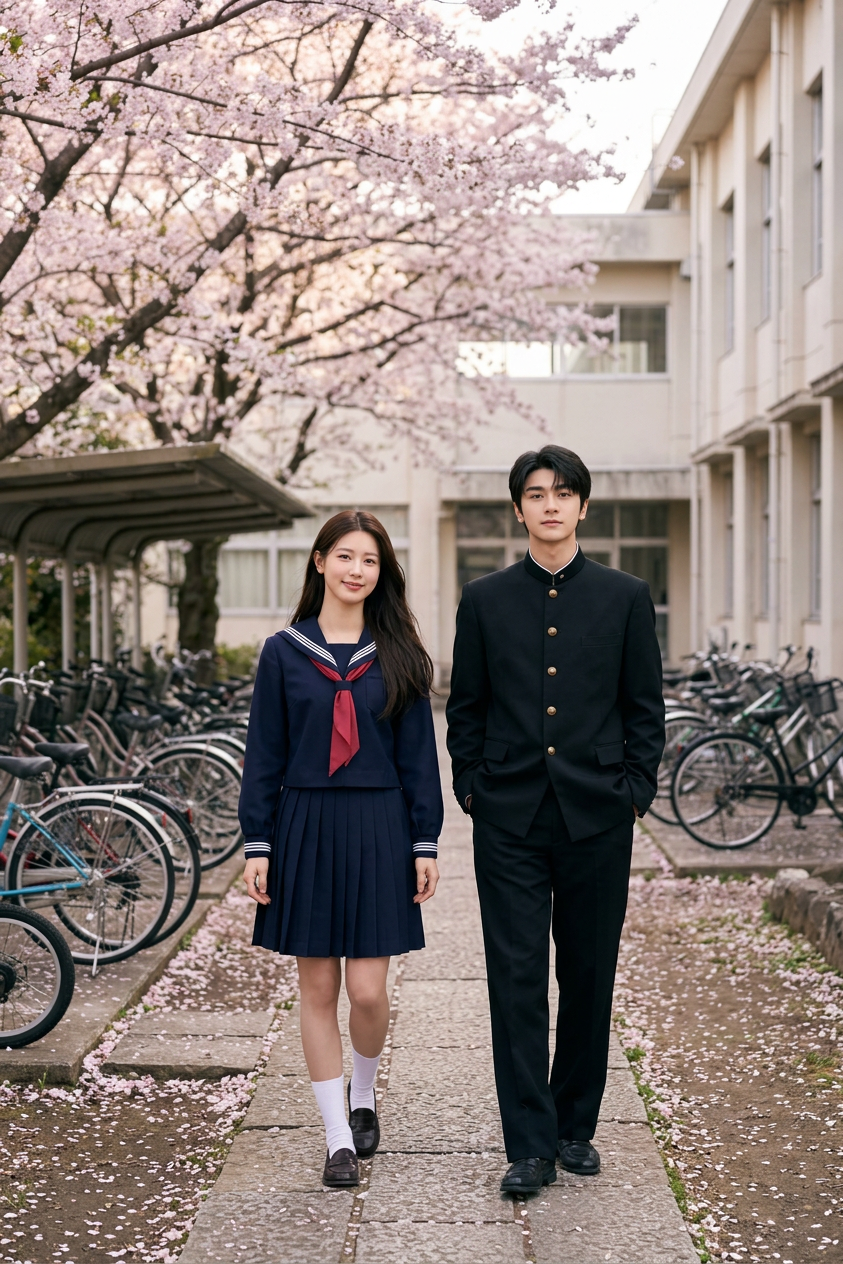
Japan School Uniforms

Japan School Uniforms

ai-image-editor

1 clip
0 uses

Any aspect ratio

Prompt

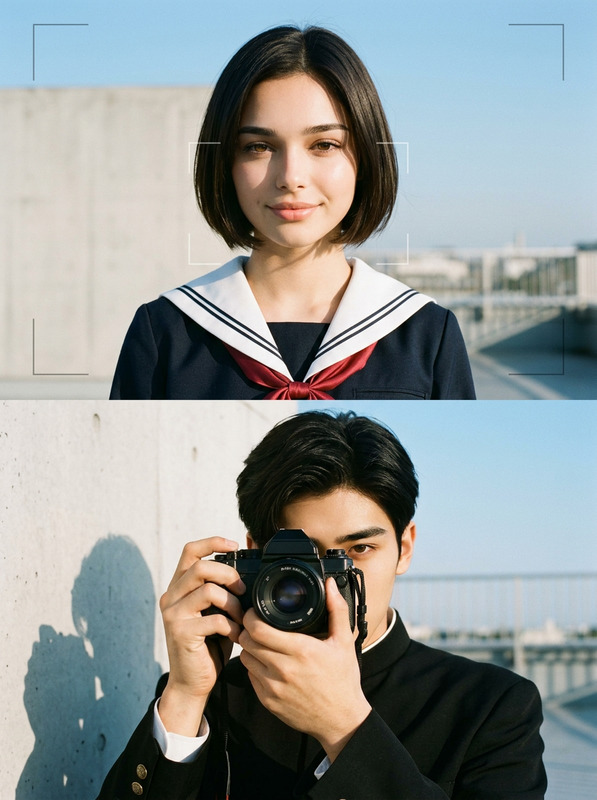
Subject is two students (one male, one female) wearing Japanese school uniforms (sailor uniform for female, gakuran or blazer for male); set in a quiet school courtyard with cherry blossom trees and bicycle parking; soft natural lighting, calm atmosphere, cinematic, photorealistic, high detail.

AI Image Editor Template: Precise, Fast Image Editing for Builders

Use this template to quickly edit, enhance, and transform images with the AI Image Editor. It’s designed for creators, marketers, and product teams who need reliable, repeatable image edits—without opening Photoshop or writing custom code.


What You Can Do With This Template

This template is built around the AI Image Editor and works well for:

  • Content & marketing teams
    • Clean up product photos
    • Swap backgrounds for campaigns or A/B tests
    • Localize images for different markets
  • Founders & product builders
    • Generate polished visuals for landing pages and decks
    • Iterate on UI mockups and app screenshots
    • Create quick image variants for experiments
  • Designers & creators
    • Remove or replace objects and people in a scene
    • Try different styles (photo-real, illustration, anime, etc.)
    • Upscale and restore low-quality assets for reuse

If you’re building visuals at scale, you can combine this with tools like:


How This Template Works in Magic Hour

This template uses the AI Image Editor as the core engine:

  1. Upload or generate an image

  2. Describe your edit in natural language

    • Example prompts:
      • “Remove the person in the background and replace with a simple studio backdrop.”
      • “Change the t‑shirt to a black hoodie, keep lighting realistic.”
      • “Make this into a clean SaaS-style hero image with a light gradient background.”
  3. Apply structural or stylistic changes

    • Remove, add, or modify elements
    • Change backgrounds, outfits, or objects
    • Shift style: photo → illustration, realistic → anime, etc.
    • For clothing and fashion-specific work, see also the AI Clothes Changer and AI Fashion Generator.
  4. Polish the output


How to Remix This Template in Magic Hour

You can use this template as a starting point and adapt it to your own workflow:

  1. Start from the existing template

    • Open the template in Magic Hour.
    • Duplicate it into your workspace to make your own version.
  2. Adjust the editing instructions

    • Replace the default description with your own use case:
      • E-commerce: “Standardize all product shots to a white or light grey background, remove shadows, keep true colors.”
      • SaaS: “Turn screenshots into polished mockups with device frames and gradient backgrounds.”
      • Personal branding: “Turn portraits into clean, professional headshots with neutral backgrounds.”
    • If you consistently do one type of edit (e.g., LinkedIn-style headshots), consider pairing this with the AI Headshot Generator.
  3. Bundle it with other Magic Hour tools

  4. Save as your own reusable template

    • Once your prompts and flow are dialed in, save it as your org’s template.
    • Share it with your team so everyone can run consistent, on-brand image edits.

Example Use Cases and Recipe Ideas

You can adapt this AI Image Editor template for many production-ready workflows:

1. Clean Product Photography for E‑commerce

  • Use AI Image Editor to:
    • Remove clutter, hands, or props
    • Standardize backgrounds (white, gradient, or on-brand color)
    • Fix lens issues or minor artifacts
  • Then:

2. Professional Profile & Team Photos

3. Concept Art & Visual Explorations

4. Brand & Marketing Assets


Going Beyond Static Images

Once you have an edited image you like, you can extend it into richer formats directly in Magic Hour:


Tips for Better Results

  • Be explicit in your text instructions
    Describe what you want to change, what should stay the same, and the desired style.
    Example: “Remove the coffee cup, keep the laptop and hands, make the background a soft blue gradient.”

  • Reference known styles or formats
    Mention photography styles (“studio lighting”, “cinematic still”), design trends (“SaaS hero section”), or genres (“Disney style illustration”, “graffiti mural”) to guide the model. You can also pair this template with:

  • Use cleanup tools when needed
    If an edit leaves minor artifacts:


Who This Template Is For

This AI Image Editor template is well-suited for:

  • Startups and growth teams needing quick, reliable image workflows for landing pages, ads, and experiments.
  • Agencies and studios standardizing client deliverables without heavy manual editing.
  • Indie builders and creators who want production-grade visuals without assembling a full design toolchain.

If you’re building a system that repeatedly edits or generates images, this template is a practical starting point that you can remix, extend, and connect with other Magic Hour tools across images, video, and voice.

More Like This

Insufficient credits