Macaron Construction: Miniature Pastry Engineering
- Model
- Nano Banana 2
- Image
- 1024 × 1024 px
Prompt
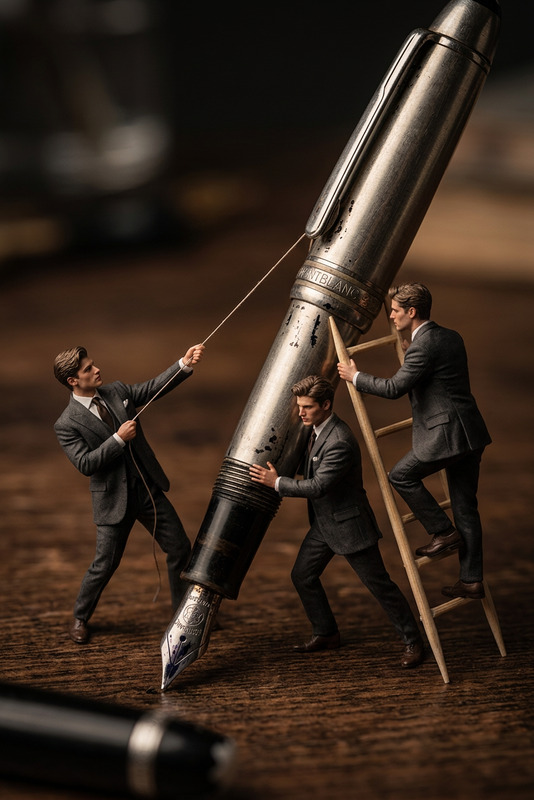
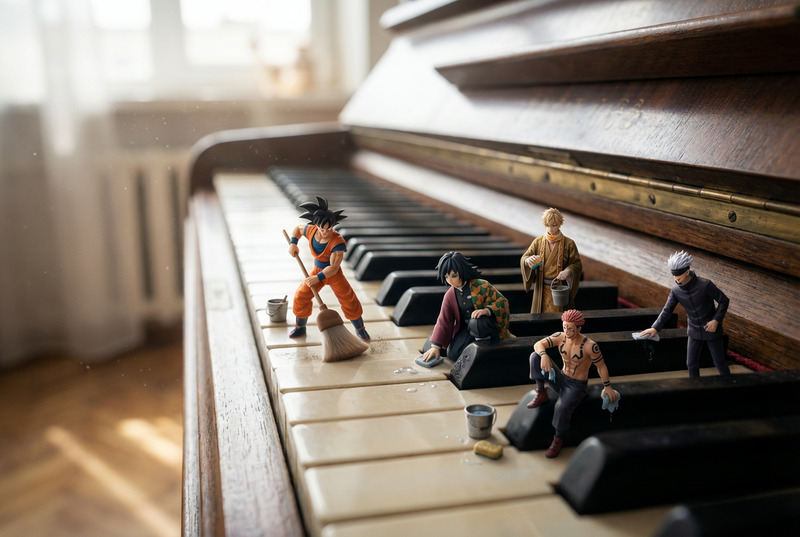
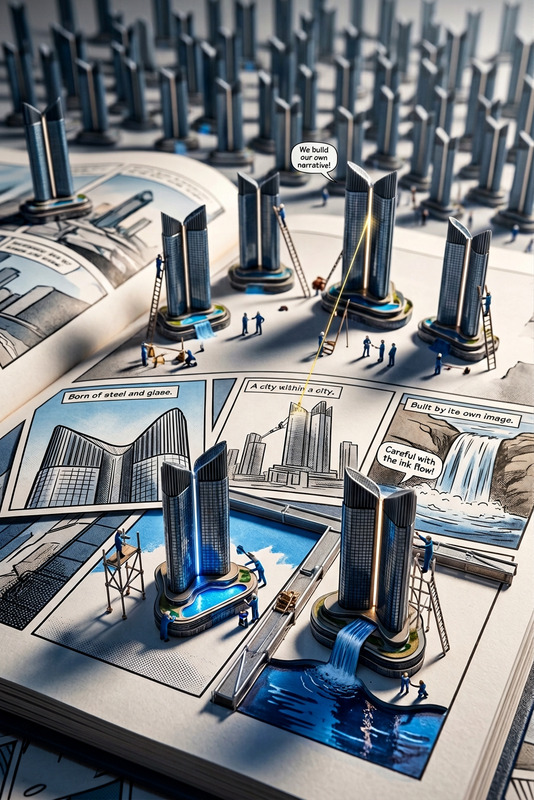
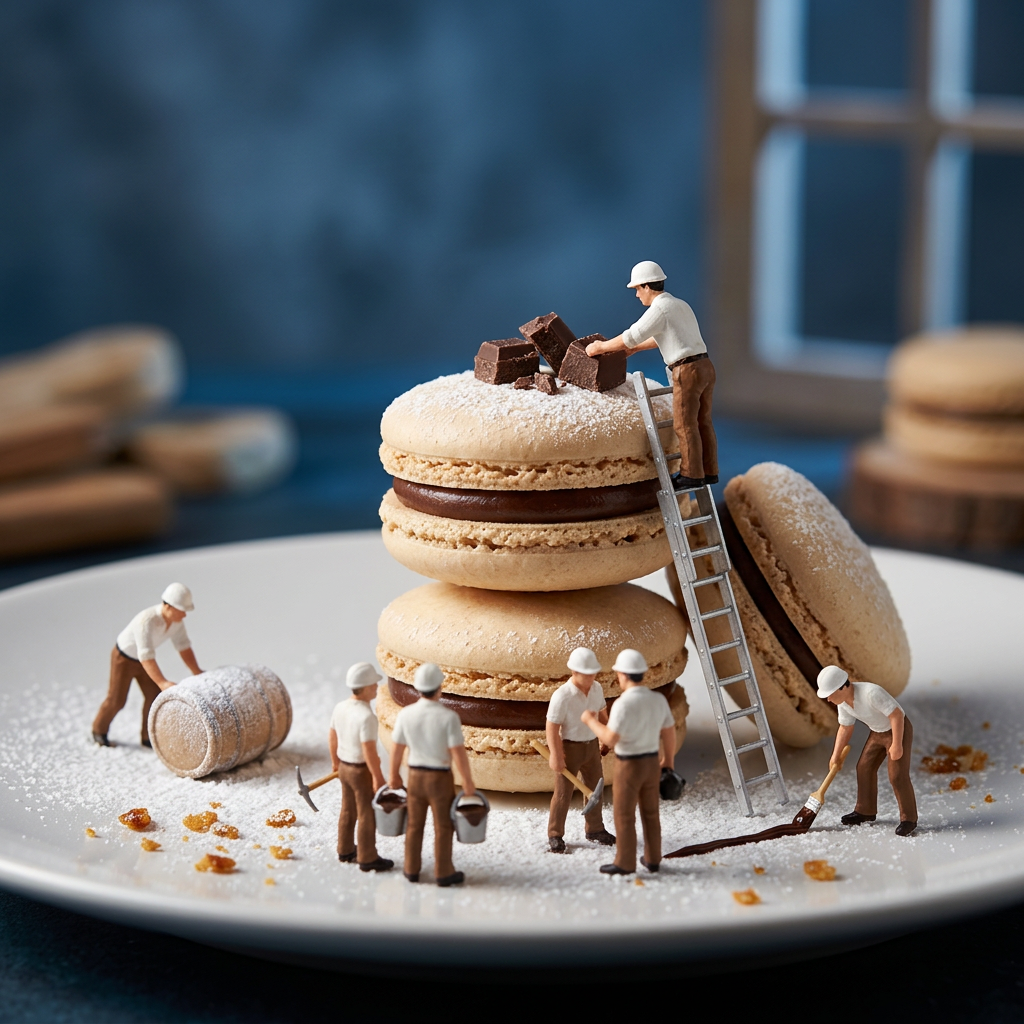
A hyper-realistic miniature scene featuring tiny construction workers dressed in white shirts, brown pants, and white helmets working on a stack of elegant beige macarons with a rich chocolate filling. Some workers are standing on ladders, carefully placing small chocolate chunks on top, while others carry ingredients and tools. The macarons are set on a white plate dusted with powdered sugar, surrounded by small caramelized crumbs. The background is softly blurred with a cool, moody blue tone, creating a stylish and artistic atmosphere.
Any aspect ratio
Overview
Welcome to the "Macaron Construction: Miniature Pastry Engineering" template, designed for the AI Image Editor. This creative template invites you into a tiny world of pastry craftsmanship rendered with exquisite detail. Using the versatile nano-banana-2 model, you can transform your concepts into stunning scenes where construction meets confectionery artistry.
What It Does
This template allows for the creation of hyper-realistic images featuring detailed miniature scenes. Envision tiny construction workers meticulously assembling a stack of macarons, each element rendered with lifelike precision. The template engages nano-banana-2 to add a sophisticated feel to your imagery, making it perfect for high-quality visual content.
Explore the potent capabilities of the Gender Swap tool to experiment with the appearance of workers, or enhance colors using the Photo Colorizer.
Who It's For
This template is ideal for content creators, advertisers, and artists craving detailed and creative imagery. Whether used for social media promotions, artistic projects, or ads, the template facilitates crafting whimsical and engaging visuals that captivate audiences. Educators in culinary arts can also use it to create engaging learning materials.
Summary
The "Macaron Construction: Miniature Pastry Engineering" template harnesses the power of AI to craft intricate and imaginative scenes. By leveraging the capabilities of nano-banana-2 within the AI Image Editor, users can build enchanting miniature worlds featuring realistic elements and rich textures, perfect for any creative endeavor.
How-To
Choose the template

Customize your scene

Generate and export

Use Cases
Social Media Content
- Boost engagement with artistic food scenes
- Create shareable and beautiful content
Digital Marketing
- Highlight product features in a unique way
- Attract customers with creative artistry
Artistic Projects
- Craft imaginative art pieces
- Expand conceptual works with digital layers
Best Practices
Focus on Details
Pay attention to small details such as the texture of macarons and the posture of workers for a more compelling image.Experiment with Colors
Use color adjustments to enhance the visual appeal and fit the thematic tone you're aiming for.Utilize Background Blur
Apply a subtle background blur for a professional touch, emphasizing the main subjects of your scene.