Crowned
- Model
- Nano Banana 2
- Image
- 800 × 1333 px
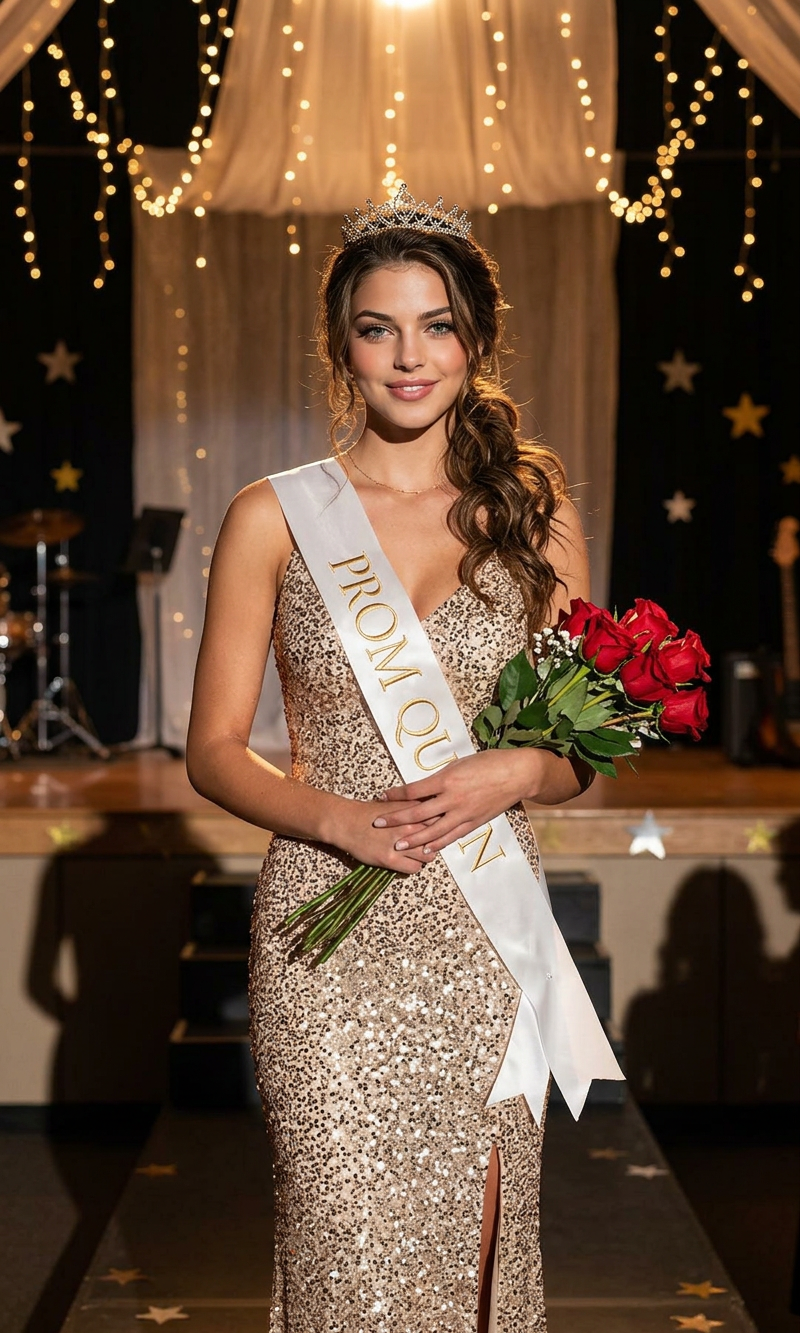
Prompt
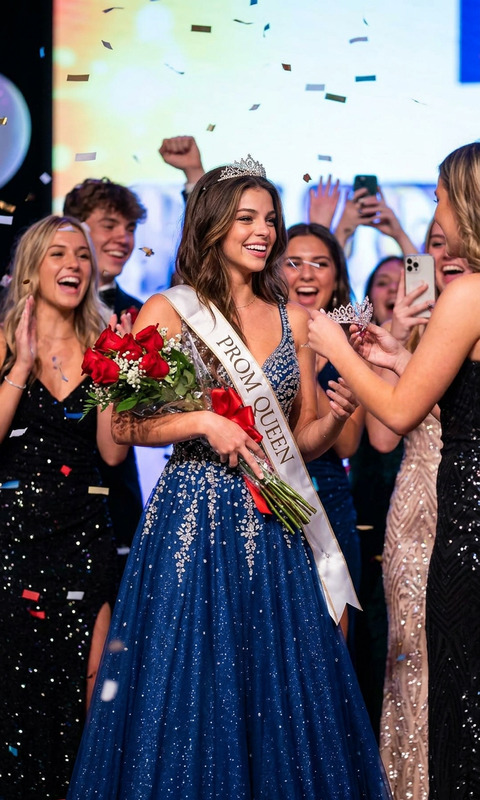
Editorial prom queen portrait of a poised young woman standing center frame on a dimly lit stage backdrop with hanging stars, wearing a shimmering champagne-gold sequined evening gown and a white satin sash reading “PROM QUEEN,” confident expression, sleek middle-part curly ponytail, warm cinematic lighting, luxury fashion photography, high contrast shadows, soft glow on skin, shallow depth of field, elegant pageant aesthetic, ultra-detailed, Vogue-inspired, vertical composition, 35mm film look, realistic texture, dramatic ambience.
Any aspect ratio
Overview
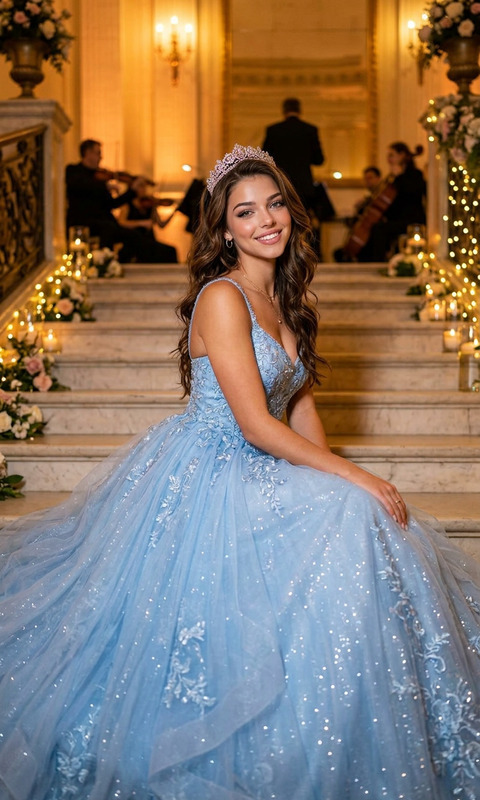
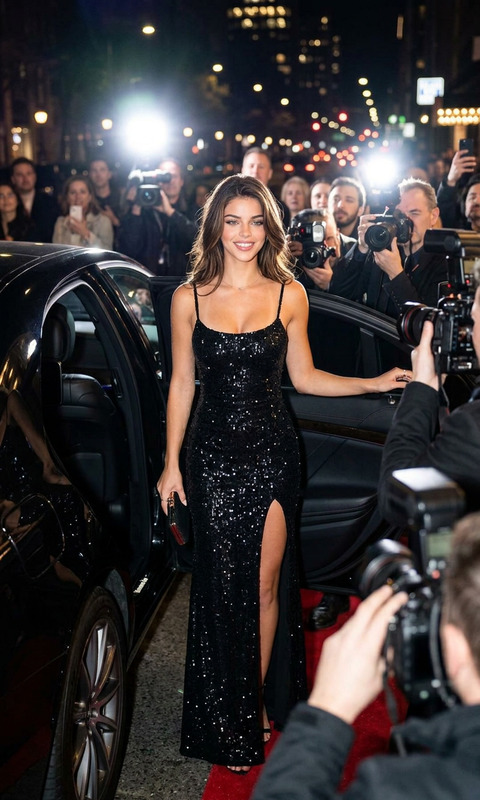
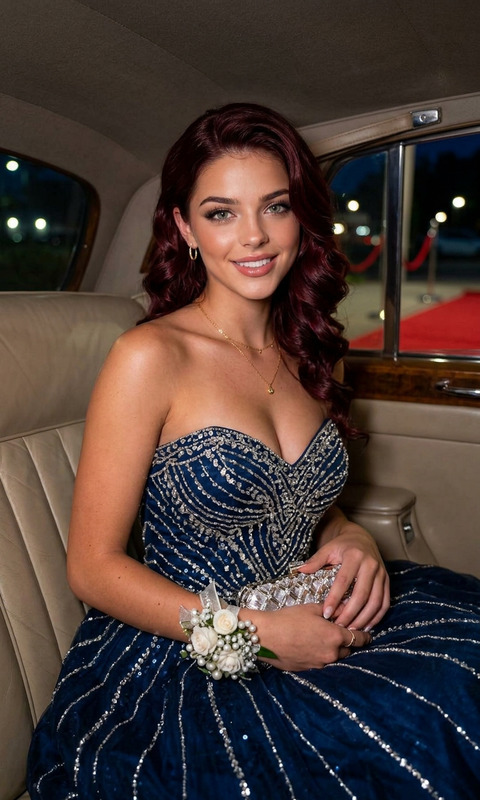
Crowned is an AI Image Editor template designed to capture the elegance of a prom queen. It brings a Vogue-inspired editorial look to your images with warm cinematic lighting, luxurious fashion aesthetics, and 35mm film texture. Perfect for adding a touch of glamor to any project.
What It Does
This template uses the nano-banana-2 model to generate highly detailed and realistic portraits that convey a sense of poise and elegance. It edits your images to highlight features with a soft glow, high contrast shadows, and a dramatic ambient atmosphere.
Who It's For
Crowned is ideal for photographers, fashion designers, and marketers who want to showcase AI Product Photography. Whether you're preparing for a fashion shoot or designing promotional material, this template elevates your images with a professional, high-fashion finish.
Summary
Utilizing a sophisticated blend of luxury aesthetics and advanced AI editing, the Crowned template ensures your images reflect a high-end fashion editorial style. Its application in various sectors like AI Image Editing makes it a versatile tool for creative professionals.
How to Use Crowned
Choose the Crowned Template

Customize Your Image

Generate the Image

Use Cases
Fashion Campaigns
- Elegant editorial portraits
- Professional fashion look
Event Promotions
- Captivating event posters
- Eye-catching social media content
Portfolio Enhancements
- Showcase unique aesthetic
- Professional appeal
Best Practices
Opt for High-Resolution Photos
To maximize the template's capabilities, start with high-quality images that allow the AI to better highlight details and textures.Experiment with Lighting
Adjust the warm cinematic lighting to see how it affects different aspects of the image, enhancing or softening certain features.Align with Brand Aesthetics
Ensure the final output matches your brand's visual guidelines, particularly if you're using the images for professional purposes.