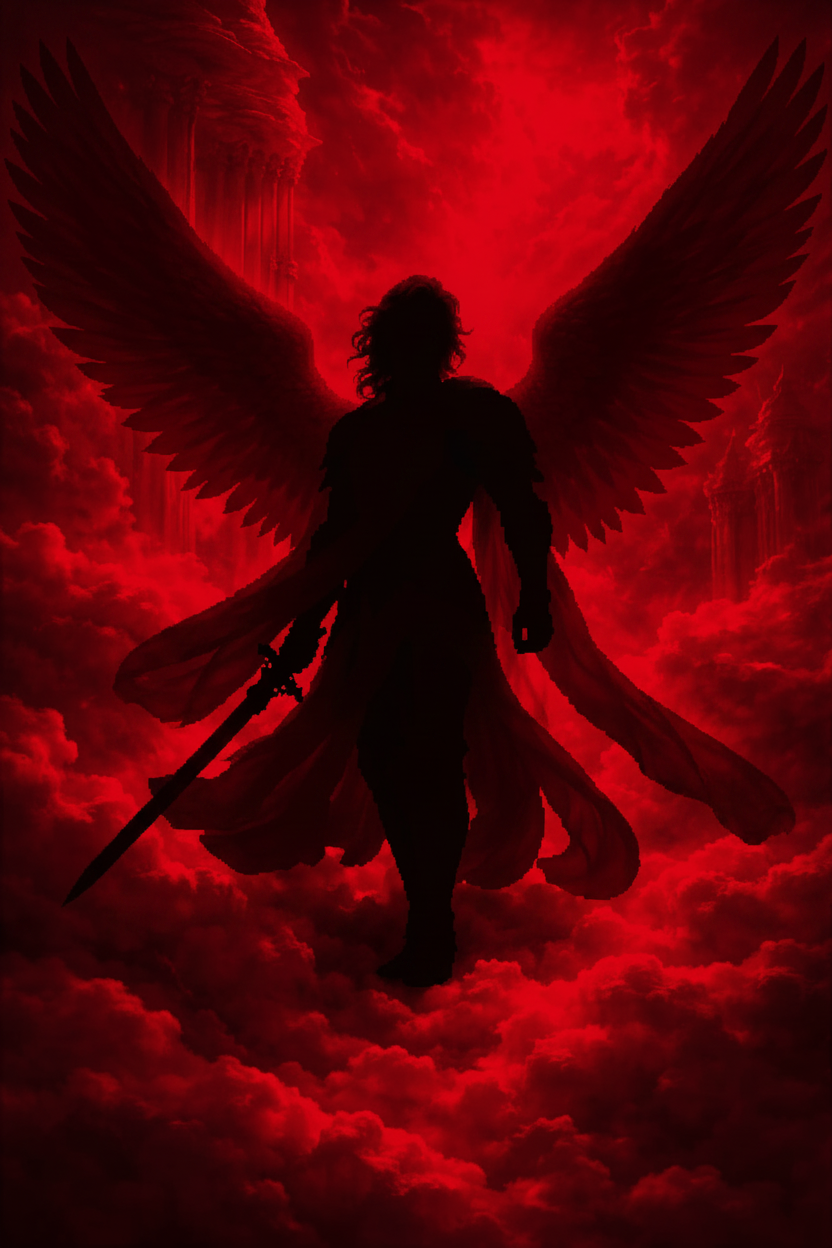
Crimson Pixel Elegance
- Model
- Nano Banana
- Image
- 832 × 1248 px
Prompt
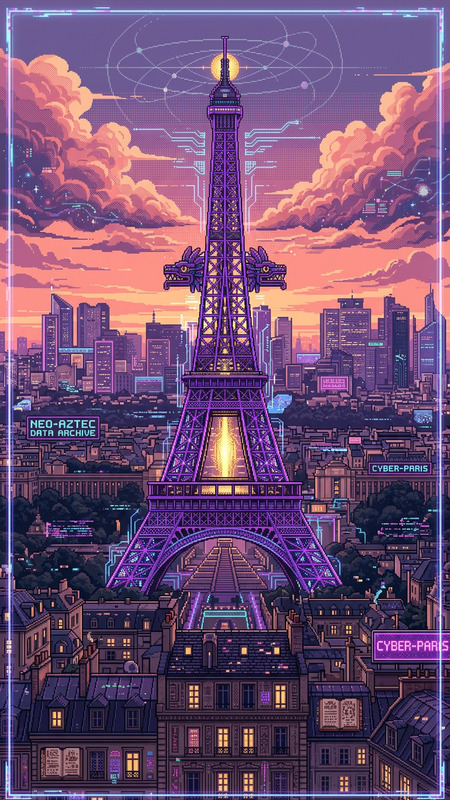
Pixelated figure as subject, graceful poised stance, black attire silhouette, vibrant crimson background, sharp pixel detail, balance of elegance and digital artistry, high contrast composition
Any aspect ratio
Overview
The Crimson Pixel Elegance template brings digital art to life with its high-contrast composition, marrying pixel sharpness with a balanced elegance. Incorporating the sophisticated styles of the AI Image Editor, this template is designed for vivid creativity. Using the nano-banana model, it transforms your ideas into visually captivating pixelated art.
What It Does
Crimson Pixel Elegance utilizes the prowess of the AI Image Generator to craft images featuring pixelated figures with graceful poise against a vibrant crimson background. The template maintains sharp pixel detail and balances elegance with digital artistry, making it ideal for projects requiring a touch of abstract sophistication.
Who It's For
This template is perfect for digital artists, content creators, and marketers looking to infuse their visuals with a blend of elegance and bold, digital aesthetics. Whether you're working on personal projects or marketing campaigns, AI Ad Creative Generator users will find it particularly beneficial for creating captivating ad visuals.
Summary
With Crimson Pixel Elegance, explore the intersection of style and technology. This template offers users a new avenue for artistic expression by blending poised compositions and vibrant colors. The seamless integration with tools like the AI Clothes Changer allows for enhancing the visual appeal of your images further.
How To
Choose Crimson Pixel Elegance

Customize Your Image

Generate and Download

Use Cases
Artistic Projects
- Abstract digital paintings
- Modern art displays
Marketing and Advertising
- Social media ads
- Billboard designs
Fashion and Lifestyle
- Lookbooks
- Editorial spreads
Best Practices
Focus on Contrast
When customizing your image, maintain high contrast to ensure the pixelated elements stand out.Optimize Color Balance
Use the template's color settings to balance the crimson background with your subject's attire for visual harmony.Experiment with Poses
Vary the subject's stance to discover unique looks that fit different project themes.