Breaking Out of Imagination
- Model
- Nano Banana 2
- Image
- 768 × 1365 px
Prompt
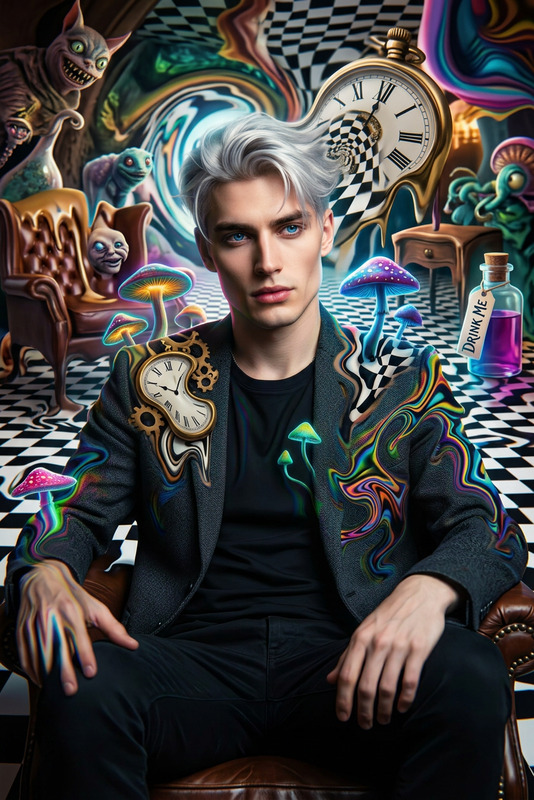
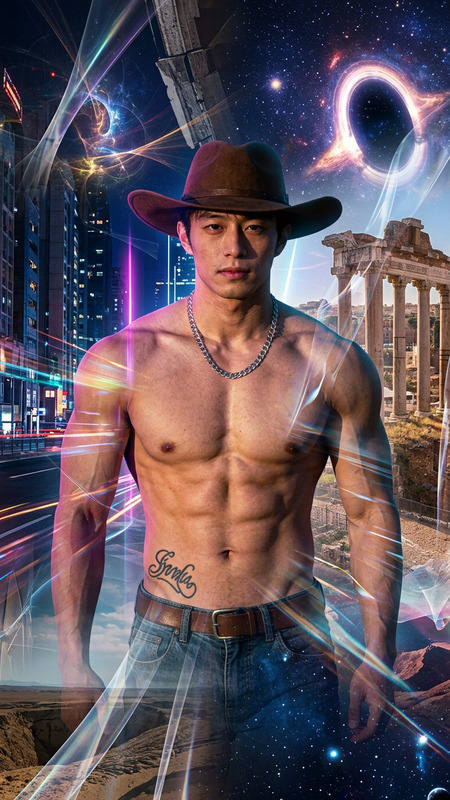
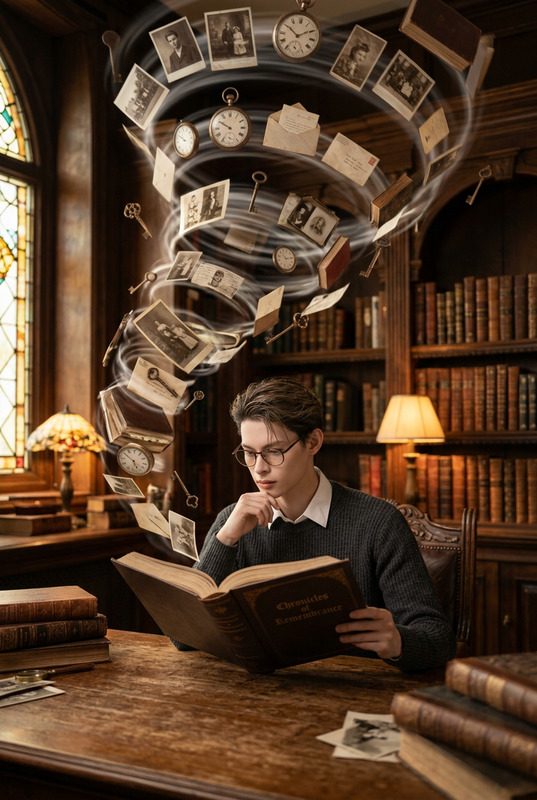
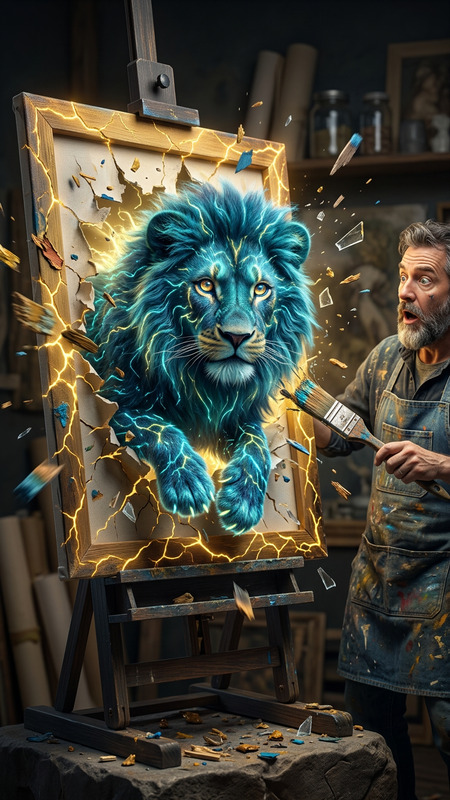
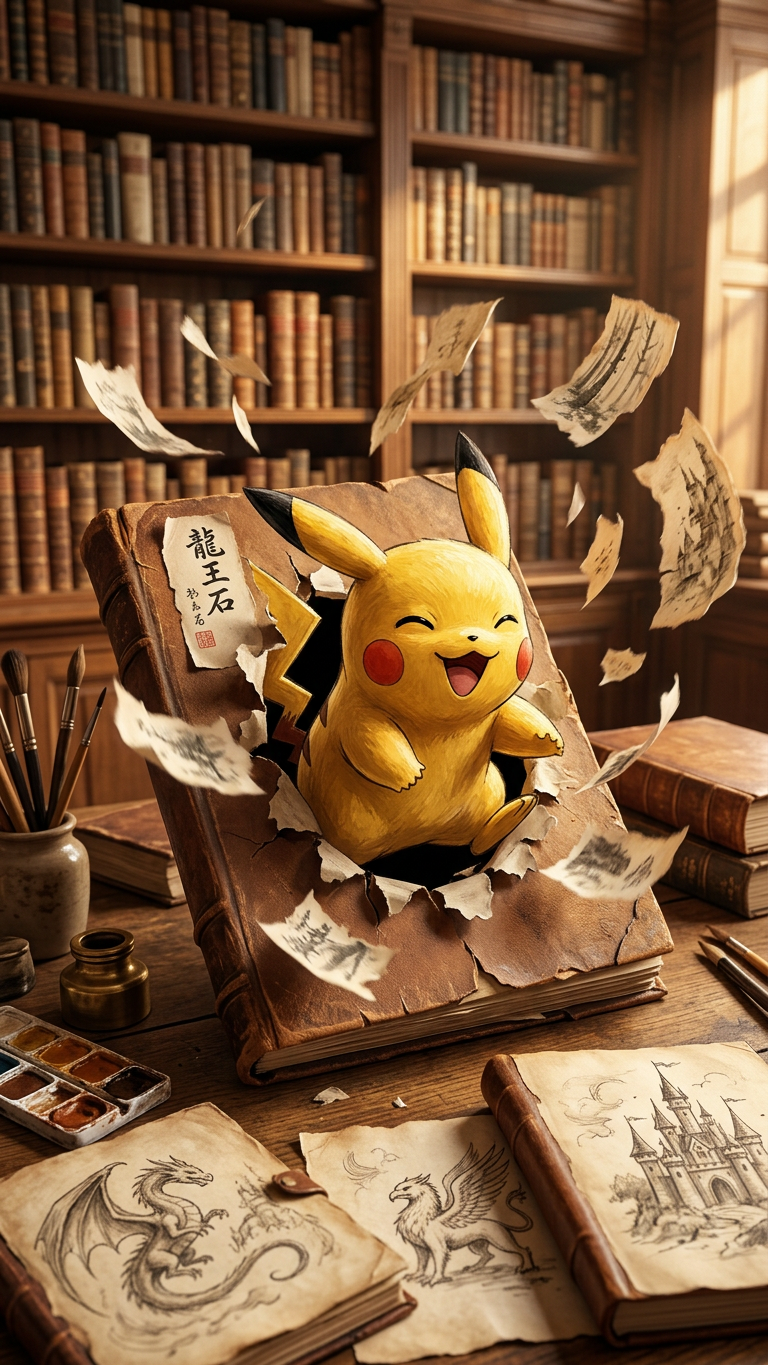
A magical scene: {subject} bursts out from an ancient sketchbook, sending torn paper fragments flying. Set in {library}, filled with art supplies and fantasy sketches. Warm golden-hour light highlights textures and motion. Wide-angle, shallow depth of field, focusing on his joyful expression. Color palette: {brown}. Theme: imagination and stories coming to life.
Any aspect ratio
Overview
The "Breaking Out of Imagination" template allows creators to visualize their ideas with a touch of fantasy and artistic flair. Utilizing the power of the AI Image Editor, this template combines artistic elements with advanced AI capabilities, turning static images into dynamic scenes.
What It Does
This template uses the nano-banana-2 model to transform your images into vibrant, imaginative scenes. By focusing on key elements like lighting and motion, it captures the essence of imagination and storytelling, making your visuals captivating and dynamic.
Who It's For
Ideal for artists, educators, and content creators who wish to bring stories to life visually. Whether you're an illustrator looking to animate your sketches or a marketer aiming to create engaging content, this template leverages AI to expand creative possibilities.
Summary
"Breaking Out of Imagination" offers a sophisticated way to animate still images, enriching them with elements of fantasy and storytelling. By interacting with tools like the Image to Video, you can create astonishing videos that capture the warmth and texture of your imagination.
How to Use It
Choose the Template

Customize Your Scene

Generate and Refine

Use Cases
Artistic Portfolios
- Showcasing imaginative sketches
- Creating dynamic hero images
Educational Content
- Visual storytelling in lessons
- Animated diagrams and sketches
Marketing Campaigns
- Fantasy-themed product ads
- Interactive content for social media
Best Practices
Focus on Key Elements
Ensure the main subject and environment are clearly defined and complement each other for a cohesive scene.Utilize Lighting
Take advantage of the warm, golden-hour lighting in your compositions to enhance mood and texture.Experiment with Angles
Try different vantage points and depths of field to create a more dynamic and immersive experience.