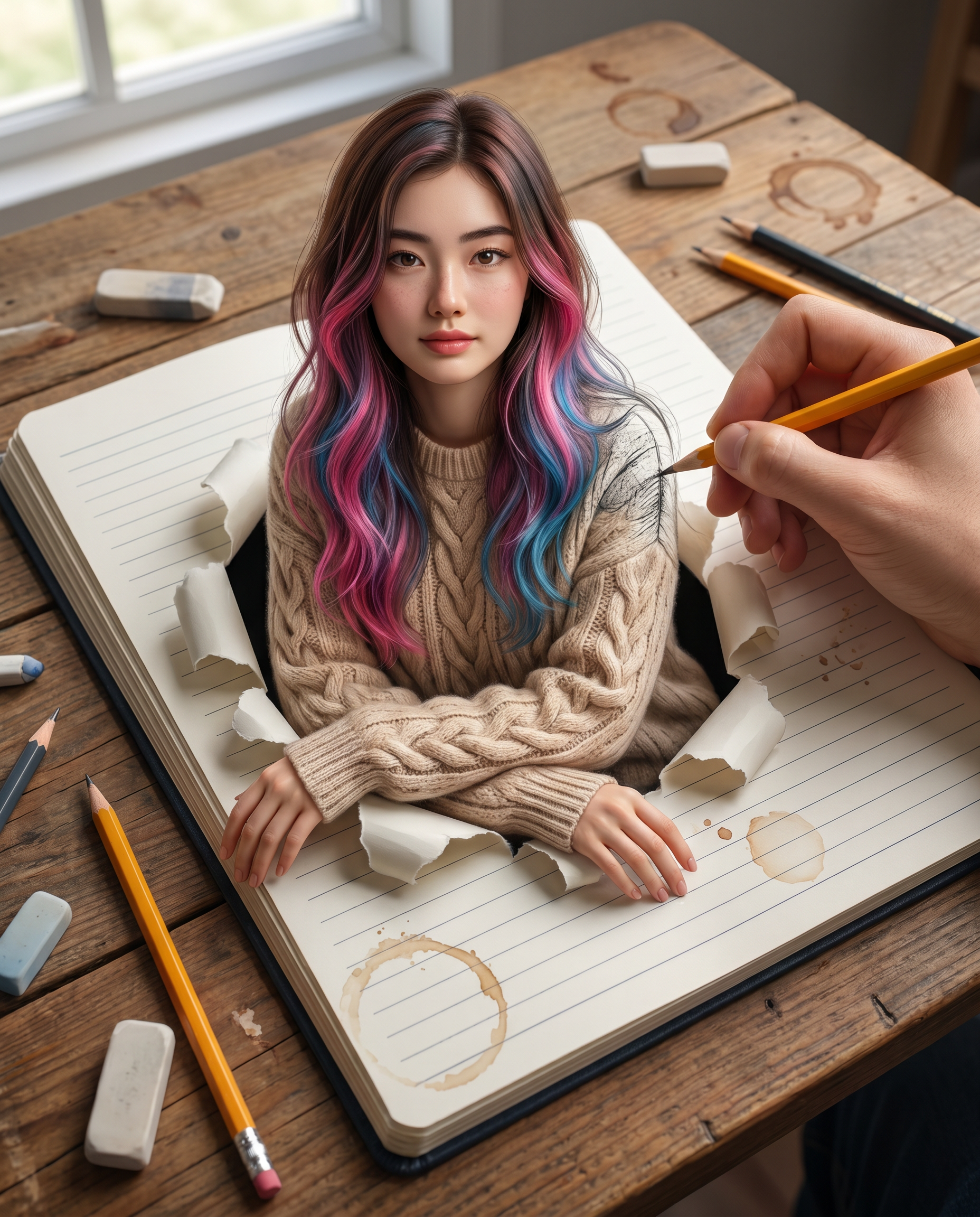
Drawn To Life
- Model
- Nano Banana Pro
- Image
- 1856 × 2304 px
Prompt
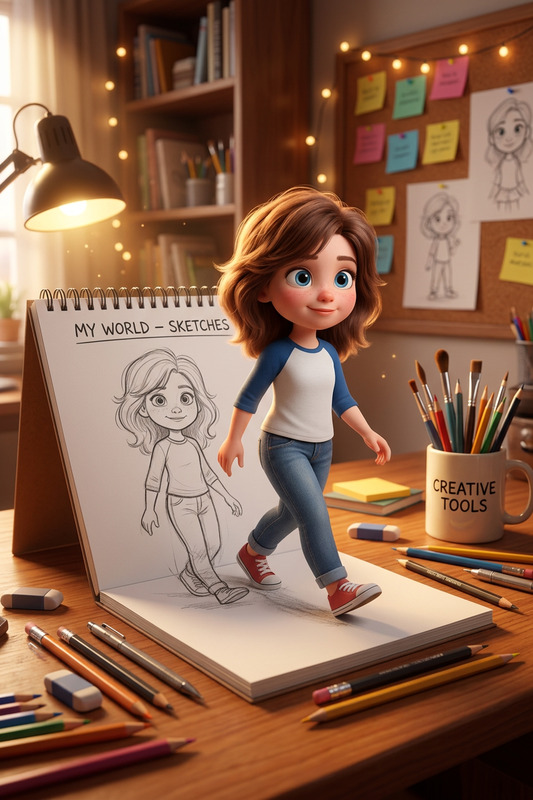
Use the uploaded photo as a face reference and create a hyper-realistic 3D anamorphic optical illusion artwork featuring a beautiful young Asian woman emerging from an open-lined notebook. She has long, wavy brown hair with distinct, vibrant pink and blue highlights and is wearing a cozy beige cable-knit sweater. She appears to be popping out of the paper from the waist up, with a torn paper effect, leaning her arms and steadying herself naturally on the ripped paper edges. To blur the line between 2D sketch and 3D reality, include a real human hand holding a yellow pencil, actively sketching her shoulder. The notebook rests on a wooden table. Use a high-angle, top-down shot with cinematic lighting—soft studio lighting on the subject and natural lighting on the desk—rendered in 8k resolution with photorealistic skin texture and intricate details. Aspect ratio 4:5
Any aspect ratio
Overview
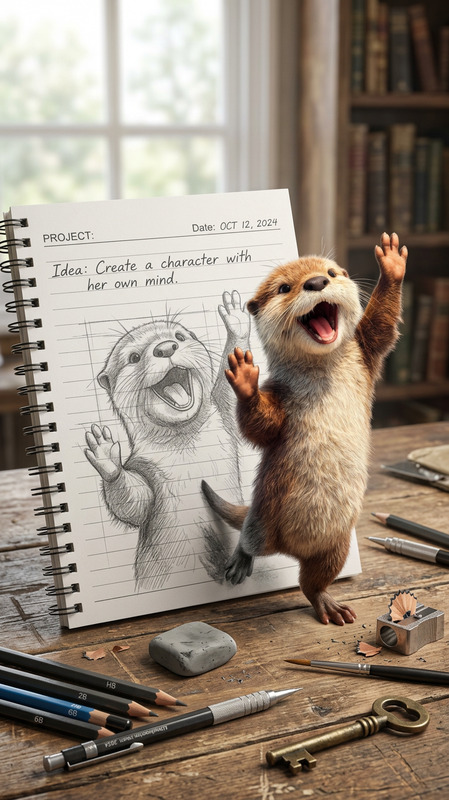
'Drawn To Life' takes your photo references and transforms them into a stunning 3D anamorphic artwork. This AI Image Editor tool is built on the powerful nano-banana-pro model, delivering hyper-realistic images with intricate details. Experience a seamless blend of reality and artistry, achieving photorealistic results that capture the eye.
What It Does
This template uses your input image as a reference to craft a mesmerizing optical illusion. The focus is on rendering a beautiful young Asian woman who seems to leap out of a notebook, bridging the gap between 2D and 3D. The high-angle shot incorporates soft and natural lighting, enhancing the realism of the artwork.
The template adds life to the scene by featuring a human hand actively sketching, further blurring the lines between reality and art. Rendered in 8k resolution, the skin texture and lighting effects elevate the detail and realism to cinematic levels.
Who It's For
This template is perfect for artists, photographers, and visual designers looking to create stunning visual effects. It's also ideal for educators and content creators crafting product demo videos that require a high visual impact. With this tool, you can enhance presentations, marketing materials, and social media content with a touch of artistic brilliance.
Summary
With 'Drawn To Life', transform your photos into hyper-realistic anamorphic artworks using AI-driven technology. Leverage the template's advanced capabilities to produce imagery that captivates and engages viewers. Perfect for those in the creative and marketing fields, this tool provides a novel way to visualize ideas, making it a valuable part of your design arsenal.
How-To
Choose Your Template

Customize Your Inputs

Generate Your Artwork

Use Cases
Art Installations
Marketing Campaigns
Educational Videos
Best Practices
Select High-Quality Reference Photos
Ensure the uploaded photo is clear and well-lit for the best results. This allows the AI to extract intricate details and produce a lifelike image.Experiment with Lighting
Adjust lighting settings to see how different effects improve the realism and overall aesthetic of the final image.Explore Different Angles
Experiment with the angle of the notebook and hand to enhance the 3D effect and make the image more dynamic.