Creator and Creation
- Model
- Nano Banana Pro
- Image
- 928 × 1152 px
Prompt
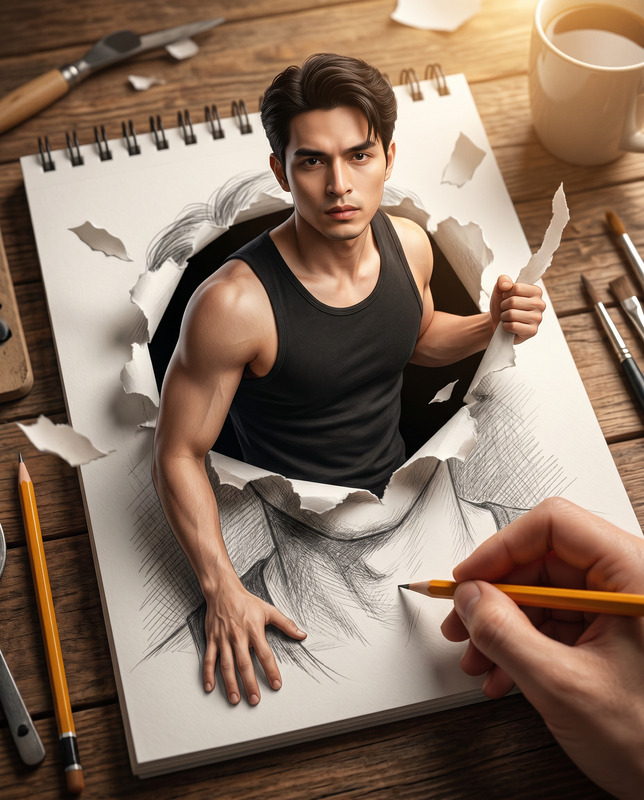
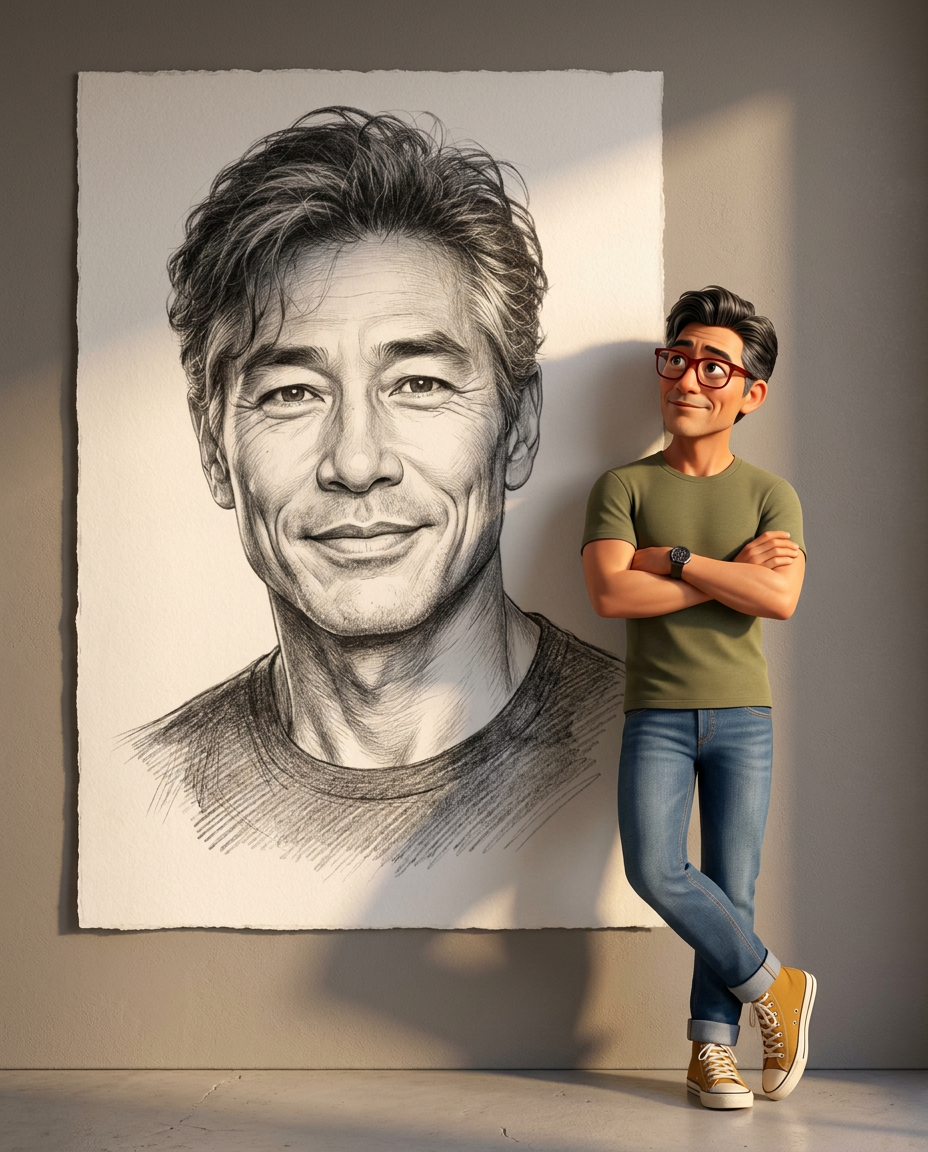
Use the uploaded reference image as the exact identity reference and preserve 100% facial accuracy, including identical face shape, eyes, eyebrows, nose, lips, jawline, skin tone, facial proportions, hairstyle characteristics, and all unique facial features. Create a highly polished ultra-detailed 3D animated scene in a premium Pixar/Disney-inspired style, blending stylized character animation with traditional fine-art illustration. The same man from the reference image stands beside and leans against a gigantic floor-to-ceiling sheet of textured deckle-edged drawing paper mounted against a minimalist wall. He has expressive oversized eyes, voluminous dark hair, warm skin tones, and large red-rimmed eyeglasses. He stands in a relaxed confident pose with arms folded across his chest and his right leg casually crossed over his left ankle, wearing an olive-green round-neck T-shirt, fitted blue jeans with rolled cuffs, a dark wristwatch, and mustard-yellow high-top canvas sneakers. His expression is warm, proud, and slightly amused as he gazes upward toward the artwork beside him. The giant paper displays an exquisitely detailed graphite-and-charcoal portrait of the exact same man from the reference image, without eyeglasses, shown chest-up with head upright, warm smile, direct eye contact, intricate pencil strokes, cross-hatching, realistic shading, visible paper grain, delicate line work, and rich charcoal texture, creating a museum-quality hand-drawn portrait. The contrast between the dimensional 3D character and the flat traditional sketch is the central visual element. Warm cinematic golden-hour sunlight enters from the upper right, illuminating both subjects and creating soft highlights, realistic ambient occlusion, ray-traced shadows, and long natural shadows. The 3D character casts a visible shadow across the giant drawing, reinforcing interaction between the real and illustrated worlds. Environment consists of a minimalist taupe-grey textured wall and smooth floor with subtle imperfections and natural light falloff. The oversized artwork dominates the frame while the character occupies the lower-right portion, creating strong visual balance and storytelling depth. Ultra-realistic lighting, global illumination, cinematic color grading, shallow depth of field, HDR, DSLR-level clarity, hyper-detailed textures, crisp focus, masterpiece quality, seamless blend of premium 3D animation and traditional graphite illustration, 8K resolution, aspect ratio 4:5. Important: both the animated character and the graphite drawing must remain instantly recognizable as the exact same person from the uploaded reference image with zero identity drift.
Any aspect ratio
Overview
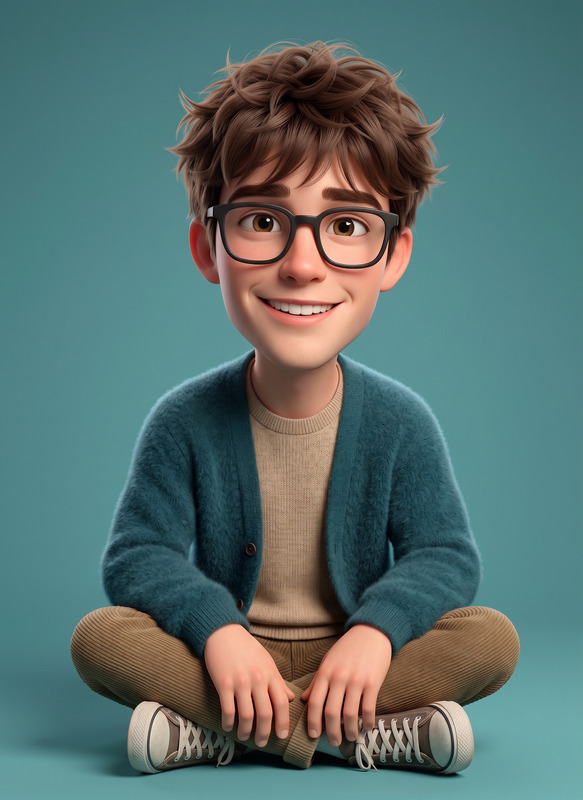
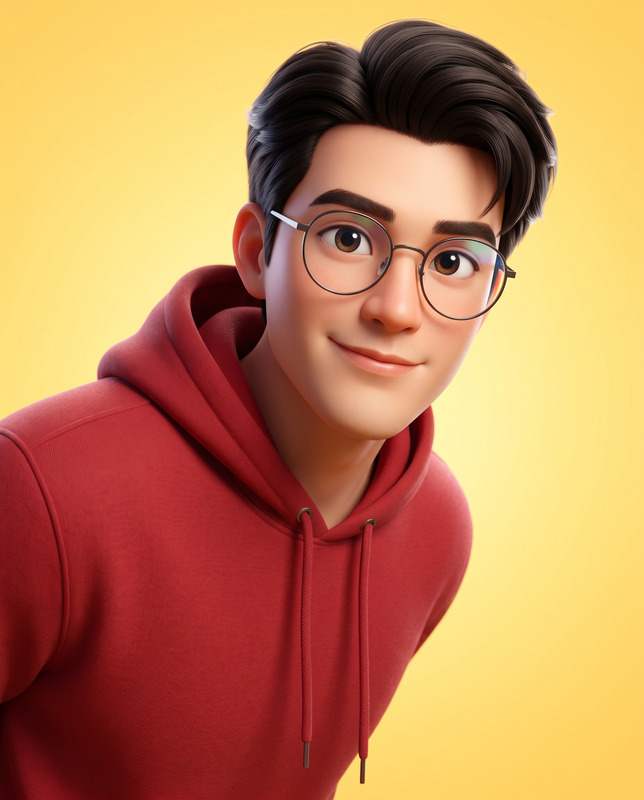
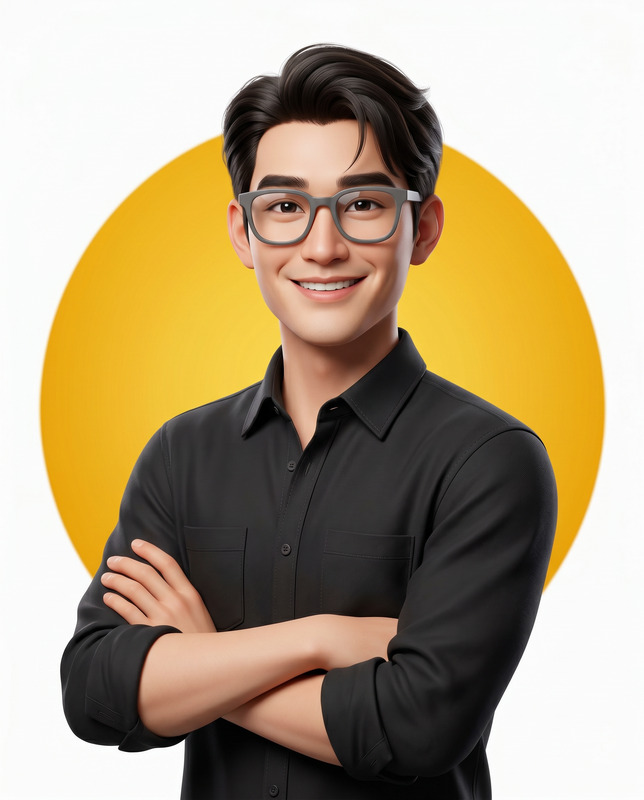
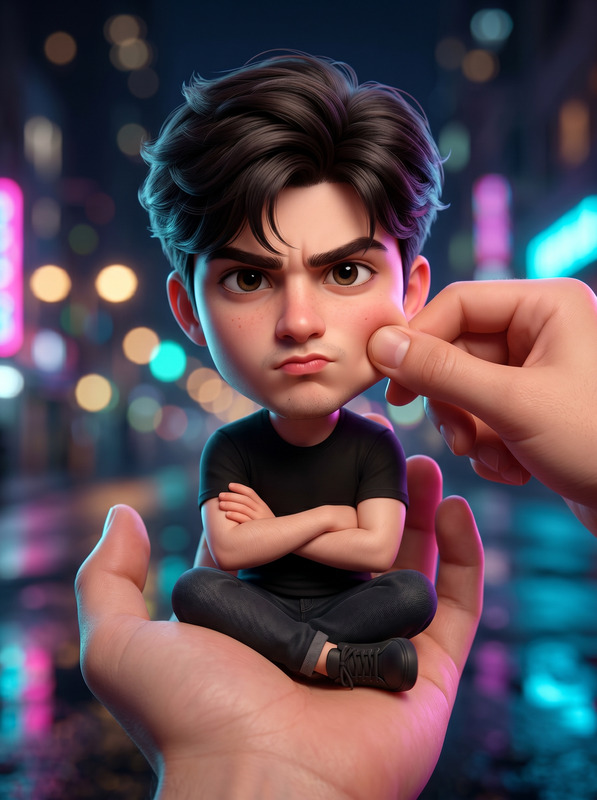
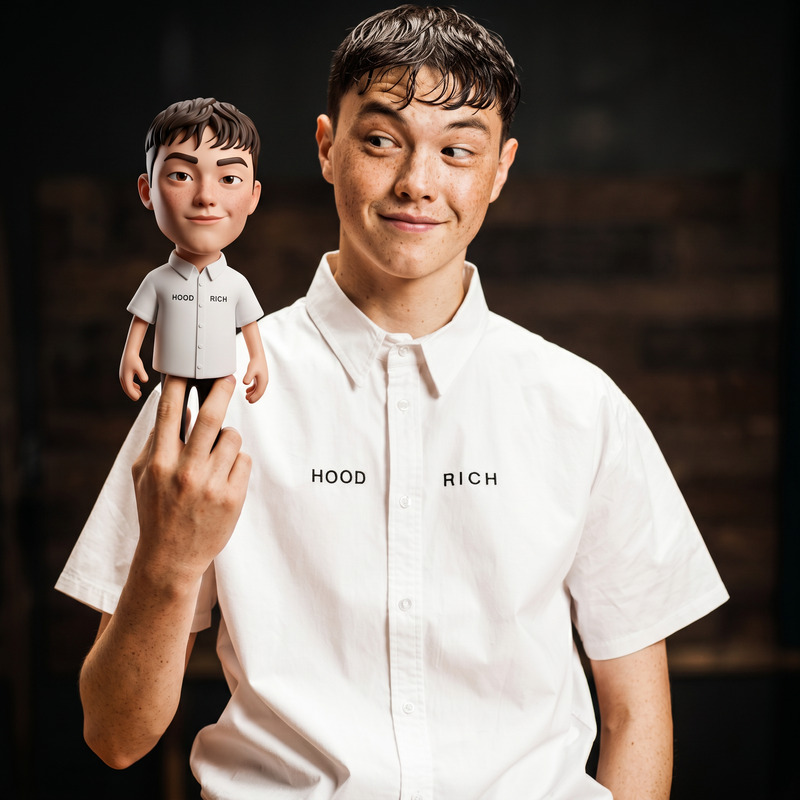
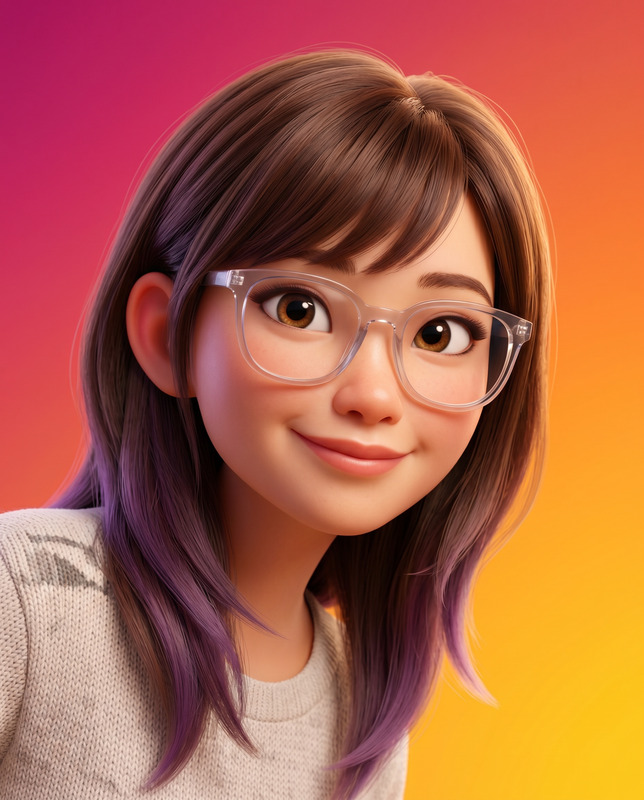
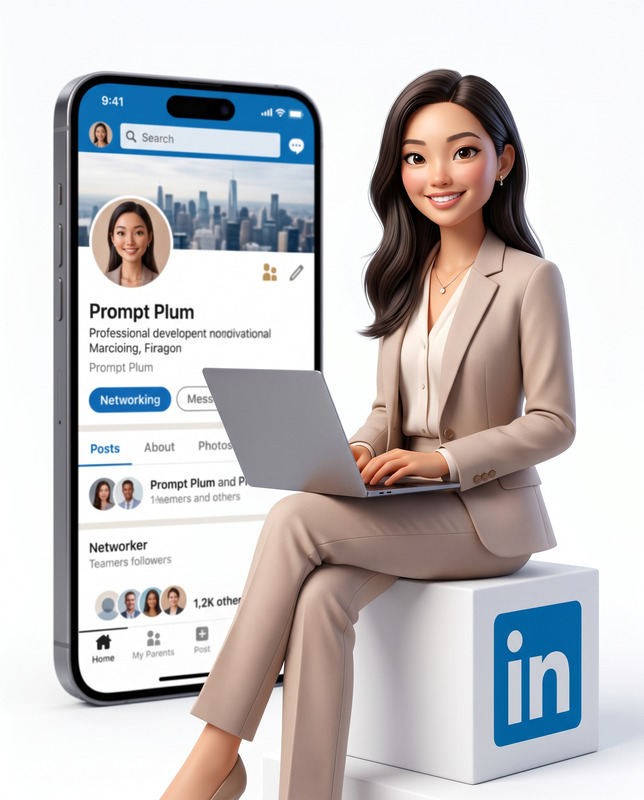
The "Creator and Creation" template transforms a reference image into a 3D animated scene, combining advanced AI Image Editing capability with artistic flair. Utilizing the nano-banana-pro model, this template ensures facial accuracy and creates a visually striking juxtaposition of 3D character animation and traditional graphite illustration.
What It Does
This template excels in creating detailed 3D animated scenes that preserve the identity and characteristics of the subject from the reference image. It seamlessly blends Pixar/Disney-style animation with fine-art illustration, offering a unique visual experience that maintains perfect facial accuracy. The result is an ultra-realistic scene with sophisticated visual balance and storytelling depth.
Who It's For
Ideal for digital artists, animators, and creators in the gaming and film industries, the template is perfect for those seeking to incorporate AI Image Editing precision with narrative-driven character design. It’s also valuable for agencies exploring inventive visual advertising or seeking to produce high-quality character visuals that tell a story.
Summary
The "Creator and Creation" template harnesses the power of the nano-banana-pro model to produce art that intertwines AI-animated and traditional art elements. By maintaining exact facial recognition, this innovative tool enables creators to generate scenes that are both visually captivating and meaningful. Leverage this template alongside tools like the Image to Video for dynamic storytelling.
How to Use
Choose Your Template

Customize Inputs

Generate Final Image

Use Cases
Film and Animation
- Character development
- Storyboarding
- Visual pre-production
Advertising
- Billboard designs
- Social media campaigns
- Product visualization
Art Exhibitions
- Gallery installations
- Digital art competitions
- Interactive museum displays
Best Practices
Maintain Input Quality
Use high-resolution images to ensure the best output for both 3D and illustration components.Experiment with Lighting
Adjust lighting settings to enhance the interplay between different visual media.Leverage Cross-Platform Tools
Combine this template with AI GIF Generator for adding motion to your creations.