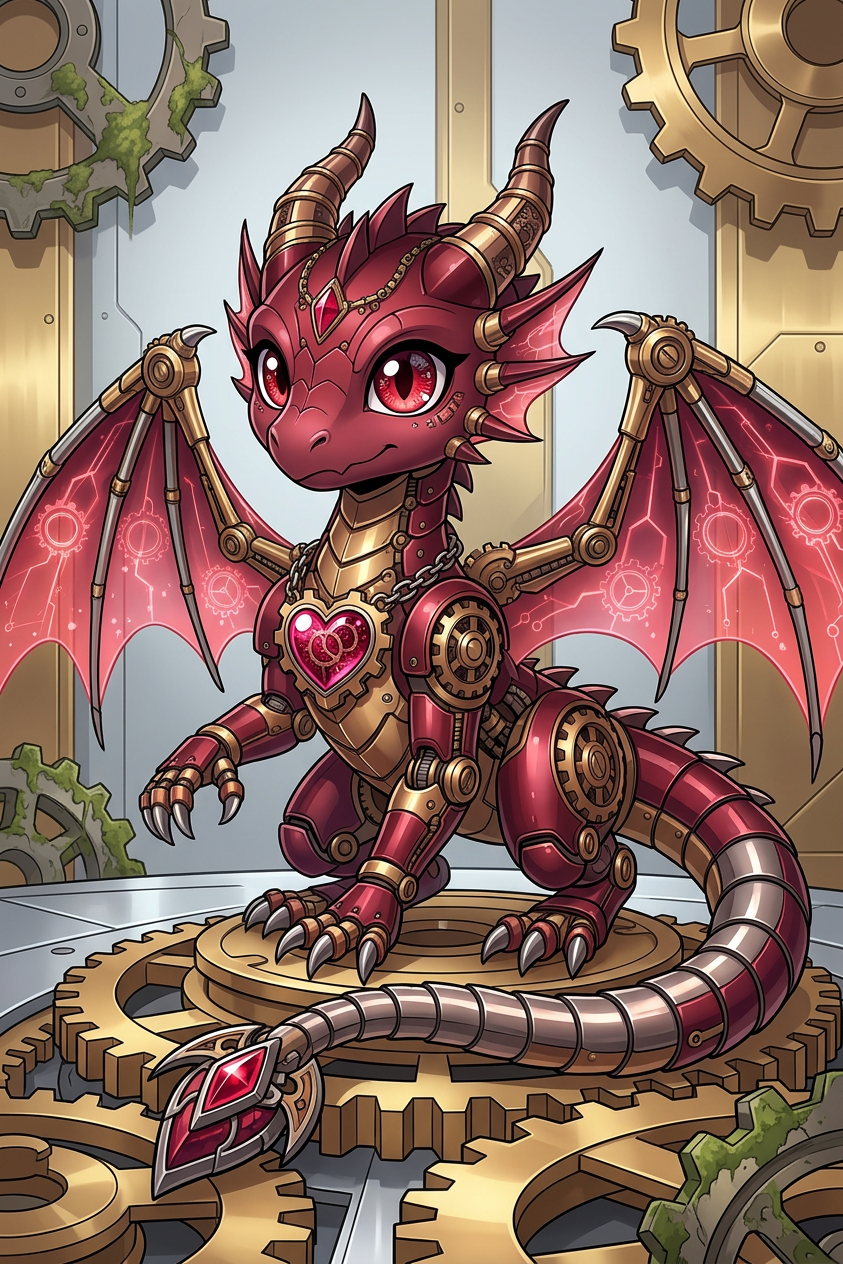
Clockwork Cyborg Focus

Clockwork Cyborg Focus

ai-image-editor

1 clip
4 uses

Any aspect ratio

Prompt

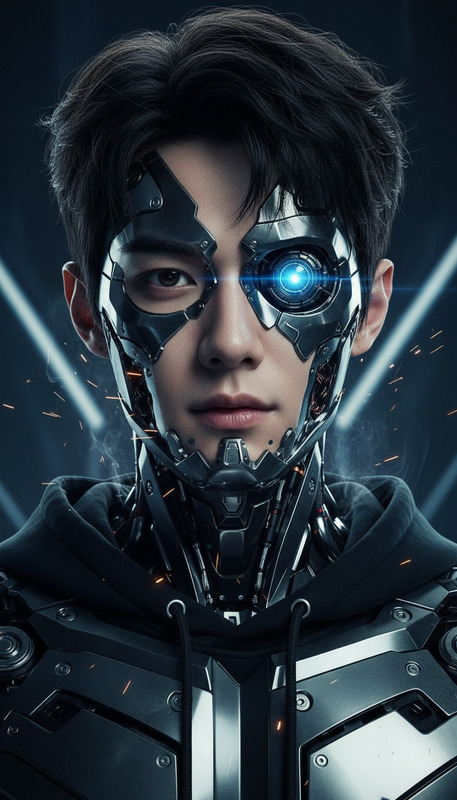
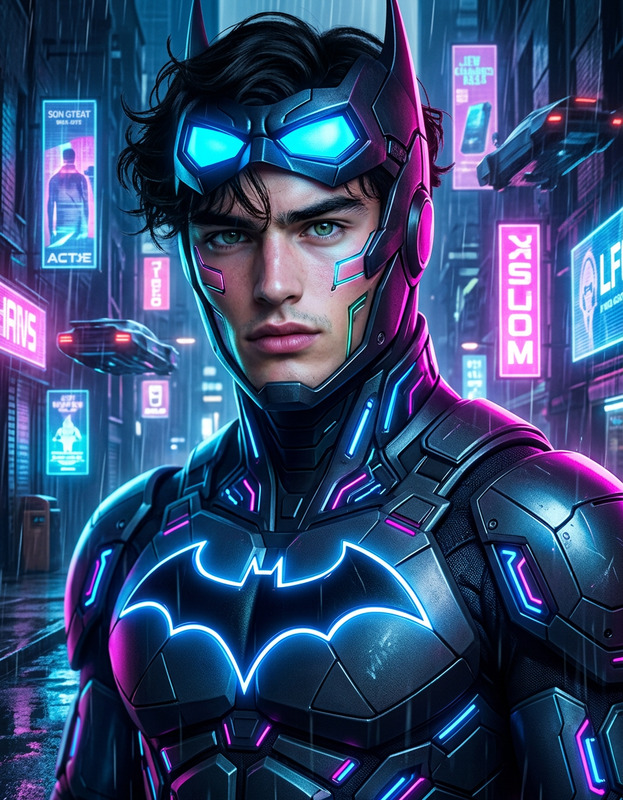
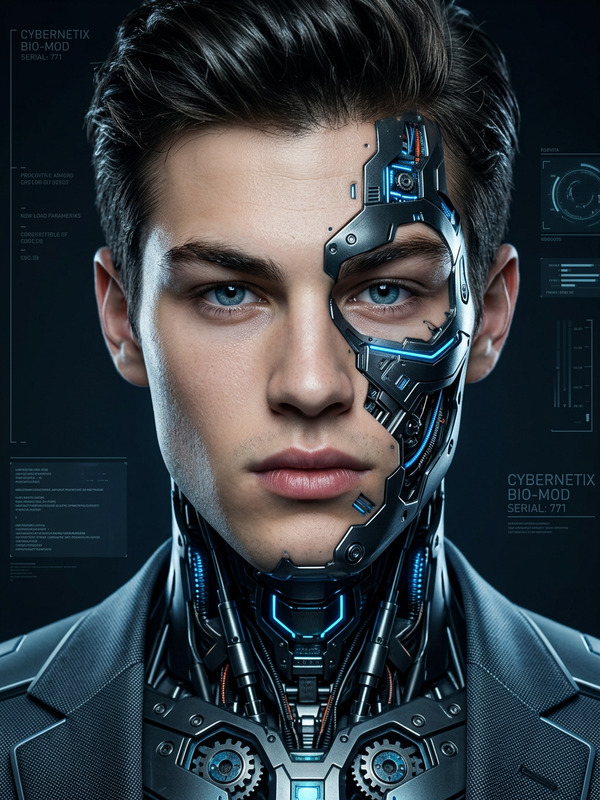
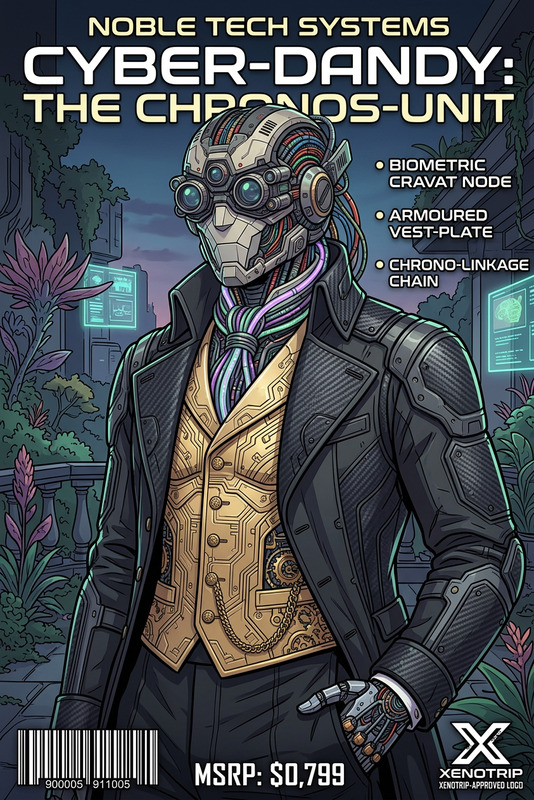
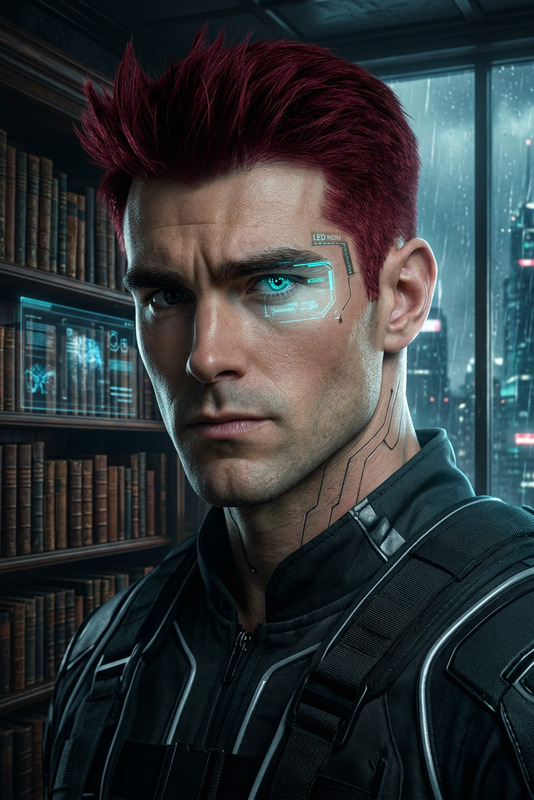
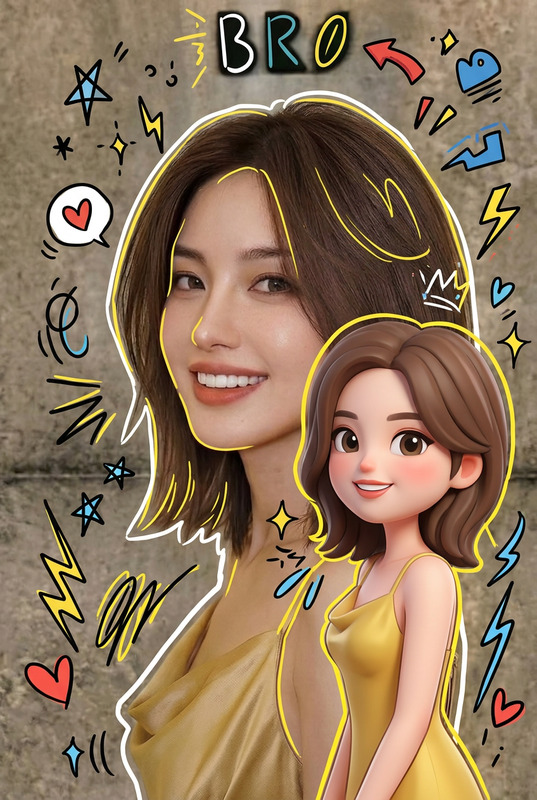
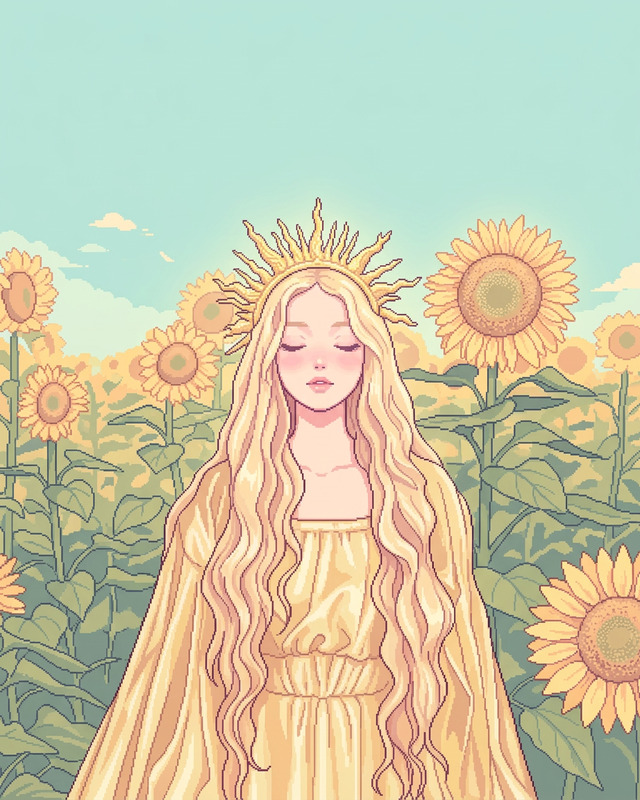
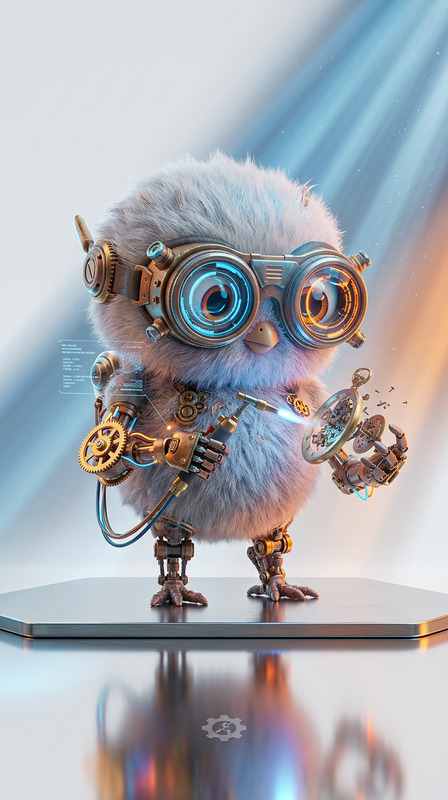
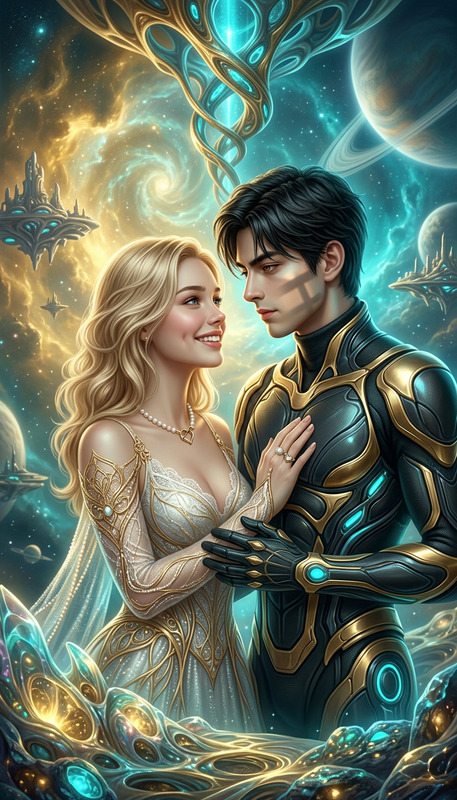
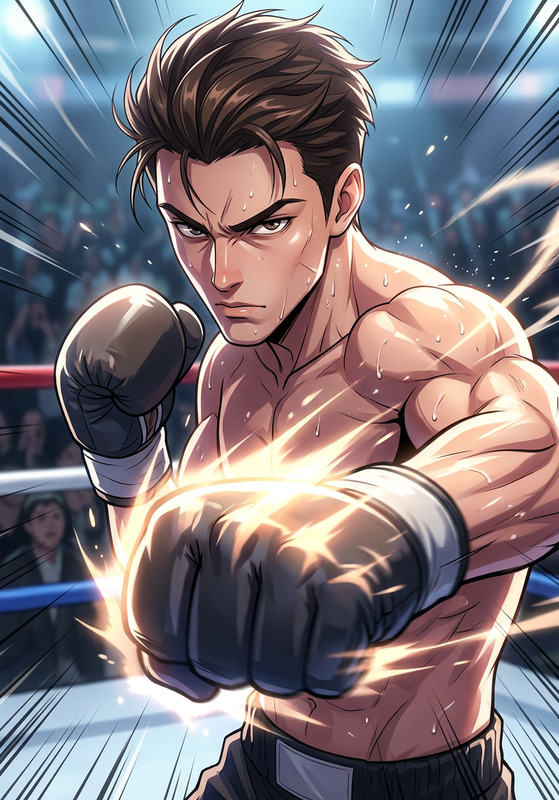
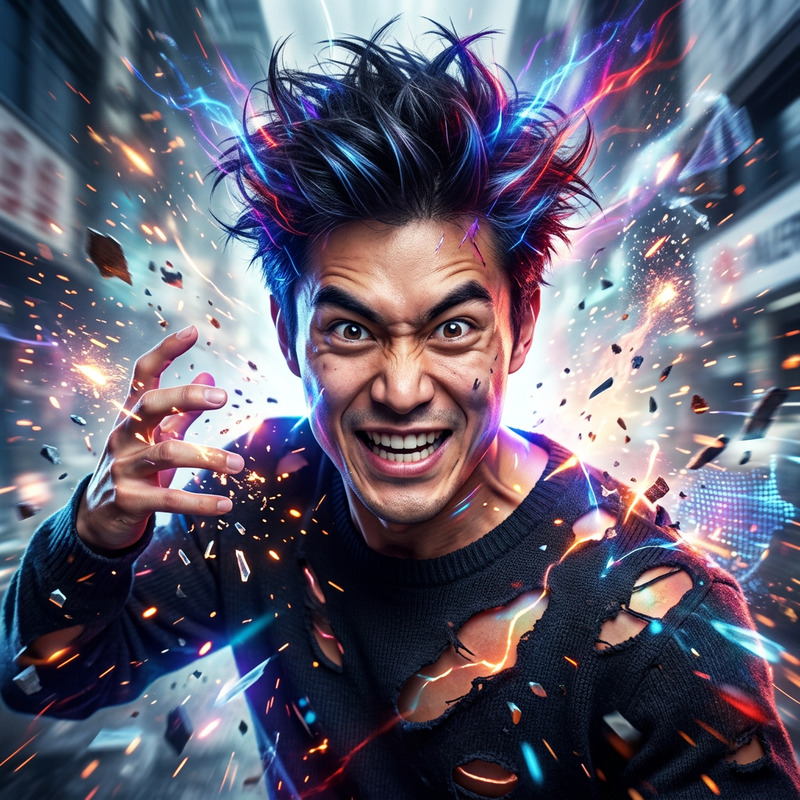
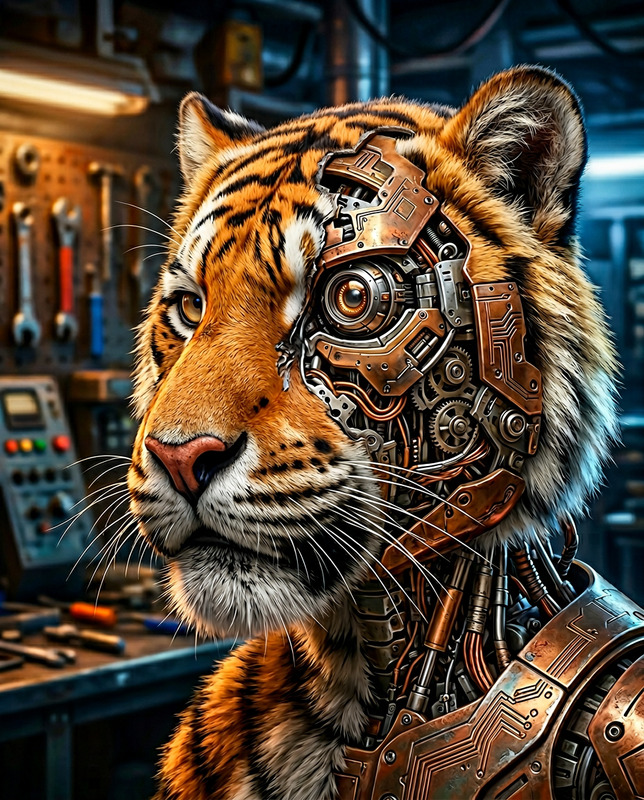
Subject transforms into a high-quality centered 2D anime-style figure with expressive eyes and a flawless face. Full body cinematic composition, dynamic pose showcasing a clockwork cyborg aesthetic. Clean, polished illustration, highly detailed, balanced for social media framing, modern and eye-catching atmosphere.

AI Image Editor Template: Turn Any Photo into a Polished, On‑Brand Visual in Minutes

This template is built on the AI Image Editor and is designed for creators, marketers, and teams who need fast, consistent, production‑ready images—without jumping between Photoshop, Figma, and a dozen plugins.

Use it to:

  • Clean up raw photos for social posts, ads, and product pages
  • Swap or refine backgrounds to match your brand
  • Remove distracting objects or people
  • Enhance faces, outfits, and details for more professional visuals
  • Prepare assets for video workflows, thumbnails, and campaigns

You can remix this template to fit your own use case, then save it as your team’s “go‑to” editing flow inside Magic Hour.


What You Can Do With This Template

Because it’s powered by the AI Image Editor, this template works well for almost any image‑editing workflow:

1. Clean, Professional Social & Ad Creatives

Ideal for: performance marketers, agencies, DTC brands, indie app founders.


2. On‑Brand Product & Catalog Images

  • Replace busy backgrounds with clean, consistent scenes
  • Create lifestyle variants (e.g., “in kitchen,” “on desk,” “on model”) from a single base photo
  • Use the AI Clothes Changer or AI Fashion Generator to mock up product styling
  • Use Photo Colorizer to refresh old or desaturated assets

Useful for: e‑commerce founders, marketplace sellers, B2B product teams.


3. Thumbnails, Covers & Visual Storytelling

Start from a photo, then:

Great for: content creators, podcasters, newsletter authors, educators.


4. Brand‑Aligned Characters & Avatars

Use any portrait or snapshot and transform it into:

This is particularly useful when you want a consistent character across images, campaigns, and even video.


5. Prep Images for Video & Multimodal Workflows

Images edited with this template can be seamlessly reused across Magic Hour’s video and audio tools:

For multi‑channel campaigns, you can edit images once and repurpose them into video, GIFs, social posts, and landing pages.


How to Remix This Template in Magic Hour

You can create your own version of this AI Image Editor template in a few steps:

  1. Start from the base template

    • Open the template in Magic Hour.
    • Upload the photo you want to edit (product shot, portrait, screenshot, UI mock, etc.).
  2. Layer the tools you need
    Depending on your use case, combine features like:

  3. Save your remix as a reusable flow
    Once you like the behavior:

    • Save it so your team can reuse the same workflow for future images
    • Use it as a standard “image polish” step before posting to social, launching ads, or handing assets to design or video teams
  4. Chain into downstream templates

This is especially powerful for startups and agencies that want deterministic, repeatable pipelines instead of ad‑hoc edits.


Practical Use Cases for Teams

Marketing & Growth

  • A/B test creative variations quickly by editing a single base image into multiple backgrounds, outfits, or compositions.
  • Localize campaigns visually by adjusting environments, colors, and styling without new photoshoots.
  • Generate assets for landing pages, blog headers, and ad networks from one central flow.

Product & Design

  • Turn rough product mocks into polished visuals for pitch decks and investor updates.
  • Build UI/UX feature spotlights by cleaning screenshots, adding contextual backgrounds, or layering on stylized renders.
  • Prototype alternative branding directions using different illustration or photo styles.

Content Creators & Educators

  • Create consistent thumbnail systems for YouTube, courses, and newsletters.
  • Turn lecture or tutorial screenshots into more legible, shareable visuals.
  • Generate diagrams, stylized illustrations, and covers using the AI Illustration Generator and AI Art Generator.

Related Magic Hour Tools Worth Exploring

If you like what this AI Image Editor template does, you can extend your workflow with:


Why Use an AI Image Editor Template Instead of Manual Editing?

For busy teams, templates solve three problems:

  1. Speed – You can go from raw asset to finished creative in minutes, not hours.
  2. Consistency – Everyone on your team follows the same editing logic, which keeps campaigns visually coherent.
  3. Scalability – Once you like the flow, you can apply it across hundreds of assets with minimal friction.

By remixing this AI Image Editor template and pairing it with other Magic Hour tools, you build a lightweight, reproducible content pipeline that’s fast enough for modern marketing and reliable enough for production.

More Like This

Insufficient credits