Kinetic Blueprint Assembly
- Model
- Nano Banana 2
- Image
- 1376 × 768 px
Prompt
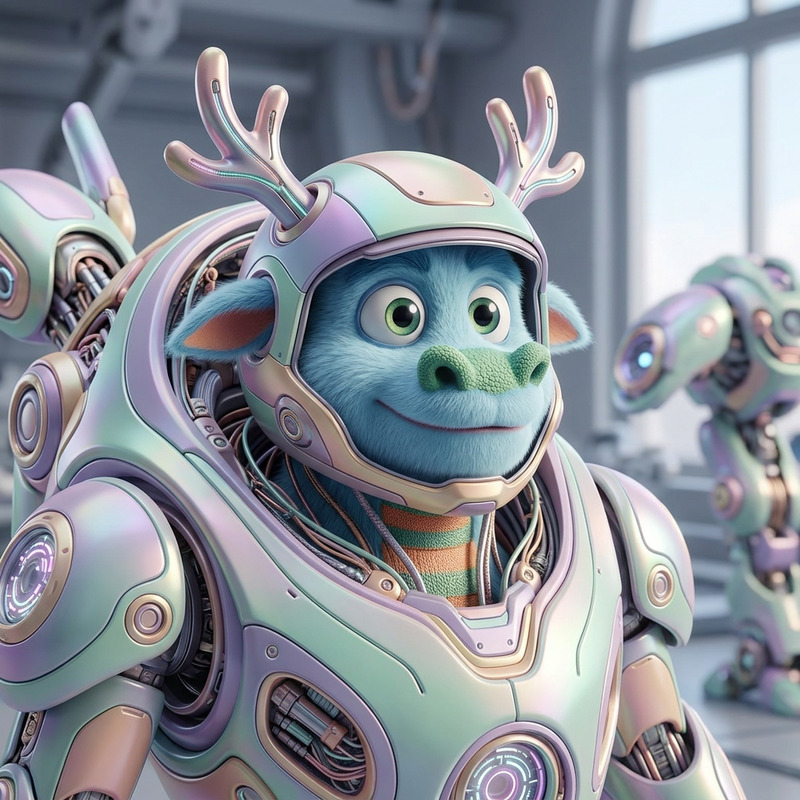
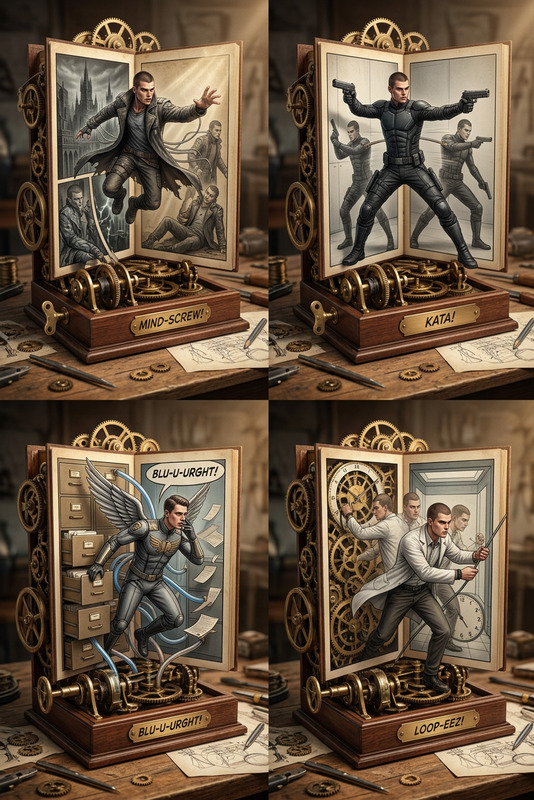
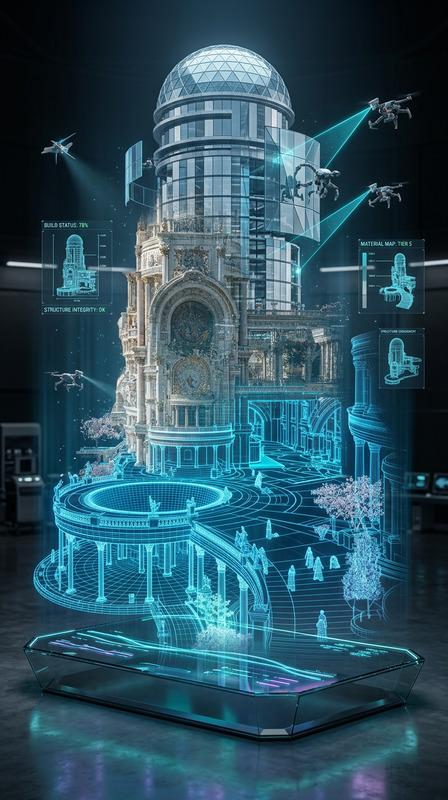
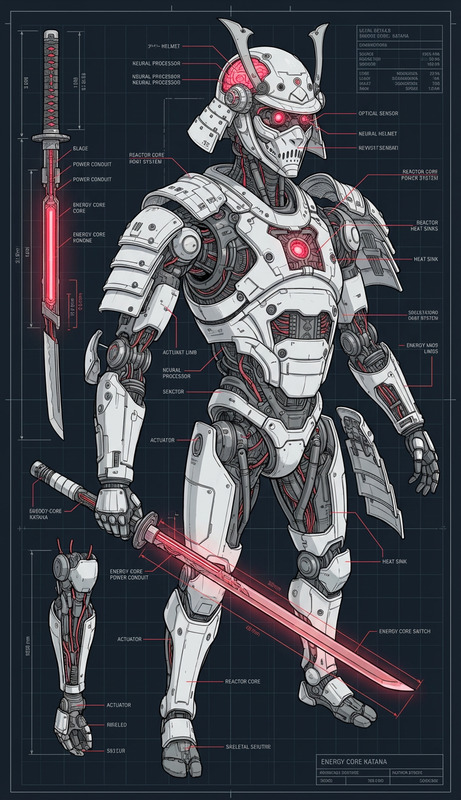
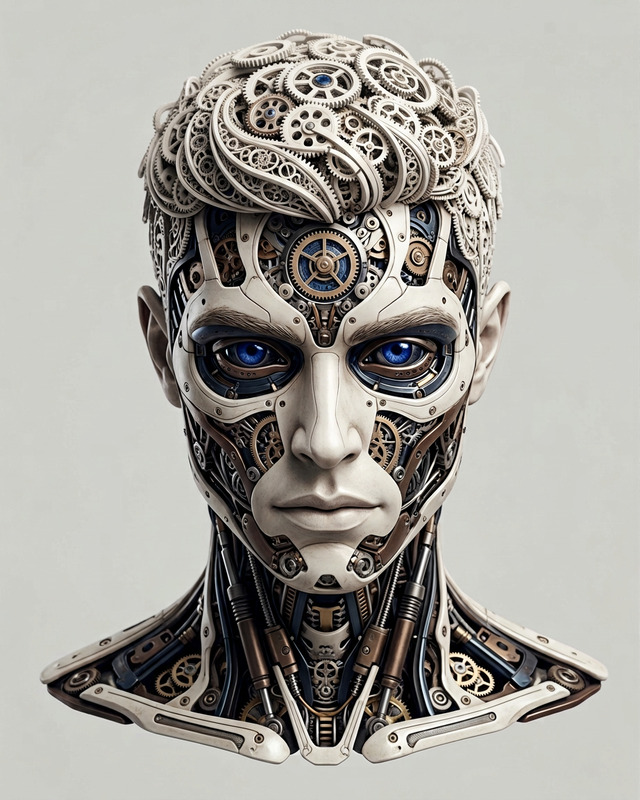
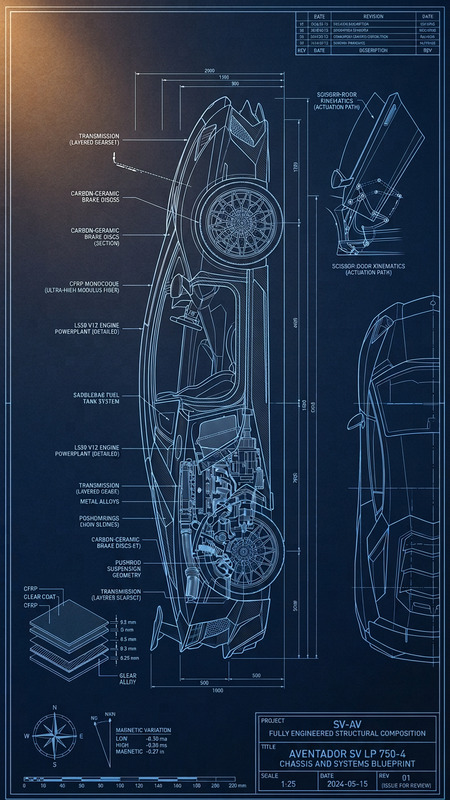
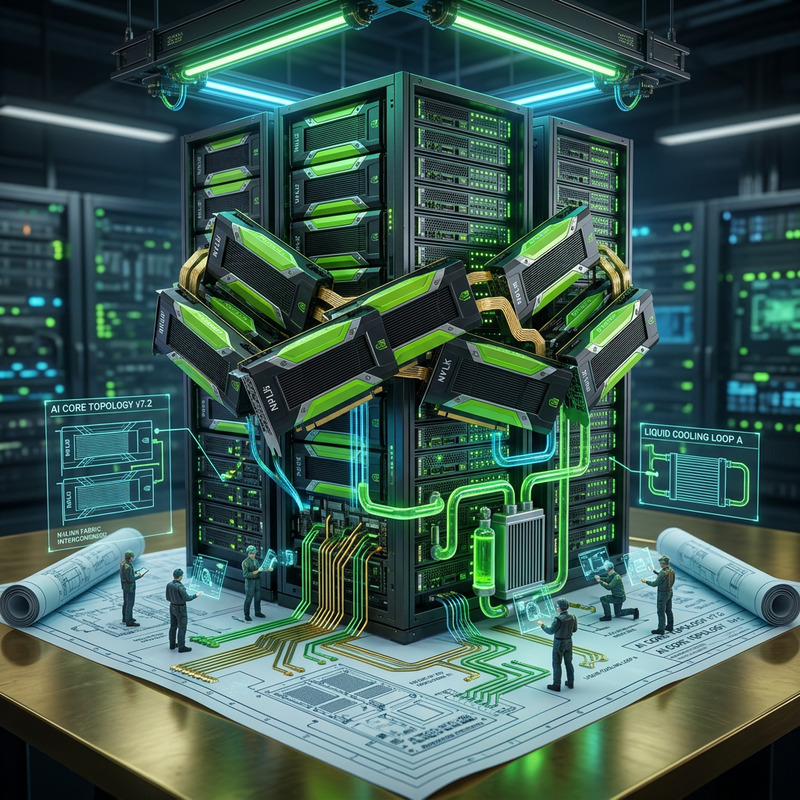
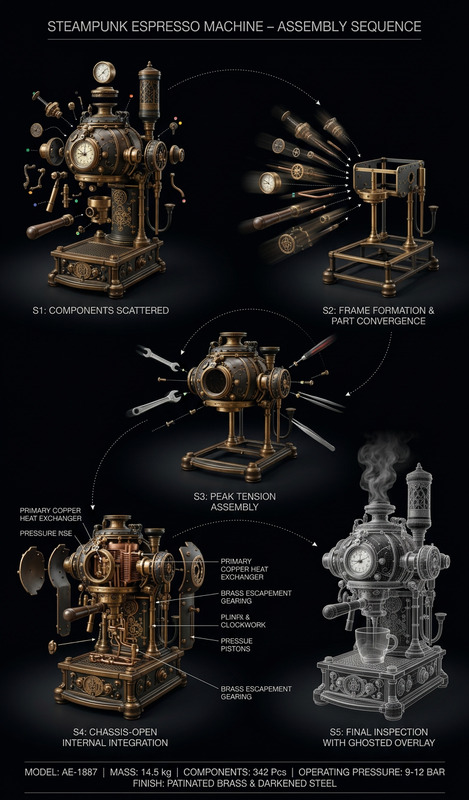
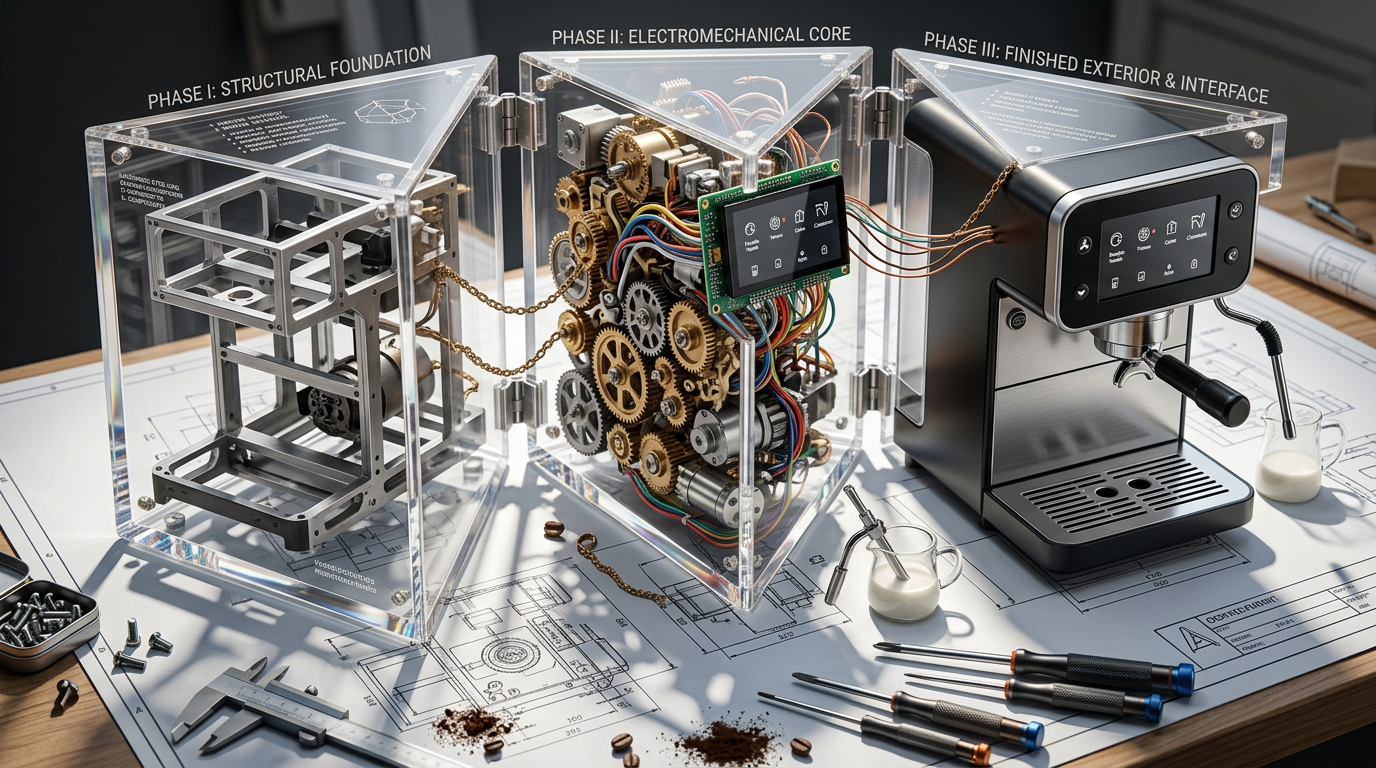
Subject transforms into a complex machine deconstructed into three assembly phases—raw chassis/frame, internal gears and wiring, and finished exterior—each housed within triangular acrylic wedges hinged together like a blooming mechanical toolkit. The wedges unfold across a drafting table, forming a kinetic blueprint composition. Each wedge contains a detailed diorama of its phase, while real copper wires and brass chains physically bridge the gaps, visually linking the assembly process. Set on a cluttered workshop desk with blueprints and calipers. Hard side lighting casts sharp shadows of gears through transparent acrylic onto the surface, emphasizing depth and structure. 16:9 aspect ratio, 3D macro render, ultra-detailed technical art aesthetic.
Any aspect ratio
Overview
The Kinetic Blueprint Assembly template enables creators to craft compelling visual narratives by transforming subjects into complex mechanical blueprints. Powered by the nano-banana-2 model, this template uses AI Image Editor capabilities to convey intricate assembly processes on a cluttered workshop desk setting. Ideal for technical demonstrations, this approach highlights each phase of transformation with visually striking details.
What It Does
This template meticulously breaks down a subject into three distinct assembly phases: chassis, internal gears, and finished exterior. Each phase is encapsulated in a triangular acrylic wedge within a kinetic blueprint arrangement. The AI Image Editor enhances the visual storytelling by adding real elements such as copper wires and brass chains that connect the phases, emphasizing the detailed structure and depth through hard side lighting.
For those needing multimedia enhancement, consider integrating results with the Image to Video service to convert these intricate compositions into engaging video formats.
Who It's For
The Kinetic Blueprint Assembly template is perfect for technical artists, educators, and creatives in engineering fields. Those producing content for educational platforms or technical presentations will find it especially useful, as will designers seeking to showcase conceptual transformations in a dynamic and visually appealing way.
Explore how this can complement other creative projects by using tools like the AI Image Editor suite to fine-tune additional details or visual elements.
Summary
Combining AI technology with detailed artistic designs, the Kinetic Blueprint Assembly template offers a unique way to visually narrate complex processes. By focusing on mechanical assembly phases and integrating them into one coherent composition, users can captivate audiences with technical precision turned artistic. Perfect for educational and creative content development, it leverages the power of AI Image Editor and nano-banana-2 to bring ideas to life.
How-To
Choose Your Template

Customize Your Components

Generate and Download

Use Cases
Educational Content
- Technical diagrams for STEM courses
- Visual aids for mechanical engineering concepts
Creative Design Projects
- Concept art for films or video games
- Innovative graphic design work
Technical Presentations
- Company product demonstrations
- High-impact investor pitches
Best Practices
Leverage Realism
Use real-life textures such as copper wire and brass to enhance the authenticity of the blueprint stages.Optimize Lighting
Position the lighting strategically to cast sharp shadows that enhance depth and highlight details.Align with Narrative Goals
Ensure each phase of the assembly aligns with your overarching narrative, maintaining coherence and maximizing impact.