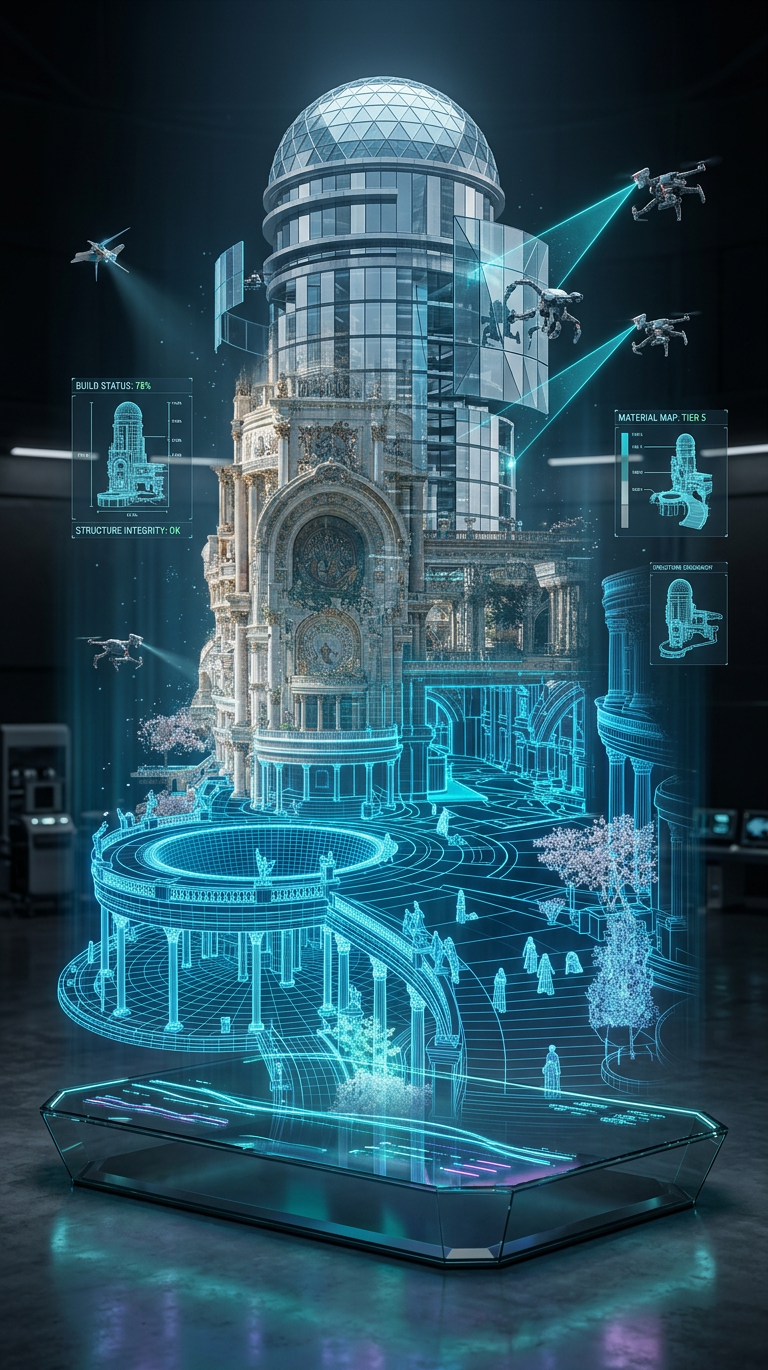
Holographic Tower Construction
ai-image-editor
Any aspect ratio
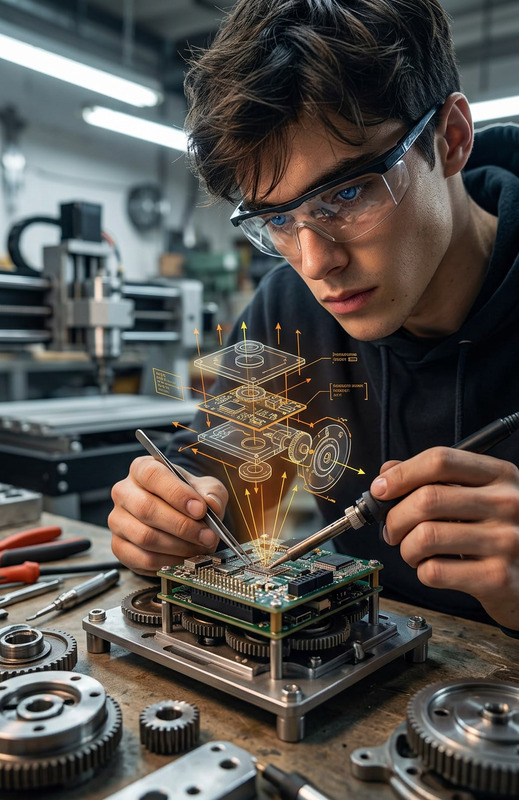
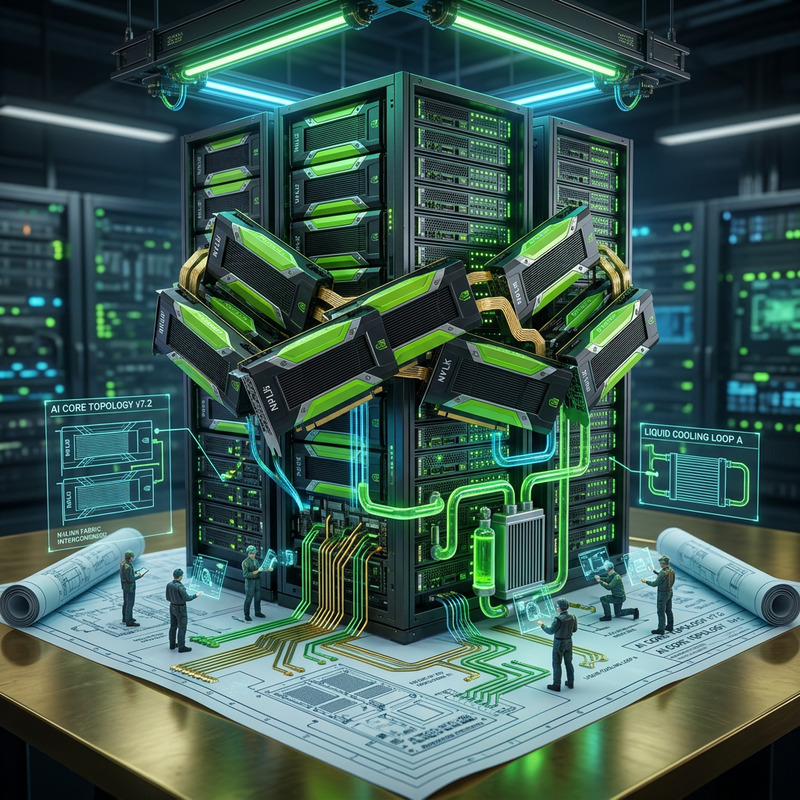
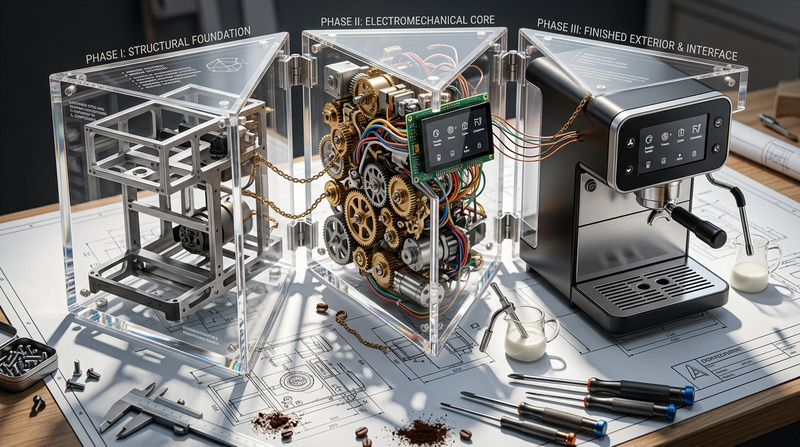
Subject transforms into a semi-transparent holographic subject constructing itself mid-air above a sleek glass smart table. Lower structure appears as a glowing blue wireframe blueprint, gradually transitioning into a fully photorealistic skyscraper with reflective glass and steel. Robotic drones assemble tiers, glass panels lock into place, and laser scans map each level. Layered visualization blends grid base, wireframe mid-layer, and solid top sections, with subtle flickering between digital and physical states. Floating UI panels display measurements and schematics. Set in a dark, minimal high-tech lab with neon blue/cyan glow, soft reflections, and volumetric light. Shot on 35mm, slight low angle, vertical 2:3 composition. Ultra-detailed, HDR, clean, cinematic, futuristic.
Transform any photo with the Magic Hour AI Image Editor template. This template is built on the core AI Image Editor product and is ideal for creators, marketers, and teams who need fast, precise visual changes without opening Photoshop or writing prompts from scratch.
Use it to:
- Clean up or enhance product photos
- Remove or replace distracting backgrounds
- Improve social and ad creatives
- Fix portraits and headshots
- Generate on-brand variants of existing images
What this template does
This template gives you a ready-made workflow on top of the AI Image Editor, so you can:
Edit existing images with AI
Upload any image and apply intelligent edits such as cleanup, replacement, or enhancement while preserving structure and key subjects.Remove or replace elements
Quickly erase unwanted objects or people and fill in the space realistically. For more targeted cleanup, you can also use AI Remover and Remove Object from Photo.Generate new variations from a base image
Keep your layout, but change style, mood, or details. This is especially useful for A/B testing ad creatives or iterating on concept art.Prepare assets for multi-channel campaigns
Create a clean, flexible master image you can later repurpose as:- Animated content via Image to Video
- Short GIFs via the AI GIF Generator
- Talking avatars via AI Talking Photo
- On-brand thumbnails via the Thumbnail Maker
How to remix this template in Magic Hour
You can treat this template as a starting point and customize it to match your workflow.
Open the template
Start from this AI Image Editor–based template in Magic Hour. You’ll see a preconfigured flow that already uses the AI Image Editor as its core step.Swap in your own images
- Upload product shots, portraits, brand assets, or screenshots.
- If you don’t have a base image yet, generate one with:
Customize the edit logic
- Define what you’re optimizing for: cleaner background, more cinematic lighting, more vibrant colors, etc.
- Chain other tools after this template if you want a multi-step pipeline (e.g., edit → upscale → animate).
Add follow-up steps for your use case
Depending on your role, you can chain additional Magic Hour tools:- Founders & marketers
- Create social-ready visuals: use AI Background Generator to build on-brand backdrops.
- Turn hero images into short videos with Text to Video or Image to Video.
- Auto-caption video variants with the Auto Subtitle Generator.
- Product & e‑commerce teams
- Clean and standardize catalog images using Image Background Remover.
- Sharpen low-res assets with the AI Image Upscaler.
- Colorize older assets using Photo Colorizer.
- Content and community teams
- Turn edited photos into memes via the AI Meme Generator.
- Create stylized covers and thumbnails with the Album Cover Generator, Book Cover Generator, or Thumbnail Maker.
- Founders & marketers
Save as your own template
Once you have a flow that reliably produces the visuals you want, save it as a custom template for your team. Your future edits start from your own logic, not from scratch.
Example workflows you can build from this template
Because this template uses the core AI Image Editor, it fits into many higher-level workflows.
1. Ad creative iteration loop
- Generate initial product or lifestyle shots with AI Photo Generator or AI Image Generator.
- Use this AI Image Editor template to refine colors, remove clutter, and align the image with your brand.
- Upscale final candidates with AI Image Upscaler for crisp ad placements.
- Turn winning creatives into short, testable videos with Image to Video or Animation.
2. Creator pipeline: thumbnail → short → talking avatar
- Start with a raw screenshot or frame grab.
- Clean and enhance it with this template using the AI Image Editor.
- Create a high CTR thumbnail with the Thumbnail Maker.
- Turn a portrait from that image into a talking avatar with AI Talking Photo, optionally syncing audio with AI Voice Generator or AI Voice Cloner.
- Optionally animate your avatar or scene using Video to Video.
3. Brand and character development
- Generate core characters or brand personas through:
- Use this AI Image Editor template to standardize style, expression, backgrounds, and lighting.
- Extend into:
- Face Swap or Face Swap GIF for rapid content.
- Face Swap Video templates to place characters into stock or user-generated footage.
- Lip Sync templates and AI Talking Photo for character dialogue.
Who this template is for
- Founders & growth teams: Quickly generate, refine, and test visuals for landing pages, ads, and email campaigns.
- Content creators & YouTubers: Produce thumbnails, channel art, and social posts that look consistent without manual design.
- Designers & creative technologists: Use the template as a programmable building block in larger pipelines for storyboards, concept art, or UX assets.
- E‑commerce and marketplaces: Normalize lighting and backgrounds, remove distractions, and upscale images at scale.
Related Magic Hour tools worth combining with this template
To build more advanced, reusable systems, consider pairing this template with:
Image creation & enhancement
Faces, portraits & avatars
Stylization & special formats
Brand, product & environment
Video & motion
Why use an AI Image Editor–based template instead of editing manually?
Modern AI image editing models (e.g., diffusion-based editors and inpainting systems) are strong at:
- Preserving composition and structure while changing local details
- Matching lighting, shadows, and perspective when removing or adding elements
- Producing multiple consistent variants from a single base image
By encapsulating these capabilities in a template:
- You reduce manual, repetitive work: common edits become a one-click pipeline.
- Your results become more consistent: every image passes through the same logic.
- Your team can collaborate: anyone can reuse the same template without needing deep design or prompt expertise.
Getting started
- Open this AI Image Editor template in Magic Hour.
- Replace the example inputs with your own images or generate new ones via AI Photo Generator or AI Image Generator.
- Adjust the editing logic to match your visual style and use case.
- Chain additional tools if you need animation, upscaling, or talking avatars.
- Save your version as a custom template and reuse it across campaigns, clients, or products.
Use this template as your foundation, then remix and extend it into a complete, automated visual pipeline that fits your workflow.