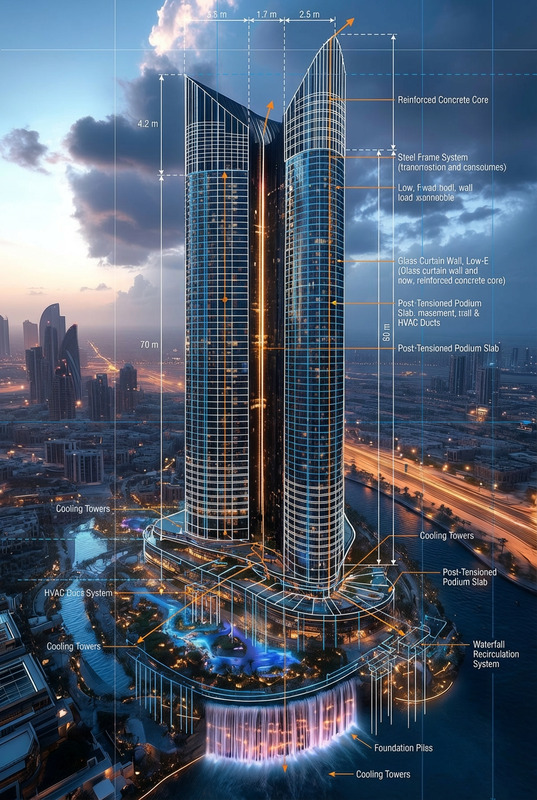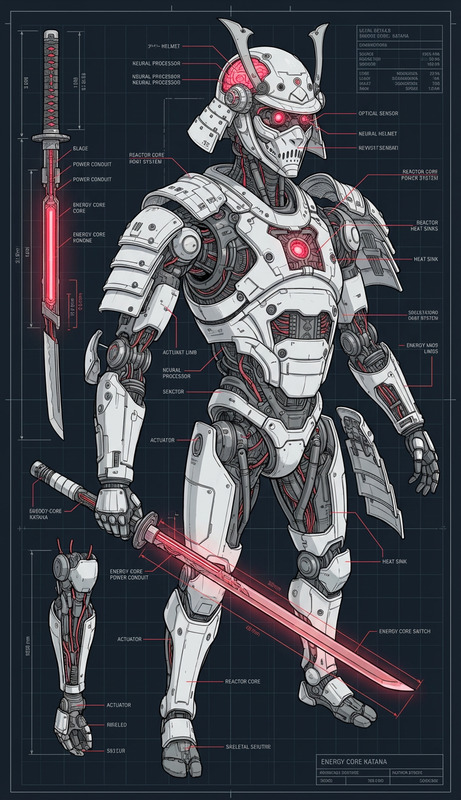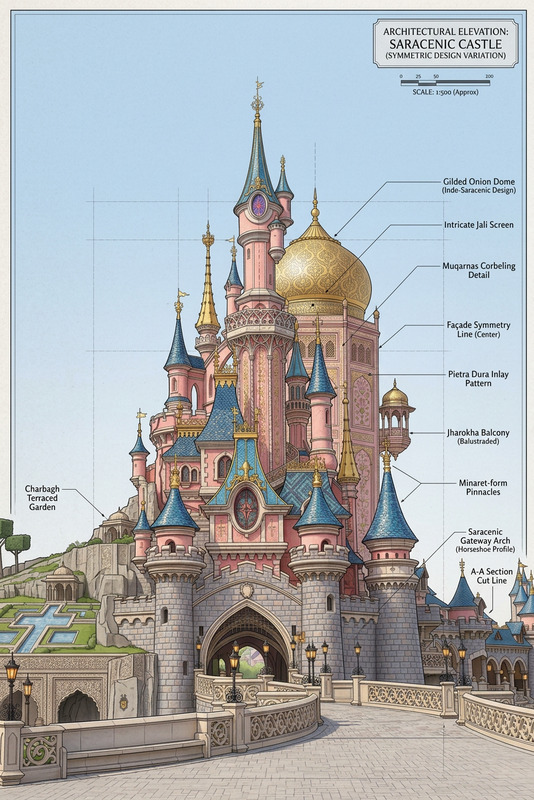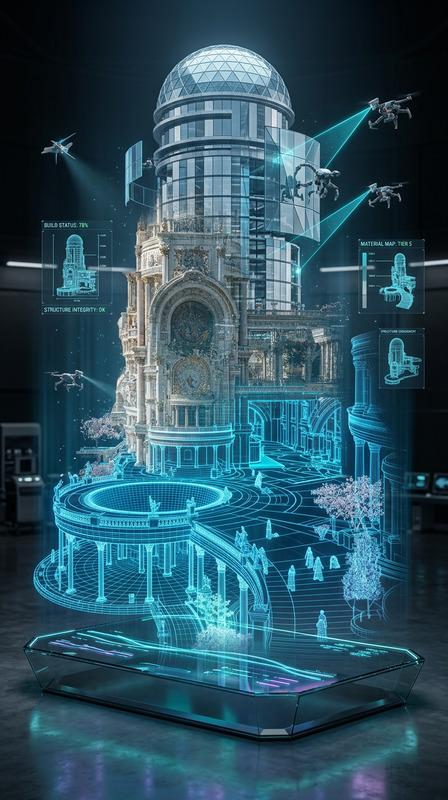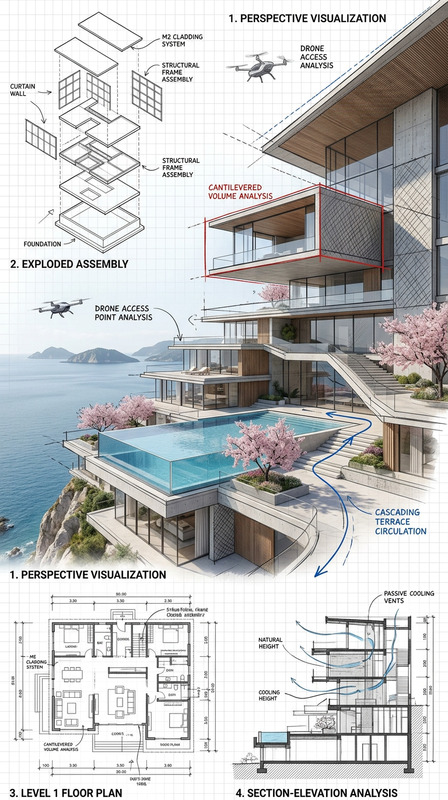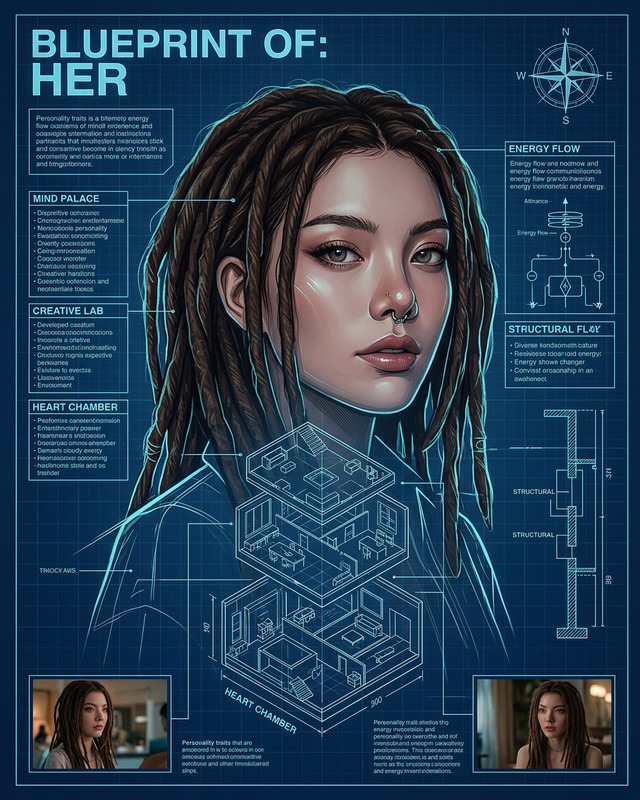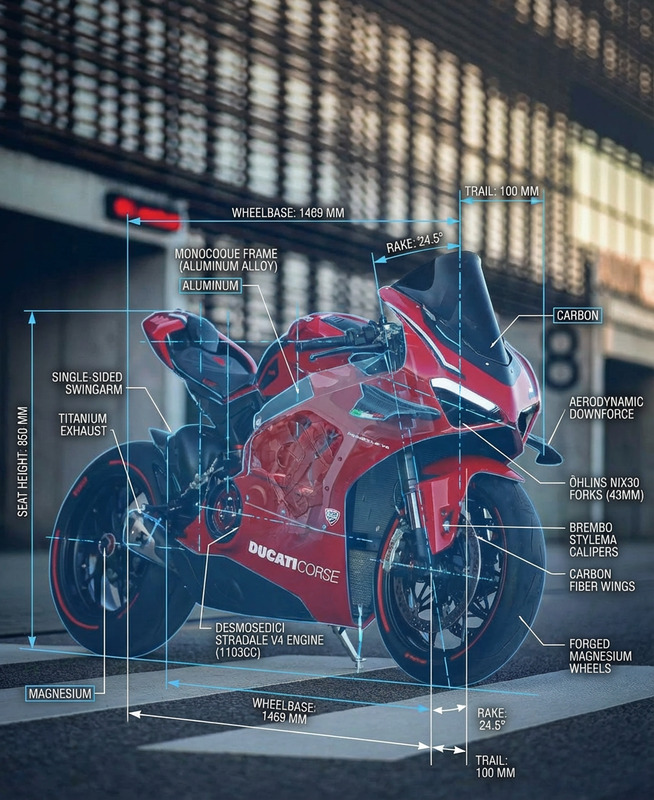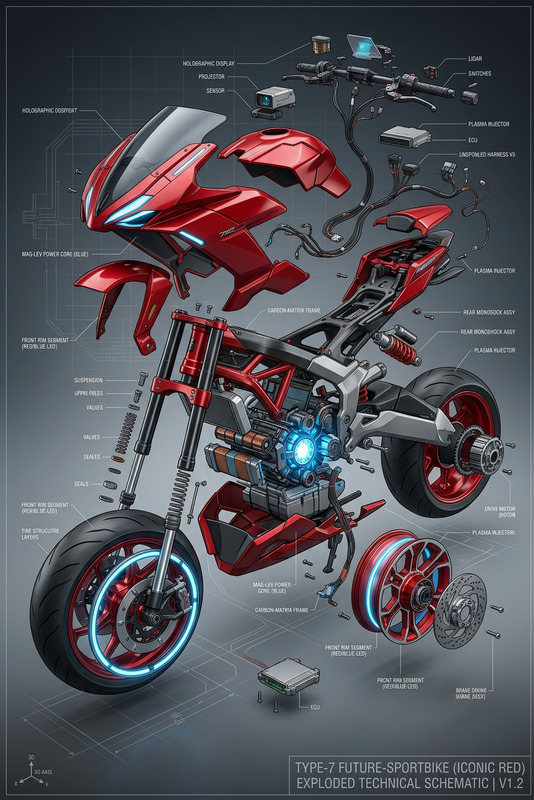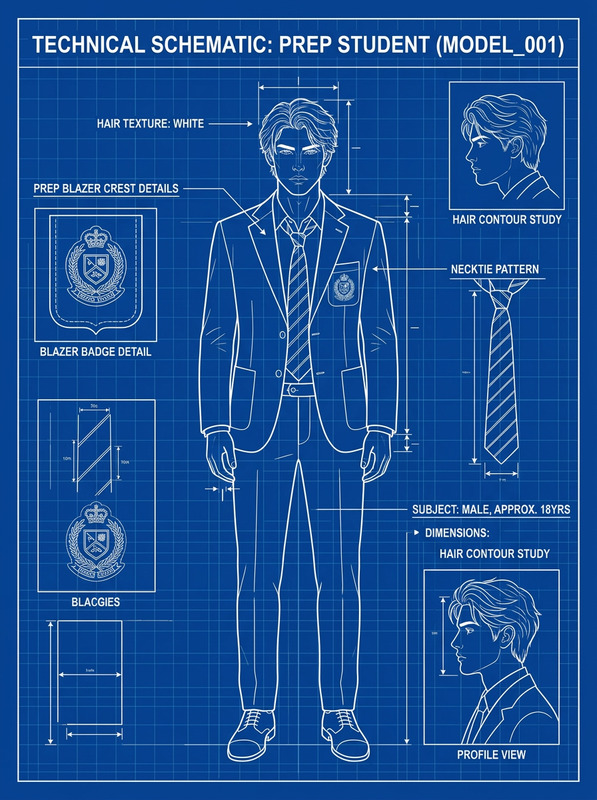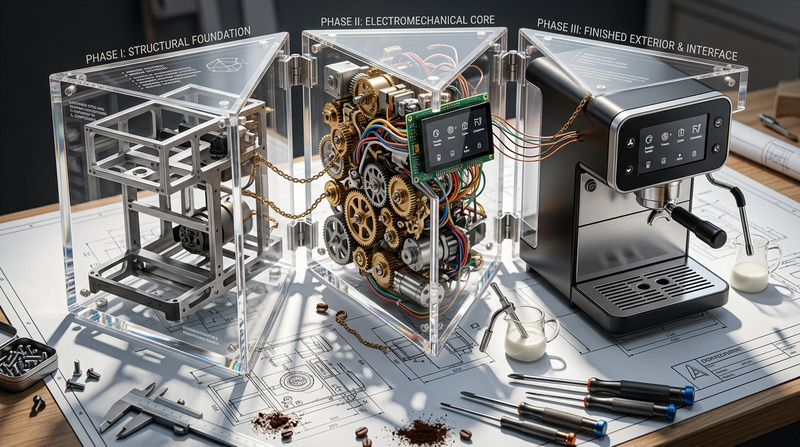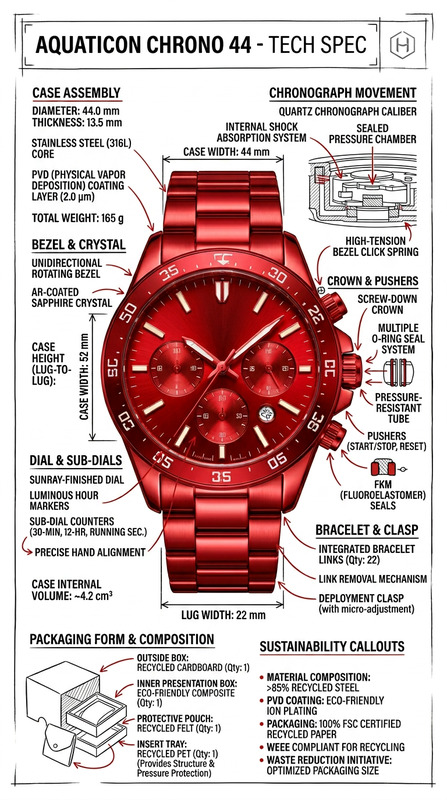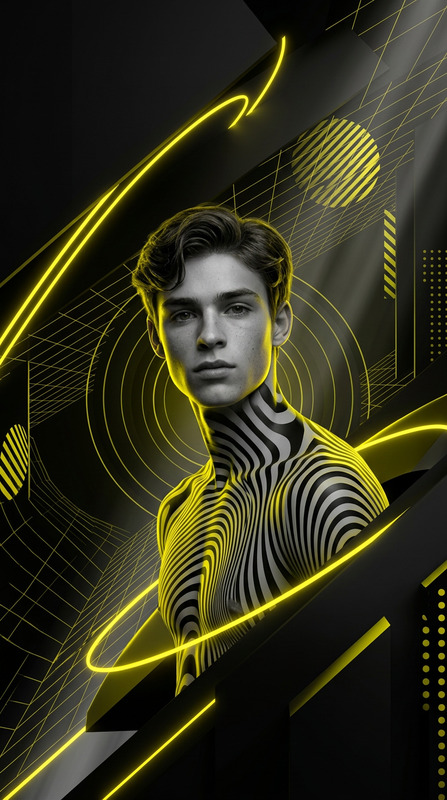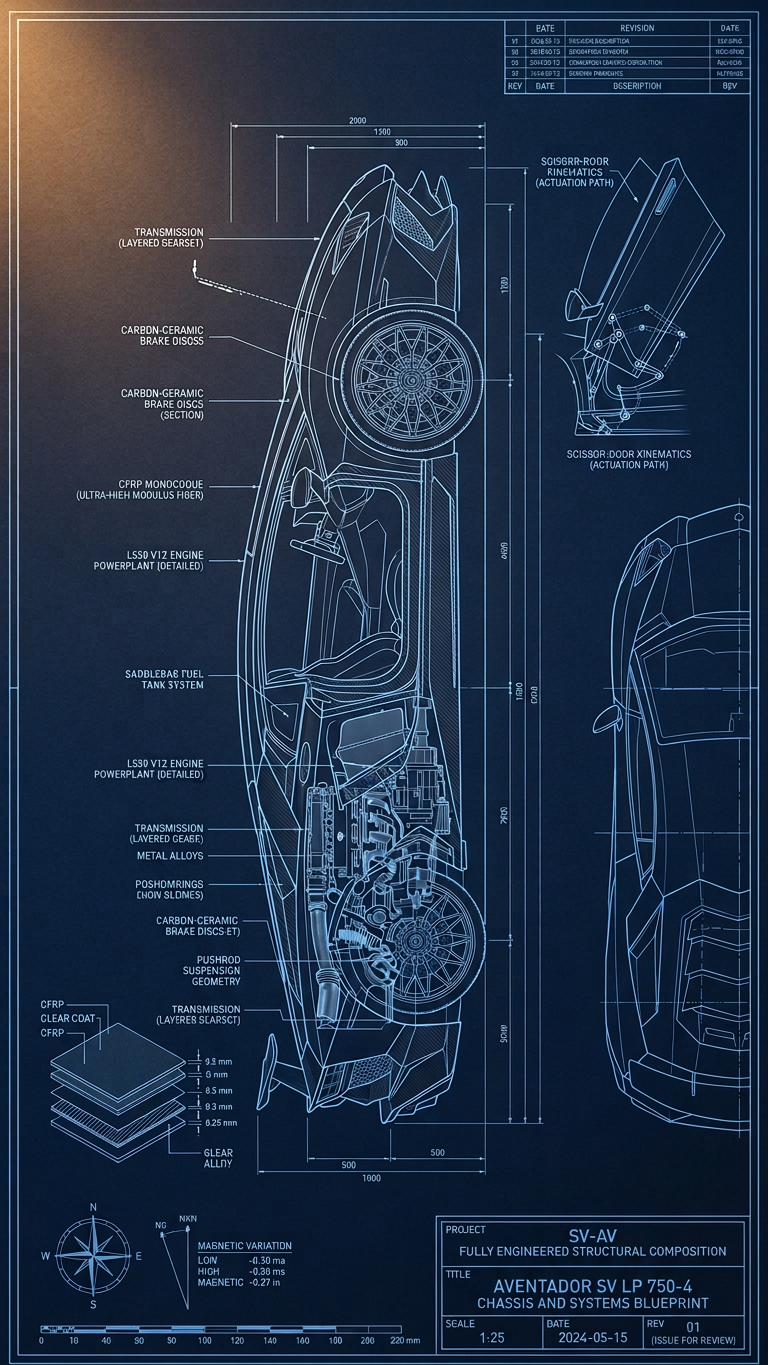
Technical Architectural Blueprint of Item
- Model
- Nano Banana 2
- Image
- 768 × 1365 px
Prompt
Create a hyper-realistic technical architectural blueprint of a {subject} on deep navy drafting paper, showing the subject in a centered-left cross-section view with precise internal structure and layered breakdown. Use warm dramatic studio lighting from the upper left to enhance realistic textures and depth, contrasting against electric-blue CAD-style linework, measurement grids, dimensional annotations, thickness cross-sections, and structural diagrams. Include clean glowing technical labels connected with thin elbow-joint lines in minimalist uppercase typography, along with engineering-style elements such as a scale bar, compass rose, revision block, and a double-border title block describing the subject as a fully engineered structural composition. Ultra-detailed, 4K, sharp focus, cinematic blueprint aesthetic with high readability and premium technical design style.
Any aspect ratio
Overview
The Technical Architectural Blueprint template enhances your architectural representations with hyper-realistic precision. This AI Image Editor template is designed using the nano-banana-2 model, ensuring each blueprint reflects sharp focus and exquisite detail. Whether you're displaying new inventions or timeless structures, this tool is indispensable for creating cinematic blueprint aesthetics.
What It Does
Transform your conceptual designs into captivating technical blueprints with an ultra-detailed finish. This template provides a cross-section perspective, enriched with CAD-style linework, measurement grids, and vivid technical labels for maximum clarity. It uses warm studio lighting to highlight textures and depth, set against electric-blue patterns, making it ideal for showcasing AI Image Editor capabilities in architectural domains.
Who It's For
This template is perfect for architects, engineers, and technical illustrators seeking to convey complex designs with clarity and style. Architectural students and professionals who wish to present their projects with premium technical aesthetics will find it particularly beneficial. It's also a valuable resource for content creators focusing on storyboarding and detailed design documentation.
Summary
Enhance your design presentations with precision and style using this AI Image Editor blueprint template. By integrating detailed CAD elements with dramatic lighting and high readability, this tool empowers users to deliver stunning visual content. Explore more creative possibilities by incorporating it with other tools like the AI Clothes Changer for diverse presentations.
How To
Choose Your Template

Customize Your Design

Generate Your Blueprint

Use Cases
Architectural Presentation
- Highlight building interiors with precise cross-sections
- Showcase layered breakdowns of engineering concepts
Engineering Documentation
- Generate high-detail designs for guidances
- Improve readability with clear annotations
Educational Materials
- Develop study guides with illustrative examples
- Offer real-world context with engineered visuals
Best Practices
Optimize for Readability
Ensure your labels and annotations are clear and concise, making the blueprint easy to understand at a glance.Balance Lighting and Contrast
Use the lighting effectively to highlight important details and maintain visual harmony between the blueprint and the background.Incorporate Consistent Style Elements
Maintain uniform typography and iconography throughout your design to achieve a cohesive look.