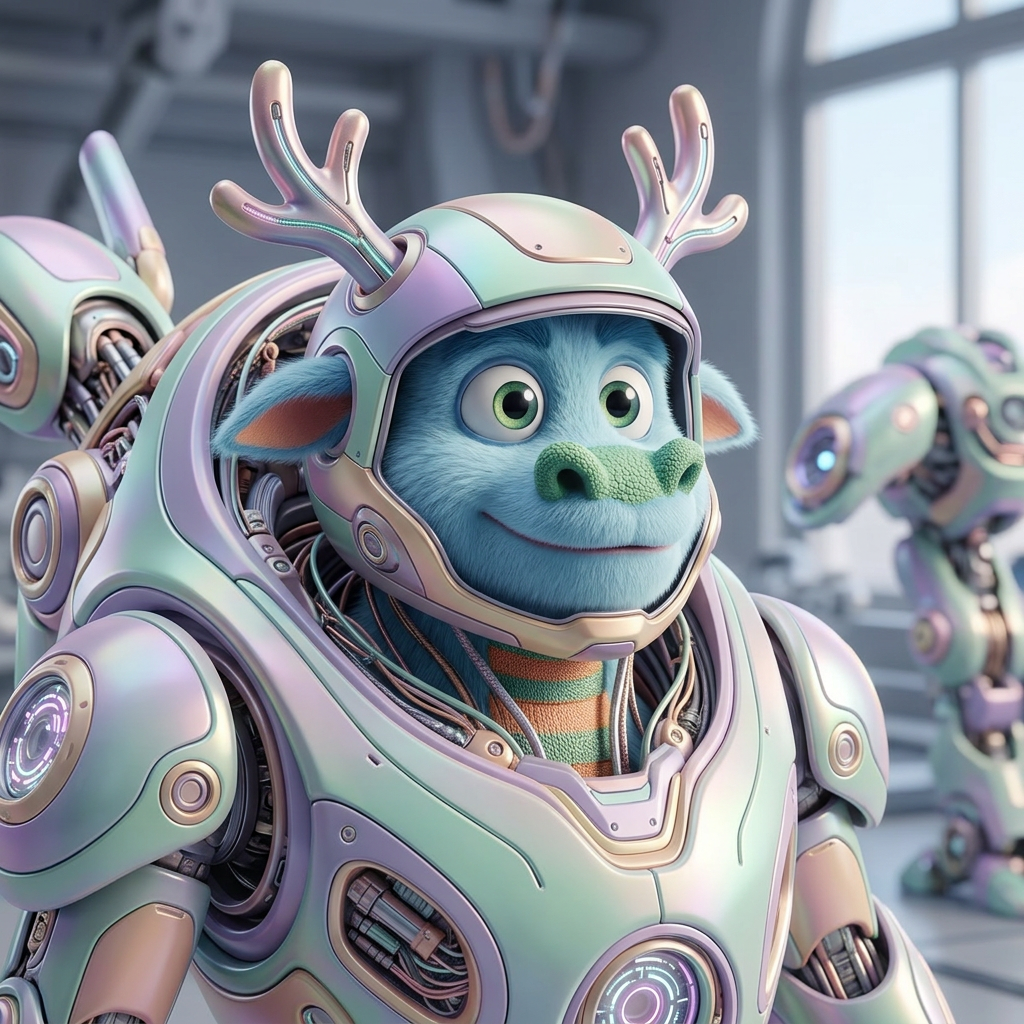
Mecha Entity Awakening
ai-image-editor
Any aspect ratio
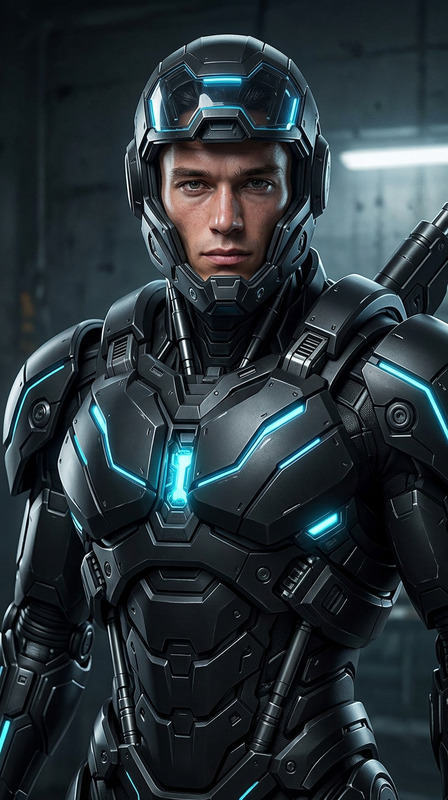
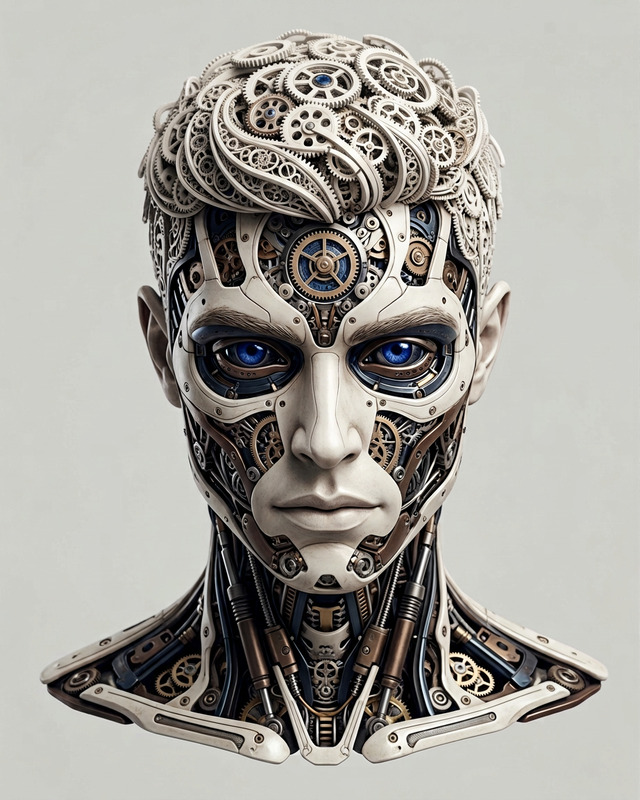
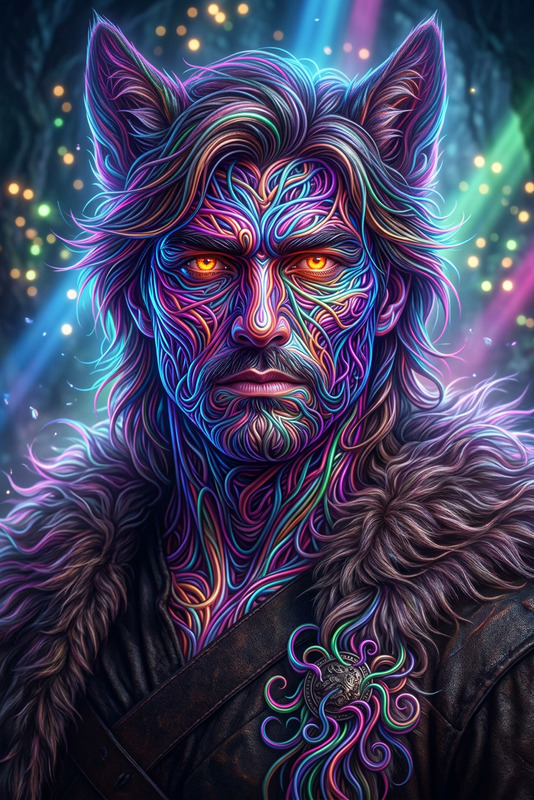
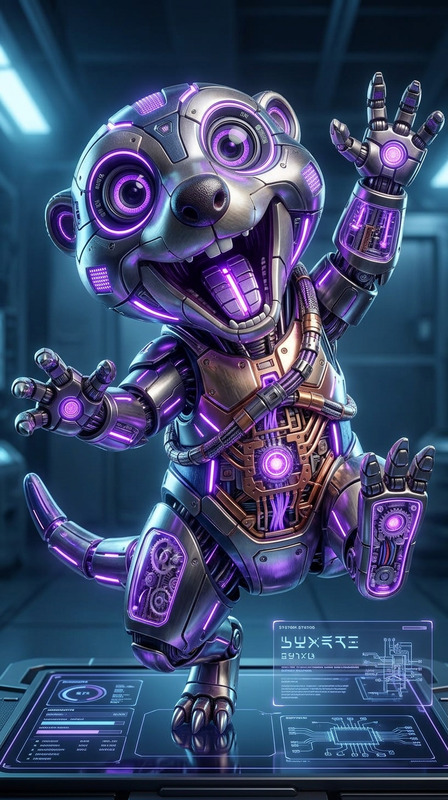
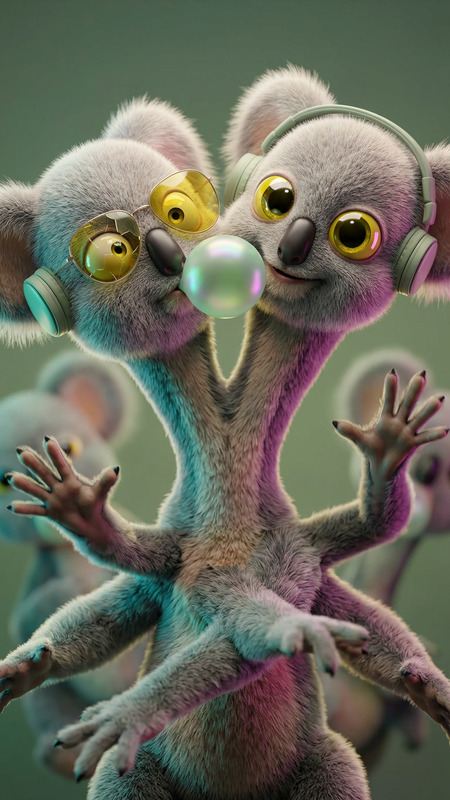
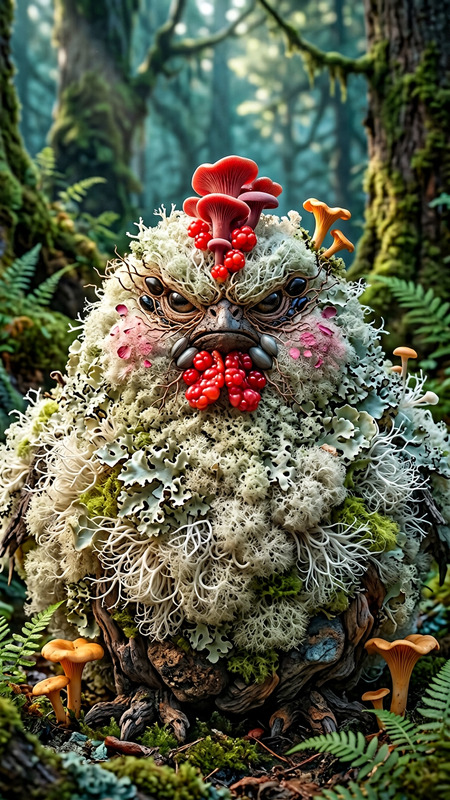
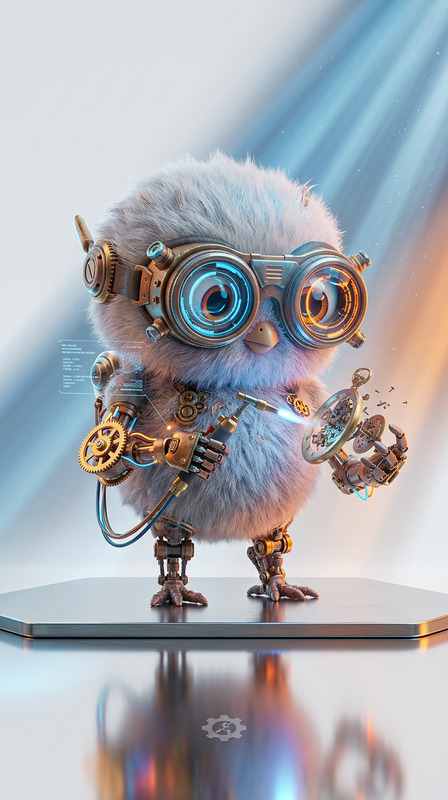
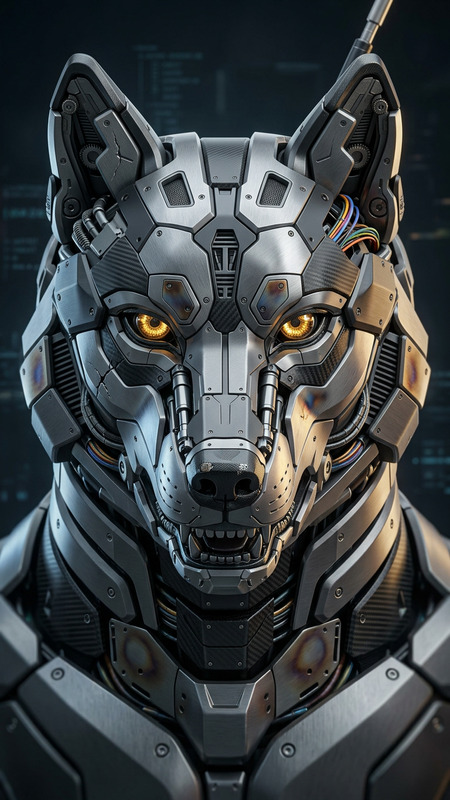
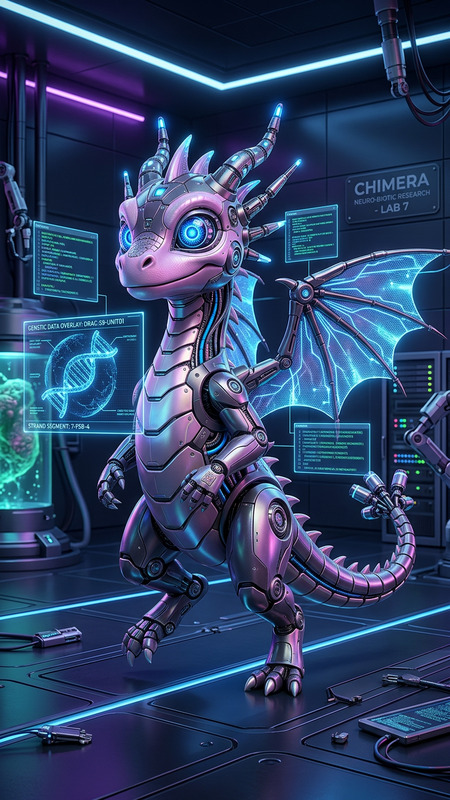
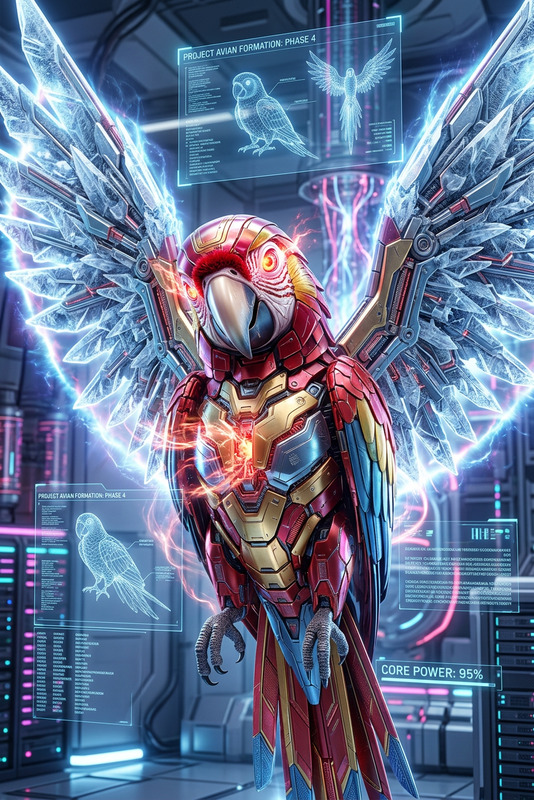
A subject transformation: a small, soft-featured entity emerging within sleek futuristic mech armor, blending organic curves with advanced technology. Expressive, intelligent eyes, stylized proportions, soft pastel palette. Smooth armored surfaces with subtle reflections and intricate mechanical detailing. Rendered in high-end 3D (C4D, Octane), ray tracing, global illumination. Natural realistic lighting with soft shadows, cinematic composition. Whimsical yet high-tech aesthetic, ultra-detailed, 8K.
Transform Any Photo with the AI Image Editor Template on Magic Hour
Turn ordinary photos into polished, on-brand visuals in minutes with this AI Image Editor–powered template on Magic Hour. Whether you’re a creator, marketer, or product builder, you can remix this template to build your own fast, repeatable image-editing workflow—without touching Photoshop.
What This Template Does
This template is built on the AI Image Editor and is designed to help you:
- Clean up and enhance product shots, social media graphics, and profile photos
- Remove distracting objects or backgrounds
- Replace backgrounds with studio-style scenes or brand-specific environments
- Apply consistent visual styles across a series of images
- Prepare assets for ads, landing pages, pitch decks, or app stores
Because it’s fully remixable inside Magic Hour, you can adapt it to your brand, your use case, and your content pipeline.
Who This Template Is For
This template is optimized for:
- Founders & startup teams – Quickly generate consistent visuals for product launches, landing pages, and investor decks.
- Marketers & growth teams – Build repeatable workflows for creative testing, ad variations, and campaign visuals.
- Content creators & influencers – Upgrade thumbnails, Reels covers, and profile images with professional-quality edits.
- Designers & no-code builders – Prototype visuals for apps, games, and interfaces without manual retouching.
If you’re building systems around content—email, paid social, product marketing, UGC, or internal docs—this template helps you standardize and scale image editing.
How to Remix This Template in Magic Hour
You can create your own version of this template entirely inside Magic Hour by:
Opening the template in Magic Hour
- Start from the existing AI Image Editor template inside your Magic Hour workspace.
- Duplicate it to create your own editable version.
Swapping in your own sample images
- Replace the example images with your own product shots, portraits, or brand visuals.
- Use these as reference examples so the template stays aligned with your brand style.
Adjusting the editing steps to match your workflow
- Chain AI Image Editor operations in the order that matches how you work:
- Remove background → add new background → refine subject → upscale.
- Add branching: one path for social posts, another for ad creatives, another for presentation-ready assets.
- Chain AI Image Editor operations in the order that matches how you work:
Connecting it to other Magic Hour tools (optional)
- Use AI Image Upscaler at the end of the flow to export high-resolution images ready for print, ads, or app stores.
- Pair with the Image Background Remover if you frequently isolate products or people.
- Combine with the AI Photo Generator or AI Art Generator if you want to generate base images and then refine them with this template.
Saving it as your reusable “Image Editing System”
- Save your remix as a custom template for your team.
- Reuse it for campaigns, launches, and content sprints so new images match your existing visual language.
Because everything runs inside Magic Hour, you can duplicate, tweak, and version-control your template as your brand evolves.
Example Workflows You Can Build by Remixing This Template
Here are practical, production-ready ways to customize this AI Image Editor template:
1. Product Image Pipeline for E‑commerce & SaaS
Create a one-click pipeline for product visuals:
- Use the base template to remove cluttered or inconsistent backgrounds.
- Replace with on-brand gradients, studio backdrops, or environment scenes via the AI Background Generator.
- Sharpen and enlarge with the AI Image Upscaler for marketplaces, app stores, or hero sections.
- If you’re creating hero animations, feed the final images into Image to Video or Text to Video to generate looping product demos.
Use this for Shopify/Shopware product pages, Product Hunt launches, SaaS feature visuals, or pitch decks.
2. Social & Creator Branding System
Build a reusable template for your social and content presence:
- Start from the AI Image Editor template and define a consistent framing, color grade, and background style.
- Auto-generate avatars or character versions of yourself using the Avatar Generator or AI Face Generator, then refine them through your template.
- Use the Thumbnail Maker for YouTube covers, then apply the AI Image Editor template to harmonize colors and typography.
- For shorts/reels covers, output square or vertical variants from the same run so everything stays on-brand.
3. Professional Headshots & Team Profiles
If you need clean, consistent headshots for your website or internal tools:
- Combine this template with the AI Headshot Generator or AI Selfie Generator.
- Use the AI Image Editor to standardize backgrounds (neutral, office, brand color), lighting, and crop.
- Optionally retouch subtle imperfections via the AI Face Editor.
- Batch-process your leadership or team photos so all profiles look like they came from the same photoshoot.
4. UGC & Ad Creative Testing
For performance marketers, this template is ideal for producing multiple ad variants:
- Start with creator or UGC images.
- Run them through your remixed template to:
- Normalize background and color so copy/offer stands out.
- Keep faces recognizable while upgrading quality.
- Export multiple aspect ratios (square, 4:5, 9:16) and feed them into animated flows using Image to Video or Animation.
- Use Auto Subtitle Generator when you convert static creatives into video ads with text overlays.
Connecting Image Editing to Other Magic Hour Templates
Once you have this AI Image Editor template dialed in, you can plug it into other Magic Hour creation flows:
Face Swap campaigns
- Use Face Swap or the Face Swap Video template to place user faces into product or campaign imagery.
- Clean up and standardize outputs with your AI Image Editor template before publishing.
Talking photos and explainer content
- Generate polished portraits using your template, then animate them with AI Talking Photo or the Lip Sync template.
- This keeps all your talking heads on-brand, with consistent framing and backgrounds.
Video-to-video creative upgrades
- Extract frames from your videos, run them through the AI Image Editor template for enhanced visuals, then recombine or use them as references with the Video to Video template.
- Ideal for refreshing old footage or giving a new style pass to existing content.
Branded memes, GIFs, and social formats
- Clean, crop, and brand base images via your template.
- Turn them into memes with the AI Meme Generator or into looping motion via the AI GIF Generator.
Advanced Use Cases for Technical and Product Teams
If you’re a developer or product owner building tooling around content, you can:
Standardize content ingestion pipelines
- Use this template as the “image normalization” step for anything uploaded by users, creators, or customers.
- Combine with AI Remover or Remove Object from Photo to strip unwanted elements automatically.
Prototype generative features
- Use AI Image Generator or AI Icon Generator to create raw concepts.
- Run concepts through the AI Image Editor template for refinement before exposing them to end users.
Support multiple verticals from one base template
- Fork this template into variants for fashion (with AI Fashion Generator and AI Outfit Generator), architecture (with the Architecture Generator), or fiction/gaming art (using AI Character Generator or Dark Fantasy AI).
- Centralize logic while customizing style and output for each product line.
Related Magic Hour Tools to Explore
To get the most out of this AI Image Editor template, you may also want to explore:
- AI Image Editor – The core tool powering this template.
- Image Background Remover – For fast, clean background isolation.
- AI Image Upscaler – For high-res exports suitable for print and large displays.
- AI Photo Generator and AI Art Generator – To generate base images that you then refine with this template.
- AI Face Editor, Gender Swap, and AI Face Generator – For advanced portrait and identity-based transformations.
- AI QR Code Generator, Book Cover Generator, and Album Cover Generator – If you’re building complete branded assets that combine graphics, photography, and layout.
Why Use an AI Image Editor Template Instead of Manual Editing?
Remixing this AI Image Editor template into your own workflow gives you:
- Consistency – Every asset follows the same visual rules, which is hard to achieve with manual editing at scale.
- Speed – Edit dozens or hundreds of images in the time it would take to hand-tune one or two.
- Reusability – Once you define your “house style” as a template, you can apply it across campaigns, teams, and projects.
- Team alignment – Non-designers can generate on-brand visuals without needing deep design or editing expertise.
For creators, marketers, and builders who care about both quality and throughput, this AI Image Editor template becomes a core piece of your content infrastructure—something you can refine over time as your brand and product evolve.