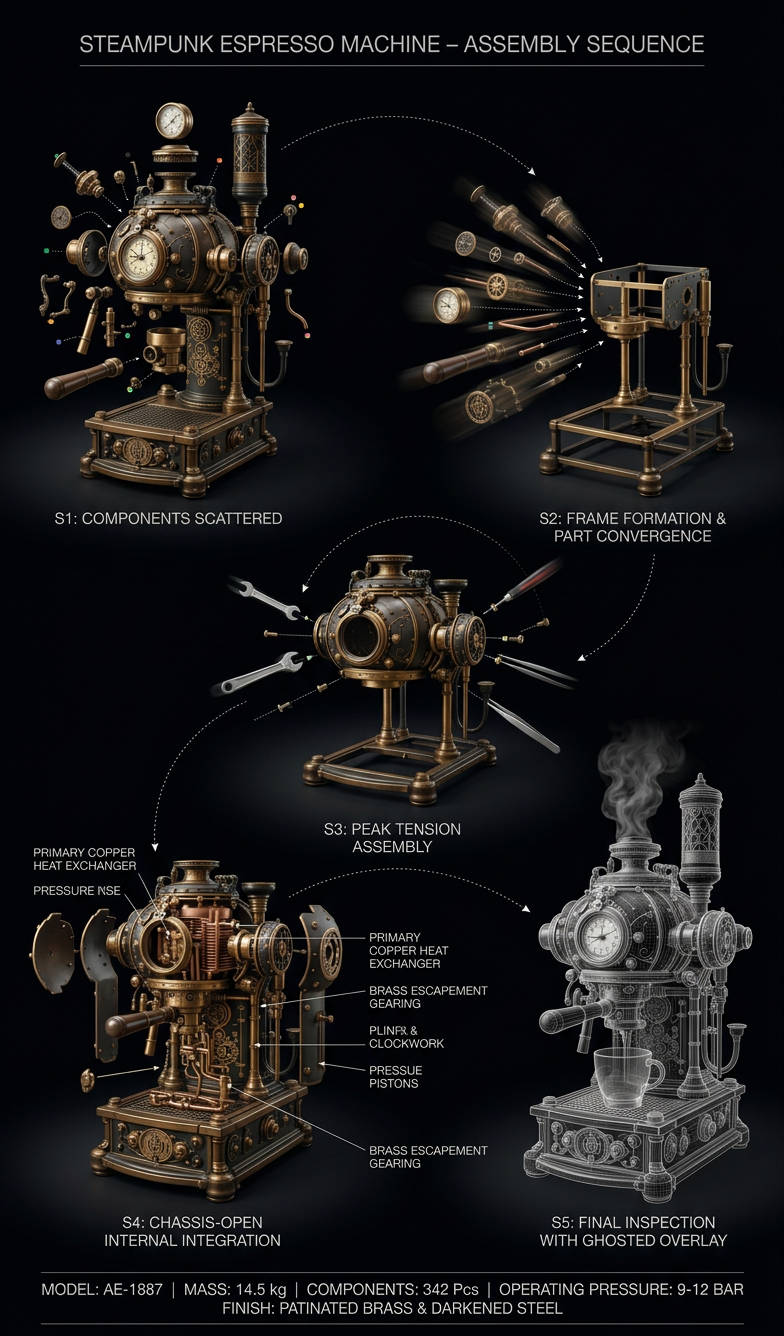
Industrial Assembly Sequence

Industrial Assembly Sequence

ai-image-editor

1 clip
0 uses

Any aspect ratio

Prompt

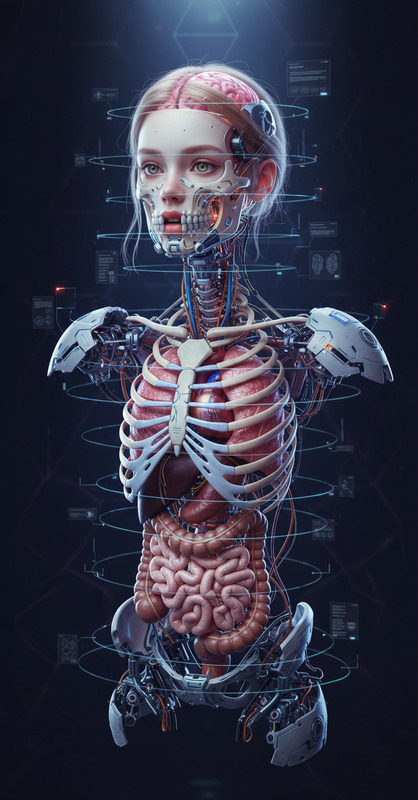
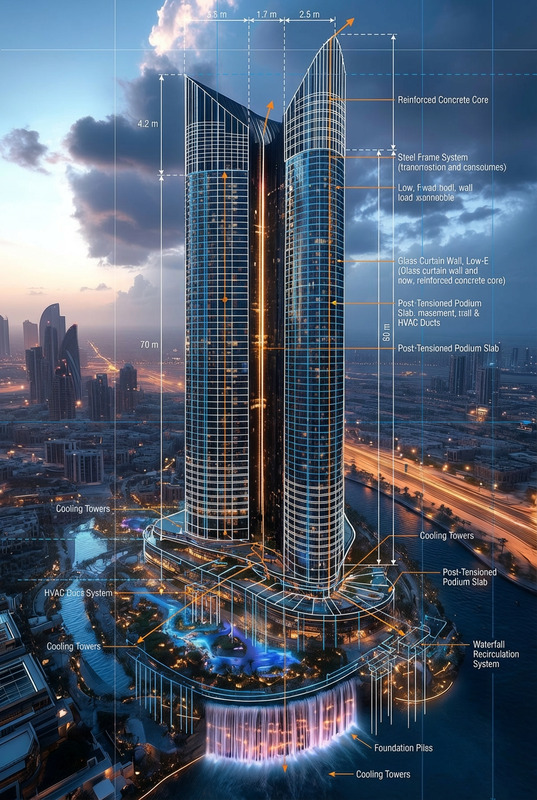
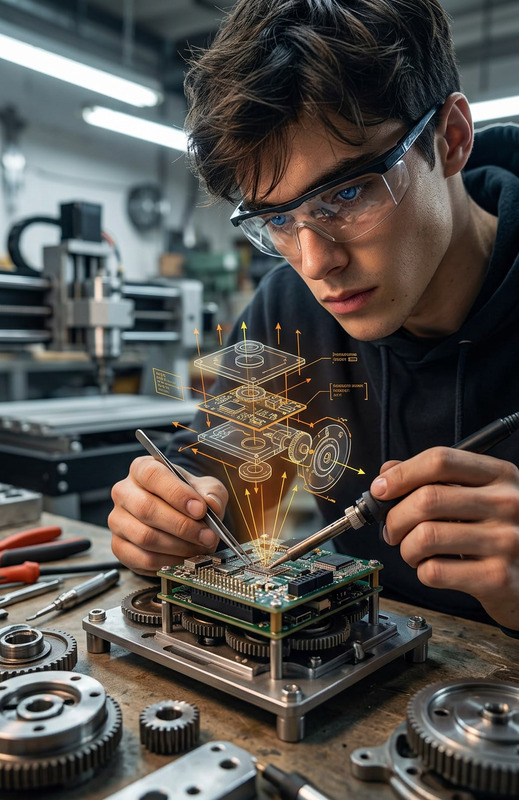
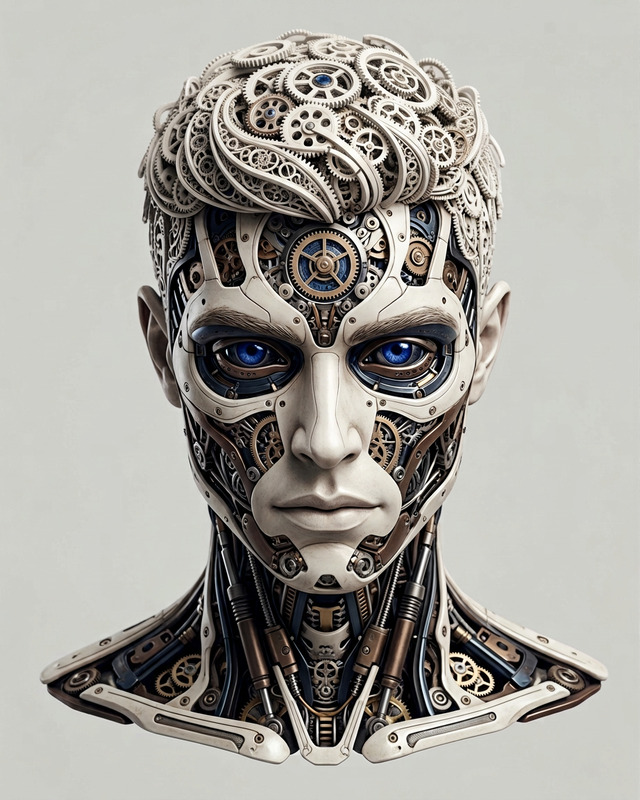
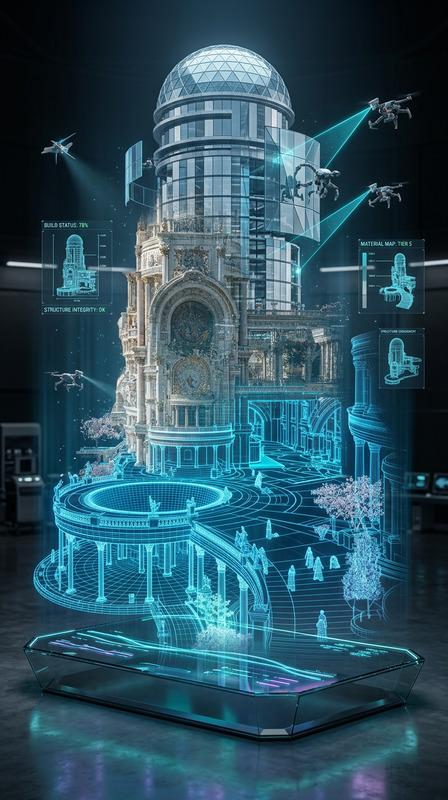
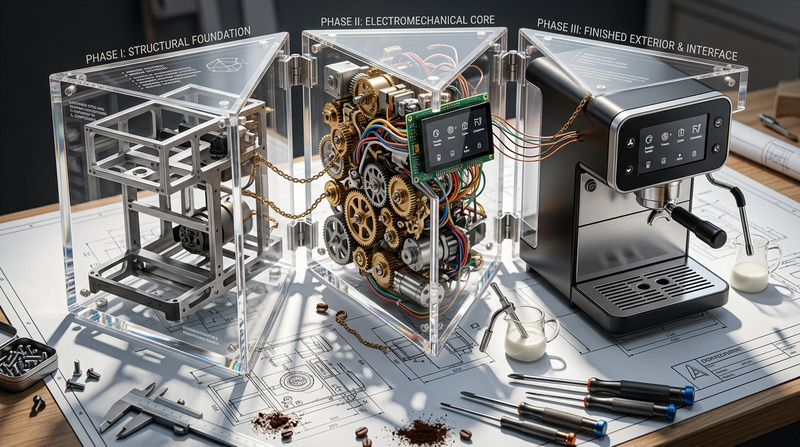
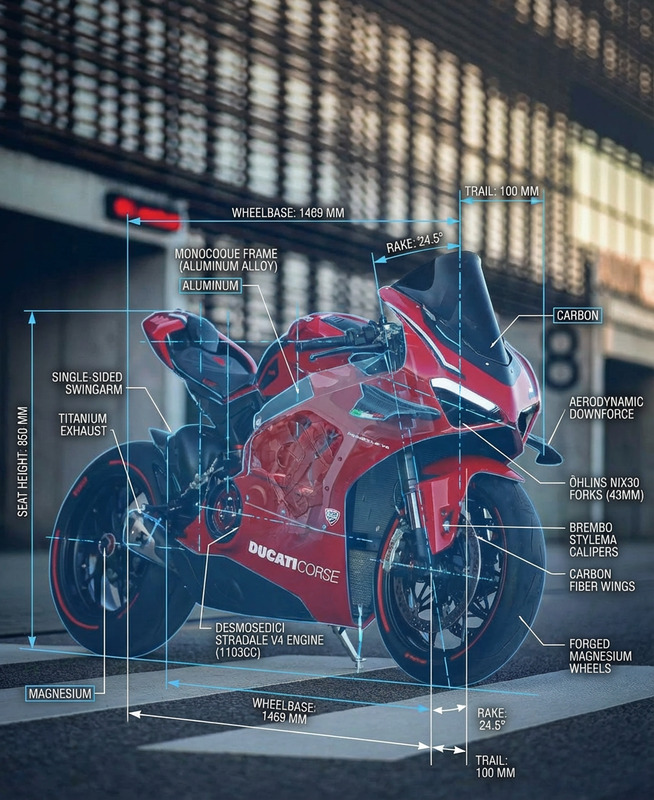
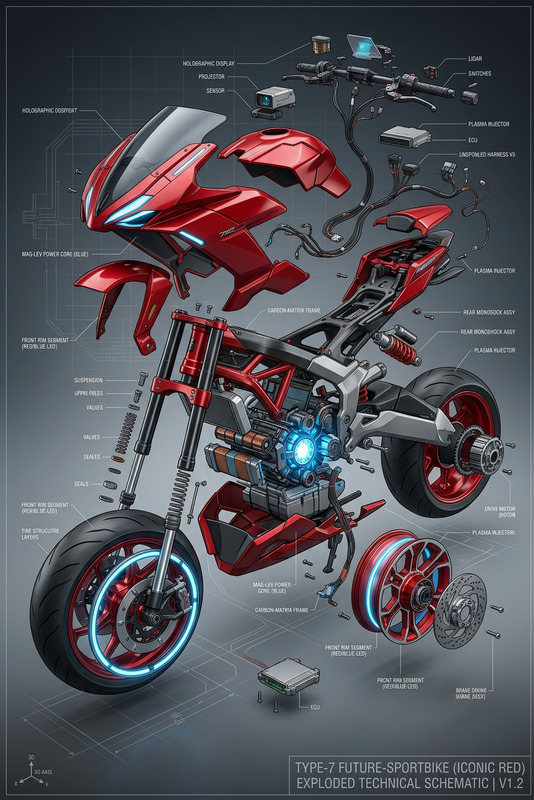
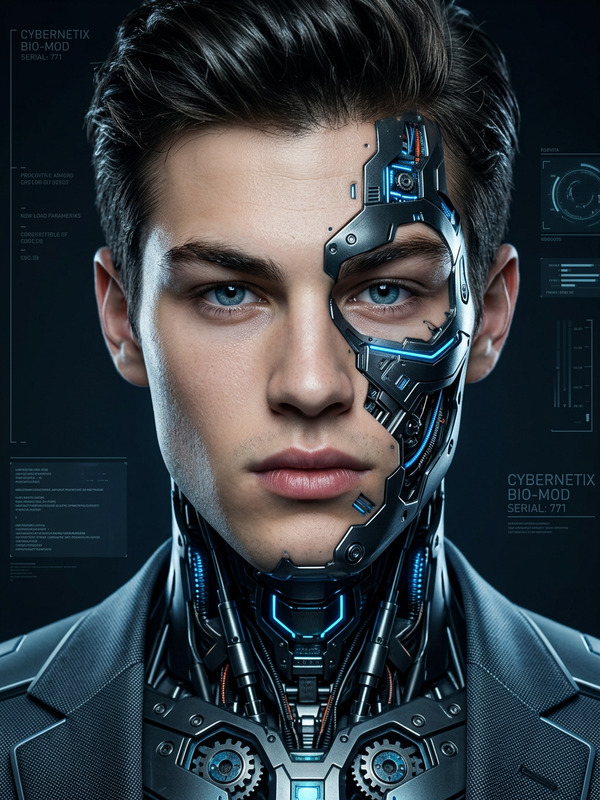
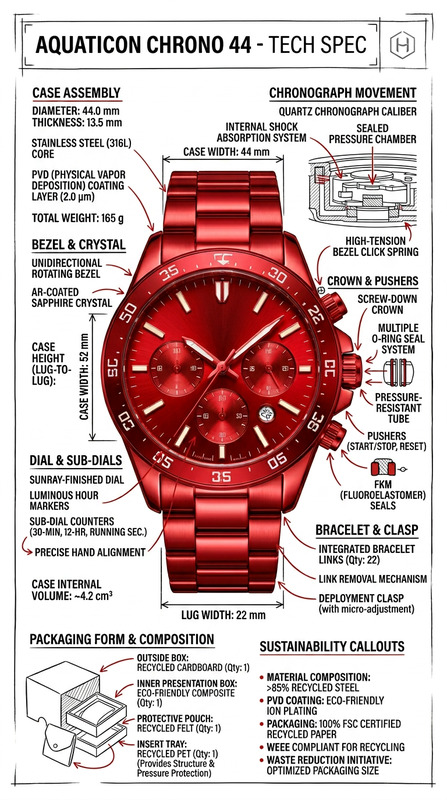
Subject transforms into a 5-stage horizontal manufacturing timeline, frozen mid-assembly on a deep matte black background. Dramatic industrial spotlights with deep shadow falloff. S1: Components scattered, floating, zero assembly S2: Parts converging with speed lines, skeletal frame emerging S3: Half-built, peak tension, fasteners mid-tighten S4: Chassis open, full internals exposed S5: Finished product with ghosted wireframe overlay Consistent 3/4 camera angle across all stages. Dotted trajectory arcs trace component movement, with color-coded parts maintained throughout. Clean typography: “PRODUCT NAME – ASSEMBLY SEQUENCE” header, footer with specs. Helvetica Neue Light labels. Ultra-precise, 4K, Dieter Rams-inspired industrial clarity.

Create Production‑Ready Image Edits with AI Image Editor Templates in Magic Hour

Use this template as a starting point to build fast, consistent, and on‑brand image edits in Magic Hour’s AI Image Editor. Instead of manually recreating the same workflow every time, you can remix this template, swap in your own assets, and ship high‑quality visuals in minutes.


What This Template Is For

This AI Image Editor–based template is ideal if you want to:

  • Clean up or enhance product photos for landing pages, ads, and marketplaces
  • Replace or remove backgrounds while keeping subjects sharp and realistic
  • Transform raw screenshots into polished marketing assets
  • Localize or version the same visual for different audiences and channels
  • Build repeatable visual “recipes” your whole team can reuse

Because it’s built on Magic Hour’s AI Image Editor, you can easily adapt it to:

  • E‑commerce product imagery
  • App and SaaS UI mockups
  • Social media creatives and thumbnails
  • Presentation and pitch deck visuals
  • Content marketing illustrations, blog headers, and email banners

How to Remix This Template in Magic Hour

You don’t need to know the original settings to customize this template. Everything important lives in the prompts and the assets you upload.

To create your own version:

  1. Open the template

    • Start from this template inside Magic Hour.
    • Duplicate it into your workspace so you can safely experiment.
  2. Swap in your own base image

    • Replace the example image with:
      • Product shots
      • Headshots or portraits
      • UI screenshots
      • Brand or campaign visuals
    • Use higher‑resolution images for best results. If you’re starting from scratch, you can also generate a base image with the AI Photo Generator or AI Art Generator.
  3. Edit the prompt to match your brand and use case

    • Be explicit about:
      • Style: “minimalist,” “cinematic lighting,” “flat illustration,” “photorealistic,” etc.
      • Brand feel: “premium fintech,” “playful DTC,” “serious B2B,” “editorial,” etc.
      • Output goal: “Instagram post,” “hero image,” “App Store screenshot,” “presentation slide,” and so on.
    • Save these instructions in the template so your team can reuse them consistently.
  4. Refine and iterate quickly

    • Generate several variants to explore different backgrounds, lighting, or compositions.
    • Keep the best outputs as reference examples directly inside your template so future edits stay on‑brand.
  5. Export and chain to other Magic Hour tools


Practical Use Cases & Suggested Workflows

1. Product & E‑commerce Imagery

  • Remove cluttered or inconsistent backgrounds using the Image Background Remover, then refine the result in this AI Image Editor template.
  • Generate multiple creative variations (seasonal themes, lifestyle scenes, colorways) and keep them as “scenes” in different template copies.
  • Enhance older or lower‑quality photos, then sharpen them with:

Tip: For complex compositions (e.g., product in a stylized environment), you can rough in the layout first with AI Background Generator, then fine‑tune details with the AI Image Editor.


2. Brand & Marketing Creatives

Use this template to keep visual quality and tone aligned across campaigns:

  • Turn screenshots and UI mocks into polished app store assets, landing page heroes, and ads
  • Create on‑brand illustrations with AI Illustration Generator, then refine type placement, colors, or visual emphasis in AI Image Editor
  • Build social and YouTube visuals using Thumbnail Maker as a starting point, then adapt each design variation inside this template

You can also connect this workflow with:


3. Creators, Influencers, and Personal Branding

If you create content at scale, turning a good visual into a reusable template saves hours:

Pair this with:


4. Turning Static Images into Video & Interactive Content

Once your images are dialed in, extend them into richer formats:

For more advanced character or avatar pipelines, combine this template with:


Advanced Remix Ideas for Technical Users

If you’re a developer, marketer, or startup builder working with higher volumes or more complex workflows, you can:

  • Standardize visual systems

    • Maintain multiple template variants for different brands, markets, or campaigns (e.g., “B2B dark mode,” “consumer bright mode,” “holiday sale”).
    • Store prompt variants inside each template to encode brand voice, industry context, or positioning.
  • Prototype quickly across formats

    • Use AI Photo Generator or AI Manga Generator for concept art.
    • Refine the best directions in this AI Image Editor template for pitch decks, creative reviews, or client presentations.
  • Create thematic visual libraries for:

Once your image system is stable, your team can reuse this template as a “visual API” for all new assets.


Quality, Cleanup, and Post‑Processing

To keep results production‑ready:


Related Templates & Tools to Explore

If you like this AI Image Editor template, you may also want to explore:


Why Build on Templates Instead of Starting from Scratch?

For busy creators and teams, templated editing has clear advantages:

  • Speed: Reuse proven prompts, structures, and layouts instead of reinventing workflows every time
  • Consistency: Lock in brand style and quality so anyone on the team can produce on‑brief visuals
  • Scalability: Turn one good experiment into a repeatable pipeline for ads, product launches, or content series
  • Experimentation: Safely A/B test variants by duplicating the template instead of touching a live setup

By remixing this AI Image Editor template inside Magic Hour and connecting it with complementary tools (image generation, upscaling, background removal, video, and voice), you can build a robust, end‑to‑end visual pipeline that supports serious creative and marketing work at scale.

More Like This

Insufficient credits