Black Mech
- Model
- Nano Banana 2
- Image
- 768 × 1370 px
Prompt
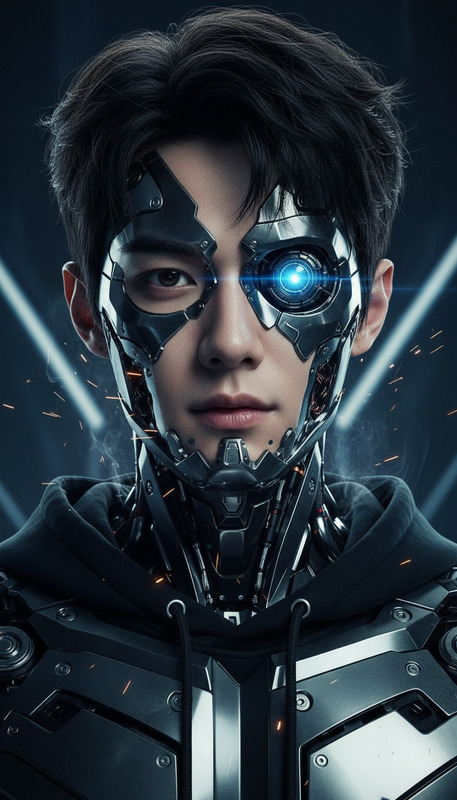
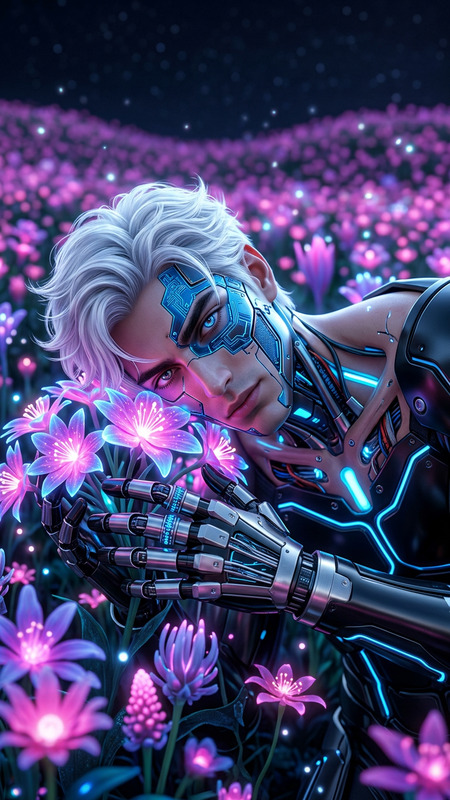
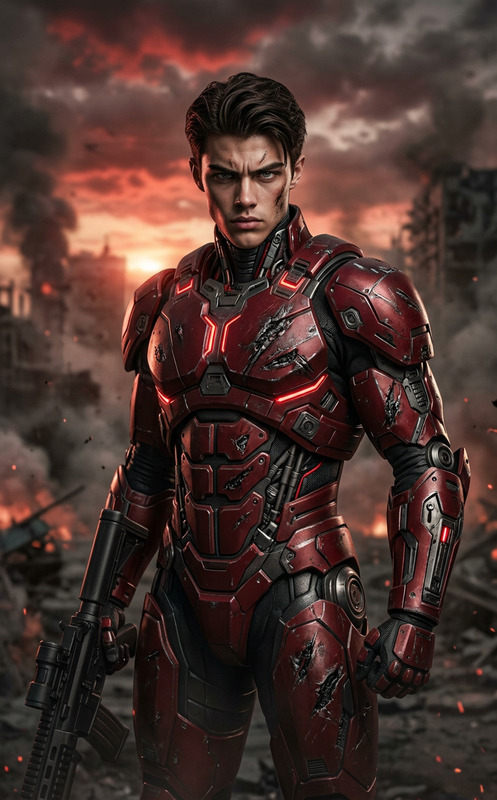
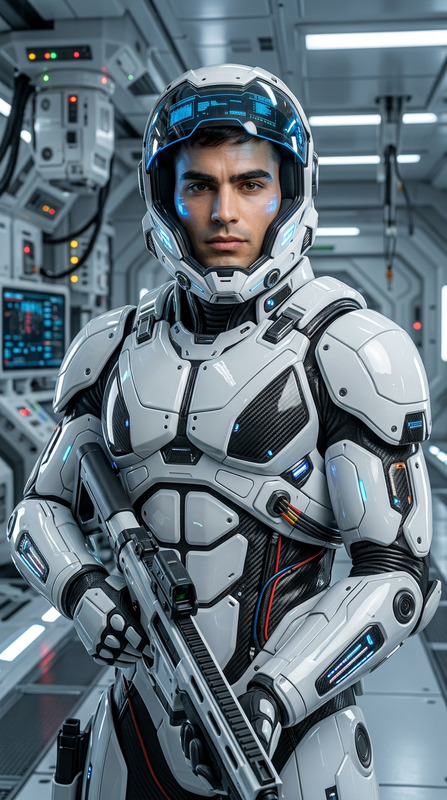
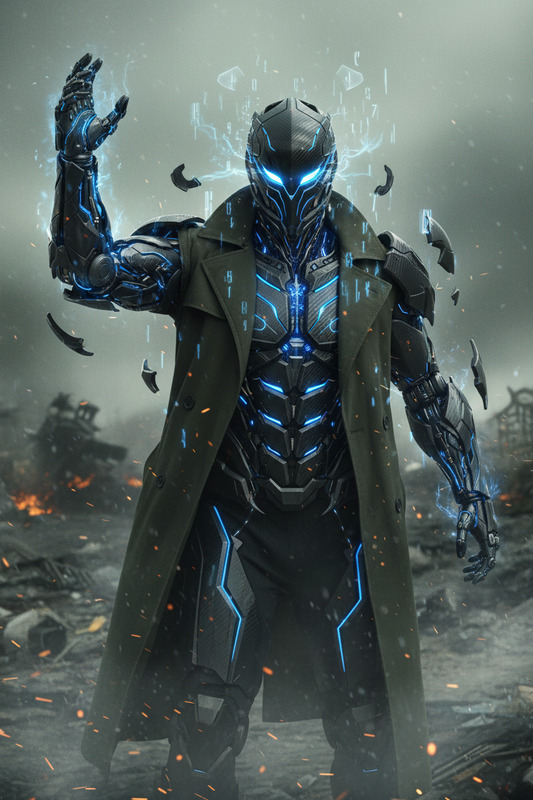
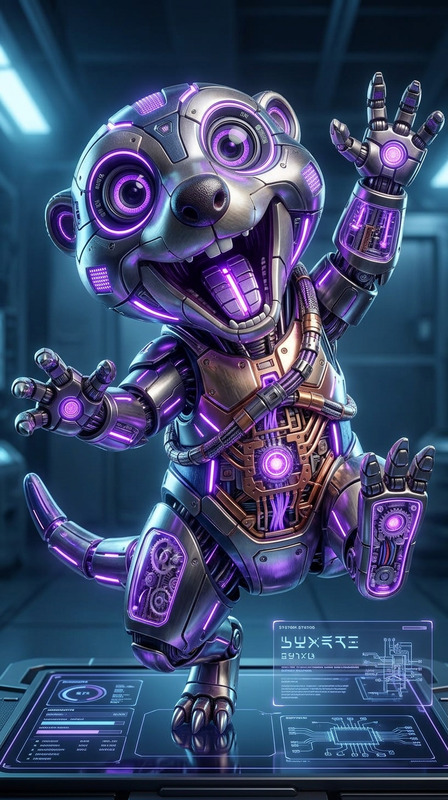
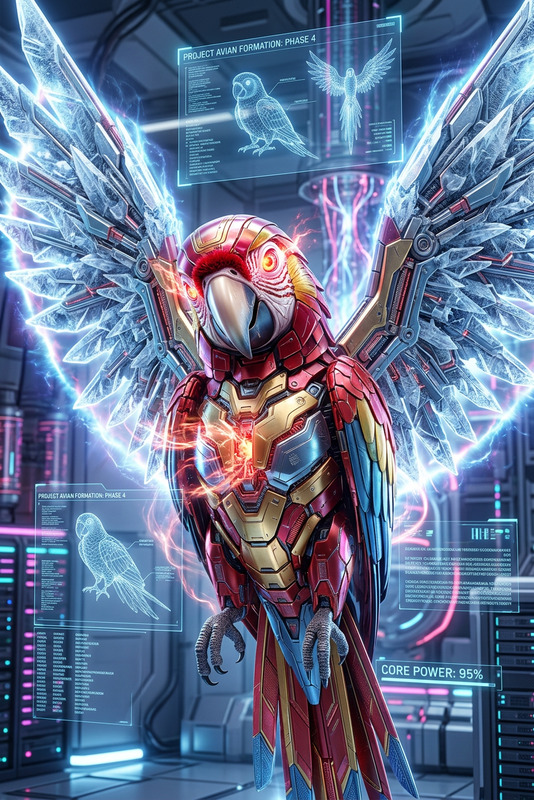
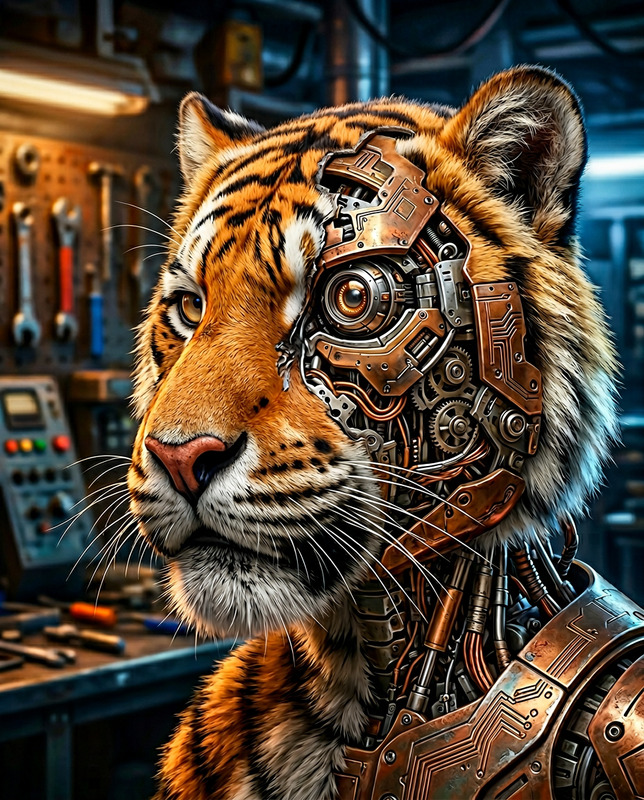
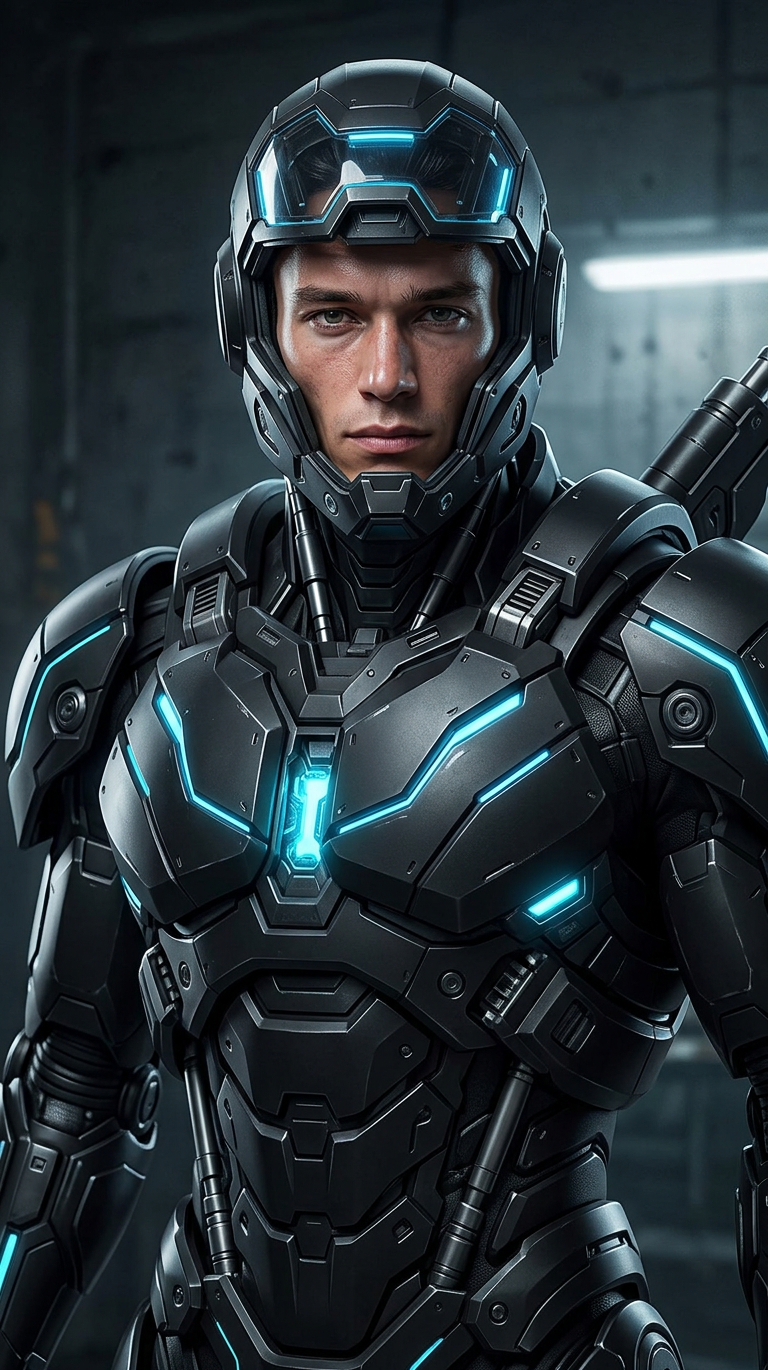
A subject fully transformed into a futuristic mech, covered in sleek black metallic armor with sharp, mechanical details. Armor plates are fully assembled and locked into place, with expanded limbs and visible joints. Glowing blue lights pulse through the suit, illuminating energy cores and lines across the body. Dark high-tech environment enhances the contrast of the blue glow. Cinematic lighting, futuristic atmosphere, ultra-detailed, realistic metal textures, powerful stance, 4K
Any aspect ratio
Overview
The Black Mech template by Magic Hour offers creators a chance to convert ordinary subjects into formidable futuristic mechs. Utilizing the advanced capabilities of the AI Image Editor with the nano-banana-2 model, this template is perfect for those aiming to enhance their projects with high-tech aesthetics and captivating visuals.
What It Does
The Black Mech template transforms any subject into a detailed mech persona, complete with sleek black metallic armor, glowing blue lights, and ultra-detailed textures. It amplifies your visuals by integrating cinematic lighting and a futuristic atmosphere. This template is suited for creating high-quality visuals for tech or gaming content.
Who It's For
Designed for creators and developers working in the tech and gaming industries, the Black Mech template is ideal for those seeking dynamic visuals for tutorials, game covers, or promotional materials. It's also a perfect fit for creative agencies looking to provide unique content for clients in the tech sector or anyone exploring advanced visual storytelling techniques.
Summary
Whether you're producing tutorials or enhancing gaming content, the Black Mech template provides an innovative way to apply powerful mech visuals. The template's integration with the nano-banana-pro model ensures you achieve realistic and captivating results, brought to life with advanced AI capabilities that transform your subject into a cinematic marvel. For more versatile editing options, explore the AI Image Editor.
How To
Choose Black Mech Template

Customize Your Image

Generate Your Mech Image

Use Cases
Tech Tutorials
- Demonstrate tech concepts with powerful imagery
- Create engaging intro or transition visuals
Gaming Content
- Design cover art for new releases
- Craft avatars or characters for gameplay
Creative Agency Projects
- Develop branding visuals
- Enhance advertising campaigns with high-tech themes
Best Practices
Optimize Image Quality
Ensure your source image is high resolution. This allows the AI to enhance details effectively, resulting in a more polished output.Adjust Environment Settings
Experiment with different lighting and background settings. Editing these can greatly impact the final render, highlighting different aspects of the mech design.Refine Details
Take time to adjust the prompts for features like lights and textures. These nuances contribute to the realism and overall impact of your mech image.