Holographic Workshop Assembly
- Model
- Nano Banana 2
- Image
- 832 × 1283 px
Prompt
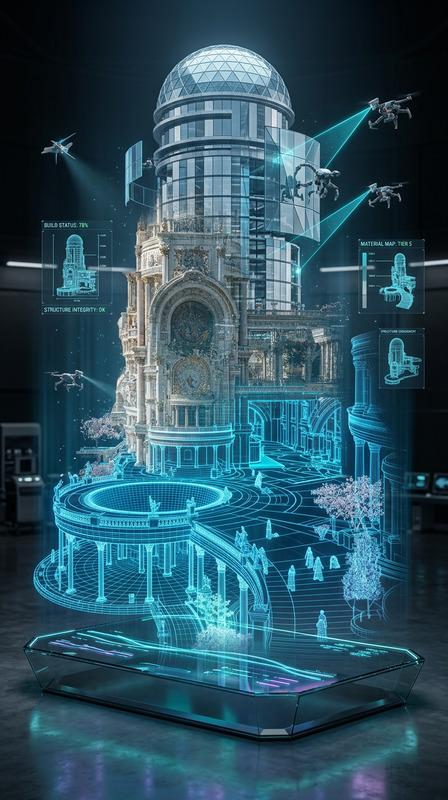
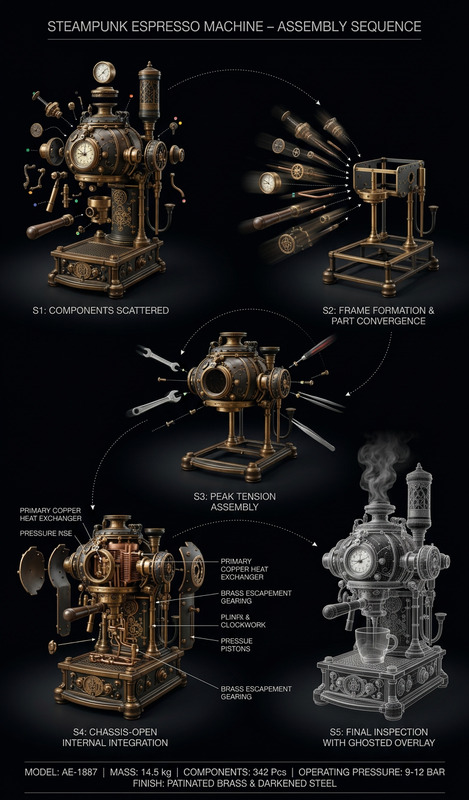
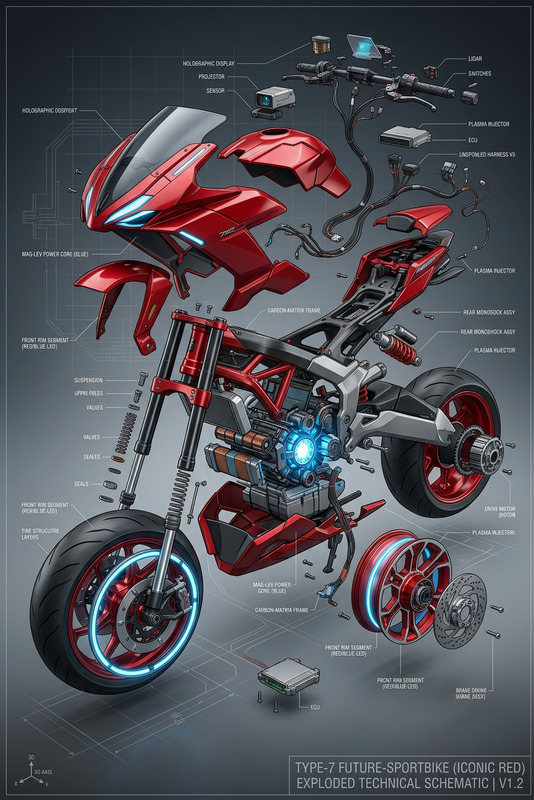
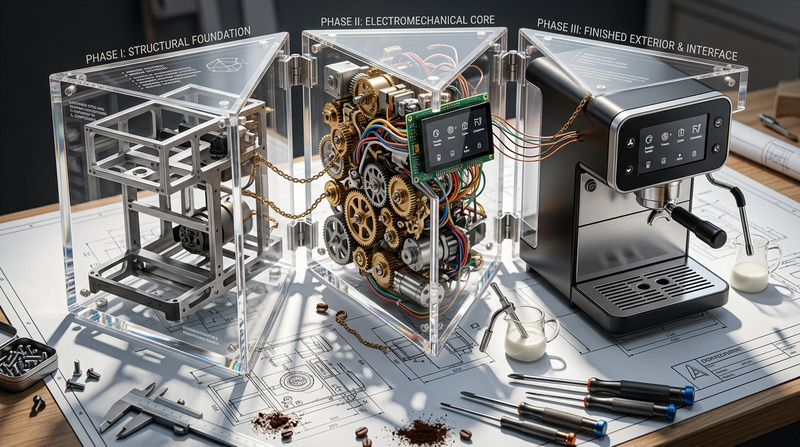
Subject in a garage/workshop assembling a complex mechanical device, viewed from a close-up slightly overhead technical angle (16:9). Wearing safety glasses, deeply focused while leaning over a workbench, holding a small component like a circuit board or rotor with precision tools. A floating 3D exploded assembly diagram hovers above the disassembled parts, with bright yellow-orange vector lines, directional arrows, and holographic UI elements. Industrial high-detail environment, extremely shallow depth of field with creamy blurred background. Cool fluorescent workshop lighting contrasted with warm holographic glow, ultra-detailed, technical cinematic style.
Any aspect ratio
Overview
The Holographic Workshop Assembly template brings a sophisticated, ultra-detailed aesthetic to your technical projects. Utilizing the AI Image Editor capabilities, this template is ideal for crafting high-impact visuals featuring intricate mechanical assembly scenes. Whether you're designing for engineering presentations or high-tech marketing materials, this tool provides a vivid portrayal with exceptional depth and realism.
What It Does
This template leverages the power of AI Image Editor to transform your creative ideas into stunning imagery with ease. By customizing the visual details and elements, such as the floating 3D exploded diagram and precise lighting, you create images that effectively convey complex technical narratives.
The integration of industrial high-detail environments and holographic UI elements ensures that your project stands out with a cinematic touch, perfect for high-tech demonstrations or technical visual aids.
Who It's For
This tool is perfect for tech enthusiasts, engineers, and designers who aim to present technical information in an engaging and visually appealing format. Whether you're in product launch videos or crafting explainer videos, this template aids in creating compelling narratives through detailed visual storytelling.
Summary
The Holographic Workshop Assembly template harnesses the detailed capabilities of the AI Image Editor to deliver high-resolution, technically sophisticated imagery. From engineers showcasing new products to designers crafting vivid prints, this tool provides the essentials for all your detailed visualization needs.
How to Use the Template
Choose the Template

Customize Your Inputs

Generate Your Image

Use Cases
Engineering Explanatory Content
- Mechanical assembly tutorials
- Technical workshops
- Engineering concept presentations
Marketing Materials
- Product tech specs
- High-tech product demos
- Industrial advertisements
Educational Content
- STEM education visuals
- Technical training manuals
- Interactive digital textbooks
Best Practices
Focus on Detail
Pay attention to the intricate details of your components and ensure clarity in the assembly instructions to enhance comprehension.Optimize Lighting and Depth
Utilize the contrast between workshop lighting and holographic glow for a dynamic presentation.Consider Audience
Tailor the complexity of the visuals to your audience's technical expertise for maximum engagement.