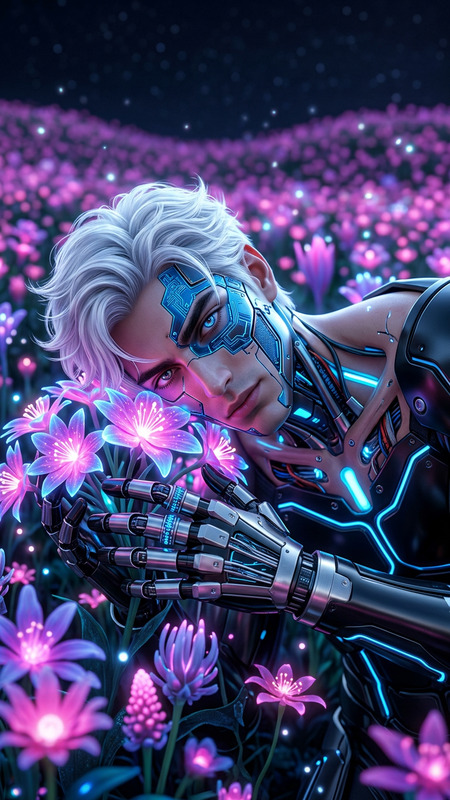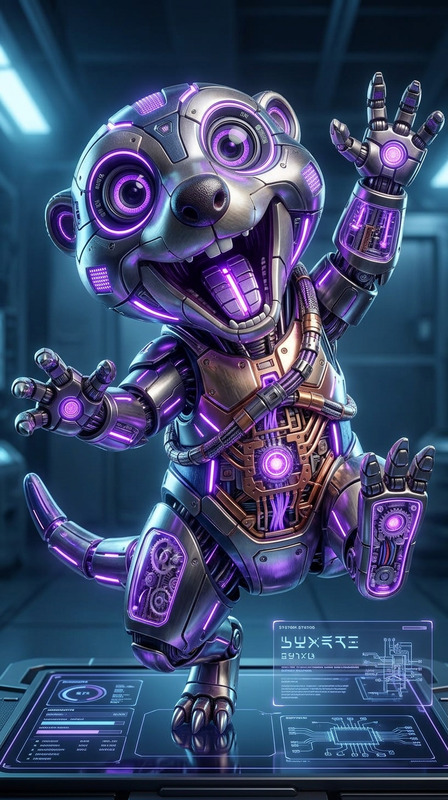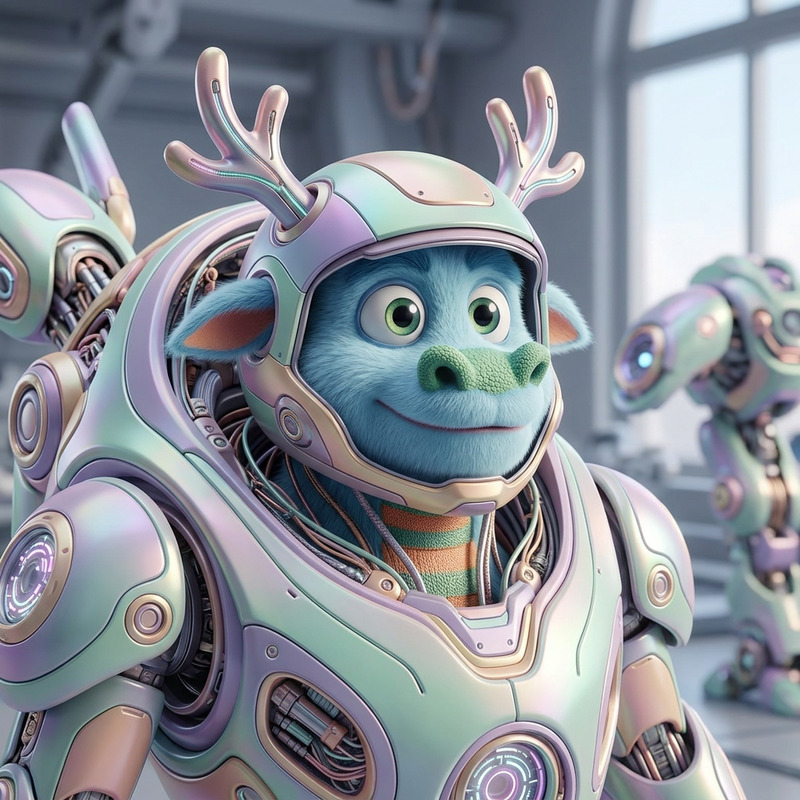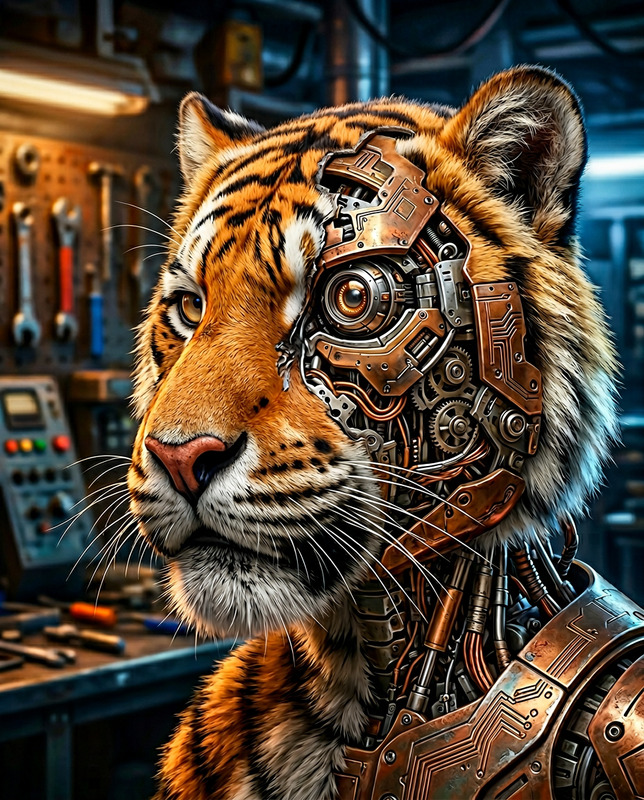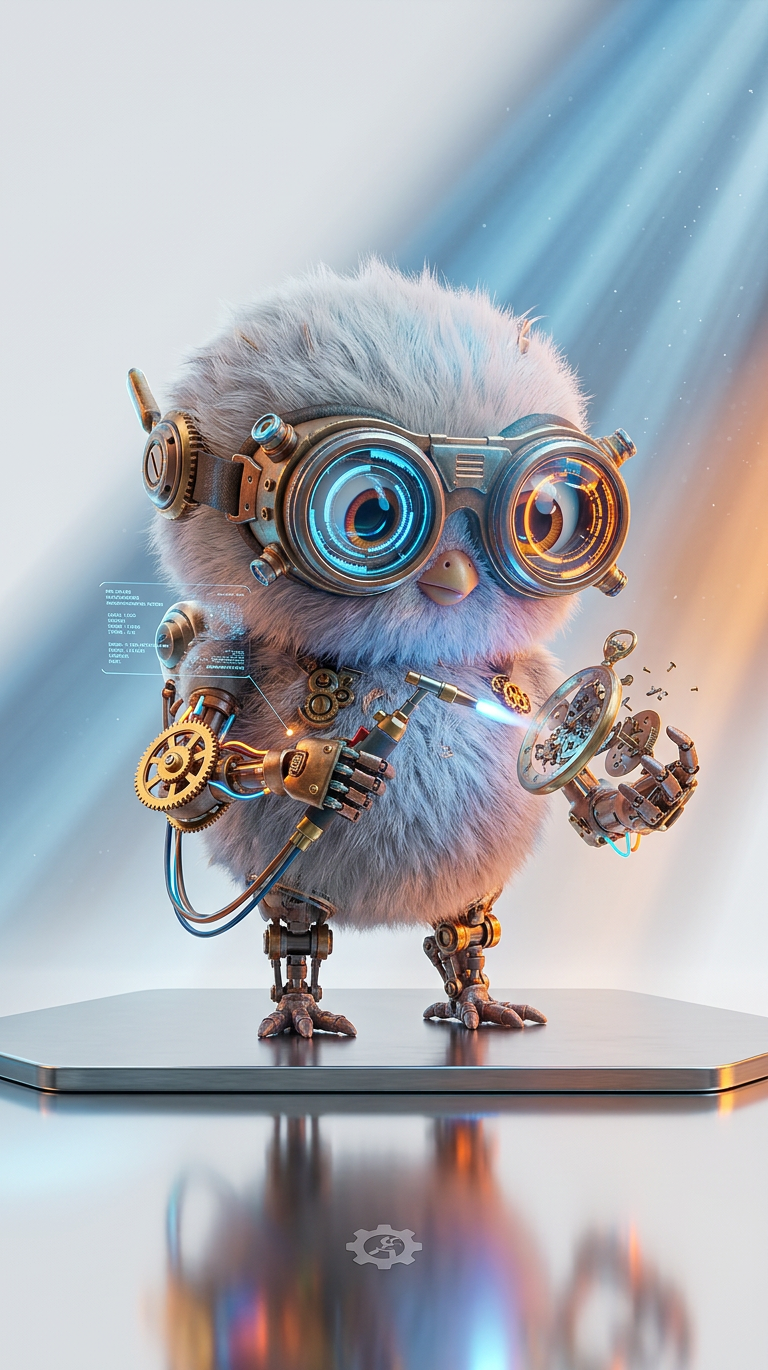
Neon Mecha Mechanic
- Model
- Nano Banana 2
- Image
- 768 × 1370 px
Prompt
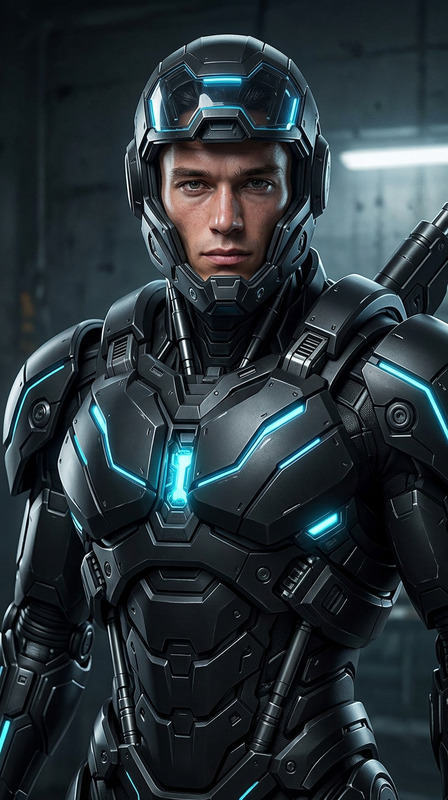
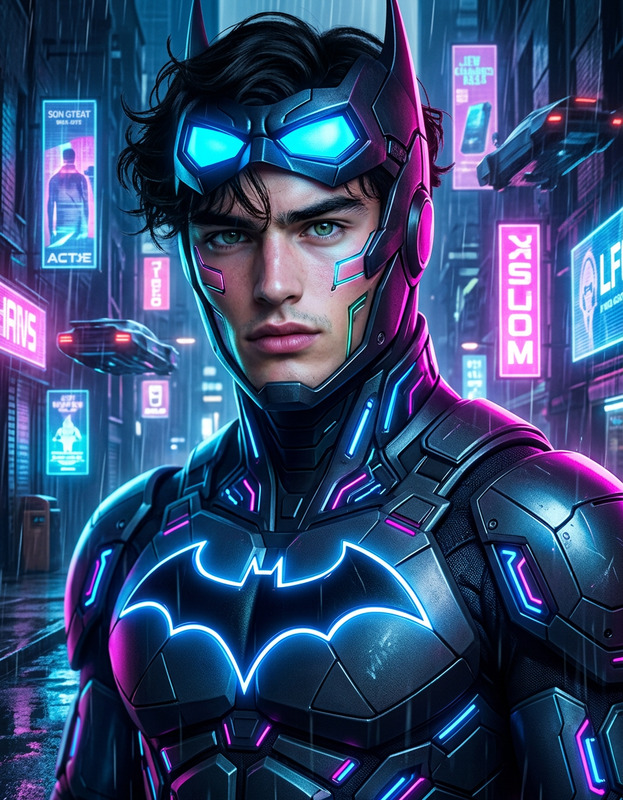
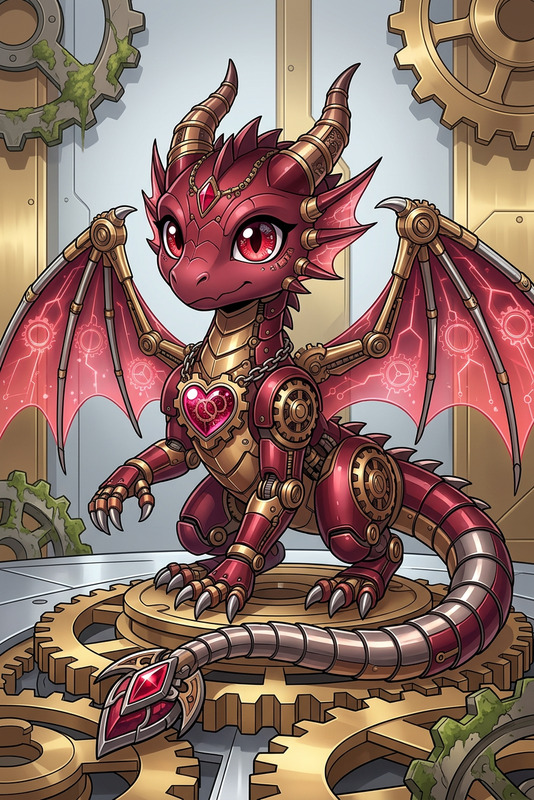
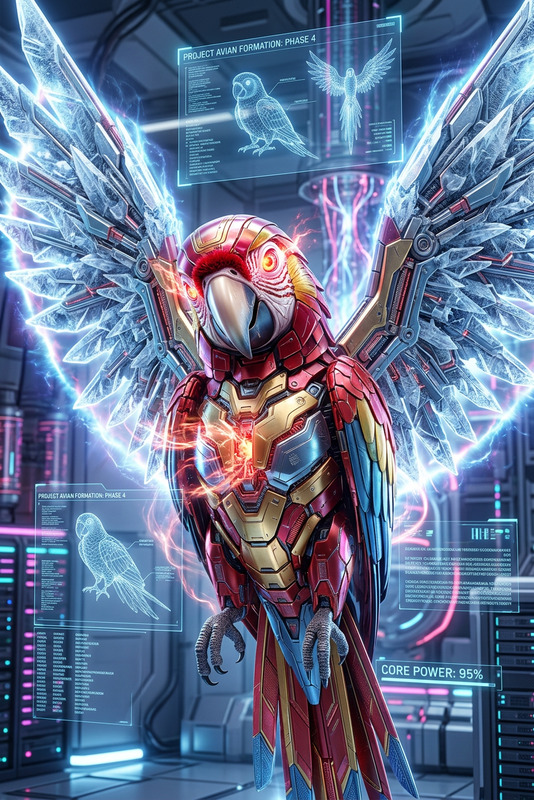
The subject is an adorable cyberpunk mechanic in a futuristic world, featuring intricate mechanical details and glowing cybernetic gear, created in Blender and Unreal Engine, volumetric lighting, clean white background, subtle creative twists, ultra-detailed, high-resolution
Any aspect ratio
Overview
Step into the world of futuristic design with our Neon Mecha Mechanic template. This AI Image Editor template lets you create an ultra-detailed, high-resolution image of a cyberpunk mechanic, perfect for anyone seeking a modern and vibrant aesthetic. Inspired by iconic creations in Blender and Unreal Engine, this template offers an artistic synergy between mechanical precision and cybernetic innovation.
What It Does
The Neon Mecha Mechanic template enhances your media by infusing it with intricate mechanical details and glowing cybernetic gear. It utilizes volumetric lighting and subtle creative twists to deliver a clean, white background that highlights the subject's futuristic elements. This is ideal for creating high-resolution, visually captivating images that reflect a cyberpunk-inspired universe.
For those interested in pushing boundaries further, our AI Clothes Changer allows additional costume modifications to truly personalize the mechanic’s appearance.
Who It's For
This template is tailored for creators, designers, and developers who want to inject a cyberpunk flair into their projects. Whether you are working on a video project, designing a game character, or crafting digital artwork, the Neon Mecha Mechanic provides the foundation for striking visuals that captivate and inspire.
Summary
The Neon Mecha Mechanic is a versatile and powerful tool for creating detailed, high-resolution images of futuristic mechanics. Its application in fields like digital art, game design, and content creation makes it a standout choice for professionals seeking unique and vibrant results. Pair it with our AI Image Upscaler to enhance resolution and image quality further.
How-to
Find Your Template

Customize Your Input

Generate Your Image

Use Cases
Game Design
- Futuristic character design
- High-resolution renderings
- Unique cybernetic elements
Digital Art Projects
- Ultra-detailed imagery
- Volumetric lighting effects
- Creative stylistic adaptations
Marketing and Advertising
- Vibrant and unique visuals
- Enhanced brand image
- Appealing to tech-savvy audiences
Best Practices
Focus on Details
Utilize the prompt's mechanical and cybernetic descriptions to maximize visual details.Experiment with Lighting
Volumetric lighting greatly enhances the futuristic appeal; tweak this to see different artistic outcomes.Optimize with Complementary Tools
Enhance results using tools like the AI Image Upscaler to boost quality.