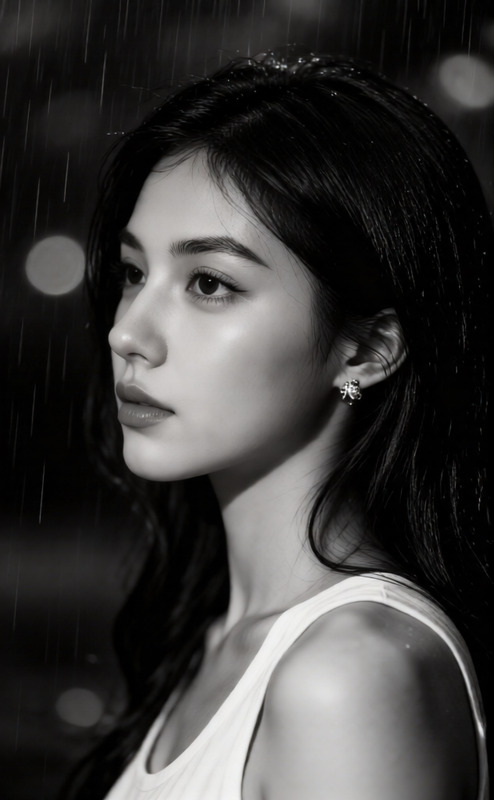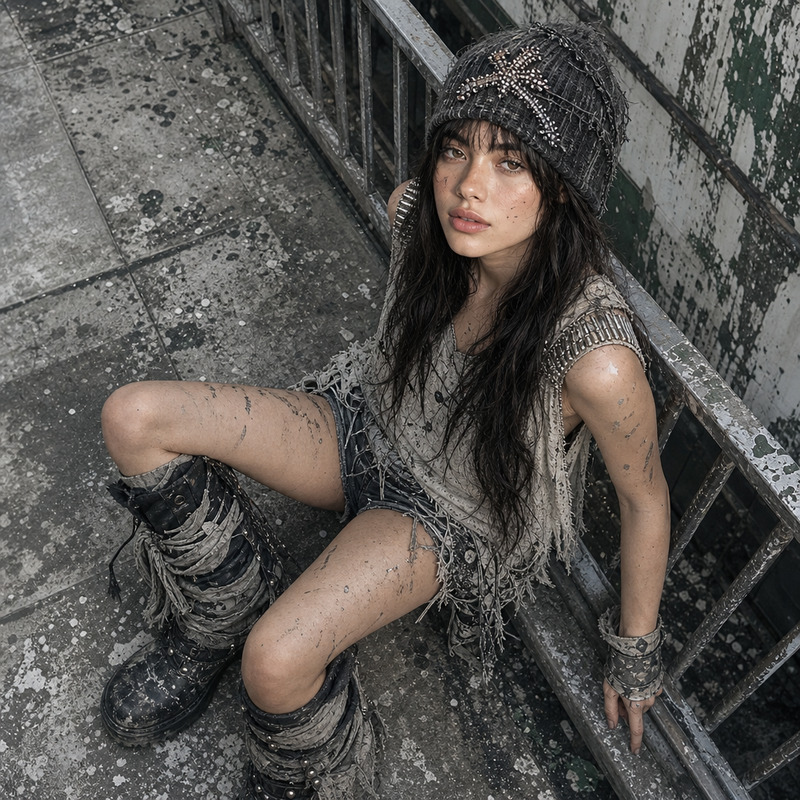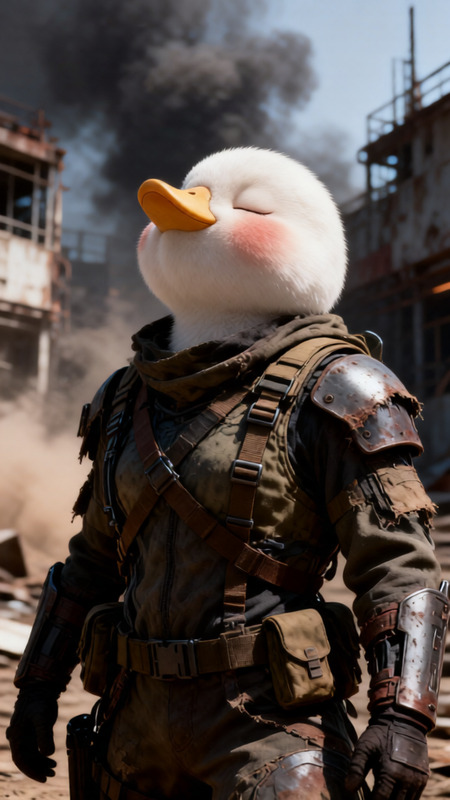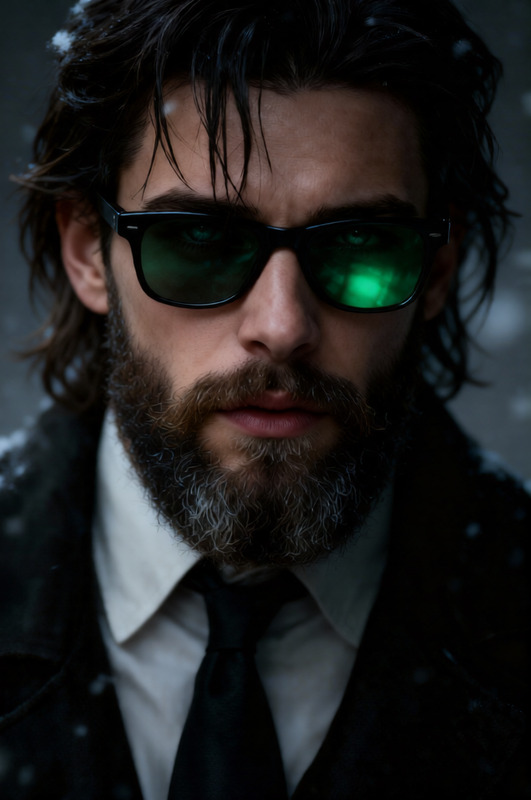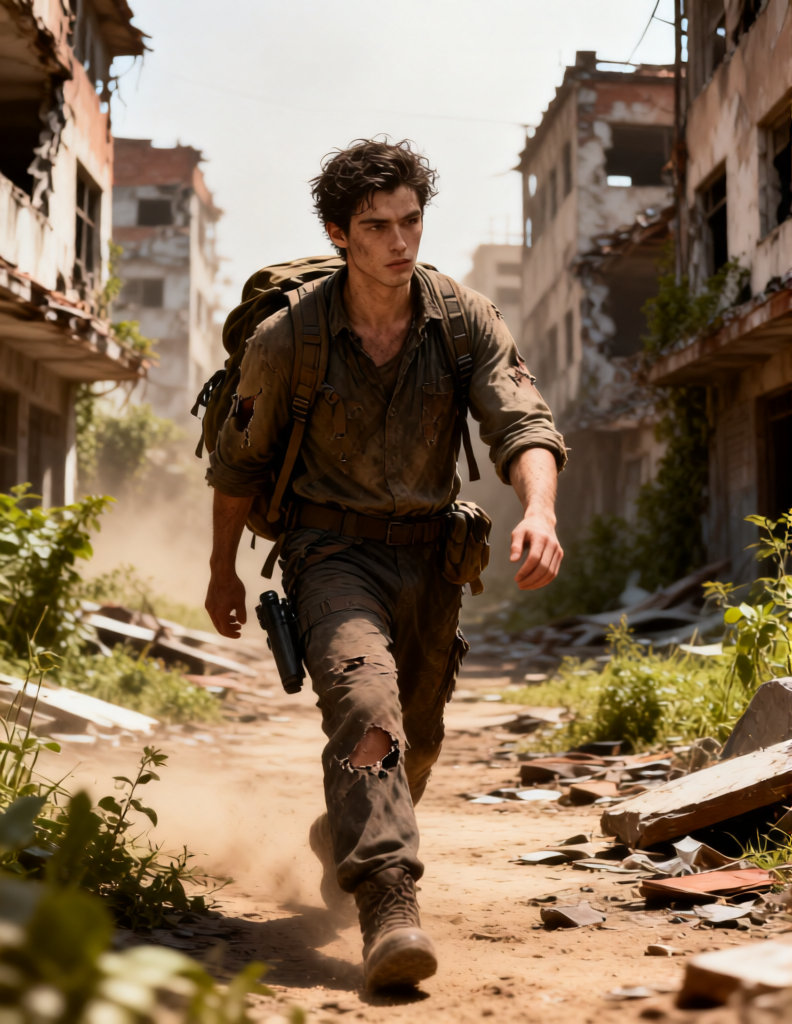
Rugged Survivor Walk
- Model
- Qwen Edit
- Image
- 792 × 1024 px
Prompt
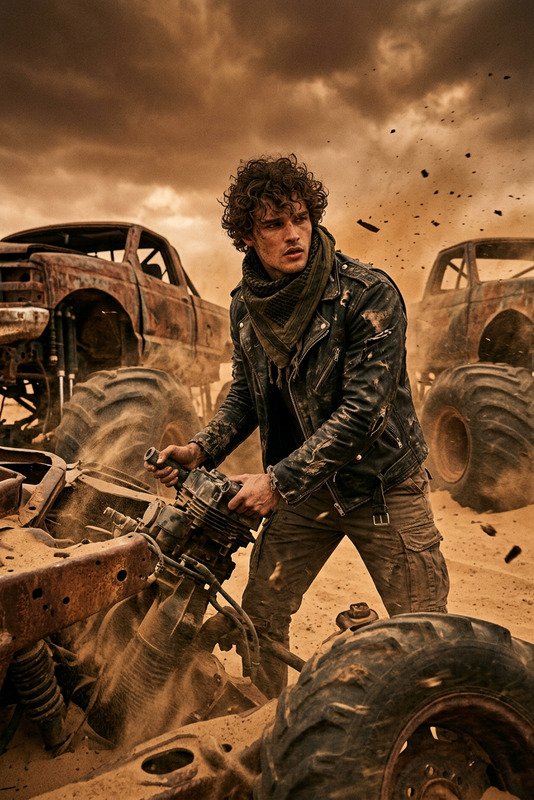
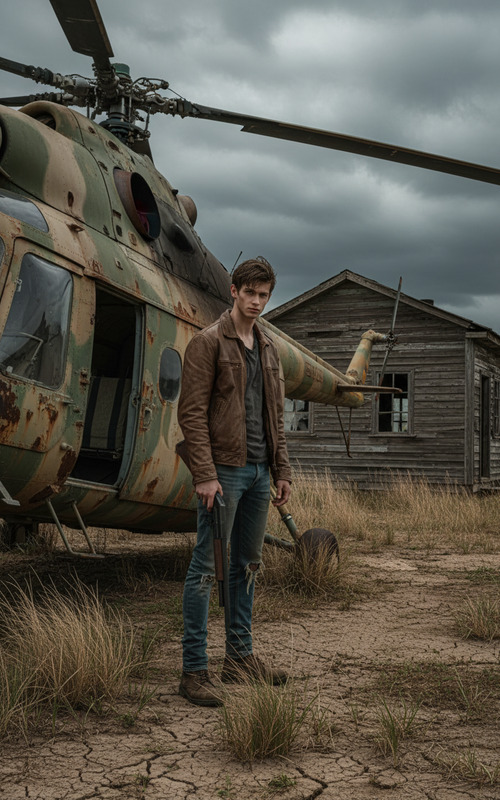
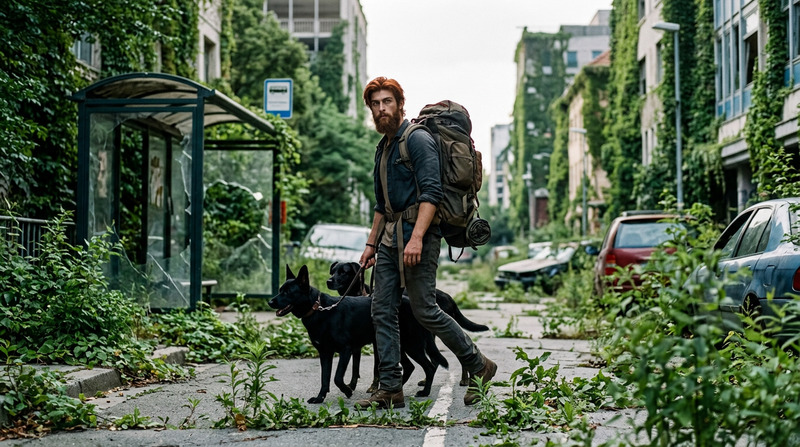
Subject is a rugged survivor walking through a desolate post-apocalyptic environment, weathered appearance with dusty skin, unkempt hair, wearing torn survival clothing and improvised gear with a backpack. Moving cautiously through ruined city streets with overgrown vegetation, broken buildings, and scattered debris. Harsh cinematic lighting, dusty atmosphere, muted earthy tones, cinematic wide shot, ultra-detailed, gritty realistic survival mood.
Any aspect ratio
Overview
The Rugged Survivor Walk template in the AI Image Editor is crafted to bring your adventure-themed narratives to life. Utilizing the Qwen-Edit model, this template sets the scene with ultra-detailed visuals and a believable post-apocalyptic atmosphere. It provides the perfect storytelling backdrop with muted earthy tones and a gritty, realistic survival mood.
What It Does
With the Rugged Survivor Walk template, you can transform your images into captivating stories that depict a world ravaged by time and chaos. This AI Image Editor template emphasizes the realism of a post-apocalyptic setting by enhancing details such as weathered appearances and environments filled with overgrown vegetation and ruined infrastructure. The cinematic lighting adds drama and depth, making the atmosphere both immersive and visually striking.
Who It's For
This template is ideal for content creators focused on adventure, post-apocalyptic, or survival genres. It serves filmmakers, game developers, and graphic novel artists aiming to craft engaging storytelling content. Additionally, this tool is perfect for marketers and brands who use Image to Video transformation to boost their visual advertising strategy.
Summary
Leverage the Rugged Survivor Walk template to create compelling visuals that transport viewers to a detailed post-apocalyptic world. It's a powerful tool in the AI Image Editor suite, designed to enrich your media projects with depth, drama, and a meticulously realistic environment.
How-To
Choose

Customize

Generate

Use Cases
Adventure Storytelling
Marketing Campaigns
Concept Art
Best Practices
Refine Details
Pay attention to small elements like clothing and gear to enhance the realism of your scene.Use Appropriate Tones
Stick to muted, earthy tones to match the template's gritty, realistic aesthetic.Consider Story Context
Align your visual elements with the narrative for a cohesive and engaging story.