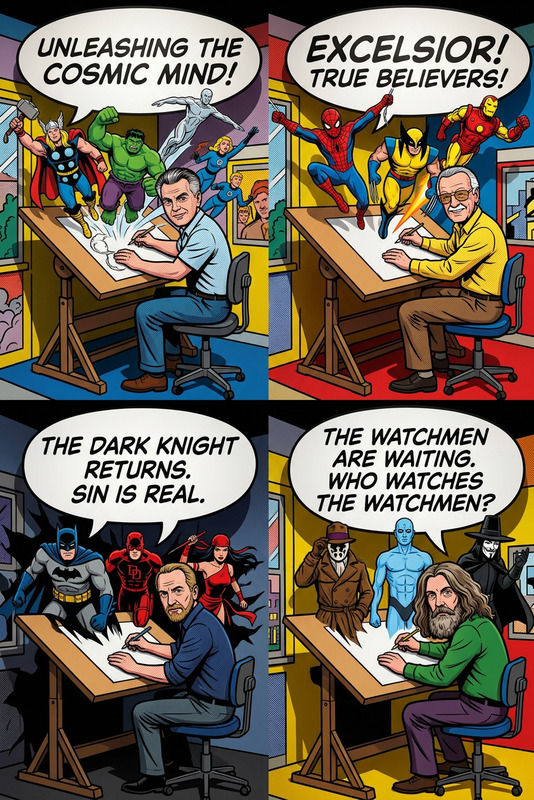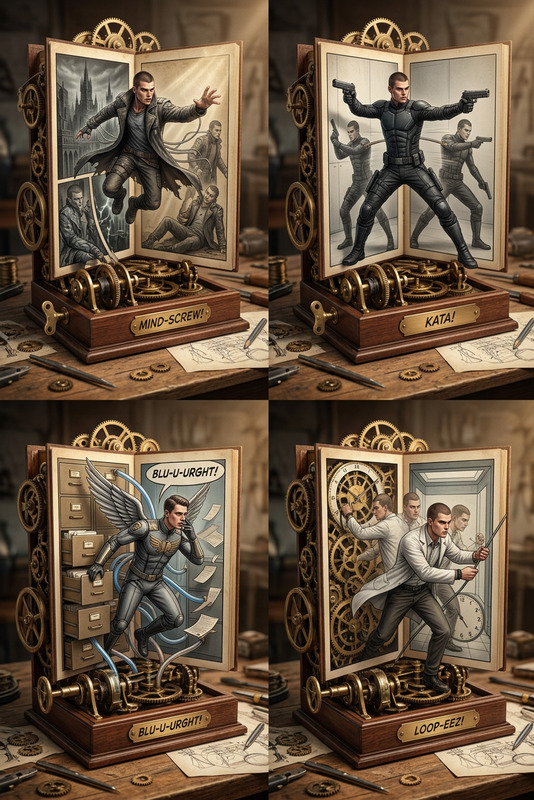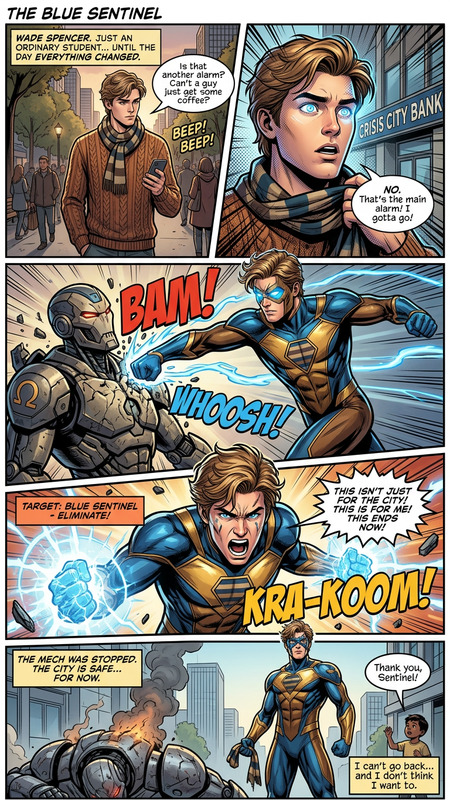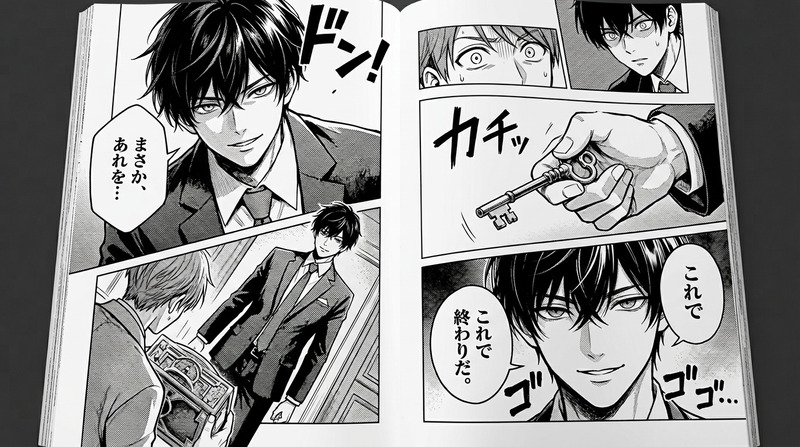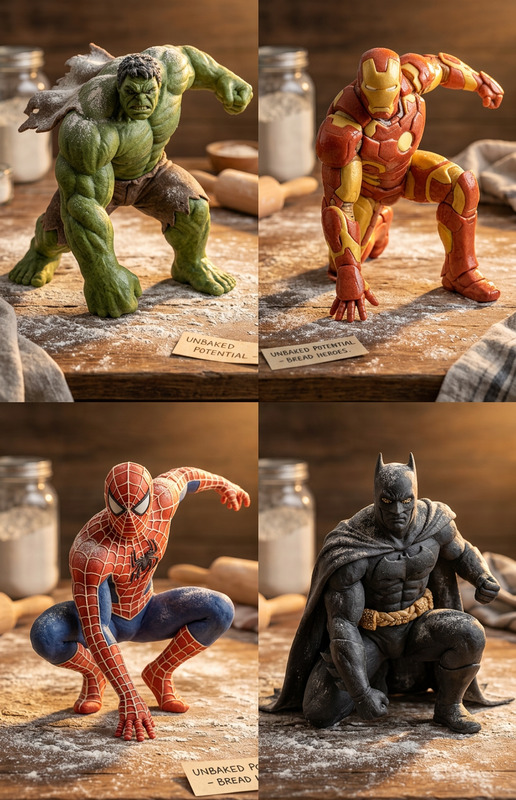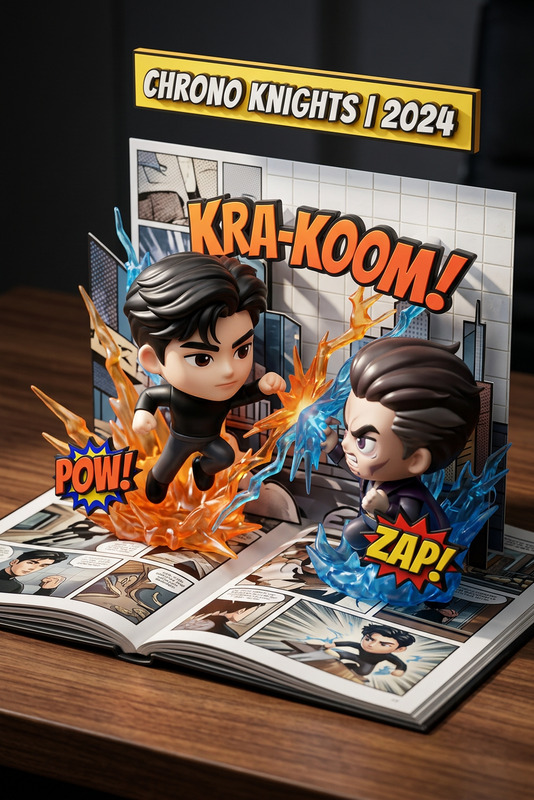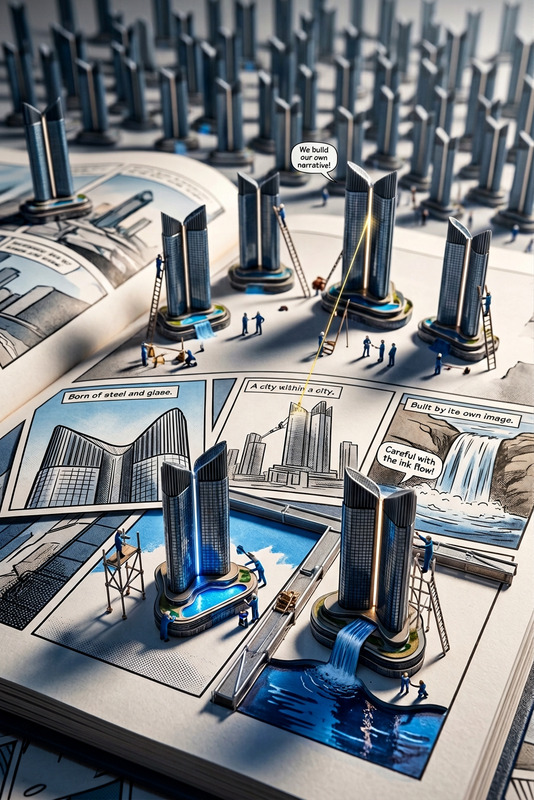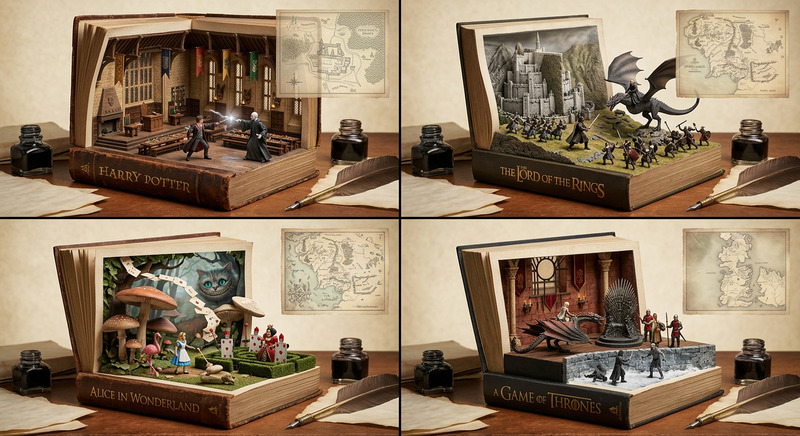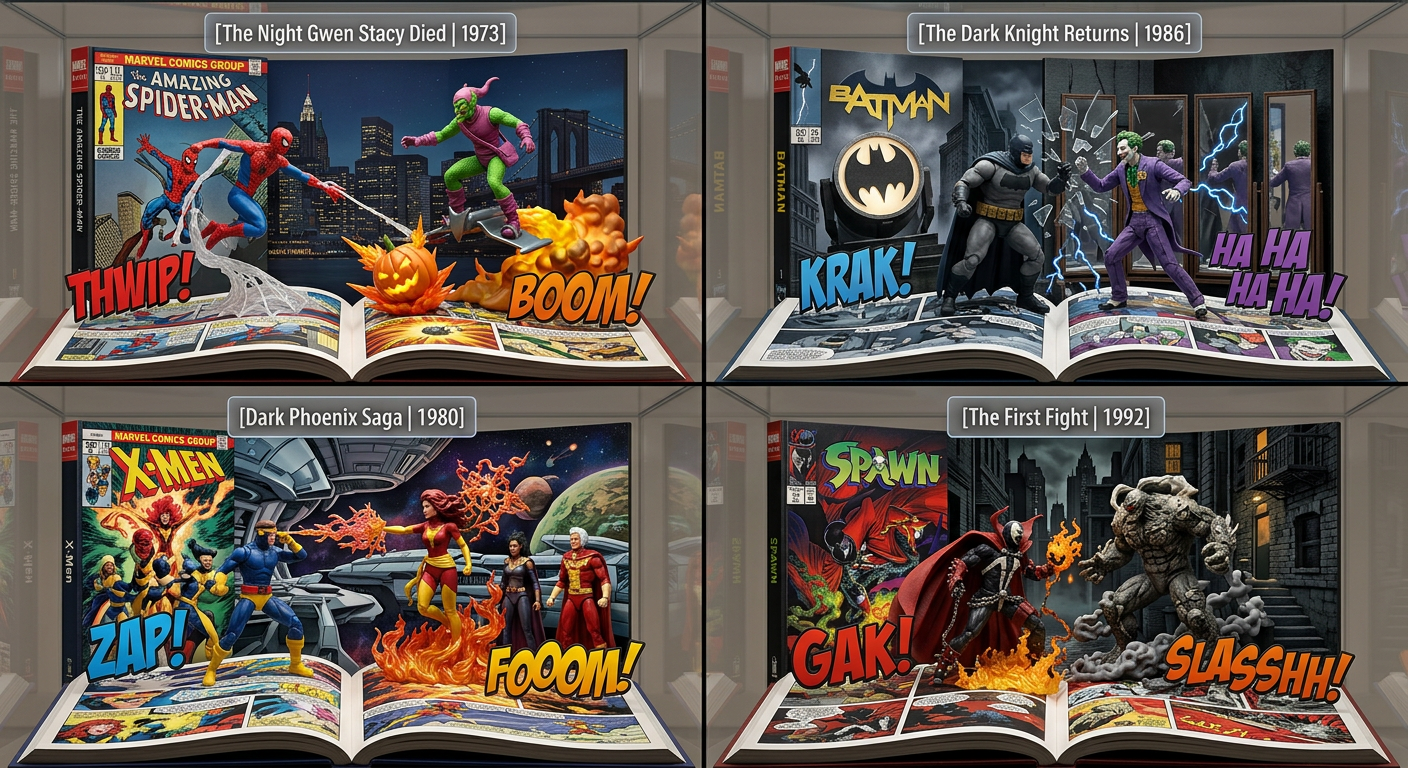
Comic Diorama Grid
ai-image-editor
Any aspect ratio
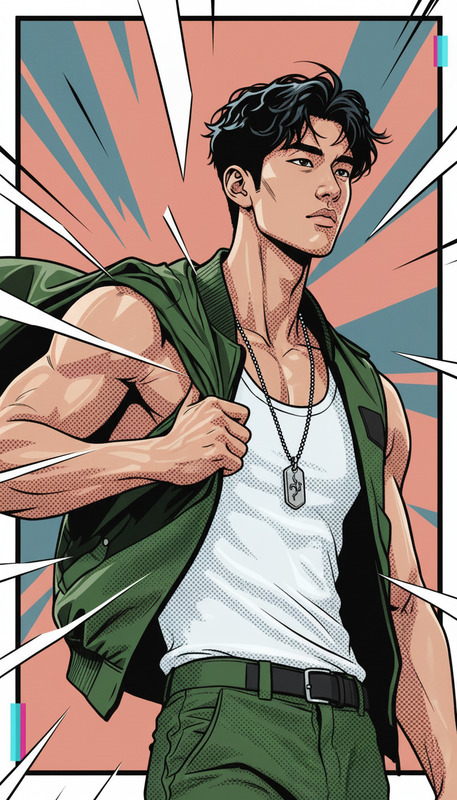
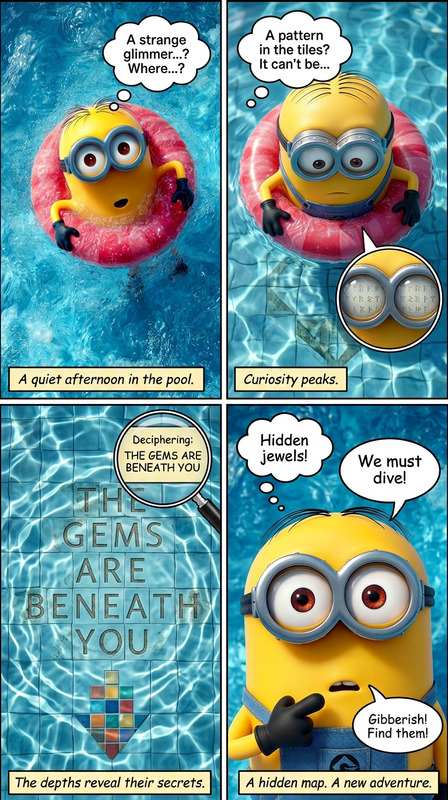
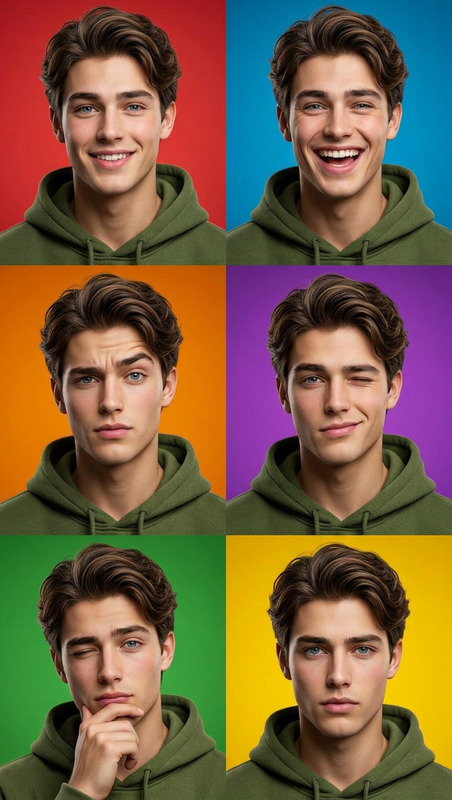
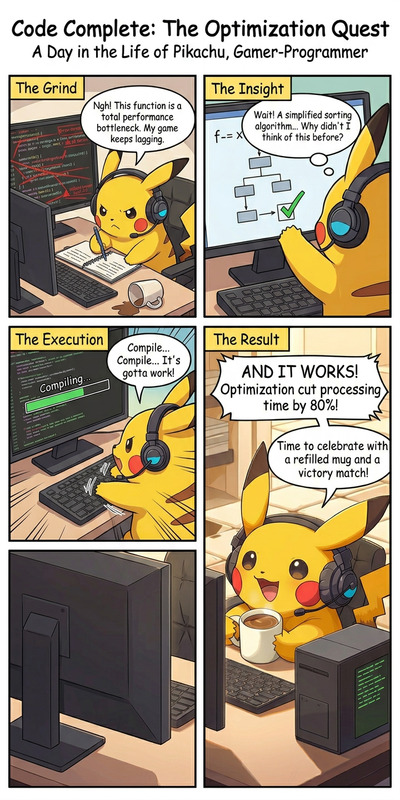
2×2 grid composition, each panel a photorealistic 3D diorama of a different famous comic universe title. Follow exact structure: vertical scenic backdrop styled like a book cover with a floating label “[issue title | year]” at the top; center features two opposing 3D toy figures (hero vs villain) with dynamic 3D plastic effects between them; bottom transitions into angled open-book pages displaying comic panels; foreground includes floating 3D SFX text. Maintain consistent geometry across all four panels, high detail, realistic materials, cinematic lighting, and cohesive layout.
Transform Any Photo with Magic Hour’s AI Image Editor Template
This template is built on Magic Hour’s AI Image Editor, giving you a fast, flexible way to transform photos with AI while staying in control of the final look. Use it as-is, or remix it into your own reusable editing workflow for product shots, social content, campaigns, and prototypes.
What You Can Do with This Template
This AI Image Editor–based template is designed for high-impact, practical edits that creators and teams use every day:
Replace or redesign backgrounds
Instantly swap cluttered or low-quality backdrops for clean studio looks, on-brand gradients, themed sets, or realistic scenes. For more background-first workflows, pair with the AI Background Generator or Image Background Remover.Remove objects and imperfections
Clean up distractions, logos, or unwanted people in seconds using inpainting-style edits. If you need more targeted removal, you can also use the AI Remover or Remove Object From Photo tools.Change outfits, looks, and styling
Update clothing, accessories, hair, and makeup while keeping faces and poses intact—useful for fashion tests, social content, and creative concepts. For fashion-heavy workflows, consider combining this template with the AI Clothes Changer, AI Fashion Generator, or AI Outfit Generator.Turn basic photos into stylized art
Convert real photos into anime, manga, comic, or illustration styles without redrawing from scratch. For style-first projects, you may also want to explore the AI Art Generator, AI Anime Generator, AI Manga Generator, or AI Illustration Generator.Fix low-res, blurry, or old images
Sharpen and upscale older or compressed assets to make them usable in web or campaign work. For dedicated quality repair, use this template alongside AI Image Upscaler, Unblur Image, or Old Photo Restoration.Create production-ready assets
Rapidly generate thumbnails, social graphics, and hero images from one base photo. You can further refine outputs with tools like Thumbnail Maker, Album Cover Generator, or Book Cover Generator.
How to Remix This Template in Magic Hour
You can treat this template as a starting point for your own repeatable, team-friendly workflows.
1. Start from the template
- Open this template inside Magic Hour.
- Upload your base photo (product, portrait, environment, UI mock, etc.).
- Run the default edit once to see how it behaves with your content.
2. Identify your core use case
Examples of focused remix directions:
- E‑commerce: consistent product-on-white or lifestyle backgrounds, reflection/shadow tweaks, and minor cleanup.
- Founders & teams: cleaner LinkedIn/Twitter/X headshots, on-brand backgrounds, and subtle retouching—especially effective when combined with the AI Headshot Generator or AI Selfie Generator.
- Content & social: fast campaign variations, memes, and stylized assets—easily paired with the AI Meme Generator or Avatar Generator.
- Creative testing: quick concept frames for decks, pitches, and early design exploration.
3. Clone and adapt the workflow
Once you understand what the template does by default:
- Duplicate it inside your Magic Hour workspace.
- Swap in your own prompts, reference styles, or structure to match your brand or project.
- Save your remix as a new template that your team can reuse across campaigns or clients.
Because it’s built on the AI Image Editor, you can continue to iterate: add/replace steps, chain with other tools in your stack, and adapt it for different verticals without starting from scratch each time.
Example Workflows You Can Build from This Template
Here are some practical remix patterns used by creators, marketers, and startup teams:
1. “Photo → Studio-Quality Product Shot”
Ideal for DTC brands, marketplace sellers, and early-stage startups:
- Import a quick smartphone photo of your product.
- Use this template to clean edges, remove clutter, and refine lighting.
- Add a simple on-brand background or scene (e.g., kitchen, desk, outdoor).
- Optionally, upscale with AI Image Upscaler.
- Export for landing pages, ads, or A/B tests.
For motion concepts or hero assets, extend your pipeline with Image to Video or Text to Video.
2. “Founders & Team Content Engine”
Great for personal branding and startup marketing:
- Start with casual portraits or selfies.
- Clean them up with this AI Image Editor template (background, color, minor retouch).
- Generate additional stylized or themed avatars via the AI Face Editor, AI Face Generator, or Avatar Generator.
- Use AI Talking Photo or AI Voice Generator to turn images into short talking clips for intros, pitch explainers, or social posts.
3. “Concept Art & Visual Ideation”
Useful for product design, storytelling, and worldbuilding:
- Upload rough sketches, whiteboard photos, or early design screenshots.
- Refine and restyle them using this template.
- Experiment with different aesthetics using tools such as AI Art Generator, Dark Fantasy AI, D&D AI Art Generator, or AI Illustration Generator.
- For characters or environments, layer in AI Character Generator, Animated Characters Generator, AI Interior Design Generator, or Architecture Generator.
Combine This Template with Other Magic Hour Tools
Because the template is image-first, it’s easy to slot into richer, multi-step pipelines:
Images → Video Content
- Turn edited images into animated clips with Image to Video, then refine further with Video Upscaler or Auto Subtitle Generator.
- For full animation workflows, explore the Animation Templates or Video-to-Video Templates.
Faces, Characters, and Performances
- Use this template to perfect a face or character image, then:
- Turn it into a talking avatar via AI Talking Photo.
- Perform face swaps using Face Swap, Face Swap GIF, or the Face Swap Video Templates.
- Sync performances to audio using the Lip Sync Templates.
- Clone or change voices with AI Voice Cloner or AI Voice Changer.
- Use this template to perfect a face or character image, then:
Campaign and Branding Systems
- Generate consistent brand visuals for ads, email, and social using this template as your “base editor,” then add:
- AI Logo Generator for marks and wordmarks.
- AI Icon Generator for UI or product ecosystems.
- AI QR Code Generator for trackable calls-to-action.
- Generate consistent brand visuals for ads, email, and social using this template as your “base editor,” then add:
Tips for Getting the Most Value from This Template
Think in systems, not one-offs.
Instead of editing each image manually, remix this template into a shared workflow that your team can run for every product shot, hero image, or headshot.Keep source assets organized.
Maintain a small library of “master” images (best angles, lighting, and poses). Run those through this template to generate many consistent variants instead of starting from random photos each time.Match the tool to the job.
- Heavy background surgery or compositing: combine with AI Background Generator or Image Background Remover.
- Portrait-heavy work: pair with AI Headshot Generator, Gender Swap, or AI Selfie Generator.
- Stylized campaigns: extend with Disney AI Generator, Superhero Generator, Optical Illusion Generator, Comic Book Generator, or Graffiti Generator.
Protect detail and quality.
After aggressive edits, run a final pass through AI Image Upscaler or Unblur Image to restore crispness, especially for web or print.
Who This Template Is For
- Founders & marketers who need fast, on-brand visuals without waiting on design cycles.
- Content teams scaling assets across channels and formats.
- Designers & creative technologists who want a programmable, remixable starting point for advanced AI pipelines.
- Developers prototyping AI-driven creative tools on top of existing products or workflows.
If you want a flexible, reproducible way to transform images with AI—and the ability to turn that workflow into your own template—this AI Image Editor–powered template is a strong foundation. Start with it, remix it, and evolve it into your team’s go-to visual engine inside Magic Hour.