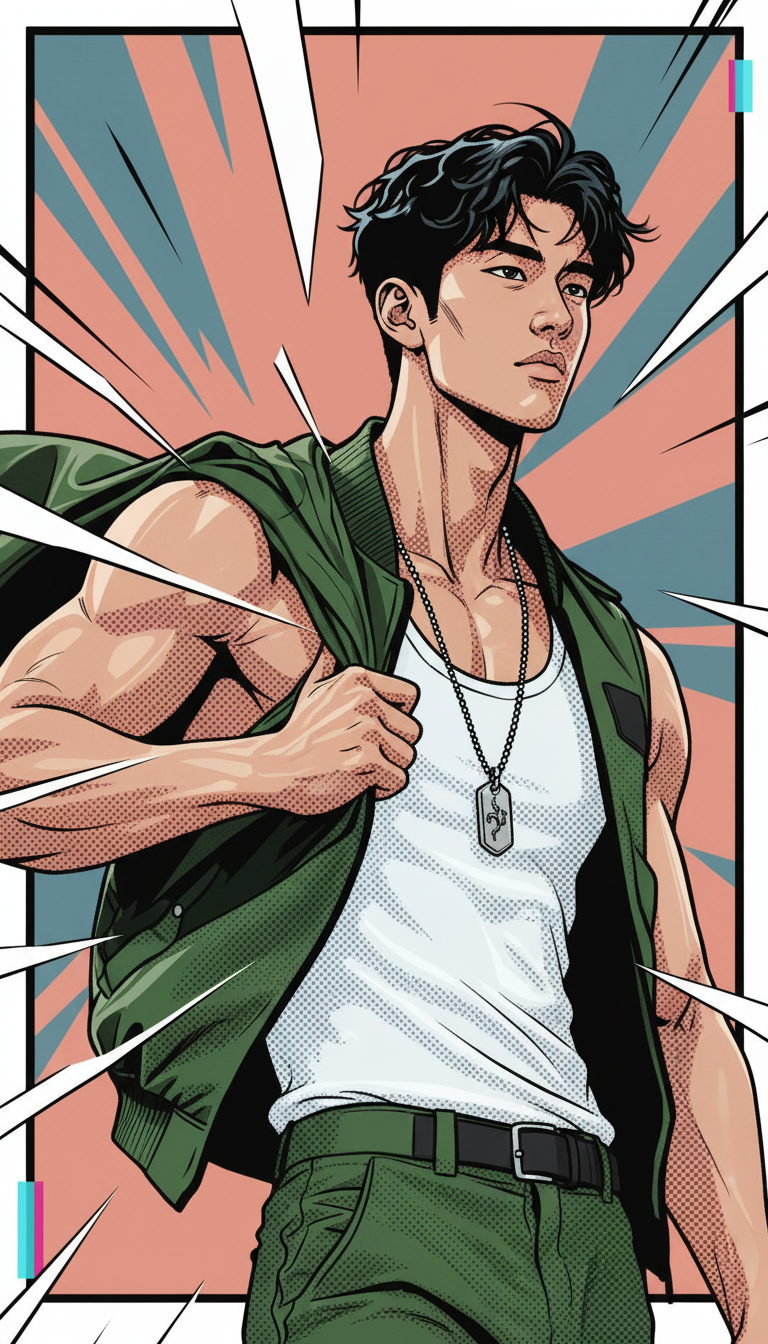
Comic Book Styles

Comic Book Styles

ai-image-editor

1 clip
67 uses

Any aspect ratio

Prompt

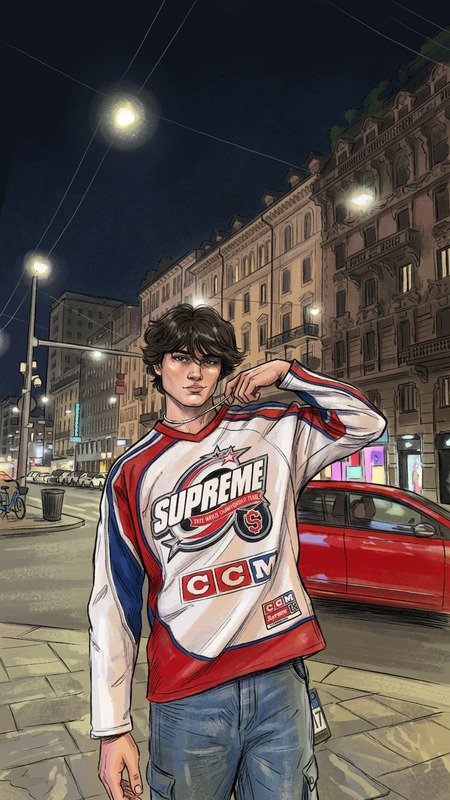
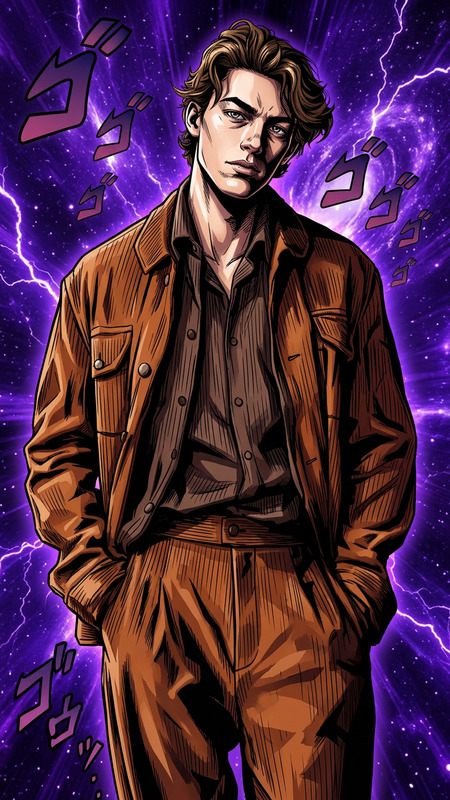
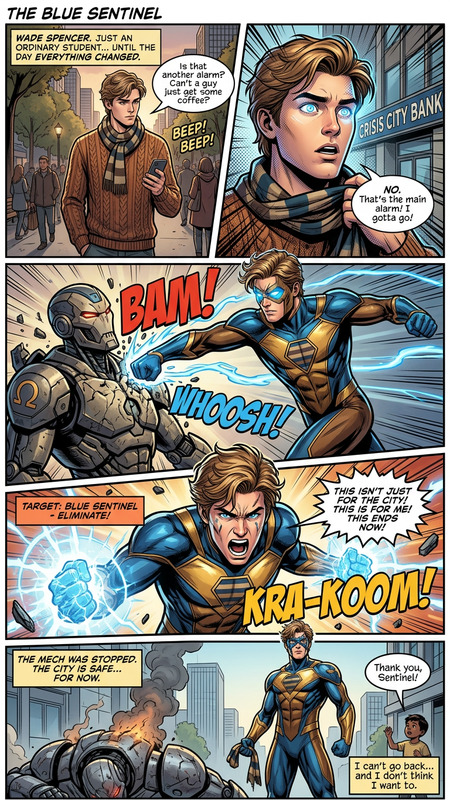
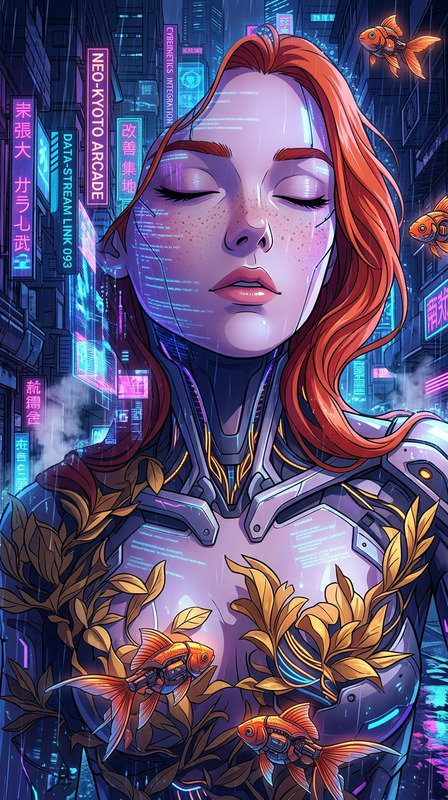
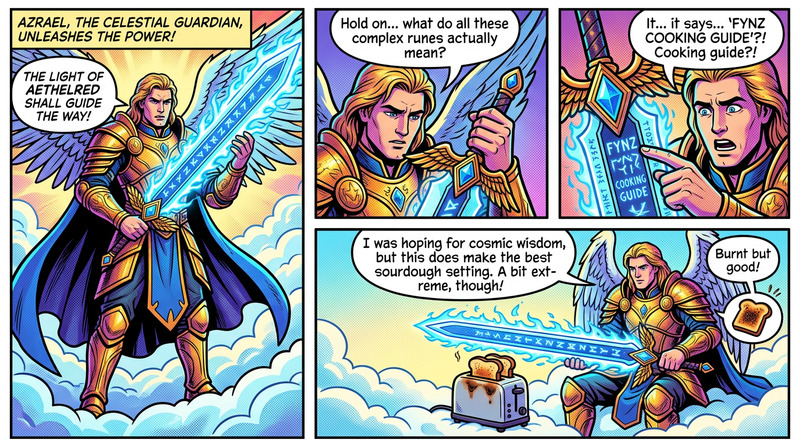
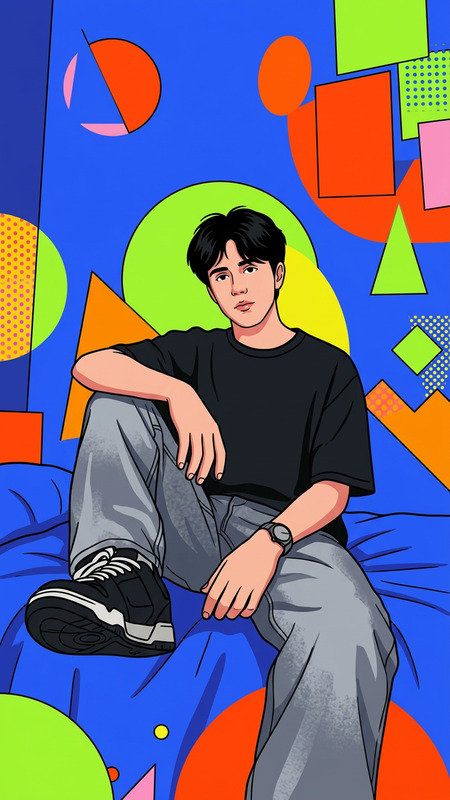
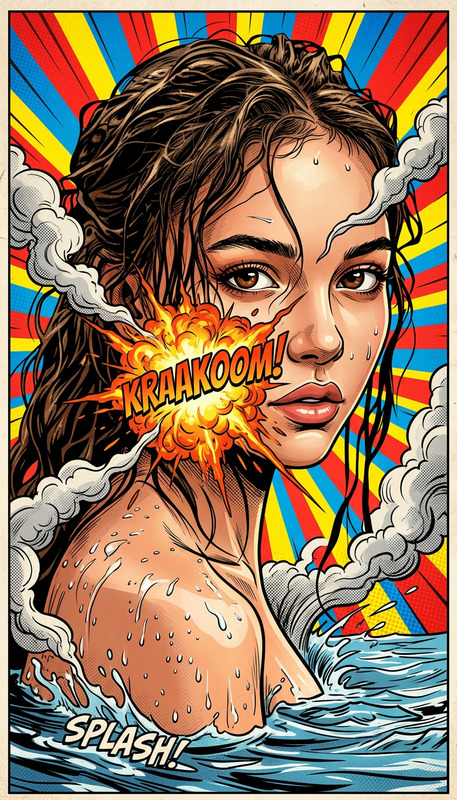
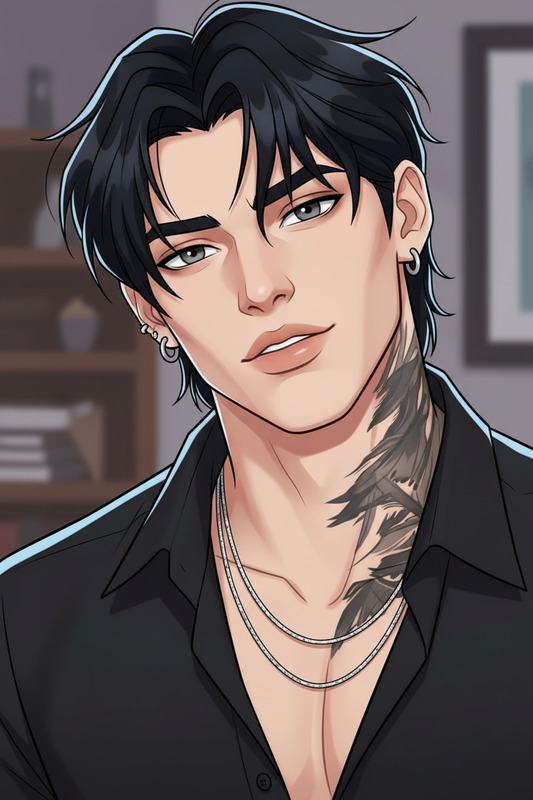
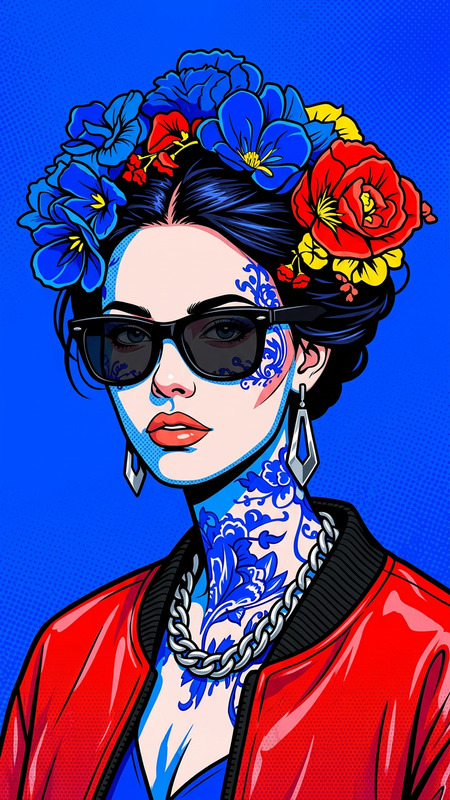
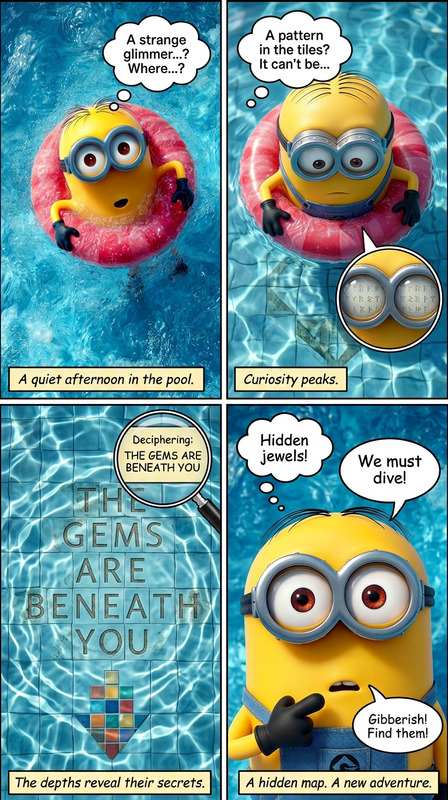
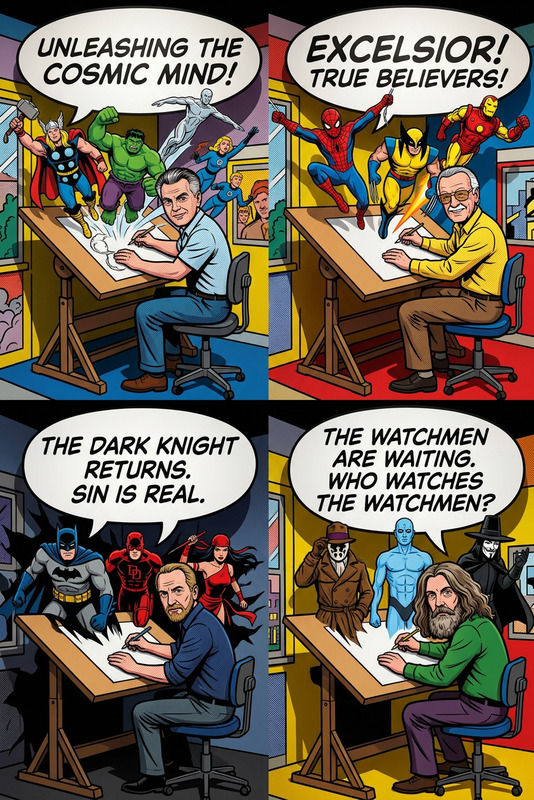
transform into a comic-book illustration. Realistic textures dissolve into bold black ink outlines, halftone dot shading, and flat, vibrant color blocks. Clothing and environment simplify into graphic shapes, with exaggerated proportions and stylized motion lines trailing behind the bikes. Glitch-like transitions and color separations appear as the scene shifts fully into a high-contrast comic panel aesthetic. Bright daylight becomes flattened into dramatic comic lighting with sharp shadows and graphic highlights.

Tags

stylespopular

Portrait to Cinematic Character – AI Image Editor Template

Turn any portrait into a polished, cinematic character image in seconds using Magic Hour’s AI Image Editor. This template is designed for creators, marketers, and builders who need production-quality visuals without a full design team or complex tools.


What this template does

This AI Image Editor–based template transforms a regular face photo into a stylized, high-impact character image suitable for:

  • Social and product marketing campaigns
  • Brand avatars and founder portraits
  • Game and NFT character concepts
  • Thumbnails, promo banners, and landing pages
  • Pitch decks and investor updates

It focuses on:

  • Sharpening facial details while preserving identity
  • Harmonizing lighting and color for a cinematic look
  • Cleaning up backgrounds and distractions
  • Enhancing mood (e.g., dramatic, futuristic, editorial, fantasy)

Because it runs on the AI Image Editor, you can extend and remix it freely for your own brand and style.


How to use this template in Magic Hour

  1. Import your base photo

    • Use a clear portrait or upper-body shot with a visible face.
    • Avoid heavy motion blur or extreme low resolution.
    • If needed, enhance quality first with the AI Image Upscaler or Unblur Image.
  2. Apply the template in AI Image Editor

    • Open the AI Image Editor.
    • Upload your image.
    • Choose this “Portrait to Cinematic Character” template to automatically apply the base transformation.
  3. Refine the character look
    You can quickly iterate on different directions by editing the prompt and adding/removing elements such as:

    • Genre: realistic, cinematic, cyberpunk, fantasy, editorial, anime
    • Mood: high-contrast drama, soft natural, neon, moody low key
    • Style: film still, fashion shoot, game key art, graphic-novel style

    For stylized looks (anime, comic, or game characters), you can also experiment with:

  4. Clean up and finalize


How to remix this template for your own use case

You can treat this template as a starting point and build your own “house style” in minutes:

1. Brand-specific avatars

  • Create founder, team, or product mascots using a consistent aesthetic (e.g., all cyberpunk, all pastel editorial, all “Pixar-style”).
  • Use AI Headshot Generator for professional headshots that match the character style you define.
  • Design social avatar systems with the Avatar Generator, then refine faces with the AI Image Editor.

2. Narrative or game characters

3. Stylized campaigns and key art

4. Cross-format storytelling (image → motion → voice)
Once you have your cinematic character image, you can extend it into video and audio:


Example workflows for creators and teams

For marketers and growth teams

  • Create a “hero” character that appears consistently across landing pages, ads, and email headers.
  • Use the AI Image Editor template for the core portrait, then:

For startup founders and personal brands

  • Design a signature portrait style (e.g., “founder as cinematic character”).
  • Use AI Selfie Generator and then refine in this template for a consistent tone across LinkedIn, decks, and your site.
  • Turn that portrait into an animated intro for pitch videos with Text to Video or AI Talking Photo.

For game devs, writers, and world-builders


Best practices for strong outputs

  • Start with clean input: Good facial visibility and neutral lighting produce much better results than heavily filtered selfies.
  • Keep identity, change everything else: If your goal is to preserve the real person, avoid extreme face reshaping. Use tools like AI Face Editor or Gender Swap thoughtfully and transparently.
  • Match style to channel:
    • Realistic, lightly stylized for LinkedIn and investor decks
    • Bold, cinematic or anime-style for TikTok, YouTube, and community channels
  • Iterate in small steps: Rather than jumping from “corporate headshot” to “full fantasy armor” in one move, evolve your image with several intermediate saves. This helps you maintain control over brand and identity.

Related Magic Hour tools worth exploring

To build a complete visual pipeline around this template, consider combining it with:


Why build your own template instead of starting from scratch each time?

By remixing this AI Image Editor template into a “house style,” you gain:

  • Consistency: Every new character or portrait feels like part of the same brand or world.
  • Speed: Non-designers can generate on-brand visuals in minutes.
  • Scalability: Easy to extend into motion (via Image to Video, Animation, AI GIF Generator) and voice (AI Voice Generator, AI Voice Cloner).
  • Reusability: Teams can share prompts and variations so everyone builds on the same visual framework.

Use this template as your base, then experiment with prompts and complementary tools across Magic Hour to create a tailored, repeatable cinematic character pipeline for your brand or project.

More Like This

Insufficient credits