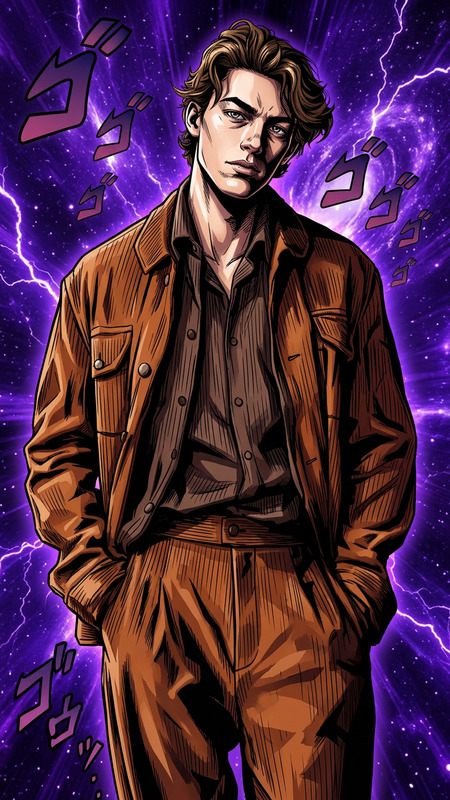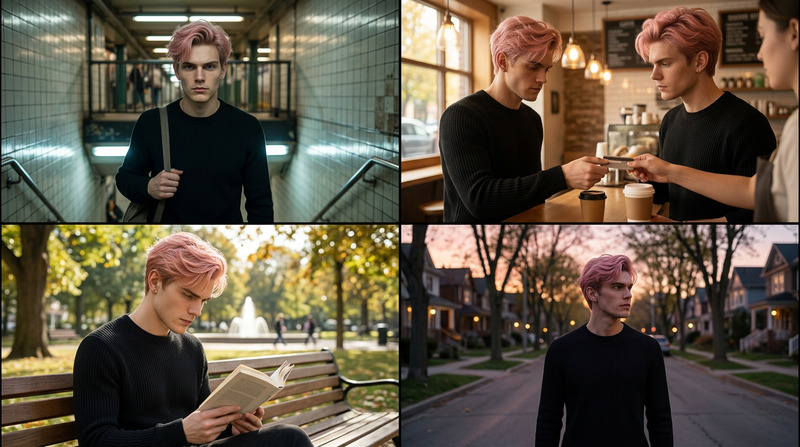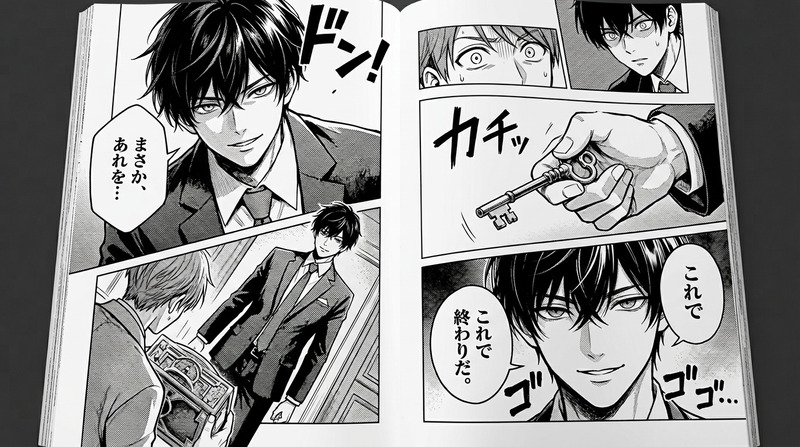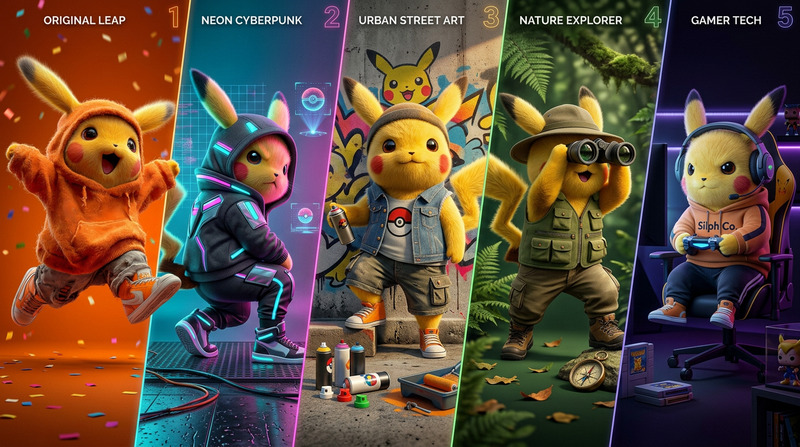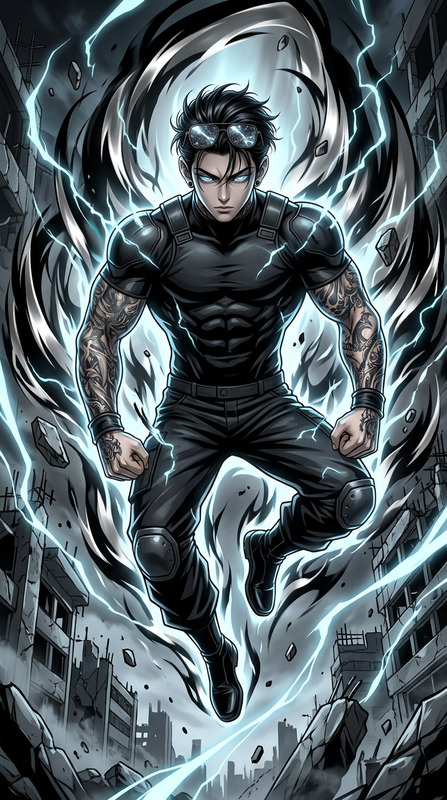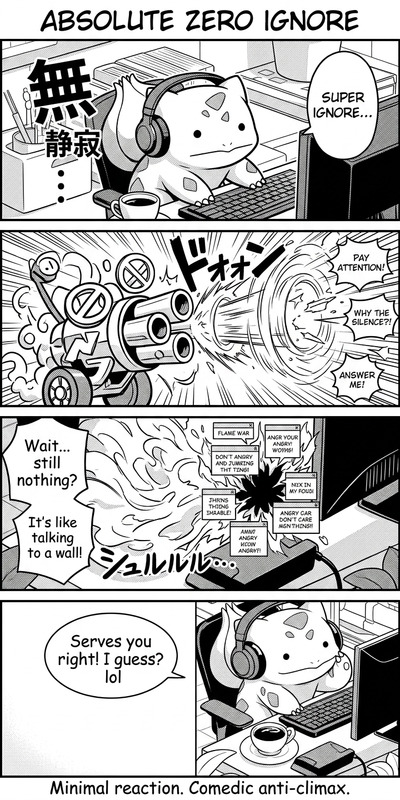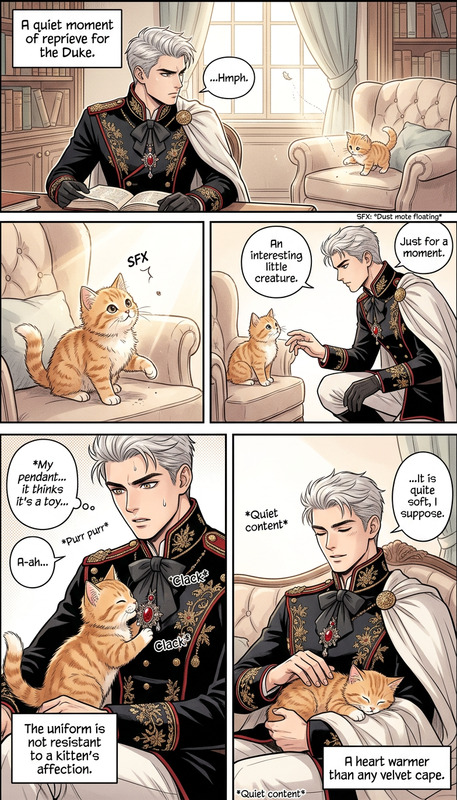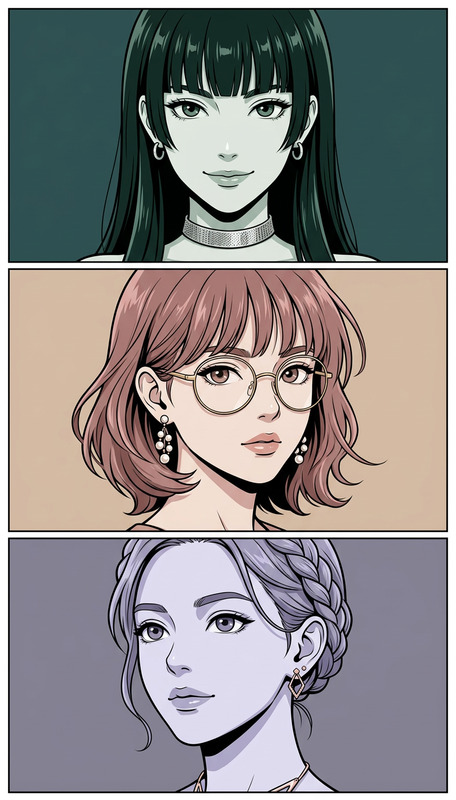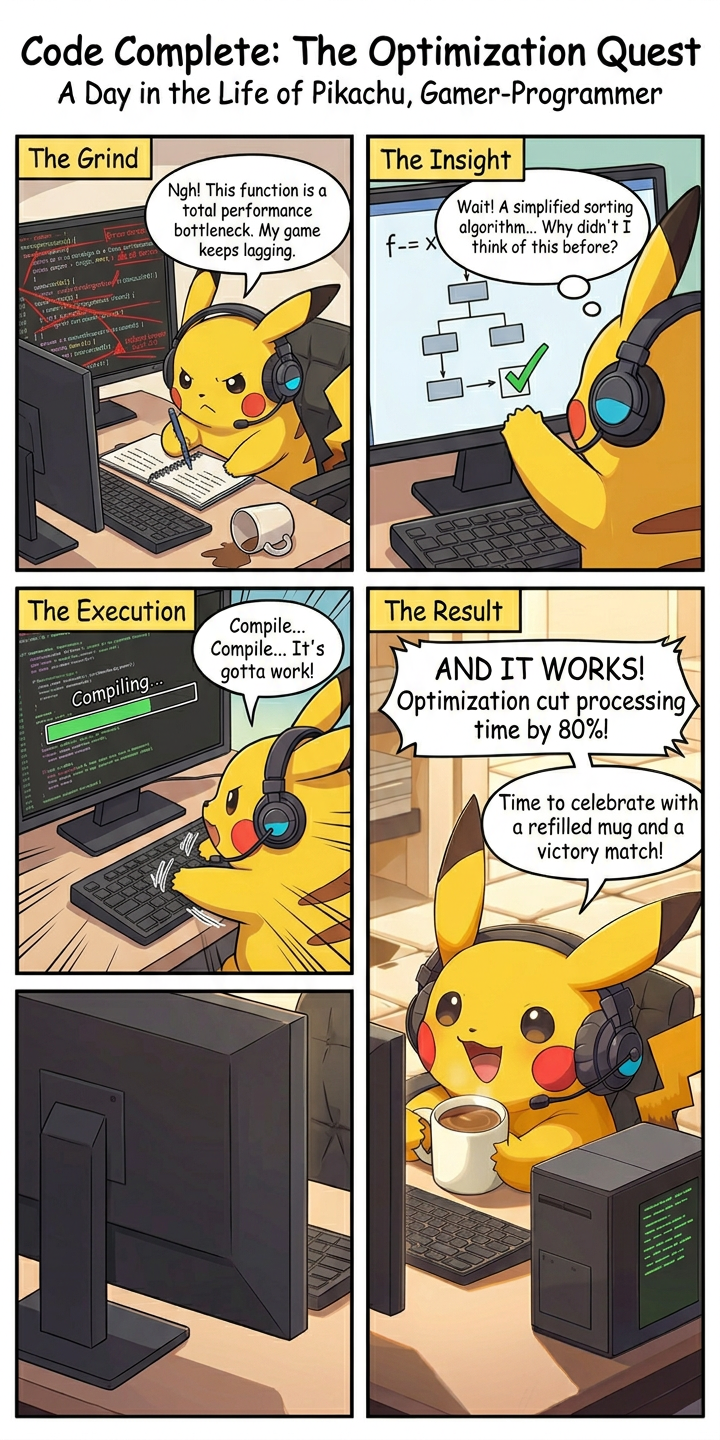
Four-Panel Narrative Manga Story
- Model
- Nano Banana 2
- Image
- 720 × 1440 px
Prompt
{format} titled “{name}”, illustrating {story} in a clear, structured narrative layout. Four panels showing key story moments with consistent character design, expressive manga storytelling, dynamic composition, and clean readable scenes. High-detail linework, cinematic framing, and cohesive visual flow across all panels.
Any aspect ratio
Overview
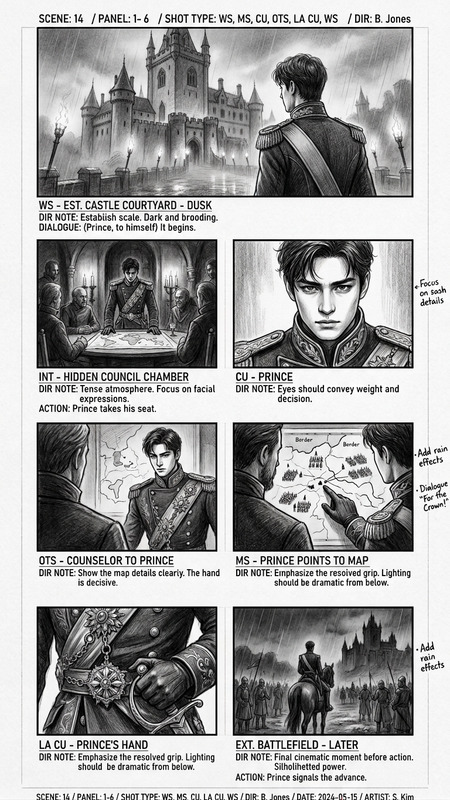
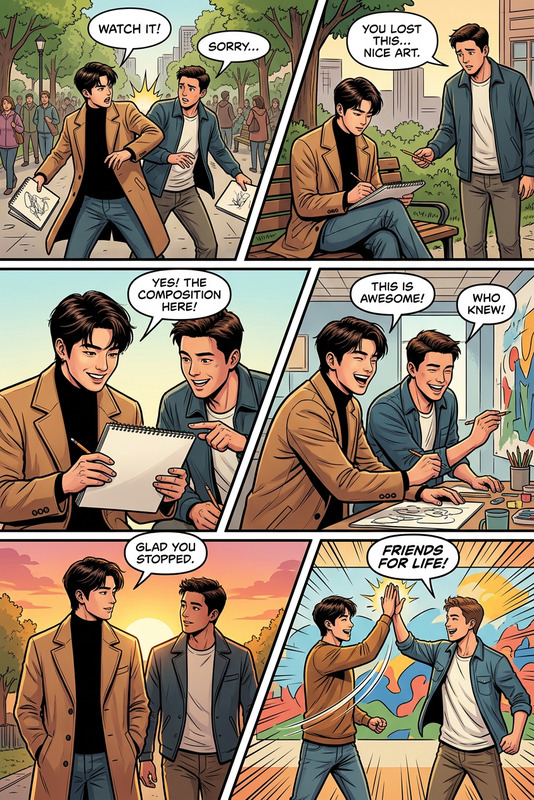
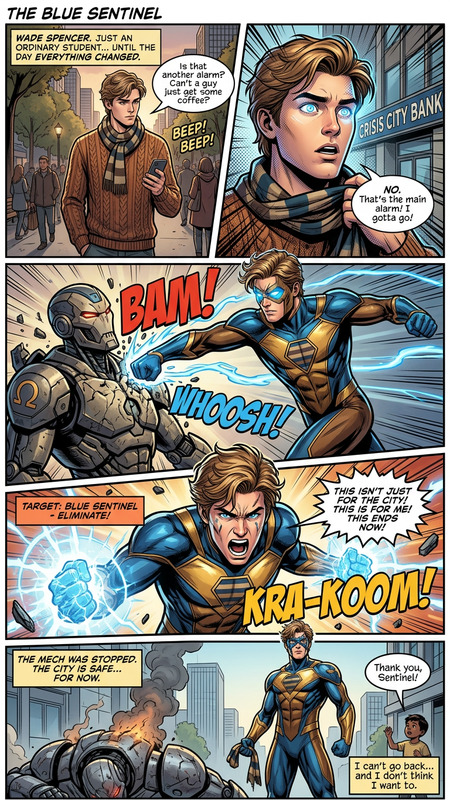
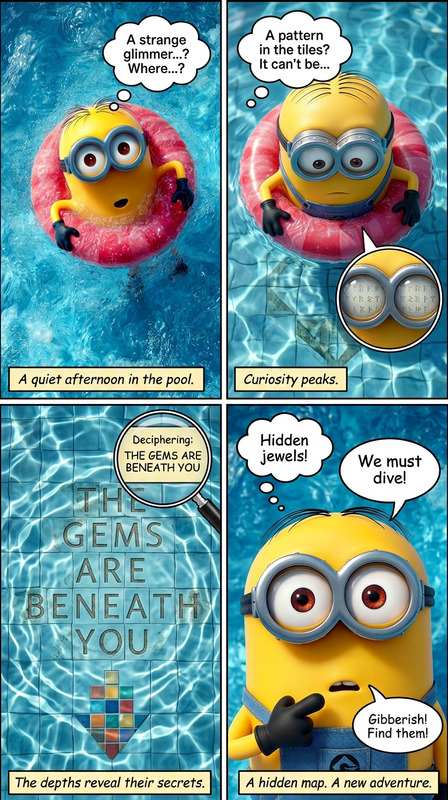
Our Four-Panel Narrative Manga Story template is a key tool in the AI Image Editor suite, capitalizing on the nano-banana-2 model. This template empowers creators to craft vivid manga narratives using four carefully structured panels. Each panel showcases key moments with consistency in character design and expressive storytelling, making it ideal for manga artists aiming to narrate stories creatively and effectively.
What It Does
With this template, you can construct a manga story in a four-panel layout, focusing on high-detail linework and dynamic composition. The template ensures cinematic framing and a cohesive visual flow, which is pivotal in manga storytelling. You can leverage the precision of Face Swap techniques for consistent character design across all panels, enhancing the visual storytelling experience.
Who It's For
This template is ideal for manga artists, storytellers, and content creators who wish to explore narrative storytelling through a structured visual format. Whether you're a novice or experienced artist, this tool offers the flexibility to experiment with different styles and narratives. It's also suitable for educators using manga to make learning more engaging, supported by additional tools like the AI Image Generator for creating supplementary artwork.
Summary
The Four-Panel Narrative Manga Story template is a versatile option for crafting engaging manga strips with ease. It combines the latest in AI technology to maintain character consistency and storytelling clarity across multiple panels. Paired with other Magic Hour tools such as the Image to Video converter, it can elevate your storytelling to new heights.
How-To
Choose Your Template

Customize Your Story

Generate and Download

Use Cases
Creative Storytelling
- Character-driven plots
- Fantasy and science fiction themes
- Personal anecdotes
Educational Content
- History lessons
- Science concepts explained
- Language learning tools
Marketing Campaigns
- Product announcements
- Event promotions
- Brand storytelling
Best Practices
Focus on Story Structure
Plan your panels carefully to ensure the story flows logically and engagingly. Each panel should build on the previous one to a satisfying conclusion.Maintain Consistent Design
Utilize AI Image Generator features to maintain consistency in character design across all panels.Optimize Visual Elements
Pay attention to linework and composition to enhance readability and visual appeal. Use framing techniques that highlight key story moments.