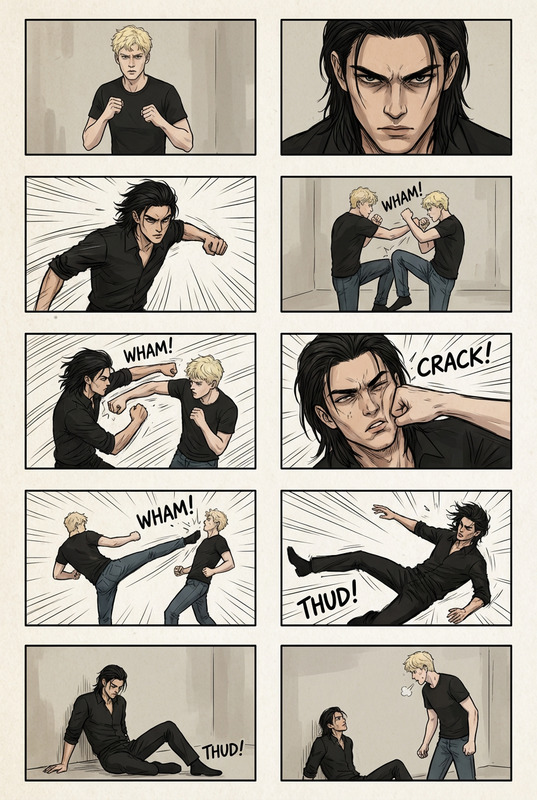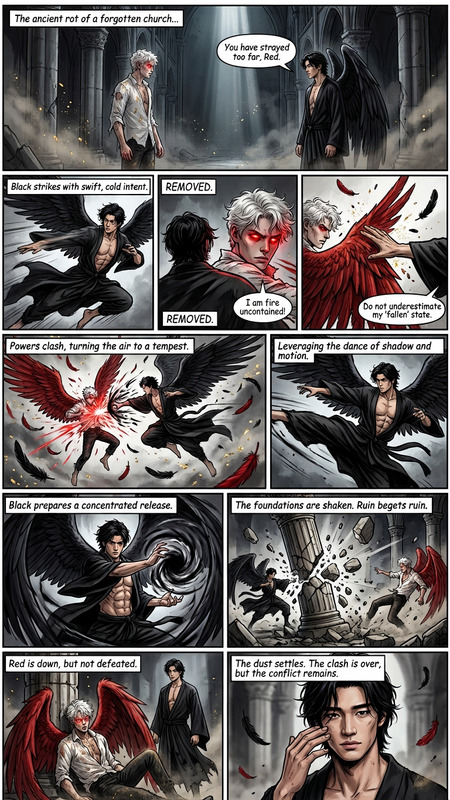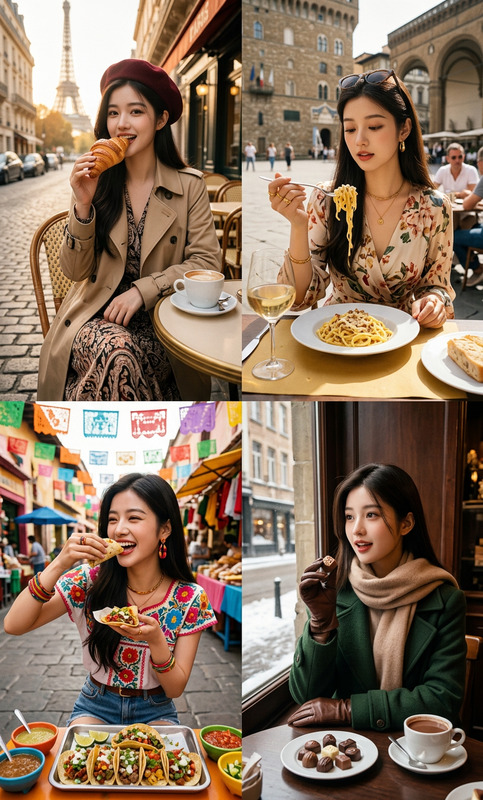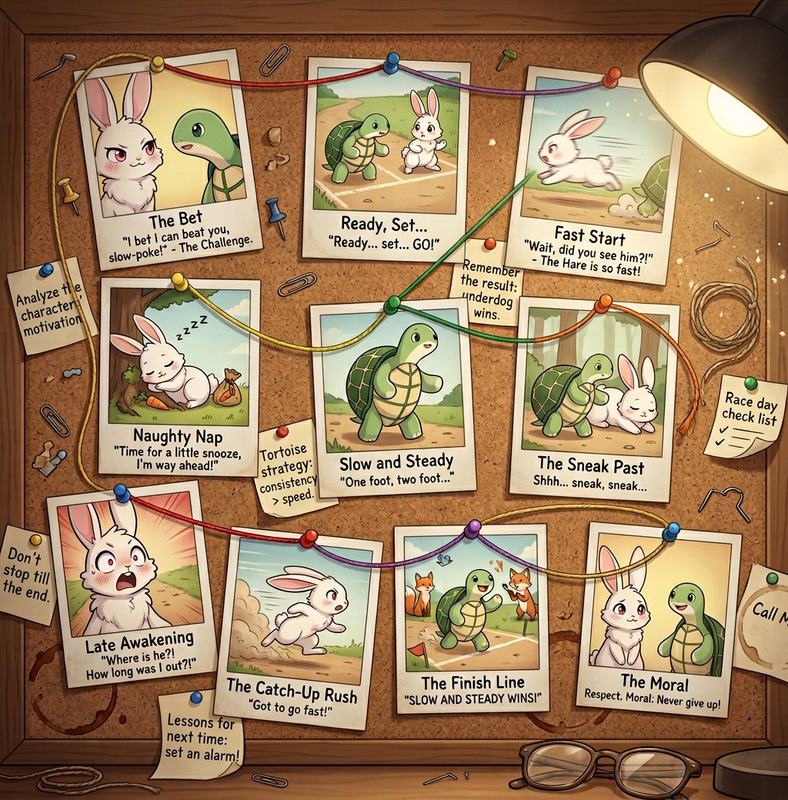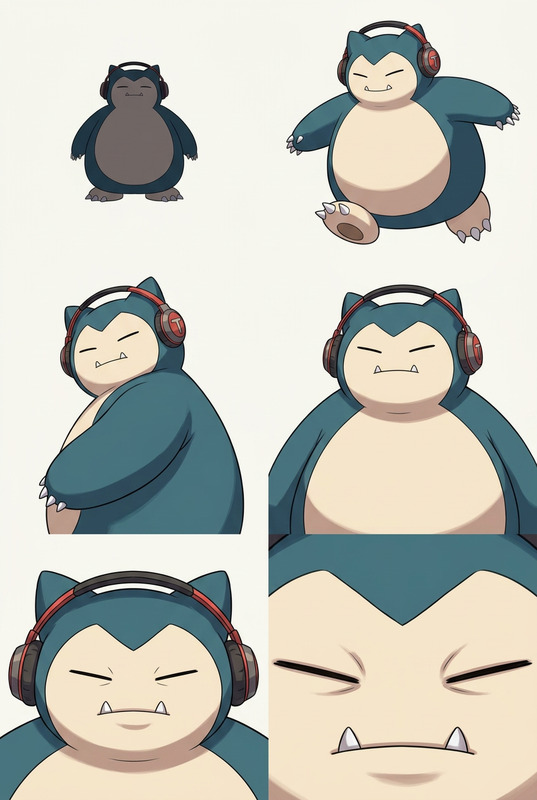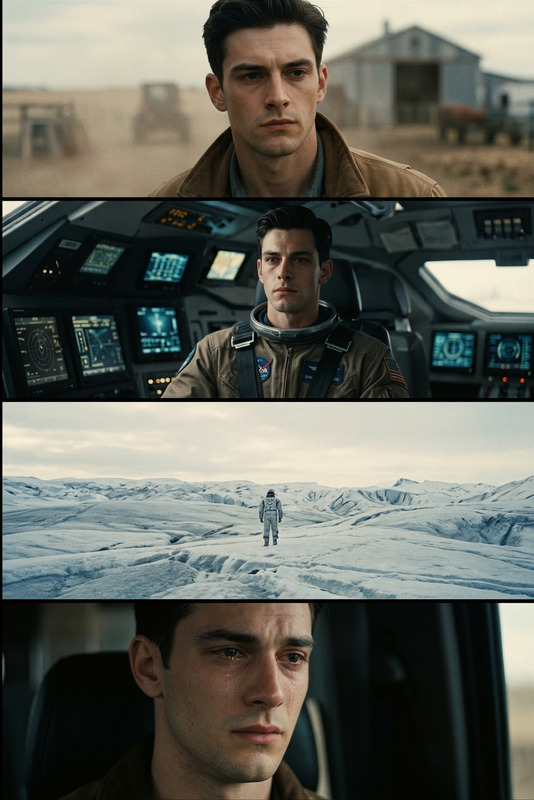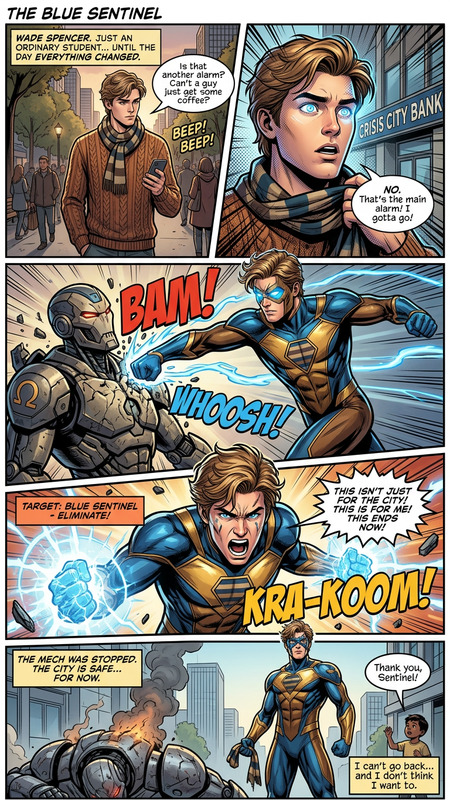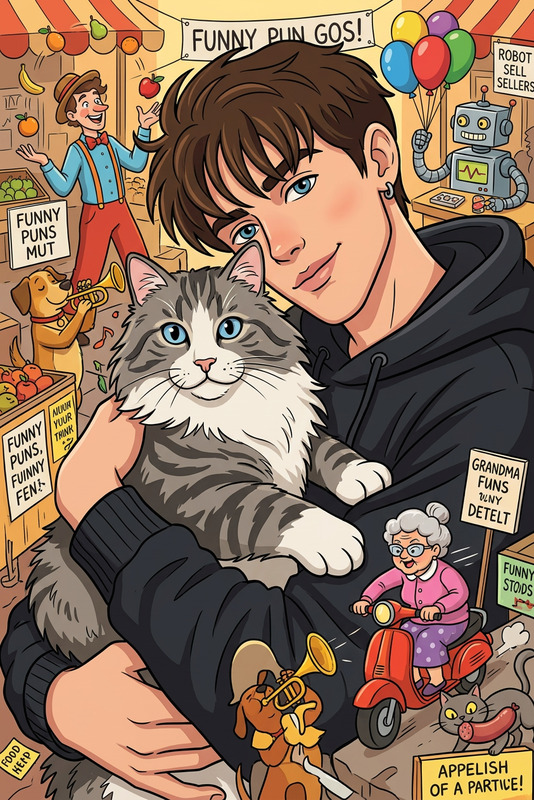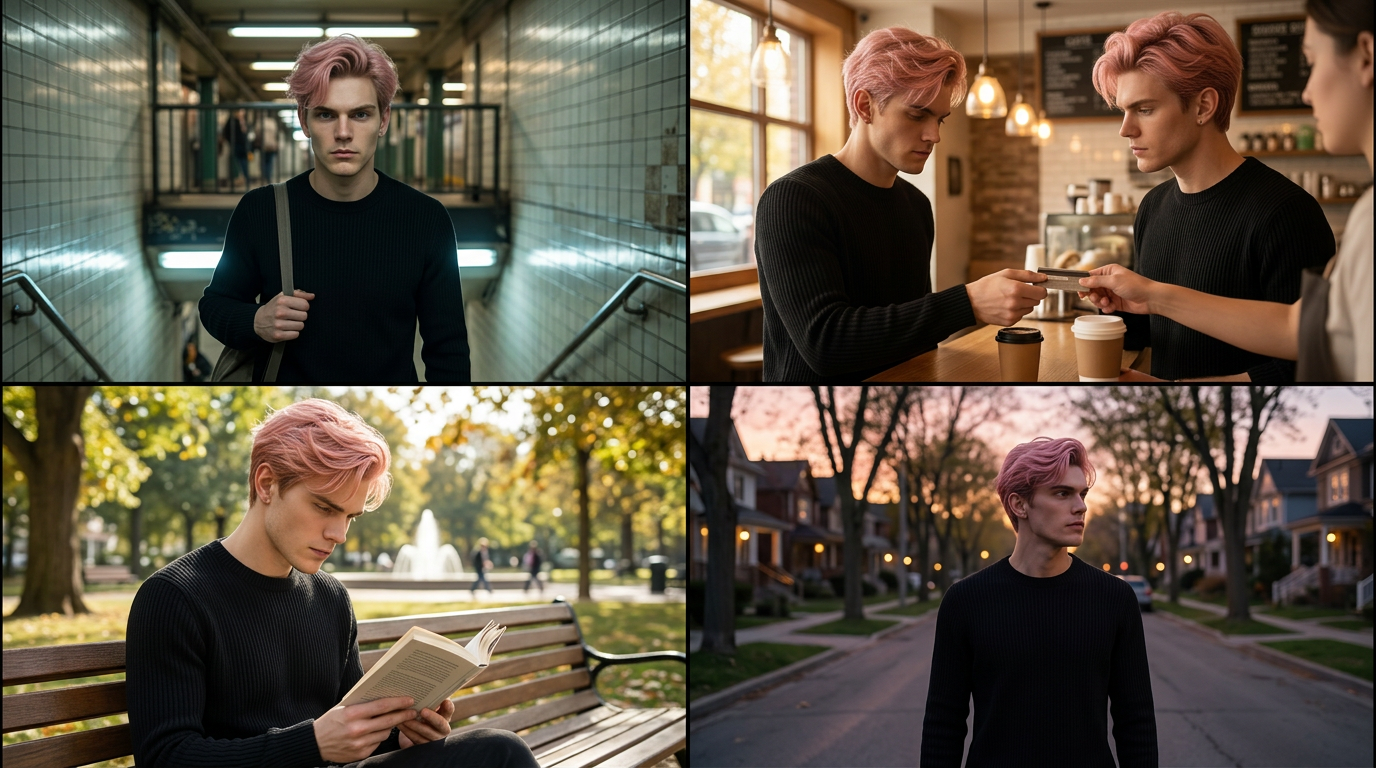
Day-in-the-Life Storyboard
ai-image-editor
Any aspect ratio
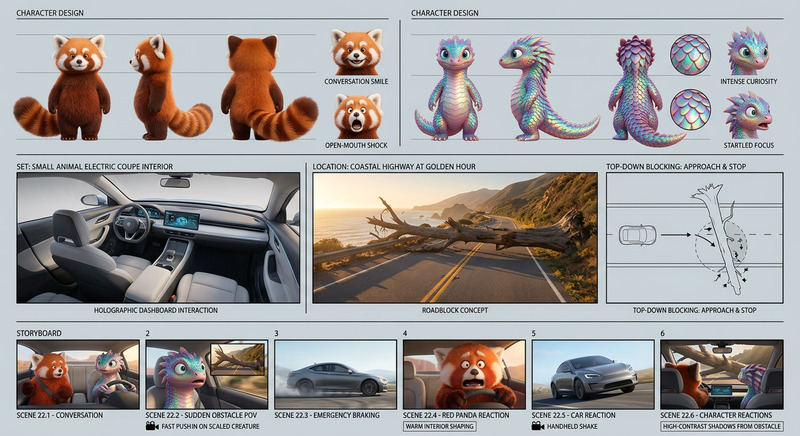
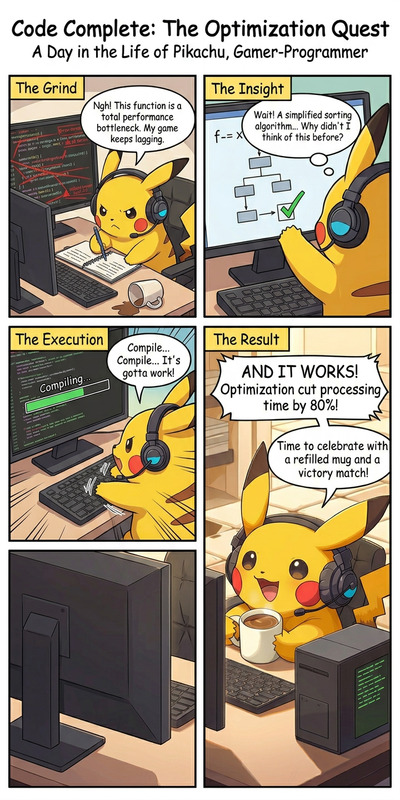
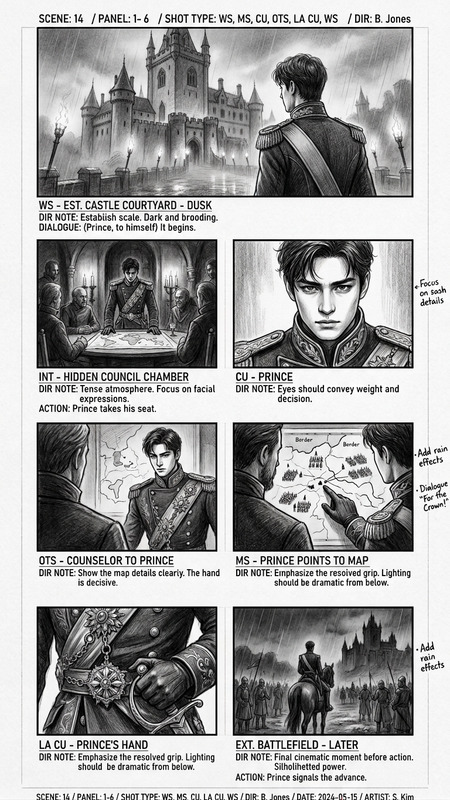
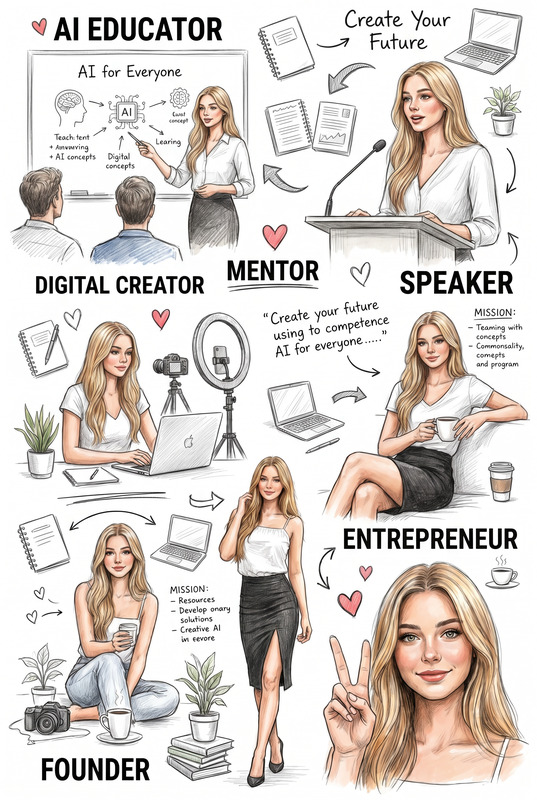
Create a 4-panel storyboard featuring the same character across all scenes: (1) exiting a subway, (2) buying coffee, (3) reading on a park bench, and (4) walking home at dusk. Keep the character’s face, hairstyle, and outfit completely consistent in every panel. Ensure smooth visual continuity while adjusting lighting, color temperature, and shadows naturally to match each setting (indoor subway lighting, warm café light, bright outdoor daylight, and soft dusk tones). Maintain cohesive composition and cinematic framing, with each panel clearly separated but visually connected as a sequence
AI Image Editor Template: Turn Any Photo Into a Polished, On‑Brand Visual in Minutes
This template is built on the AI Image Editor, so you can take any photo—product shots, portraits, UGC, mockups—and turn it into clean, ready‑to‑ship creative without leaving your browser.
Use it to:
- Fix or replace backgrounds
- Clean up distractions and remove objects
- Enhance faces and outfits
- Prepare hero images, ads, thumbnails, and social posts
- Create multiple branded variations from a single source image
What You Can Do With This Template
Because it uses the AI Image Editor, this template is ideal when you already have a base image and want to improve or transform it, not generate something from scratch.
Typical use cases:
Marketing & ads
- Swap messy or off‑brand backgrounds with clean, high‑performing layouts using the AI Background Generator
- Remove unwanted elements (logos, clutter, people) with the AI Remover or Remove Object From Photo
- Upscale and sharpen assets for high‑resolution campaigns via the AI Image Upscaler
E‑commerce & product visuals
- Turn quick product snaps into polished store imagery
- Generate clean packshots, lifestyle scenes, or seasonal variants
- Create matching sets of thumbnails or banners using the Thumbnail Maker
Founders, creators, and personal brand
- Upgrade casual photos into professional portraits with the AI Face Editor
- Generate consistent profile pictures and avatars using the Avatar Generator or AI Headshot Generator
- Refresh old or noisy images with Unblur Image and Old Photo Restoration
Content & social
- Design memes, social visuals, and blog graphics with the AI Meme Generator and AI Art Generator
- Build cohesive carousels and cover images via the Album Cover Generator and Book Cover Generator
How to Remix This Template in Magic Hour
You can use this template as‑is, or treat it as a starting point for your own custom editor flow. A typical remix looks like:
Start with a source image
- Upload your product shot, portrait, or design mockup directly into the AI Image Editor.
- If you don’t have a base image yet, generate one first with:
Clean and refine the image
- Remove backgrounds with the Image Background Remover
- Erase specific objects or text using AI Remover or Watermark Remover
- Fix blur, noise, or low resolution using Unblur Image and the AI Image Upscaler
Edit faces, outfits, and style (optional)
- Adjust facial details with the AI Face Editor or generate new faces via the AI Face Generator
- Change clothing for campaigns or lookbooks with the AI Clothes Changer or AI Outfit Generator
- Create stylized versions (anime, manga, Disney‑style, etc.) using:
Swap backgrounds, themes, or settings
- Drop your subject into new scenes with the AI Background Generator
- Generate themed environments:
- Dark Fantasy AI for gritty fantasy worlds
- Fantasy Map Generator for world‑building visuals
- Architecture Generator or AI Interior Design Generator for space and room scenes
Style for your brand or project
- Use the AI Art Generator and AI Illustration Generator to align illustration style and color palette
- Generate on‑brand icons and logos that match the visual language with:
Export for your channel or pipeline
- Create social‑ready assets like thumbnails, banners, and story crops with the Thumbnail Maker
- If you’re going into video, use your edited image as:
- A starting frame for Image to Video
- A talking avatar via AI Talking Photo
- A base for animated GIFs with the AI GIF Generator
To remix further, you can chain these steps into your own repeatable workflow inside Magic Hour—helpful for teams that need consistent output for ads, campaigns, or product updates.
Combining This Template With Other Magic Hour Tools
This template focuses on editing images, but it becomes much more powerful when you connect it to other Magic Hour products:
From static image to dynamic video
- Animate your edited visuals using:
- Image to Video
- Text to Video
- Animation Templates for character and motion presets
- Enhance video quality later with the Video Upscaler
- Animate your edited visuals using:
Talking characters and lip‑sync content
- Turn an edited portrait into a speaking avatar using:
- AI Talking Photo
- Lip Sync Templates for fast talking‑head style content
- Clone or generate voices via:
- Turn an edited portrait into a speaking avatar using:
Face swap, gender swap, and identity‑aware edits
- Apply your edited face across media using:
- Face Swap and Face Swap GIF
- Face Swap Video Templates for plug‑and‑play video flows
- Gender Swap for creative transformations
- Apply your edited face across media using:
Brand, campaign, and creative experiments
- Generate themed characters and scenes:
- Explore creative formats:
Who This Template Is For
This AI Image Editor template is optimized for:
Startup teams and marketers
- Quickly turn rough visuals into launch‑ready creative
- Test multiple variations without booking designers or photoshoots
- Keep imagery consistent across ads, landing pages, and decks
Creators and solo builders
- Produce thumbnails, covers, and social assets that look professionally designed
- Repurpose a single photo into many content formats (memes, shorts, covers, avatars)
- Maintain a consistent personal brand across platforms
Developers and product teams
- Prototype visuals for product UIs, demos, and investor materials
- Create internal presentation assets and documentation images
- Build custom workflows that combine this template with other Magic Hour tools
Related Tools and Workflows
Depending on your project, it’s often useful to combine this template with:
Photo enhancement and restoration
Identity and profile‑focused tools
Niche creative generators
- DND AI Art Generator for tabletop and fantasy content
- AI Manga Generator and Comic Book Generator for narrative visuals
- AI Fashion Generator and AI Outfit Generator for style exploration
- AI QR Code Generator to create on‑brand scannable codes using your edited imagery
Distribution and post‑production
- Add automatic subtitles to talking‑head content with the Auto Subtitle Generator
- Use AI GIF Generator to convert short clips or image sequences into shareable GIFs
Using This Template as a Pattern
You can treat this AI Image Editor template as a pattern for building your own Magic Hour workflows:
- Start from a single source image
- Run it through cleanup → enhancement → styling → export
- Plug in additional tools (face swap, voice, animation) where it makes sense
- Save your flow and reuse it for each new campaign or product batch
By chaining the AI Image Editor with other focused tools—like AI Background Generator, AI Face Editor, Image to Video, and AI Talking Photo—you can go from a single raw photo to a complete set of brand‑ready assets in a single session.