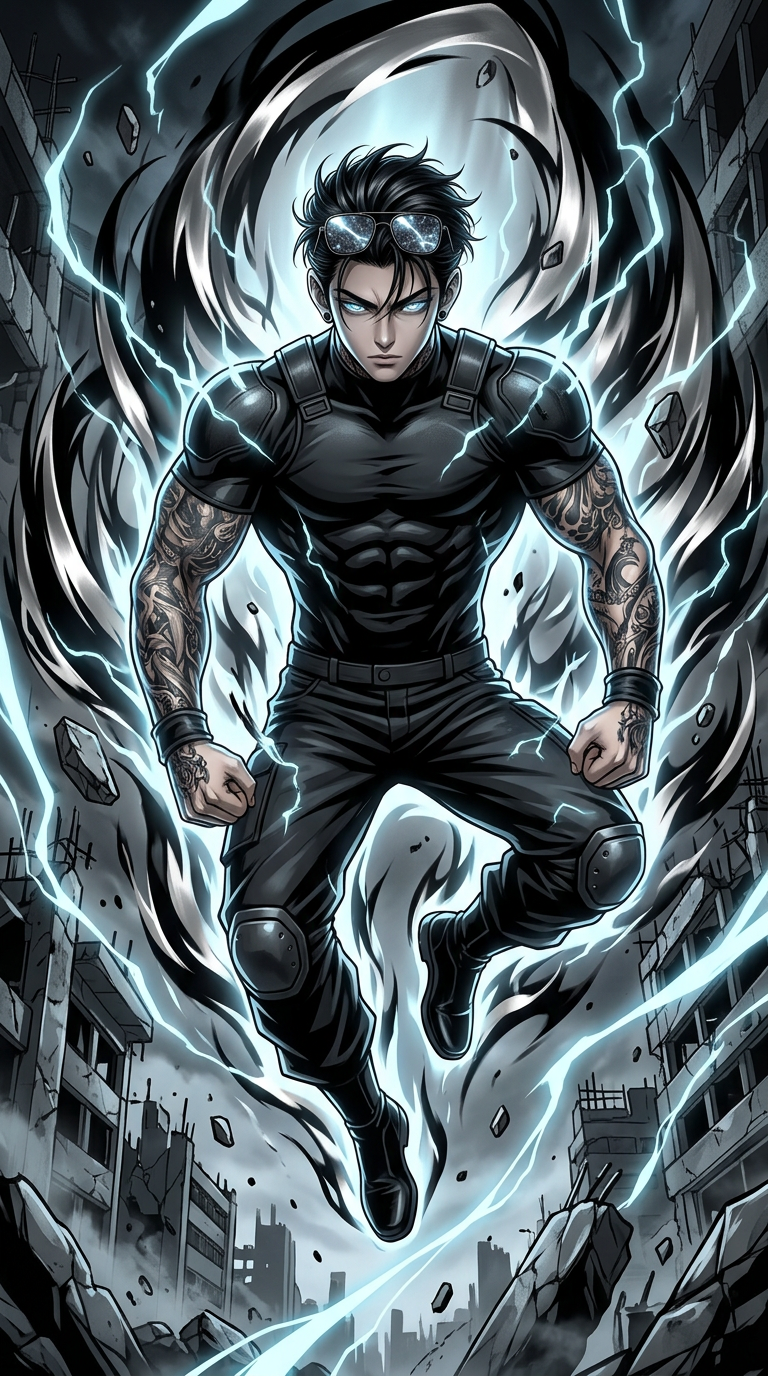
Solarized Anime Fighter

Solarized Anime Fighter

ai-image-editor

1 clip
1 uses

Any aspect ratio

Prompt

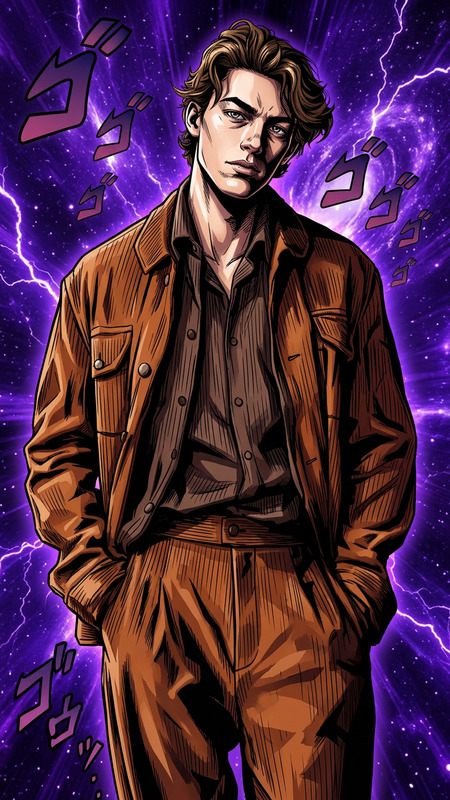
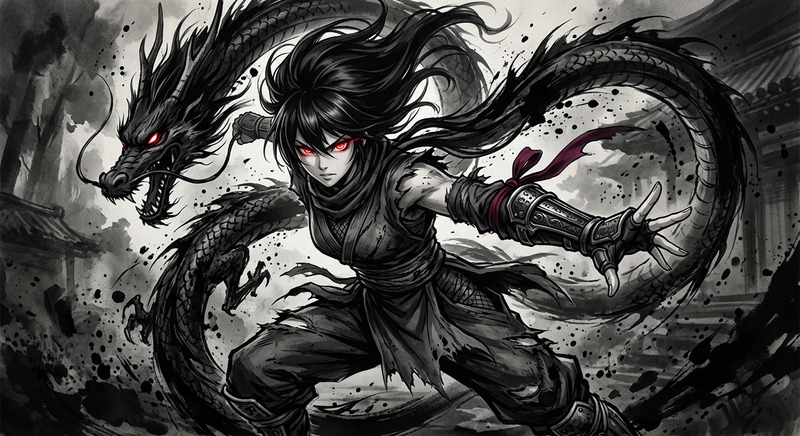
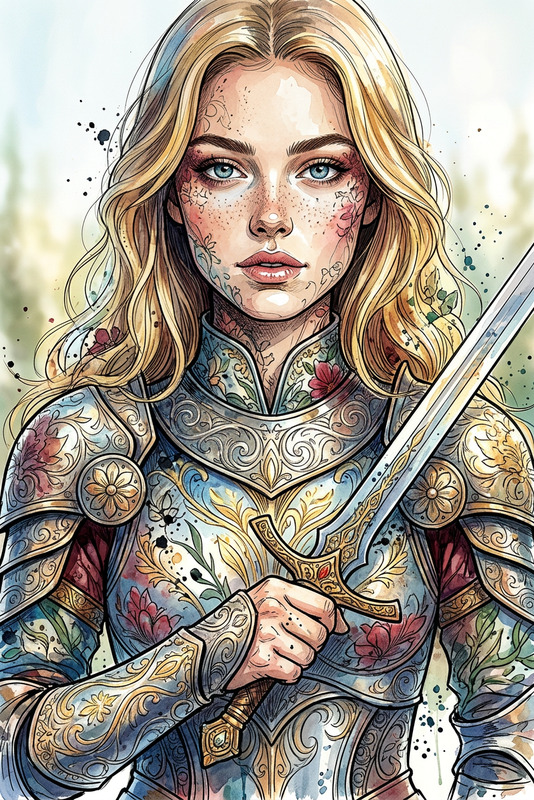
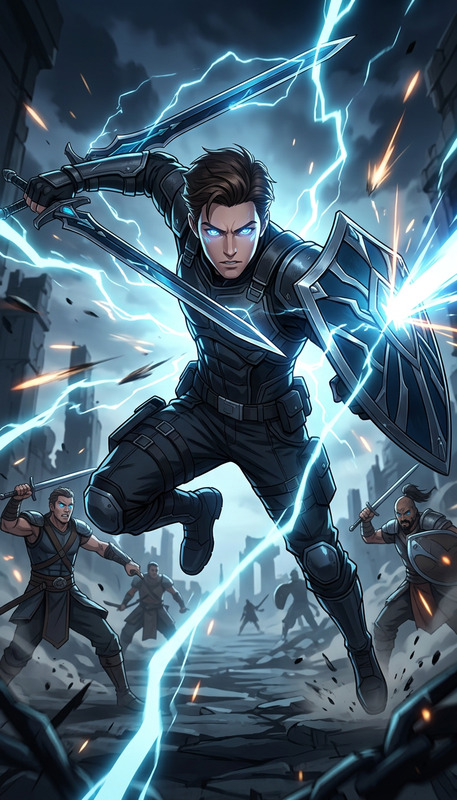
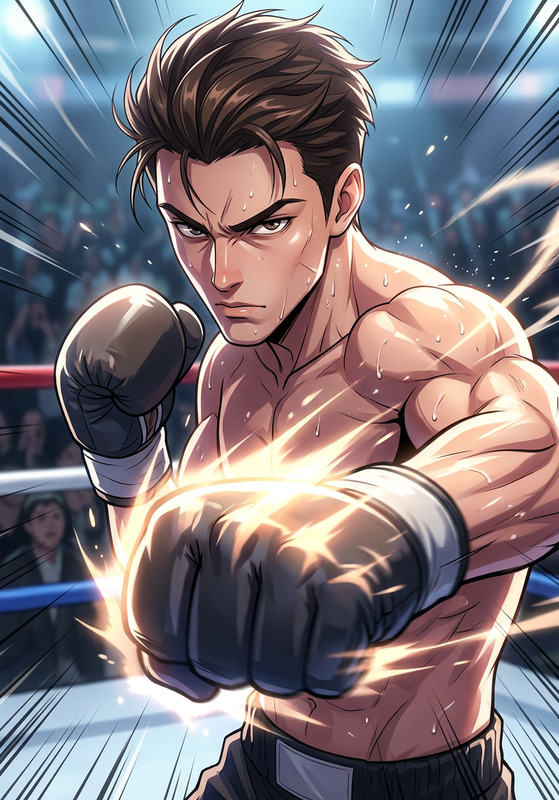
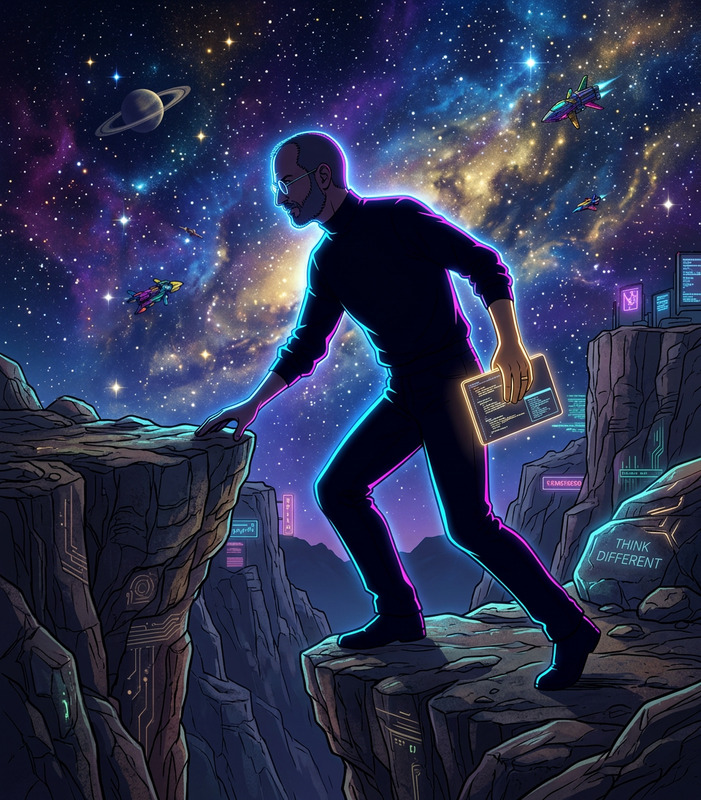
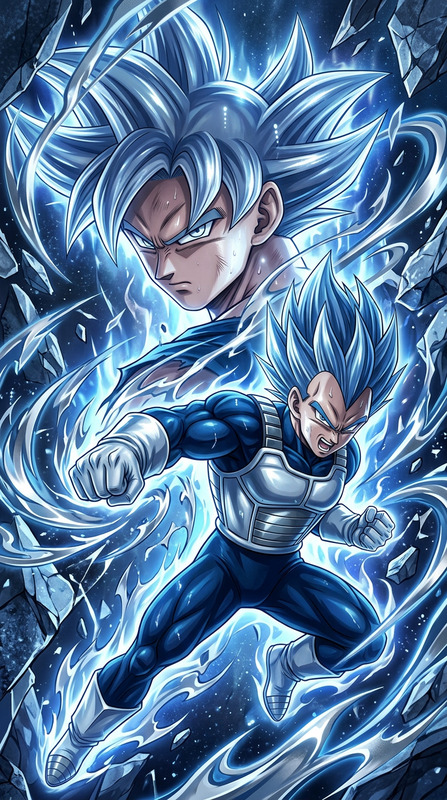
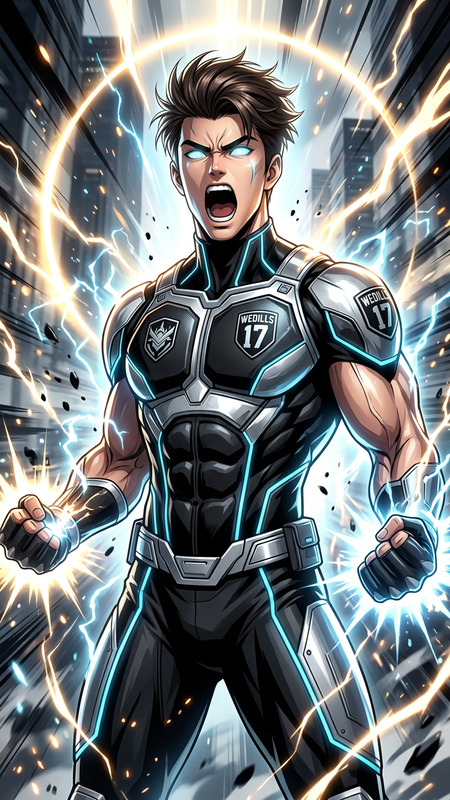
A dynamic, high-intensity illustration of a subject depicted as an ultimate anime fighter inspired by Dragon Ball, rendered in a highly stylized aesthetic with dramatic light and shadow, featuring black and silver tones with light blue accents and a solarized energy aura, showcasing a powerful muscular form and energetic motion, composed in a 9:16 aspect ratio with striking visual impact and cinematic detail.

AI Image Editor Template: Smart, Fast Visual Editing for Ambitious Teams

Turn any image into on-brand, high-performing creative in minutes with Magic Hour’s AI Image Editor–powered template. Whether you’re a startup founder shipping landing pages, a marketer running multivariate ad tests, or a designer prototyping concepts, this template gives you a repeatable, remixable workflow for precise AI-driven image edits.


What You Can Do With This Template

Use this template as a starting point to:

  • Edit and refine existing images

    • Clean up photos, adjust composition, and modernize outdated visuals
    • Replace or remove unwanted elements with the AI Image Editor
    • Fix low-resolution assets using AI Image Upscaler
  • Create on-brand marketing visuals

    • Transform one base shot into multiple ad variations for different audiences
    • Generate hero images and banners using the AI Photo Generator or AI Art Generator, then refine them with the editor
    • Localize creative (environments, objects, signage) for different regions
  • Modernize and repurpose existing content

  • Design concept art and prototypes


How to Remix This Template in Magic Hour

You can treat this template as a “base workflow” and adapt it to your own use case. Here’s a practical way to replicate and extend it inside Magic Hour:

  1. Start from your source image

  2. Open it in the AI Image Editor

    • Use the AI Image Editor as your primary workspace.
    • This template is built around non-destructive AI editing: you can re-run edits, stack modifications, and export variations for testing.
  3. Define your editing goal clearly
    Typical, high-leverage goals for teams include:

    • “Adapt this product shot for paid social”
    • “Make this landing-page hero match our new visual system”
    • “Turn this rough concept into something we can share with stakeholders”
      Writing down the goal (even briefly) dramatically improves the quality and consistency of your edits.
  4. Run targeted edits instead of starting over
    Use AI to modify only what you need:

  5. Generate structured variations for testing
    Instead of random exploration, use the template to make controlled variations for A/B tests:

    • One variable at a time: background, color palette, character, or layout
    • Save each variation as a separate candidate and name them clearly for analytics
    • For performance marketers, pair this with Magic Hour’s Text-to-Video or Image-to-Video tools to turn winning images into short-form video creatives.
  6. Extend your workflow to motion & interactive formats
    Once your still images look right, you can:


Example Use Cases (You Can Remix Directly)

Here are concrete patterns you can replicate by remixing this template:

1. Performance Ad Suite From One Base Shot

  • Generate or import a strong product shot.
  • Use AI Image Editor + AI Background Generator to create multiple environments (minimalist studio, lifestyle scene, premium dark mode).
  • Swap models or personas with AI Face Generator or Face Swap.
  • Output 5–10 on-brand image variants and track performance; keep everything reproducible by saving this as your “ad suite” workflow.

2. Landing Page Redesign Without a Full Reshoot

  • Start from existing photography or renders.
  • Clean up clutter using Remove Object from Photo.
  • Align style across all hero and feature images with the Image Editor: consistent lighting, color grading, and background treatment.
  • Turn select hero images into short explainer clips with Image-to-Video and subtitle them automatically via Auto Subtitle Generator.

3. Visual Concepts for Product or Game Pitches


Advanced Patterns for Teams and Power Users

For creators working at scale (agencies, growth teams, product orgs), this template can anchor more advanced workflows:


Why Use an AI Image Editor–Based Template Instead of Manual Editing?

Studies in creative production pipelines consistently show that teams benefit when they standardize repetitive editing steps and keep the “human loop” focused on judgment and direction rather than pixel pushing. An AI Image Editor template:

  • Speeds up iteration by automating routine changes and allowing you to generate multiple options before committing.
  • Improves consistency by giving your team a shared, repeatable workflow that aligns output across campaigns, markets, and channels.
  • Reduces dependency on reshoots by making existing assets far more flexible.
  • Keeps you adaptable as you connect this core editing flow with emerging tools across image, video, and audio within Magic Hour.

Getting Started

To build your own version of this template in Magic Hour:

  1. Choose a representative image from your product, app, or campaign.
  2. Open it in the AI Image Editor.
  3. Run through one full “edit cycle” (cleanup → background → subject → branding).
  4. Save and reuse that flow on new images, layering in additional tools such as:

This template is intentionally flexible: you can keep it lightweight for fast social posts, or expand it into a complete creative pipeline that connects still images, video, voice, and interactive assets—all inside Magic Hour.

More Like This

Insufficient credits