Unlikely Friendship Comic
- Model
- Nano Banana 2
- Image
- 843 × 1264 px
Prompt
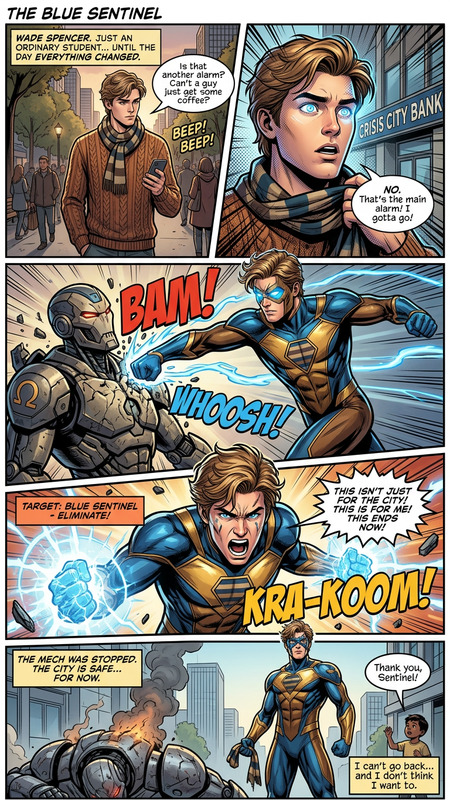
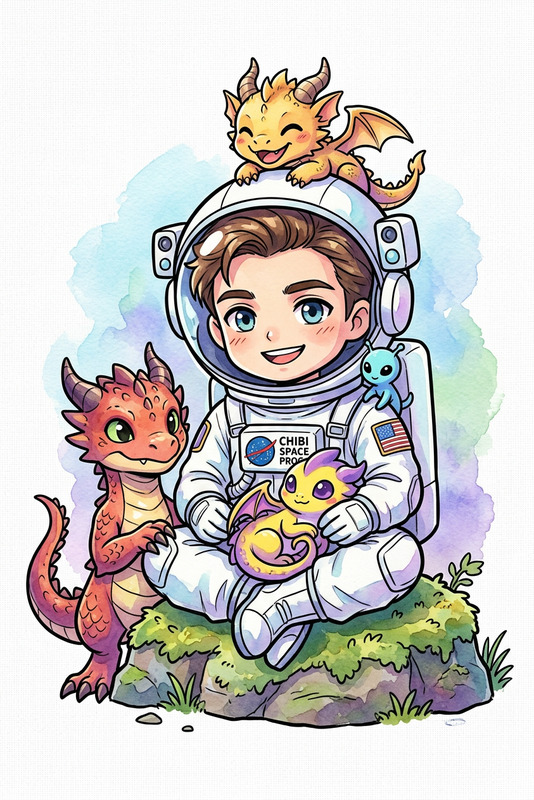
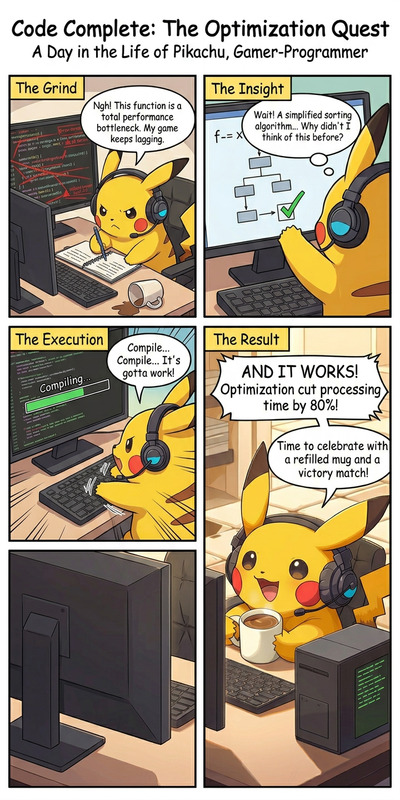
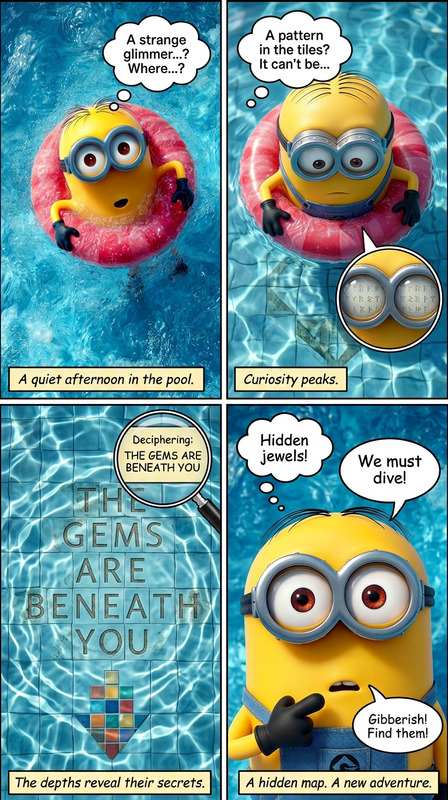
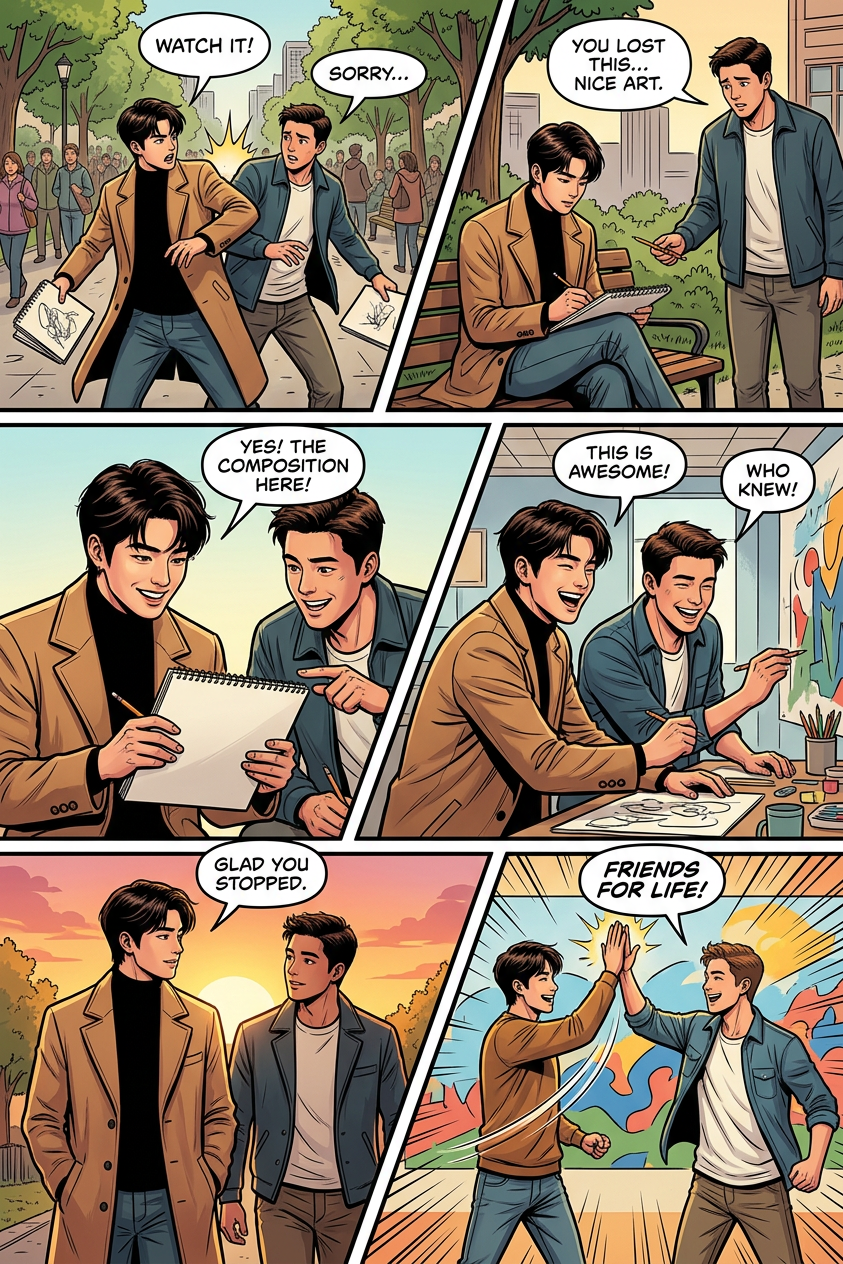
“Subject becomes friends,” told in an American comic-style multi-panel illustration with a dynamic diagonal layout and six panels. The sequence shows the evolution of their bond—from first encounter and tension to trust and companionship—using cinematic framing, expressive poses, and clear visual storytelling flow. Each panel includes speech bubbles that enhance emotion and interaction, with bold composition, dramatic angles, and cohesive color grading throughout.
Any aspect ratio
Overview
Transform your comic idea into a dynamic visual story with the Unlikely Friendship Comic template. Designed to capture the heartwarming essence of unexpected bonds, this template uses the AI Image Editor to produce an American comic-style multi-panel illustration. Featuring a diagonal layout across six panels, it brings character interactions to life through expressive poses and compelling angles.
What It Does
With the Unlikely Friendship Comic template, you can create an illustrated sequence that progresses from initial tension to heartfelt companionship. The template utilizes dynamic cinematic framing and clear visual storytelling to engage viewers. Each panel is crafted with expressive speech bubbles, enhancing the narrative and emotional depth. The template’s cohesive color grading ensures visual consistency.
Who It's For
This template is ideal for comic artists, storytellers, and marketers eager to present narratives of unexpected camaraderie. It's particularly useful for creators involved in storyboarding and product videos that require immersive visual storytelling. The simplicity and power of the AI tool make it accessible for both hobbyists and seasoned professionals.
Summary
Whether you're illustrating the joy of friendship or crafting a narrative for a campaign, the Unlikely Friendship Comic template is your go-to tool. Designed for seamless integration with the AI Image Editor, it offers intricate detail and engaging layouts. Explore this tool to bring your stories to life with drama and clarity.
How To
Choose the Template

Customize Your Comic

Generate and Download

Use Cases
Emotion-Filled Storytelling
- Illustrate key moments of character development.
- Use expressive panels to convey emotional depth.
Marketing Campaigns
- Develop engaging narratives for social media ads.
- Create comic-style product demos.
Educational Content
- Craft educational comics that teach teamwork.
- Use storytelling to simplify complex messages.
Best Practices
Balance Dialogue and Action
Ensure that speech bubbles don’t overpower visual elements. Use concise dialogue to support the action depicted.Dynamic Panel Design
Incorporate diagonal panel layouts to enhance movement and progression across scenes. This will guide the reader's eye naturally.Consistent Color Schemes
Maintain a coherent color grading to unify the panels, bolstering the narrative flow and visual appeal.