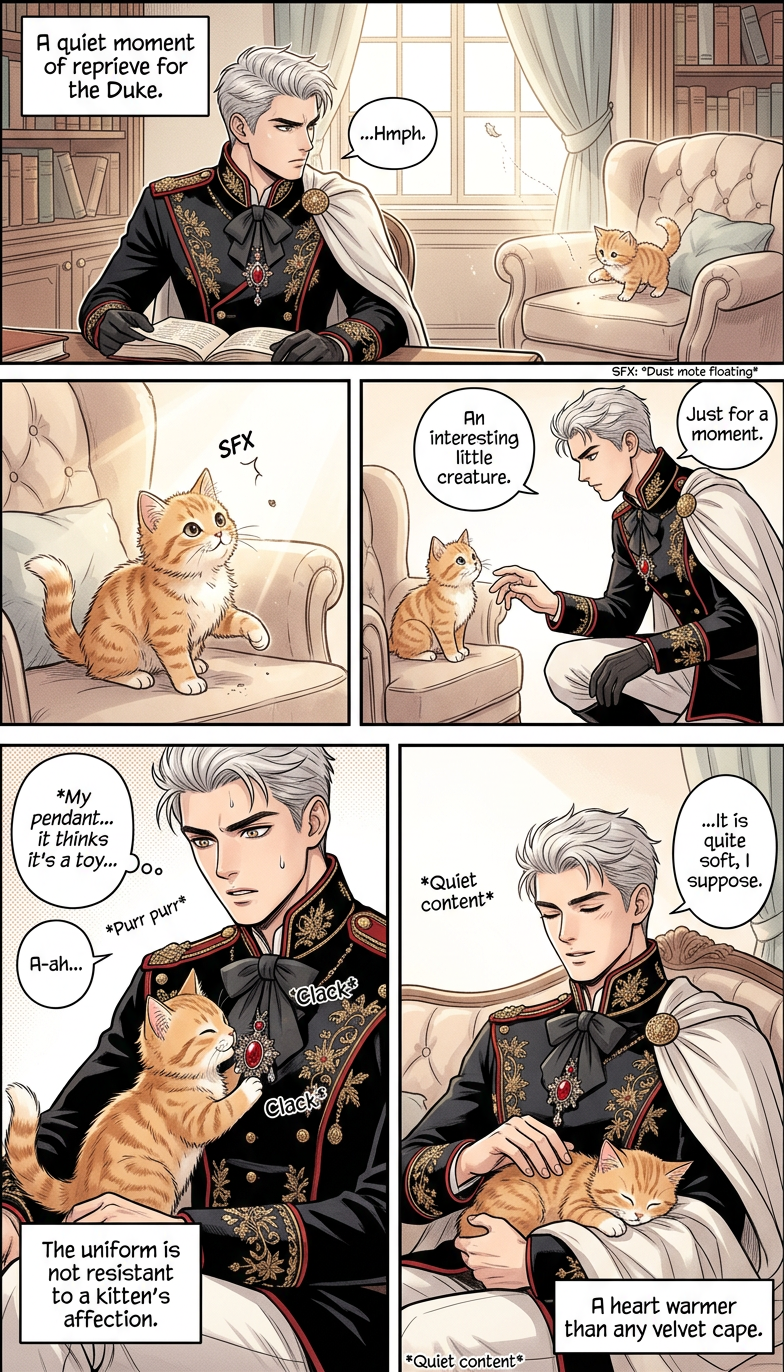
Cozy Animal Slice-of-Life
- Model
- Nano Banana 2
- Image
- 784 × 1372 px
Prompt
4-panel slice-of-life manga with a warm, heartwarming tone, featuring an animal ({animal}) and a character ({subject}). Panel 1: Gentle daily setup—{subject} notices {animal} doing something small and cute (e.g., sitting by the window or playing). Panel 2: Light interaction—{subject} engages with {animal}, showing personality and affection. Panel 3: Emotional peak—a tender or slightly humorous moment ({animal} reacts adorably or unexpectedly). Panel 4: Soft resolution—quiet, wholesome ending that emphasizes their bond. Style: clean manga linework, soft tones or light screentones, expressive faces, cozy atmosphere, subtle background details, natural panel flow.
Any aspect ratio
Overview
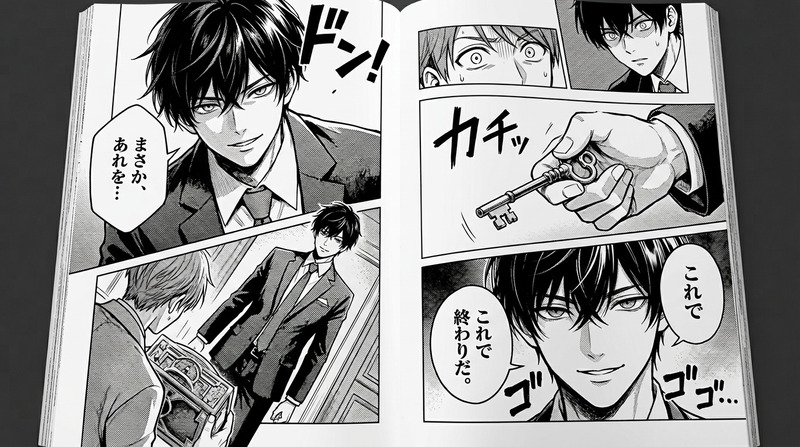
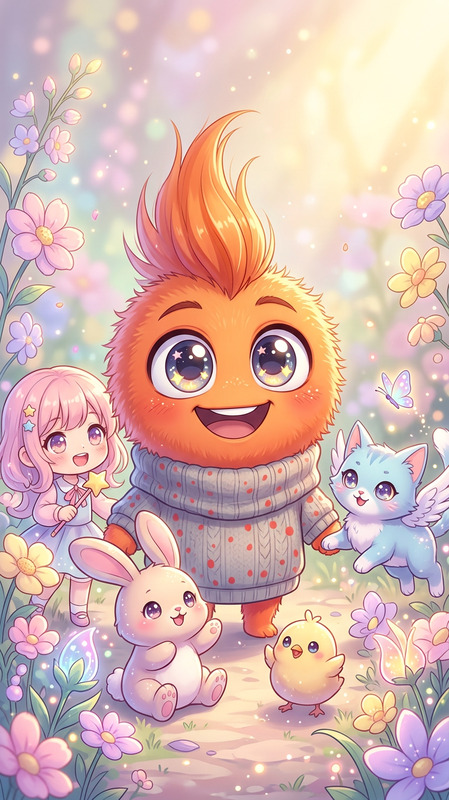
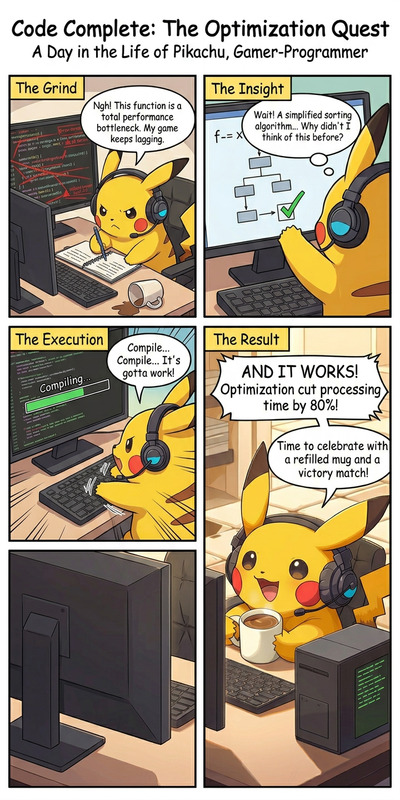
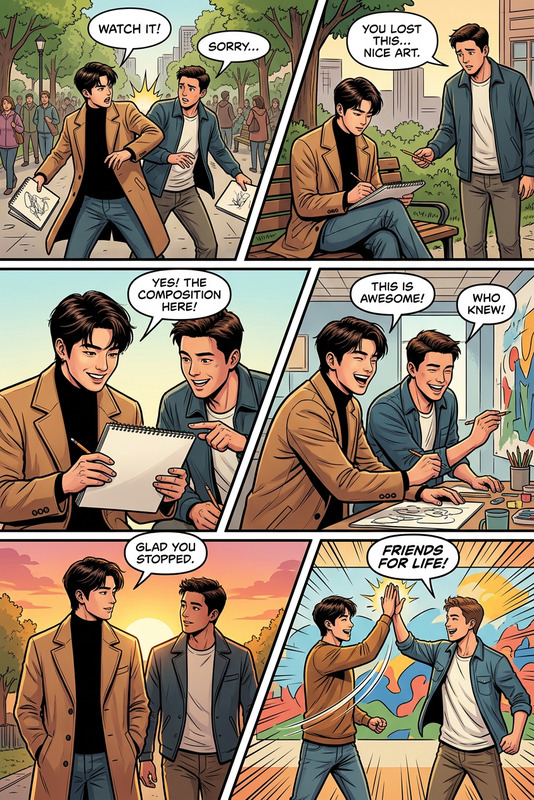
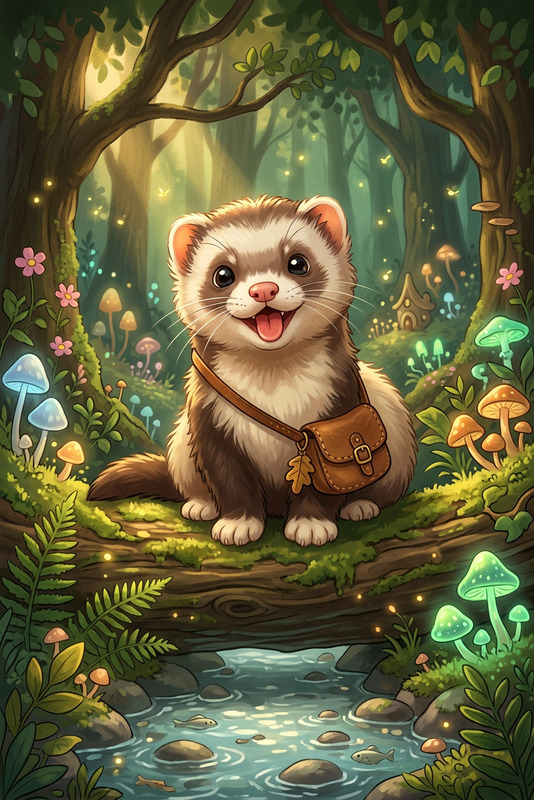
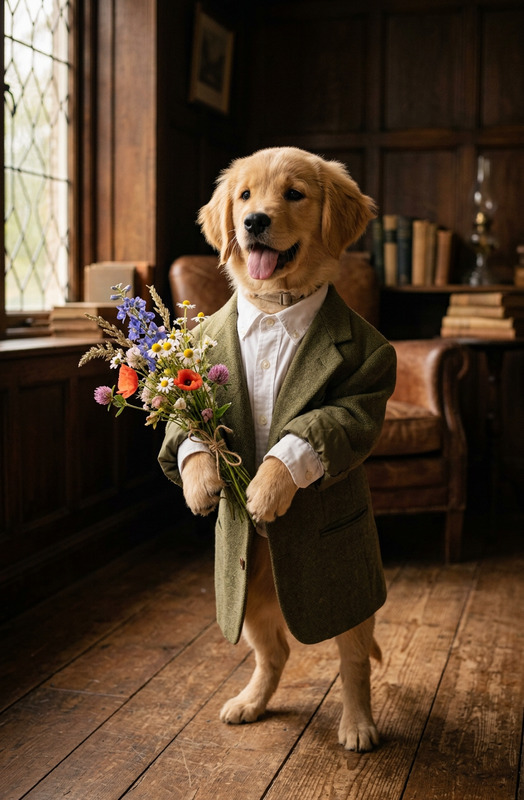
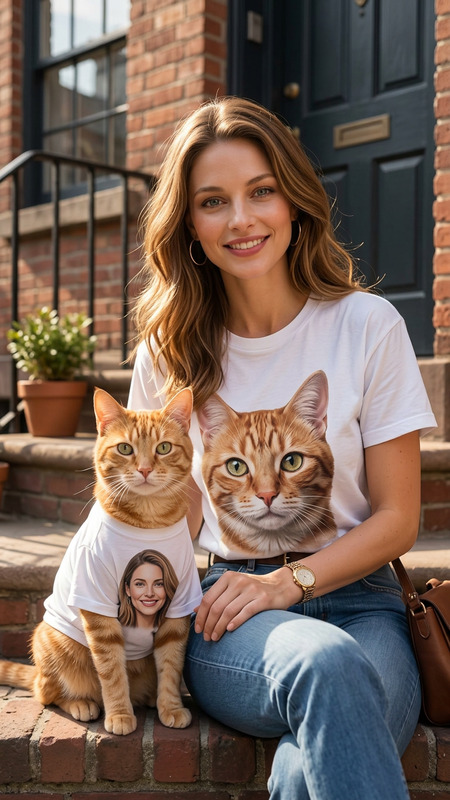
The Cozy Animal Slice-of-Life template is an AI Image Editor designed to create engaging four-panel manga stories featuring charming animal and human interactions. Built using the nano-banana-2 model, this template emphasizes warmth and emotional connection through a series of simple, yet expressive illustrations.
What It Does
This template allows creators to craft four-panel mangas that capture delightful slice-of-life moments between an animal and a character. Each panel is meticulously designed to highlight a sequence of events through expressive manga linework. This template supports fine-tuning of character and animal prompts, generating images with clean style and cozy atmospheres.
Who It's For
Ideal for manga artists, storytellers, and pet enthusiasts, the Cozy Animal Slice-of-Life template makes it simple to produce heartfelt narratives. It's perfect for those who wish to use AI Image Editor capabilities for storytelling or to enhance their art by capturing subtle emotional dynamics and showcasing adorable animal behaviors.
Summary
With the Cozy Animal Slice-of-Life template, you can bring warmth to your artistic projects through the portrayal of everyday interactions. By utilizing tools like AI Image Editor and AI Image Upscaler, you'll be set to achieve high-quality, impactful visuals. It's a wonderful way to create narratives that linger with viewers.
How-To
Choose the Template

Customize Your Story

Generate and Download

Use Cases
Pet Owner Comics
- Create stories reflecting your daily life with pets
- Share on social media to engage with fellow pet lovers
Comfy Art Projects
- Add to a portfolio or personal collection
- Use in bulletins or blogs focused on relaxation
Childrens' Storybooks
- Involve characters that inspire kindness
- Illustrate friendly lessons for children
Best Practices
Focus on Expression
Highlight the emotional connection by focusing on characters' facial expressions in each panel.Maintain Consistent Style
Use a consistent manga linework style throughout all four panels for a unified look.Leverage AI Tools
Utilize AI Image Editor and AI Image Upscaler for high-resolution, polished results.